
9Apps provide lots of India android apps. 30,000+ users downloaded iLockScreen OS13 latest version on 9Apps for free every week! The app can be the quickest one to play if you get used to it. This hot app was released on 2019-10-27. Why not download and have a try?
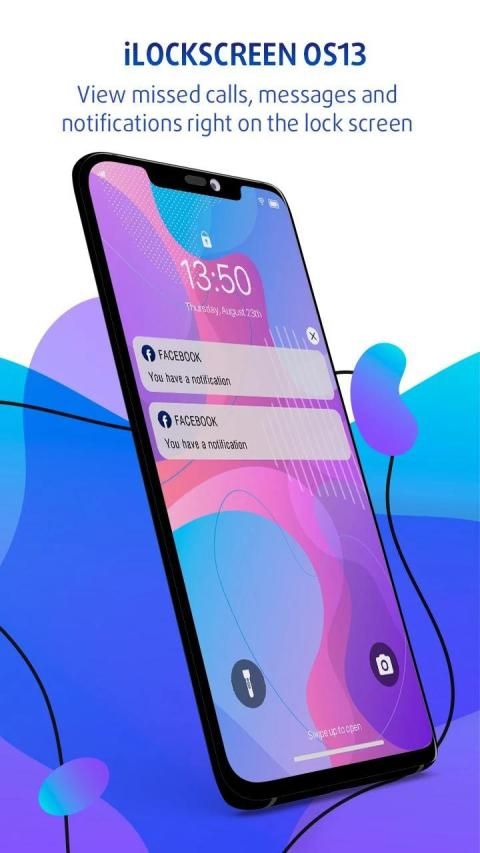
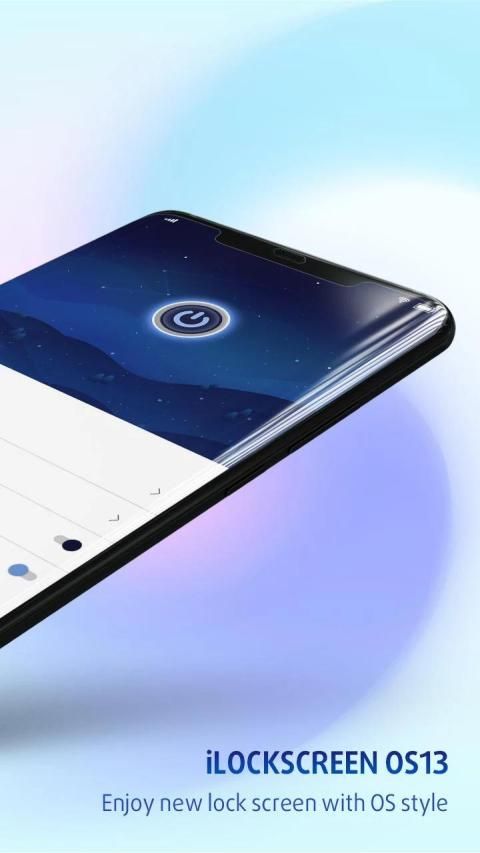
You want an Lock Screen Phone 11style on your android device? Yes, this is the best Phone 11 - Lock Screen Os 13 app for android. You will get the cool OS 13 lock screen to make your device look stylish.
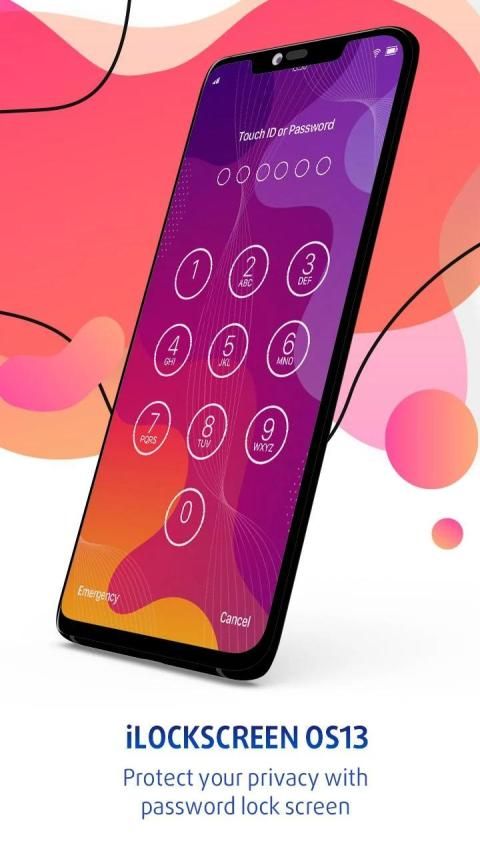
The Lock Screen OS 13 - Lock Screen Phone 11 features a lot of other varieties of the lock screen similar to that of the OS 13 locker. You can select any one out of them under the option ‘Change Lock Screen’. You can also set a pin here, which is asked every time you unlock your phone and this will increase the privacy of your phone. You can activate and deactivate the pin protection with the security options in the Lock Screen Phone 11 app.
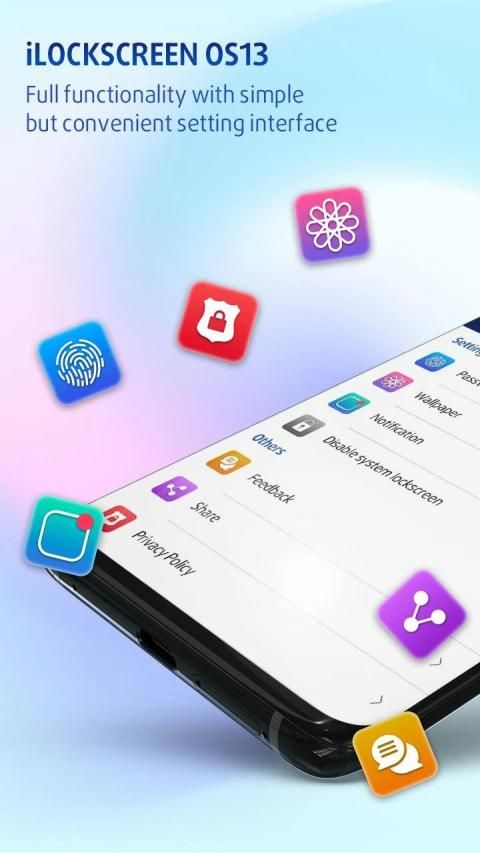
When you open the Lock Screen OS 13 - Lock Screen Phone 11 there you will see a few settings which will allow you to customize the locker of your android phone. Very easy user interface will help you to customize the Lock Screen OS 13 application.
With the main options you can activate and deactivate the OS 13 lock screen. You can turn it on whenever you need and again can turn it off from here. You can get the notifications right on your lock screen in the similar way that is available in the Phone 11 locker. You can open notifications from your OS 13 lock screen.
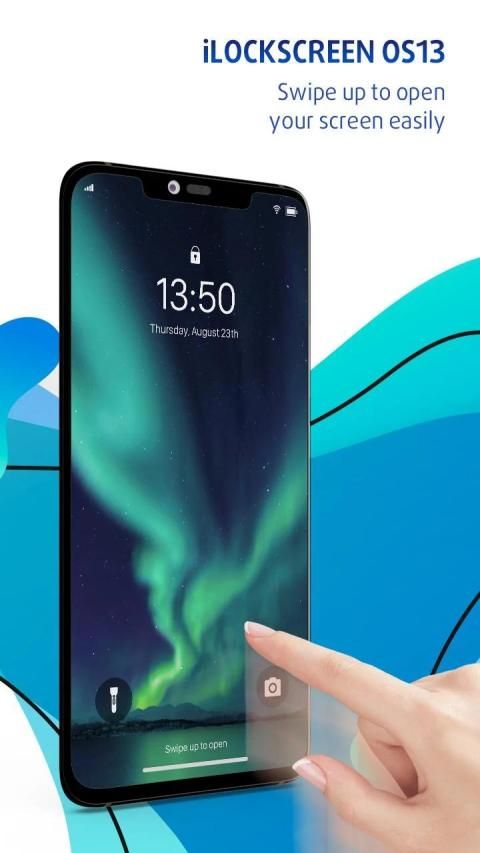
Also once you activate the Lock Screen OS 13 - Lock Screen Phone 11, you will have access to control center on the top of screen. You can control a lot of things here, like flashlight, Wi-Fi and Bluetooth, settings, brightness and a lot more.
For further more customization you can select various notifications style, fonts, time format, wallpaper and a lot more to make your android unlock screen look smarter and cool like the Phone 11 lock screen!
Features of Lock Screen OS 13 - Lock Screen Phone 11
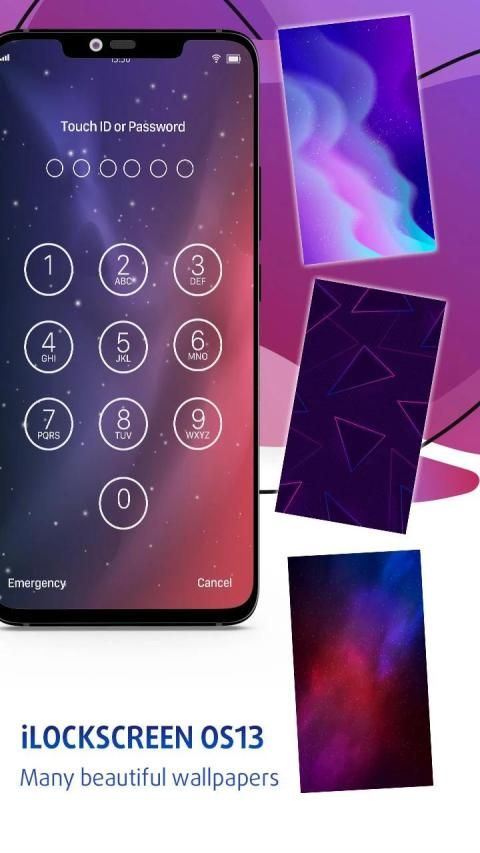
* OS 13 lockscreen support set wallpaper from iphone X wallpapers
* OS 13 lockscreen support set pin password
* OS 13 lockscreen support provide multiple phone 11, Phone X plus, Phone XS, OS 13 and HD wallpapers
* OS 13 lockscreen support unlock sound and vibrate
* OS 13 lockscreen support 12-Hour and 24-Hour format
* Support setting wallpaper
* Super cool OS 13 lock screens for your android
* Works on most of the android phones
How to Use this Lock Screen Phone X
1. Open the app settings, and tick the Enable Screen toggle to enable it.
2. Click the Disable System Lock in case you use the system lock.
3. Click the Set Wallpaper to switch to different beautiful backgrounds.
4. Enable the Pin Lock button box if pin mode is required.
Thanks for choosing Lock Screen OS 13 - Lock Screen Phone 11. If you found it meet your taste, rate five stars⭐️⭐️⭐️⭐️⭐️ and share it with your friends. Your support will definitely inspire us to design more new themes
Anda ingin gaya Lock Screen Phone 11 pada perangkat android Anda? Ya, ini adalah aplikasi Phone 11 - Lock Screen Os 13 terbaik untuk android. Anda akan mendapatkan layar kunci OS 13 yang keren untuk membuat perangkat Anda terlihat gaya.
Lock Screen OS 13 - Lock Screen Phone 11 menampilkan banyak jenis lain dari layar kunci yang serupa dengan yang ada di locker OS 13. Anda dapat memilih salah satu dari mereka di bawah opsi ‘Ubah Kunci Layar’. Anda juga dapat mengatur pin di sini, yang diminta setiap kali Anda membuka kunci ponsel dan ini akan meningkatkan privasi ponsel Anda. Anda dapat mengaktifkan dan menonaktifkan perlindungan pin dengan opsi keamanan di aplikasi Lock Screen Phone 11.
Ketika Anda membuka Lock Screen OS 13 - Lock Screen Phone 11 di sana Anda akan melihat beberapa pengaturan yang akan memungkinkan Anda untuk menyesuaikan loker dari ponsel android Anda. Antarmuka pengguna yang sangat mudah akan membantu Anda untuk menyesuaikan aplikasi Lock Screen OS 13.
Dengan opsi utama Anda dapat mengaktifkan dan menonaktifkan layar kunci OS 13. Anda dapat menyalakannya kapan pun Anda butuhkan dan sekali lagi dapat mematikannya dari sini. Anda bisa mendapatkan notifikasi langsung di layar kunci Anda dengan cara serupa yang tersedia di loker Phone 11. Anda dapat membuka notifikasi dari layar kunci OS 13 Anda.
Juga setelah Anda mengaktifkan Lock Screen OS 13 - Lock Screen Phone 11, Anda akan memiliki akses ke pusat kendali di bagian atas layar. Anda dapat mengontrol banyak hal di sini, seperti senter, Wi-Fi dan Bluetooth, pengaturan, kecerahan, dan banyak lagi.
Untuk penyesuaian lebih lanjut, Anda dapat memilih berbagai gaya pemberitahuan, font, format waktu, wallpaper, dan banyak lagi untuk membuat layar buka kunci android Anda terlihat lebih pintar dan keren seperti layar kunci Phone 11!
Fitur Layar Kunci OS 13 - Ponsel Layar Kunci 11
* Dukungan OS 13 lockscreen mengatur wallpaper dari wallpaper iphone X
* Dukungan OS 13 lockscreen mengatur kata sandi pin
* Dukungan layar kunci OS 13 menyediakan beberapa telepon 11, Telepon X plus, Telepon XS, OS 13 dan wallpaper HD
* Dukungan OS 13 lockscreen membuka suara dan bergetar
* OS 13 mendukung layar kunci format 12-Jam dan 24-Jam
* Dukungan pengaturan wallpaper
* Layar kunci OS 13 super cool untuk android Anda
* Bekerja pada sebagian besar ponsel android
Cara Menggunakan Ponsel Layar Kunci X
ini
1. Buka pengaturan aplikasi, dan centang Aktifkan toggle Layar untuk mengaktifkannya.
2. Klik Nonaktifkan Kunci Sistem jika Anda menggunakan kunci sistem.
3. Klik Set Wallpaper untuk beralih ke berbagai latar belakang indah.
4. Aktifkan kotak tombol Kunci Pin jika mode pin diperlukan.
Terima kasih telah memilih Lock Screen OS 13 - Lock Screen Phone 11. Jika Anda merasa cocok dengan selera Anda, beri peringkat lima bintang⭐️⭐️⭐️⭐️⭐️ dan bagikan dengan teman-teman Anda. Dukungan Anda pasti akan menginspirasi kami untuk merancang lebih banyak tema baru



9Apps 4.9











