


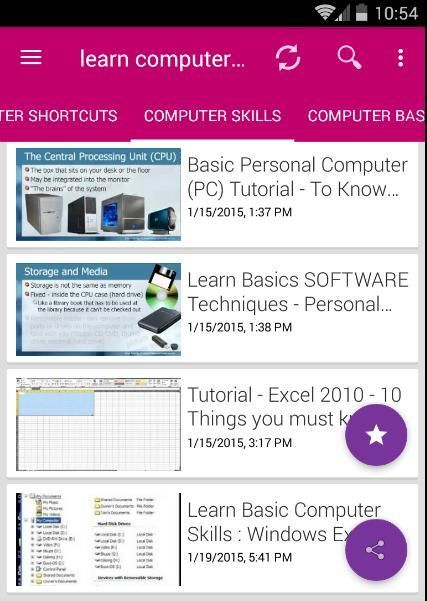
9Apps is the free store of application, 20,000+ users downloaded Learn Computer latest version on 9Apps for free every week! In my opinion, you will like this app after use it. This hot app was released on 2018-09-16. 9Apps has thousands of apps and updated daily!
Become a master of computers. you will understand how computers work and how to use them well.
Learn how to overcome the intimidation of computers and use this technology to better your life.
Start Now Free Beginners Computer Tutorials and Lessons :
- HardWare
- Email Basics
- Internet Basics
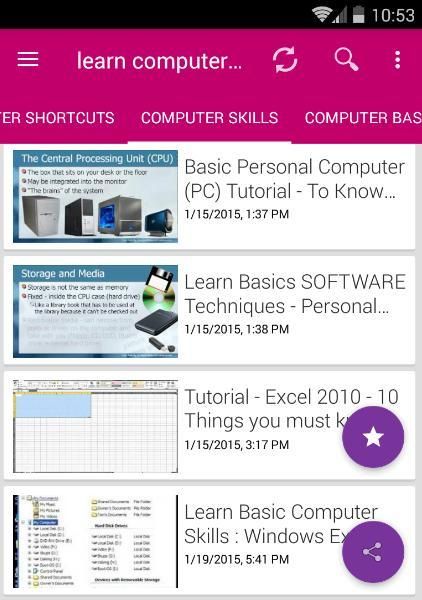
- Basic Parts of a Desktop Computer
- Buttons and Ports on a Desktop Computer
- Inside a Desktop Computer
- Getting to Know Laptop Computers
- Understanding Operating Systems
- Understanding Applications
Presented with high-quality video lectures, this course will visually show you how to easily do everything with computers. This is just some of what you will learn in this course:
Learn the basic principles of hardware including circuits, coding schemes, binary, the five generations of computers, Moore's Law, IPOS, registers, cache, RAM, magnetic storage, optical storage, solid-state storage, ROM, BIOS, the motherboard, buses, and the CPU.
Learn how to operate a computer including a vast array of hands-on skills – just to mention a few for example: managing files, backing –up files, right clicking, taking screenshots, determining your computer’s properties, upgrading your computer, changing settings on your computer.
Learn how to use word processing software including the creation of a title page, document sections, headers and footers, styles, an automatically generated table of contents, the insertion of images, references, and the insertion of an automatically generated citation of works referenced.
Learn how to use spreadsheet software including formulas, functions, relative references, absolute references, mixed references, and the creation of a graph or chart.
Learn how to use video editing software including adding credits and transitions then publishing that video to a video hosting website such as YouTube.
Learn how to use databases including table creation, the setting of a primary key, the establishment of table relationships, the setting of referential integrity, and the creation and execution of a query.
Learn how to use presentation software to more effectively give presentations.
Learn to do some simple programing including designing, coding, testing, debugging, and running a program.
Learn about the world wide web including sending email, conducting searches , having familiarity with online educational resources such as Khan Academy, and having an awareness of online "cloud computing" tools such as Google Word Processing, Google Spreadsheets, and the many other online tools offered by Google.
Learn about application software and system software including operating systems, utilities, and drivers.
Learn about networks including architecture, topology, firewalls, security, wireless networks, and securing wireless networks.
Learn about the Internet, the World Wide Web, censorship, the digital divide, net neutrality, differing legal jurisdictions, website creation, multimedia, social media, and eCommerce.
Learn about information systems, systems development, and the systems development life cycle.
Learn about program development, programming languages, and the program development life cycle.
Learn about databases including table creation, primary keys, relationships, referential integrity, queries, and structured query language.
Learn about privacy and security issues related to computers.
Learn about robots and artificial intelligence including the Turing test.
Learn about intellectual property including patents, trademarks, copyrights, and the creative commons.
Learn about ethics and ethical issues relating to the use of technology.
Learn about health ramifications of using computers including repetitive stress injury, carpal tunnel syndrome, and ergonomics.
Learn about e-Waste and other environmental concerns related to technology.
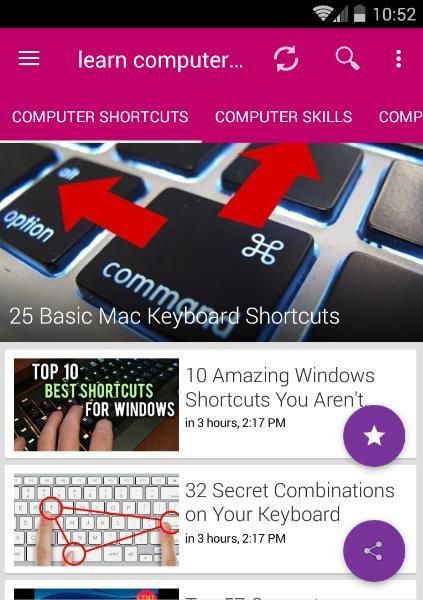
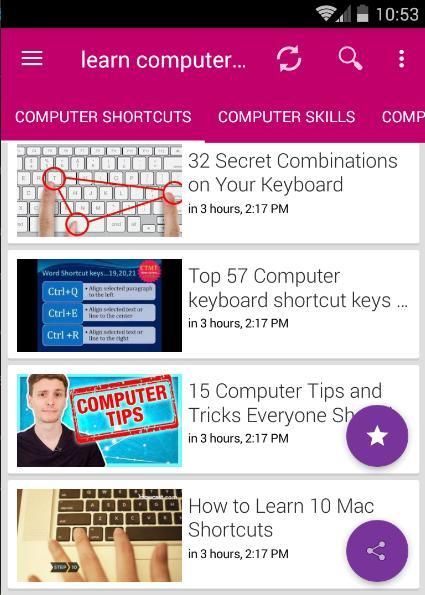
Back to Basics: Learn Computer skills & to Use Keyboard Shortcuts Like a Ninja
A guide for new computer users or those who want to know more to get started with the basics!
Menjadi master komputer. Anda akan memahami cara kerja komputer dan cara menggunakannya dengan baik.
Pelajari cara mengatasi intimidasi komputer dan menggunakan teknologi ini untuk memperbaiki hidup Anda.
Mulai Sekarang Pemula Gratis Tutorial dan Pelajaran Komputer:
- HardWare
- Dasar-Dasar Email
- Dasar-Dasar Internet
- Bagian Dasar dari Komputer Desktop
- Tombol dan Port pada Komputer Desktop
- Di dalam Komputer Desktop
- Mengenal Komputer Laptop
- Memahami Sistem Operasi
- Memahami Aplikasi
Disajikan dengan video ceramah berkualitas tinggi, kursus ini akan secara visual menunjukkan kepada Anda cara mudah melakukan semuanya dengan komputer. Ini hanya sebagian dari apa yang akan Anda pelajari dalam kursus ini:
Pelajari prinsip dasar perangkat keras termasuk sirkuit, skema pengkodean, biner, lima generasi komputer, Hukum Moore, IPOS, register, cache, RAM, penyimpanan magnetik, penyimpanan optik, penyimpanan solid-state, ROM, BIOS, motherboard, bus , dan CPU.
Pelajari cara mengoperasikan komputer termasuk sejumlah besar keterampilan langsung - hanya untuk menyebutkan beberapa contoh: mengelola file, mencadangkan file-up, mengklik kanan, mengambil screenshot, menentukan properti komputer Anda, memutakhirkan komputer Anda, mengubah pengaturan pada komputer Anda.
Pelajari cara menggunakan perangkat lunak pengolah kata termasuk pembuatan halaman judul, bagian dokumen, header dan footer, gaya, daftar isi yang dibuat secara otomatis, penyisipan gambar, referensi, dan penyisipan kutipan karya yang diacu secara otomatis.
Pelajari cara menggunakan perangkat lunak spreadsheet termasuk rumus, fungsi, referensi relatif, referensi absolut, referensi campuran, dan pembuatan grafik atau bagan.
Pelajari cara menggunakan perangkat lunak pengeditan video termasuk menambahkan kredit dan transisi kemudian memublikasikan video itu ke situs web hosting video seperti YouTube.
Pelajari cara menggunakan basis data termasuk pembuatan tabel, pengaturan kunci primer, pembentukan hubungan tabel, pengaturan integritas referensial, dan pembuatan dan pelaksanaan kueri.
Pelajari cara menggunakan perangkat lunak presentasi untuk memberikan presentasi secara lebih efektif.
Belajar untuk melakukan beberapa pemrograman sederhana termasuk merancang, mengkode, menguji, debugging, dan menjalankan program.
Pelajari tentang web di seluruh dunia termasuk mengirim email, melakukan pencarian, memiliki keakraban dengan sumber daya pendidikan online seperti Khan Academy, dan memiliki kesadaran tentang alat "cloud computing" online seperti Google Word Processing, Google Spreadsheets, dan banyak alat online lainnya ditawarkan oleh Google.
Pelajari tentang perangkat lunak aplikasi dan perangkat lunak sistem termasuk sistem operasi, utilitas, dan driver.
Pelajari tentang jaringan termasuk arsitektur, topologi, firewall, keamanan, jaringan nirkabel, dan mengamankan jaringan nirkabel.
Pelajari tentang Internet, World Wide Web, penyensoran, kesenjangan digital, netralitas bersih, perbedaan yurisdiksi hukum, pembuatan situs web, multimedia, media sosial, dan eCommerce.
Pelajari tentang sistem informasi, pengembangan sistem, dan siklus hidup pengembangan sistem.
Pelajari tentang pengembangan program, bahasa pemrograman, dan siklus hidup pengembangan program.
Pelajari tentang basisdata termasuk pembuatan tabel, kunci utama, hubungan, integritas referensial, kueri, dan bahasa kueri terstruktur.
Pelajari tentang masalah privasi dan keamanan yang terkait dengan komputer.
Pelajari tentang robot dan kecerdasan buatan termasuk tes Turing.
Pelajari tentang kekayaan intelektual termasuk paten, merek dagang, hak cipta, dan kreativitas bersama.
Pelajari tentang etika dan masalah etika yang berkaitan dengan penggunaan teknologi.
Pelajari tentang konsekuensi kesehatan menggunakan komputer termasuk cedera stres yang berulang, sindrom terowongan karpal, dan ergonomi.
Pelajari tentang e-Waste dan masalah lingkungan lainnya yang terkait dengan teknologi.
Kembali ke Dasar: Pelajari keterampilan Komputer & Gunakan Pintasan Keyboard Seperti Ninja
Panduan untuk pengguna komputer baru atau mereka yang ingin tahu lebih banyak untuk memulai dengan hal-hal dasar!



9Apps 4.9










