
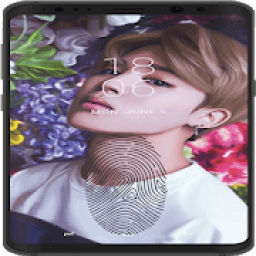
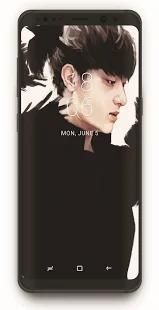
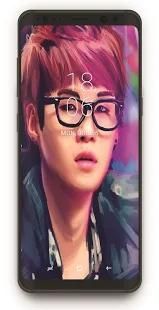
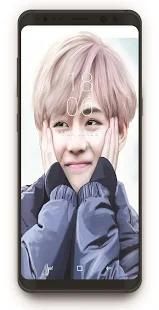
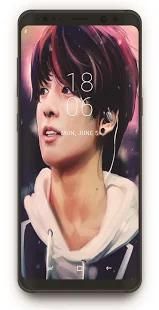
Welcome to our app recommend. 20,000+ users downloaded KPOP Screen Lock latest version on 9Apps for free every week! It's not only an app it also teaches you how to use it. This hot app was released on 2018-05-03. It is a very popular app on India now.
BTS HD Lock Screen is an extremely Secure Screen Locker via pin code or password or schema to enhance the security of your phone. It is beautiful, secure and customizable.
there are features of our lock screen application.
BTS wallpaper themes to redecorate your Android devices. We provided numerous high resolution wallpaper themes, especially BTS photography idea wallpapers.
And you can switch different live wallpaper themes from setting.
Lock Screen BTS HD Theme lively will change the live wallpapers of lock screen with a unique design in the beautiful world of BTS and an incredible color flop.
Decorate your mobile zipper for the raging live BTS off and 4minute puppet with this fabulous popapp Keypad at KPOP themes for mobile and tablet
Install the lock screen apps
1. Open the app settings, and tick the Enable Screen check box to enable it.
2. Set pass-code to protect your privacy.
3. Click the Disable System Lock in case you use the system lock.
4. Cool themes.
5. Click the Set Wallpaper to switch to different awesome backgrounds of screen lock app BTS members.
BTS HD Lock Screen adalah layar Locker sangat aman melalui kode pin atau password atau skema untuk meningkatkan keamanan ponsel Anda. Sangat indah, aman dan disesuaikan.
ada fitur aplikasi layar kunci kami.
BTS tema wallpaper untuk mendekorasi ulang perangkat Android Anda. Kami menyediakan berbagai tema resolusi tinggi wallpaper, terutama BTS fotografi wallpaper ide.
Dan Anda dapat beralih tema yang berbeda wallpaper hidup dari pengaturan.
Lock Screen BTS HD Tema hidup akan mengubah wallpaper hidup dari layar kunci dengan desain yang unik di dunia yang indah dari BTS dan warna kegagalan yang luar biasa.
Hiasi ritsleting ponsel Anda untuk mengamuk BTS hidup off dan 4minute wayang dengan popapp ini Keypad yang luar biasa di tema KPOP untuk mobile dan tablet
Install aplikasi layar kunci
1. Buka pengaturan aplikasi, dan centang kotak centang Layar Aktifkan untuk mengaktifkannya.
2. Set pass-kode untuk melindungi privasi Anda.
3. Klik Nonaktifkan Sistem Lock jika anda menggunakan kunci sistem.
4. Tema Keren.
5. Klik Set Wallpaper untuk beralih ke latar belakang mengagumkan yang berbeda dari anggota BTS aplikasi kunci layar.
Kpop HD Lock Screen BTS

9Apps 4.9











