

9Apps is your first choice to download apps. 20,000+ users downloaded Kb - The Soft Keyboard latest version on 9Apps for free every week! It is a wonderful app that amazes every player. This hot app was released on 2018-08-06. 9Apps believe you can enjoy yourself in this funny app.
The App provides a complete wireless keyboard & mouse interface for laptop/computer with a great user experience. It is designed in such a way that it fulfills the gap between the real and virtual world. Currently, it supports Windows operating system.
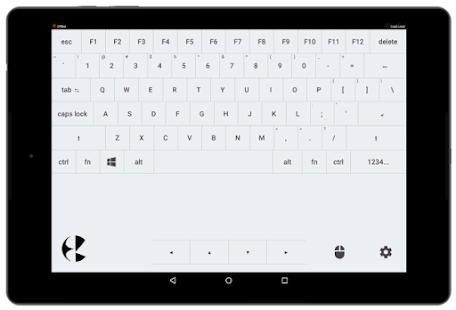
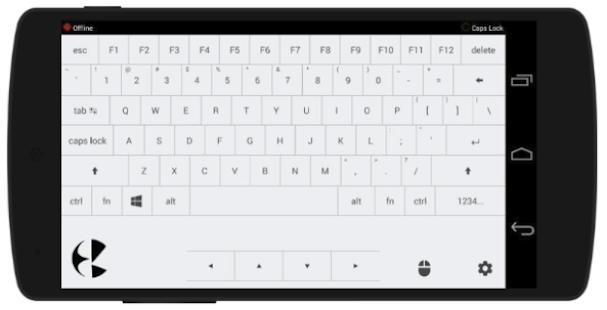
A keyboard layout is kept very similar to the real keyboards. Mouse interface is similar to the touchpad we get on laptops. The pointer speed can be adjusted in settings.
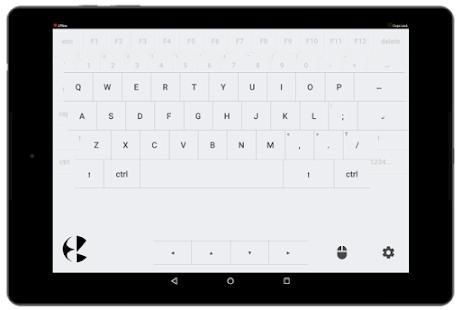
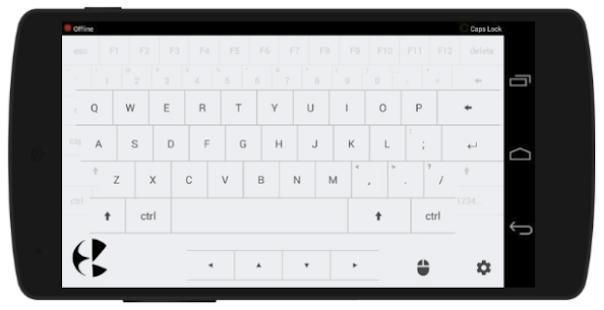
Floating Alphabetic Character Keys:
For better experience a Zoom View feature is available in the settings. Enabling which, it will float up the alphabetic keys sublayer with a bigger size. This is recommended feature of content writers.
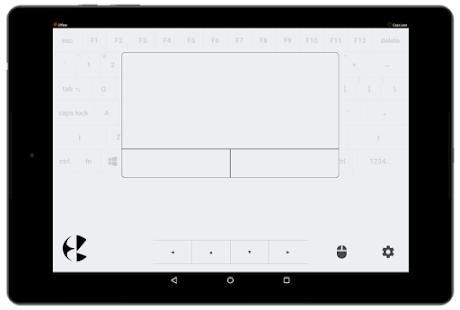
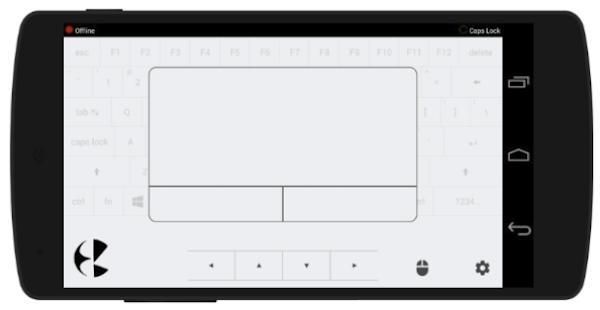
Mouse interface is similar to the touchpad laptops. It appears on clicking the mouse icon present in the bottom. The single click is supported on the touchpad interface.
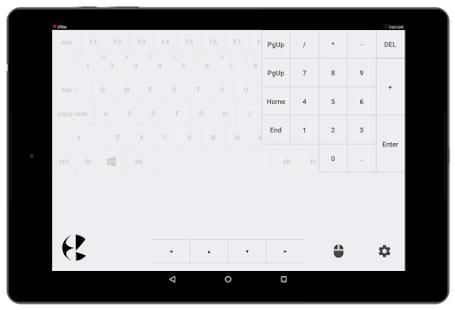
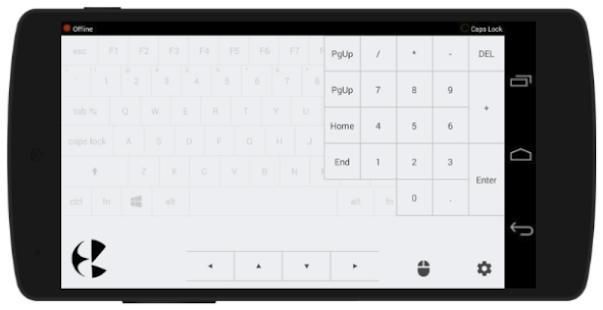
Numpad moves in on clicking "1234..." button in the bottom right corner of the keypad.
User can navigate to the settings page by clicking settings icon in the bottom right corner.
How to use:
1. Install the app on your android device.
2. This app requires Kb PC Client installed on your PC/laptop to which you wish to connect.
3. The Client can be downloaded from here - https://github.com/mejariamol/kb/releases
4. The android device and the PC must be connected to the same network. For example, if you are using a wireless network then the device and PC must be connected to that wireless network.
5. On running the kb.exe file from the zip folder you downloaded from above link, a console application opens up on the PC which will display the IP Address which is used to connect your android app to your PC.
6. Open Settings page in Kb android app, and enter the IP address to connect.
7. On successful connection, console will display the success message.
8. Please do not close the console client while your device is connected to it. Although you may minimize it in the background.
App menyediakan keyboard & mouse wireless interface yang lengkap untuk laptop / komputer dengan pengalaman pengguna yang luar biasa. Hal ini dirancang sedemikian rupa sehingga memenuhi kesenjangan antara dunia nyata dan virtual. Saat ini, mendukung sistem operasi Windows.
Sebuah layout keyboard yang disimpan sangat mirip dengan keyboard nyata. Mouse antarmuka mirip dengan touchpad yang kita dapatkan pada laptop. Kecepatan pointer dapat disesuaikan dalam pengaturan.
Mengambang Keys Karakter abjad:
Untuk pengalaman yang lebih baik fitur Zoom View tersedia dalam pengaturan. Mengaktifkan yang, itu akan mengapung kunci abjad sublayer dengan ukuran yang lebih besar. Ini fitur dari penulis konten direkomendasikan.
Mouse antarmuka mirip dengan laptop touchpad. Tampaknya pada mengklik ikon mouse hadir di bagian bawah. The klik didukung pada interface touchpad.
Numpad bergerak di atas mengklik "1234 ..." tombol di sudut kanan bawah keypad.
Pengguna dapat menavigasi ke halaman pengaturan dengan mengklik ikon pengaturan di pojok kanan bawah.
Bagaimana cara menggunakan:
1. Instal aplikasi pada perangkat android Anda.
2. Aplikasi ini membutuhkan Kb PC Client diinstal di PC / laptop yang Anda ingin terhubung.
3. Klien dapat didownload dari sini - https://github.com/mejariamol/kb/releases
4. perangkat android dan PC harus terhubung ke jaringan yang sama. Misalnya, jika Anda menggunakan jaringan nirkabel maka perangkat dan PC harus terhubung ke jaringan nirkabel.
5. Pada menjalankan file kb.exe dari zip folder Anda download dari link di atas, aplikasi konsol membuka pada PC yang akan menampilkan alamat IP yang digunakan untuk menghubungkan aplikasi android Anda ke PC Anda.
6. Halaman Buka Settings di Kb aplikasi android, dan masukkan alamat IP untuk menghubungkan.
7. Pada sambungan berhasil, konsol akan menampilkan pesan sukses.
8. Jangan menutup konsol klien saat perangkat Anda terhubung ke itu. Meskipun Anda mungkin menguranginya di latar belakang.
Bug fixes.

9Apps 4.9










