

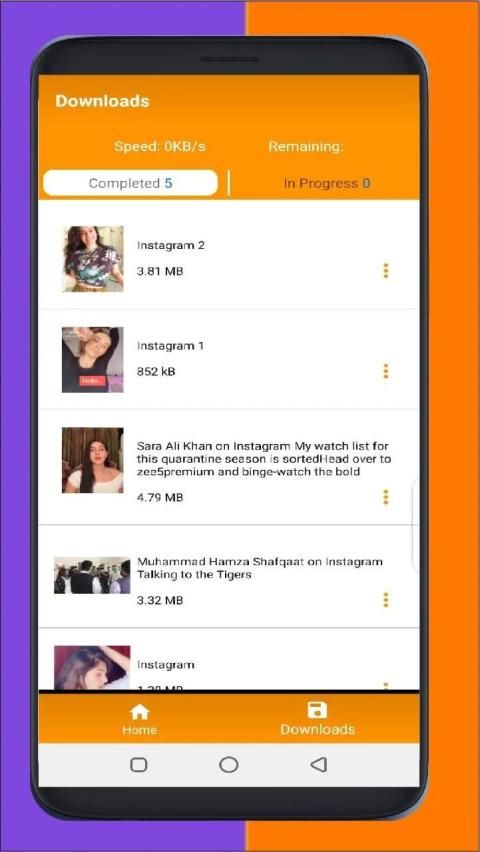
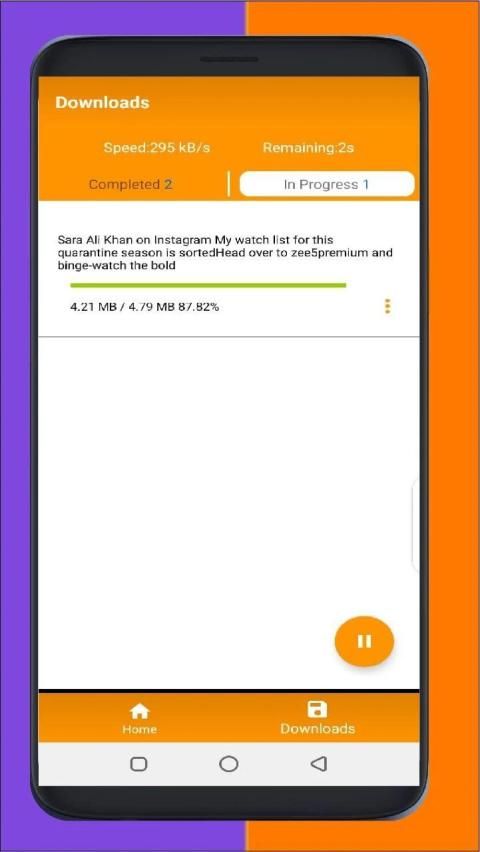
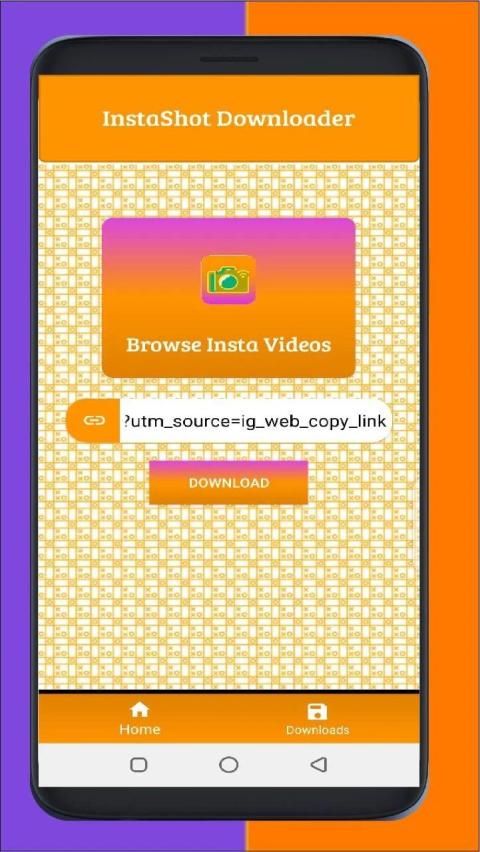
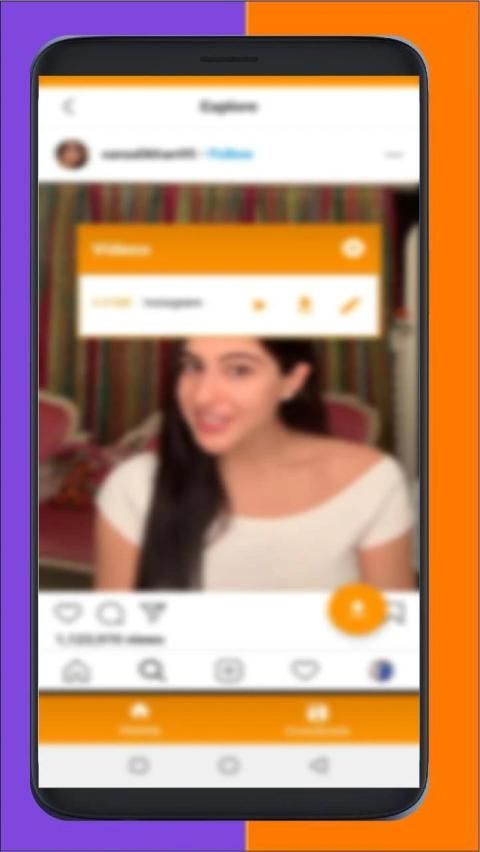
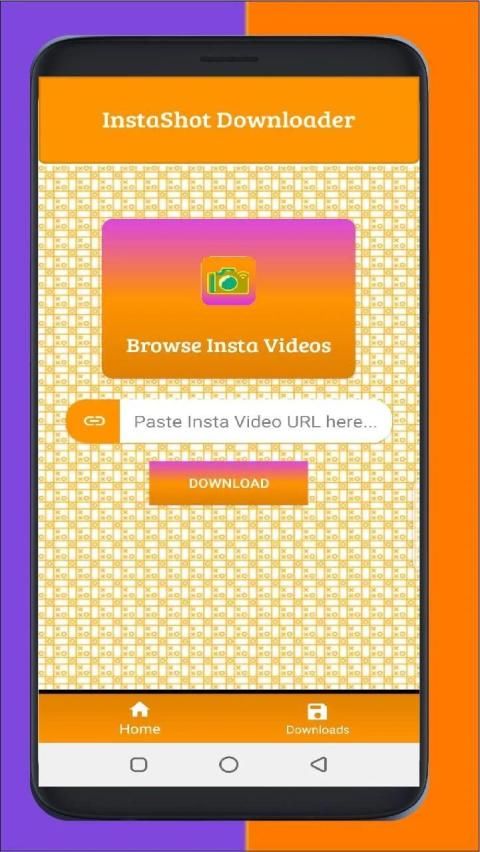
Browse and download apps to your android phone from the App Store. 30,000+ users downloaded InstaShot Downloader latest version on 9Apps for free every week! This indicates many people like this application. This hot app was released on 2020-05-30. Find out more android software you're looking for at 9apps.com
InstaShot that is also know as Video Downlaoder for Instagram assist you watch and save video and allows you to repost videos to Instgram.
If you are tenses that you can not save your favorite videos from Instagram then your search is over here.
You can download your Instagram Images & Videos in a very easy way for totally Free.
Advantages of using this app:
1. Best Video Downloader for Instagram so far
2. Free Video Downloader for Instagram
3. Video can be downloaded by copy URL from Instagram and paste it in to app
4. Also you can directly browse Instagram videos by clicking on Browse Insta Videos Button
5. HD Video Download Supported
6. Downloading in background
USAGE of InstaShot
Firstyl ,Install InstaShot .
Open Instagram app and select the video and copy its URL
Paste that copied URL in to instaShot and click the Download button
Your downloading will start
DISCLAIMER…….
*InstaShot that is also know as Video Downloader for Instagram is not joined on linked with Instagram Inc. It is a simple tool that helps to download videos & images from Instagram.
* Please get permission from owner before downloading or repost videos or images, we are not in charge for any violation of owner’s policy.
InstaShot yang juga dikenal sebagai Video Downlaoder untuk Instagram membantu Anda menonton dan menyimpan video dan memungkinkan Anda untuk mengirim ulang video ke Instgram.
Jika Anda tegang bahwa Anda tidak dapat menyimpan video favorit Anda dari Instagram maka pencarian Anda ada di sini.
Anda dapat mengunduh Gambar & Video Instagram Anda dengan cara yang sangat mudah secara gratis.
Keuntungan menggunakan aplikasi ini:
1. Pengunduh Video Terbaik untuk Instagram sejauh ini
2. Pengunduh Video Gratis untuk Instagram
3. Video dapat diunduh dengan menyalin URL dari Instagram dan menempelkannya ke aplikasi
4. Anda juga dapat langsung menelusuri video Instagram dengan mengklik tombol Browse Insta Videos
5. Unduh Video HD Didukung
6. Mengunduh di latar belakang
USAGE dari InstaShot
Firstyl, Instal InstaShot.
Buka aplikasi Instagram dan pilih video dan salin URL-nya
Rekatkan URL yang disalin ke instaShot dan klik tombol Unduh
Pengunduhan Anda akan dimulai
PENOLAKAN…….
* InstaShot yang juga dikenal sebagai Pengunduh Video untuk Instagram tidak bergabung dengan yang tertaut dengan Instagram Inc. Ini adalah alat sederhana yang membantu mengunduh video & gambar dari Instagram.
* Harap mendapat izin dari pemilik sebelum mengunduh atau mengirim ulang video atau gambar, kami tidak bertanggung jawab atas pelanggaran kebijakan pemilik.



9Apps 4.9










