

Download and enjoy our service, 30,000+ users downloaded InstaLoader latest version on 9Apps for free every week! This app is intended for an adult audience. This hot app was released on 2020-04-17. Besides, you can also select other popular apps you like here!
Looking to download your favourite Instagram’s content and simultaneously repost them? You have landed on the right app! Download InstaLoader app for free now!
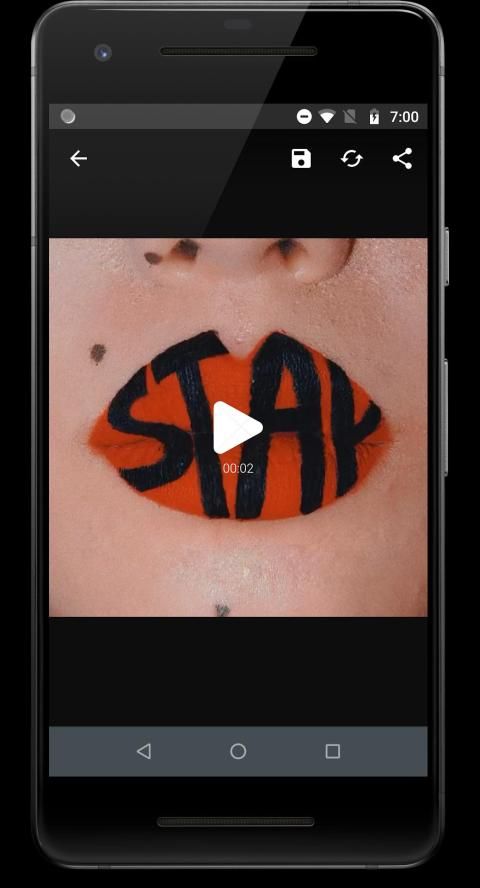
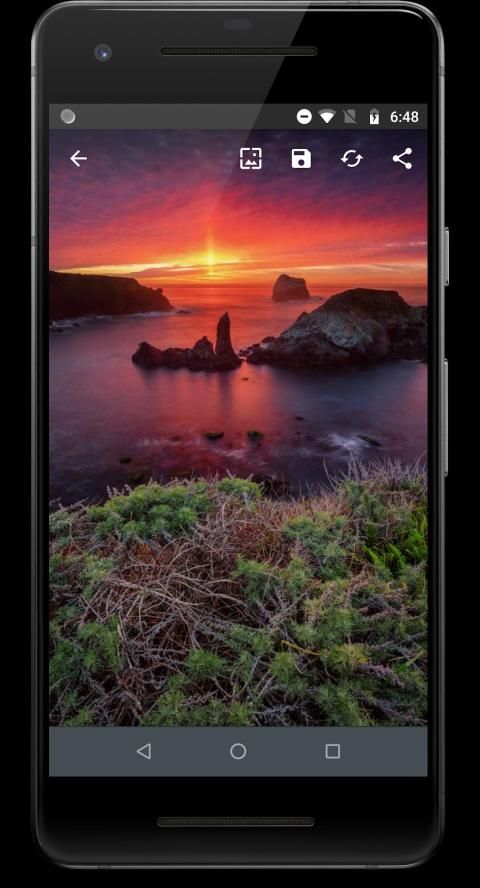
InstaLoader allows you to download any video or photo (single or multiple) in a matter of seconds, it further allows you to repost (share) the content instantly on your Instagram profile.
You can also save the content that you downloaded to your gallery even if you aren’t connected to the Internet so that you never miss the special photo or video that you have downloaded as long as it has not been deleted by the actual user who created the post(s).
So how does InstaLoader app work? It’s simple and straight-forward!
-- Download the app from the Google Play Store on your Android device
-- Open the app and connect it to your Instagram account (It’s really safe and simple)
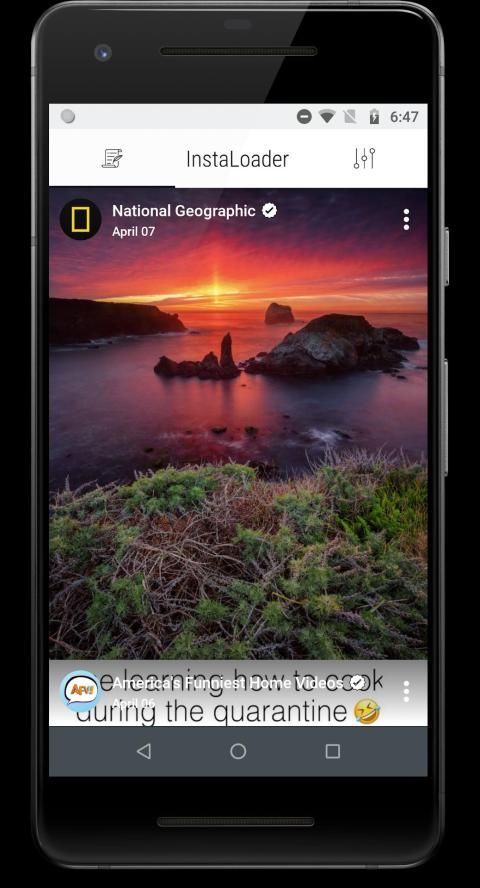
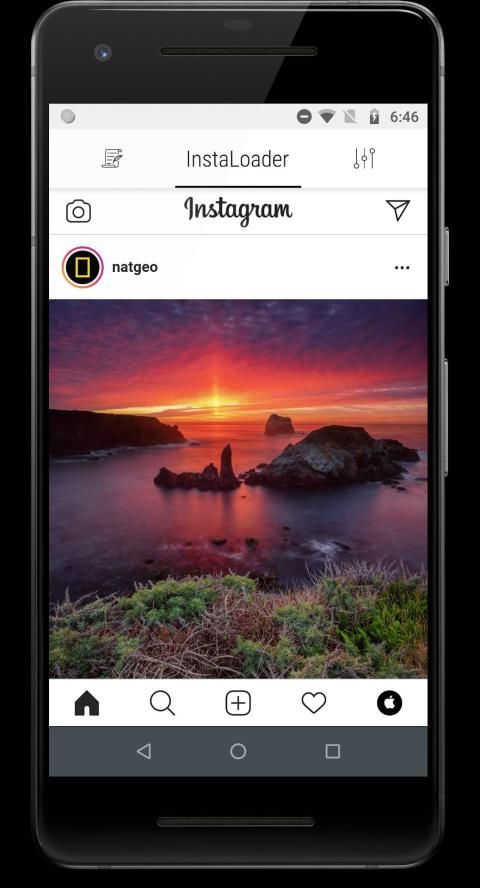
-- Click “InstaLoader” on the top panel and browse any post or video (multiple) you would like to download (you can download single/multiple photos and videos from a single account once at a time; in simple words, you cannot select multiple posts from the multiple accounts and download them at once)
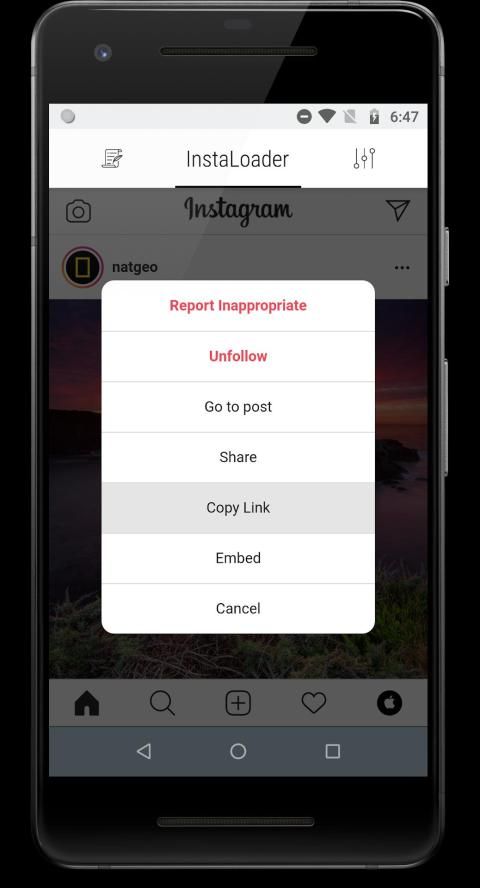
-- Click “...” on the top right of any post/video and click “Copy Link”
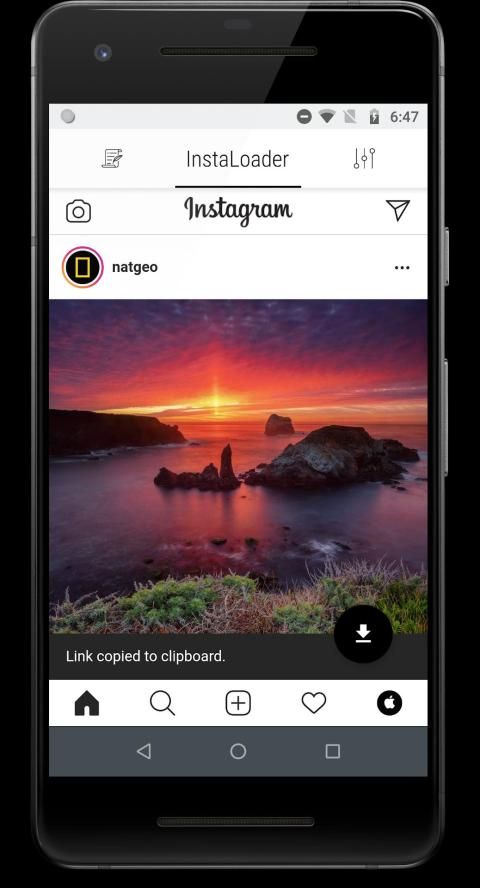
-- Click “Black download Icon” on the bottom right on your app’s page.
-- Swipe to the first tab next to “InstaLoader”; you will see your downloaded content under that first tab in a list format.
-- Under that first tab, click on the ellipsis (three vertical dots) on the top right of an image or video you downloaded
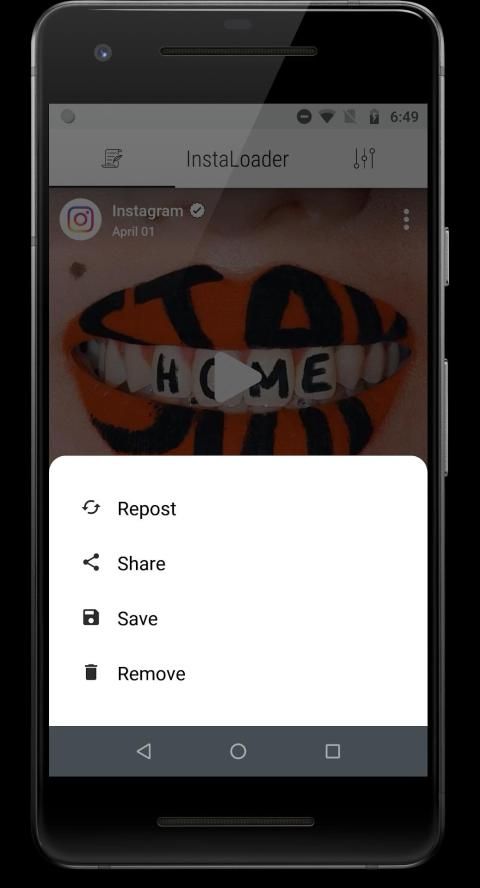
-- You can have four options: “Repost”, “Share”, “Save” and “Remove” and you are done!
-- If you swipe right you will go to the app’s settings page where you can contact support or you can toggle on or off automatic video play or can receive daily notifications and even can clear cache on your Android device
Ingin mengunduh konten Instagram favorit Anda dan mem-posting ulang secara bersamaan? Anda telah mendarat di aplikasi yang tepat! Unduh aplikasi InstaLoader gratis sekarang!
InstaLoader memungkinkan Anda untuk mengunduh video atau foto (tunggal atau multipel) dalam hitungan detik, dan selanjutnya Anda dapat memposting ulang (berbagi) konten secara langsung di profil Instagram Anda.
Anda juga dapat menyimpan konten yang Anda unduh ke galeri Anda, bahkan jika Anda tidak terhubung ke Internet sehingga Anda tidak akan melewatkan foto atau video khusus yang telah Anda unduh selama belum dihapus oleh pengguna sebenarnya yang membuat pos.
Jadi bagaimana cara kerja aplikasi InstaLoader? Sederhana dan mudah!
- Unduh aplikasi dari Google Play Store di perangkat Android Anda
- Buka aplikasi dan hubungkan ke akun Instagram Anda (Ini benar-benar aman dan sederhana)
- Klik "InstaLoader" di panel atas dan ramban setiap posting atau video (banyak) yang ingin Anda unduh (Anda dapat mengunduh satu / banyak foto dan video dari satu akun sekaligus pada satu waktu; dengan kata sederhana, Anda tidak dapat memilih banyak posting dari beberapa akun dan unduh sekaligus)
- Klik "..." di kanan atas dari setiap posting / video dan klik "Copy Link"
- Klik "Ikon unduhan hitam" di kanan bawah pada halaman aplikasi Anda.
- Geser ke tab pertama di sebelah "InstaLoader"; Anda akan melihat konten yang diunduh di bawah tab pertama itu dalam format daftar.
- Di bawah tab pertama itu, klik elipsis (tiga titik vertikal) di kanan atas gambar atau video yang Anda unduh
- Anda dapat memiliki empat opsi: "Repost", "Share", "Save" dan "Remove" dan Anda selesai!
- Jika Anda menggeser ke kanan, Anda akan pergi ke halaman pengaturan aplikasi di mana Anda dapat menghubungi dukungan atau Anda dapat mengaktifkan atau menonaktifkan pemutaran video otomatis atau dapat menerima notifikasi harian dan bahkan dapat menghapus cache pada perangkat Android Anda
Initial Release




9Apps 4.9











