
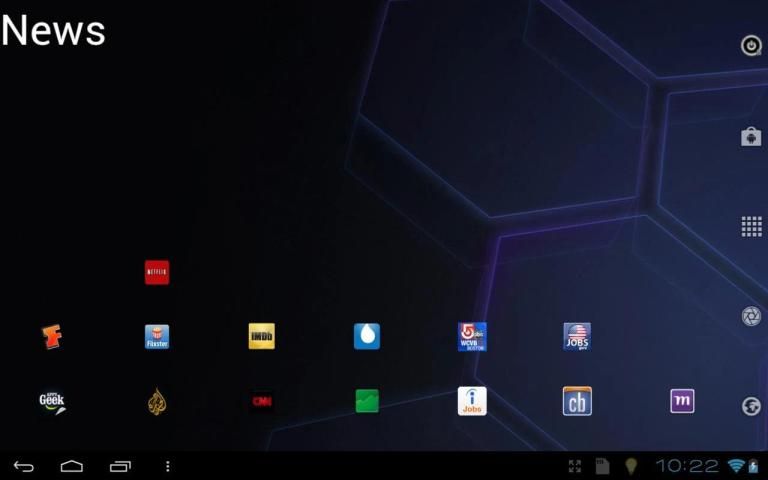
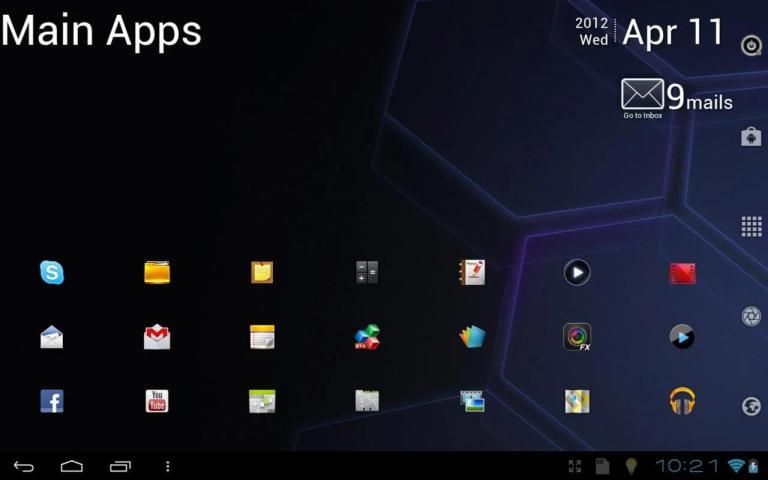
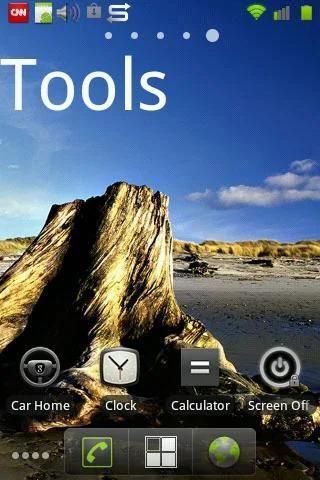
This widget allows you to add a Title to the home screen. It works with most launchers and produces good looking labels. You can create multiple title widgets with different text, even on different home screens.
NOTE: If the app widget does not show in the Widgets list to add to home screen, move the app installation to the device and NOT the SD card. Most app widgets do not work when installed on the SD card.
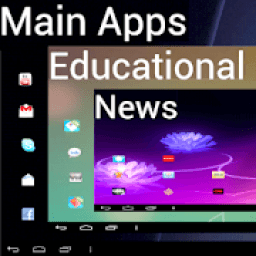
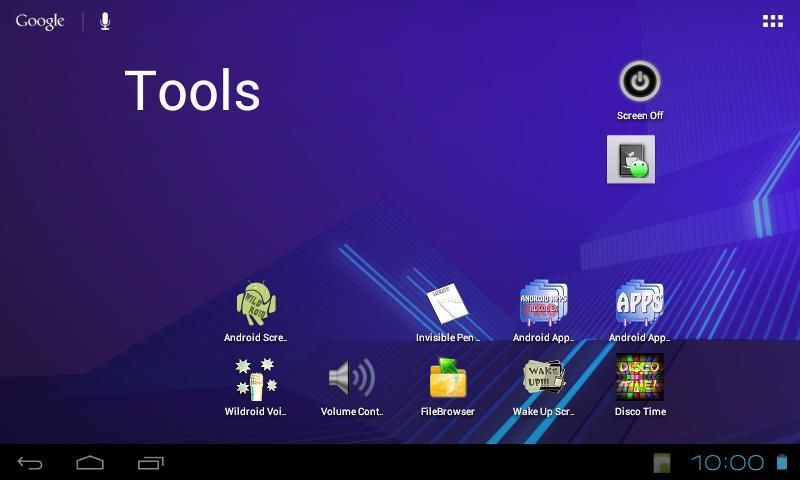
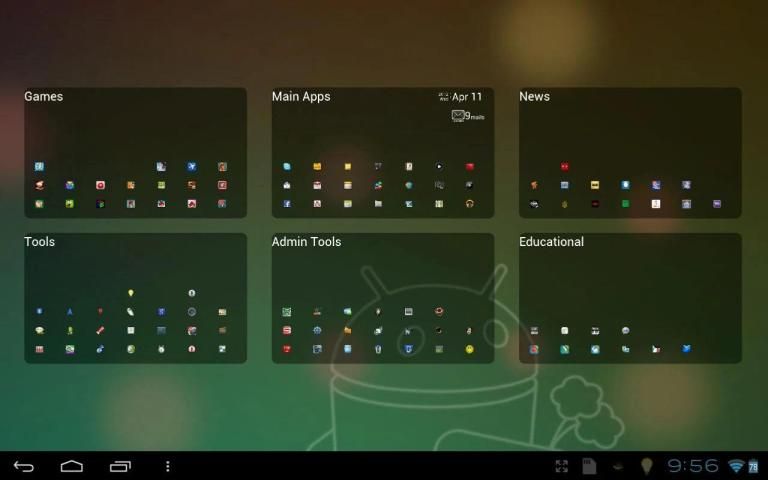
Once the Title Widget is placed on the home screen, you can drag and place the widget anywhere on the home screen. You can add as many titles as you wish; for example, name your home screens: Main Apps, Games, Tools, Office Apps, etc.
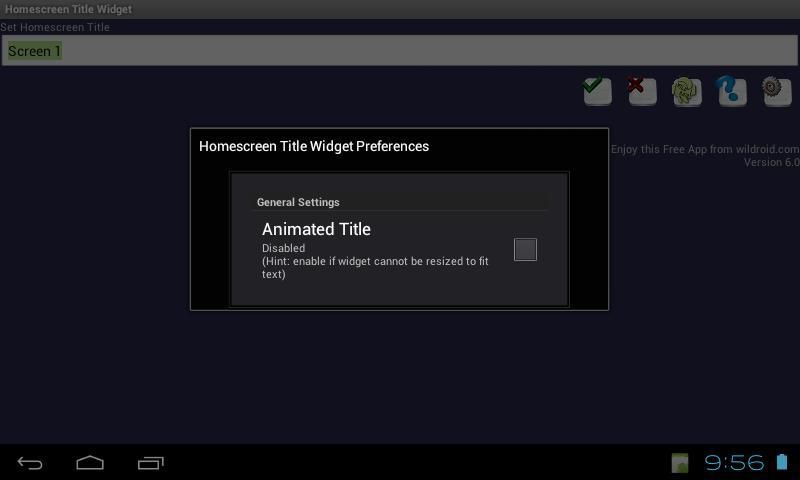
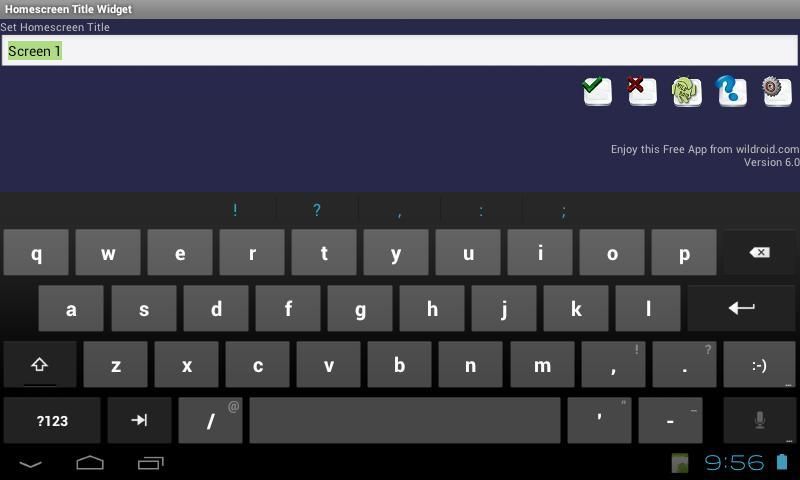
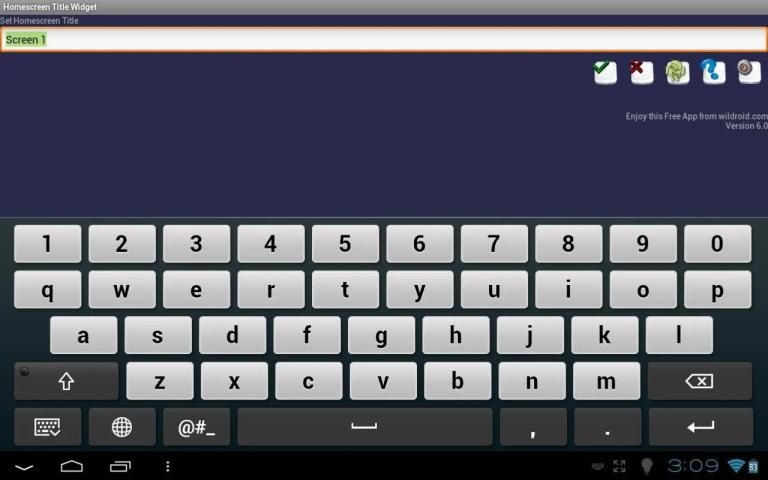
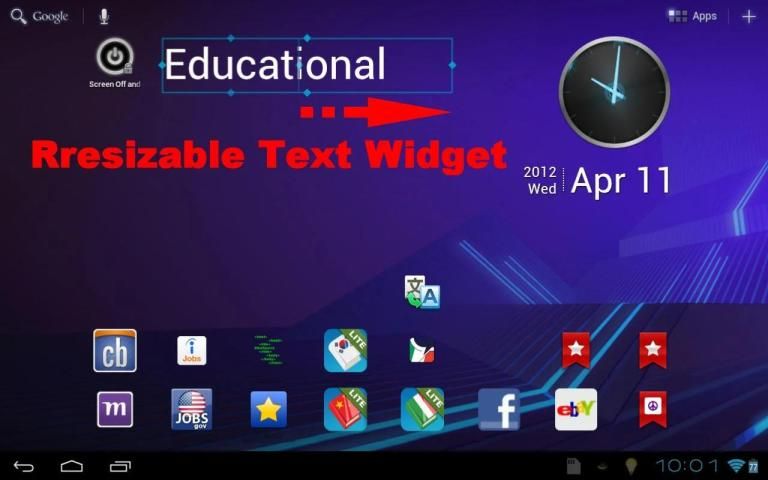
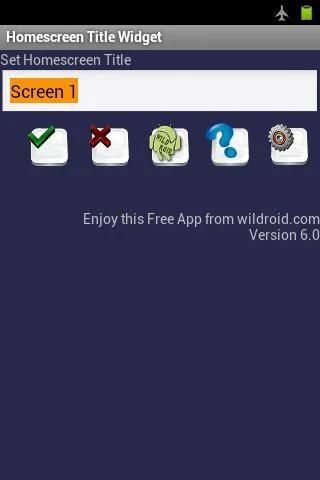
To edit the text, simply tap the widget. To re-size the widget view and make sure the entire title is shown, apply a long press on the widget which will bring up a sizing outline. (see photos)
Finally: We encourage our users to contact us via email to discuss any concerns or suggestions regarding the app, if any. We cannot address review comments due to the fact that most negative comments that are left without prior contact with the developer are placed with the intent to lower app ratings and misguide the consumer.
Enjoy this Free App from wildroid.com - The Paid App allows you to modify text color, size and alignment for each widget in addition to global text font style, animated text and shadowed text settings.
Copyright 2012 wildroid.com
Widget ini memungkinkan Anda untuk menambahkan Judul ke layar awal. Ia bekerja dengan sebagian peluncur dan menghasilkan label terlihat baik. Anda dapat membuat beberapa widget judul dengan teks yang berbeda, bahkan pada layar rumah yang berbeda.
CATATAN: Jika widget aplikasi tidak menunjukkan dalam daftar Widget untuk menambahkannya ke layar awal, memindahkan instalasi aplikasi ke perangkat dan BUKAN kartu SD. Kebanyakan widget aplikasi tidak bekerja ketika diinstal pada kartu SD.
Setelah Judul Widget ditempatkan pada layar awal, Anda dapat drag dan menempatkan widget di mana saja pada layar awal. Anda dapat menambahkan sebanyak judul yang Anda inginkan, misalnya, nama layar rumah Anda: Aplikasi Utama, Games, Tools, Kantor Apps, dll
Untuk mengedit teks, cukup tekan widget. Untuk kembali ukuran widget melihat dan pastikan seluruh judul yang ditampilkan, oleskan tekan lama pada widget yang akan memunculkan garis ukuran. (Lihat foto)
Akhirnya: Kami mendorong pengguna kami untuk menghubungi kami melalui email untuk membicarakan segala keprihatinan atau saran mengenai aplikasi, jika ada. Kita tidak bisa mengatasi review komentar karena fakta bahwa komentar paling negatif yang dibiarkan tanpa kontak sebelumnya dengan pengembang ditempatkan dengan maksud untuk menurunkan peringkat app dan menyesatkan konsumen.
Nikmati ini App gratis dari wildroid.com - Dibayar App memungkinkan Anda untuk mengubah warna teks, ukuran dan keselarasan untuk setiap widget di samping gaya global yang font teks, teks animasi dan pengaturan teks gelap.
Copyright 2012 wildroid.com
v.8 - Improved App performance.
v.7 - Android KitKat Support.
v.6 - Settings changes are automatically applied. Improved app performance.
v.5 - App security enhancements.
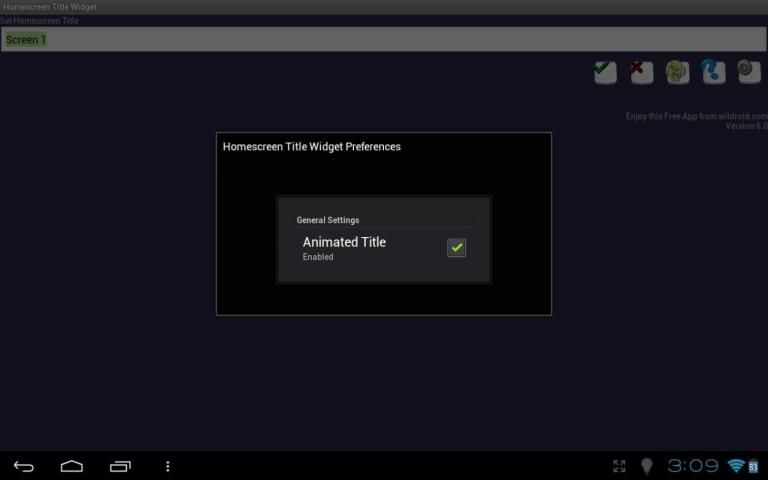
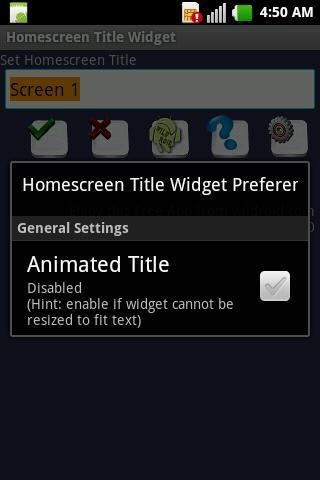
v.4 - Added Animated Title option if widget cannot be resized to fit text.
v.3 - Improved Widget Configure Interface. Enabled scrolling of configuration view on phones.






9Apps 4.9









