

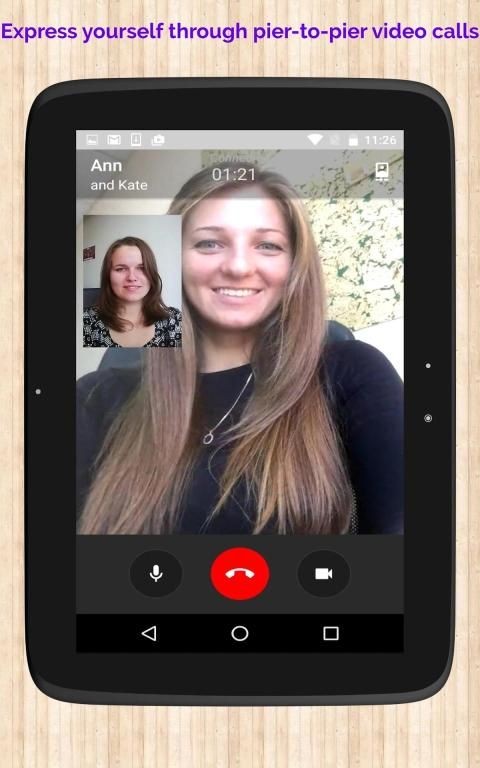


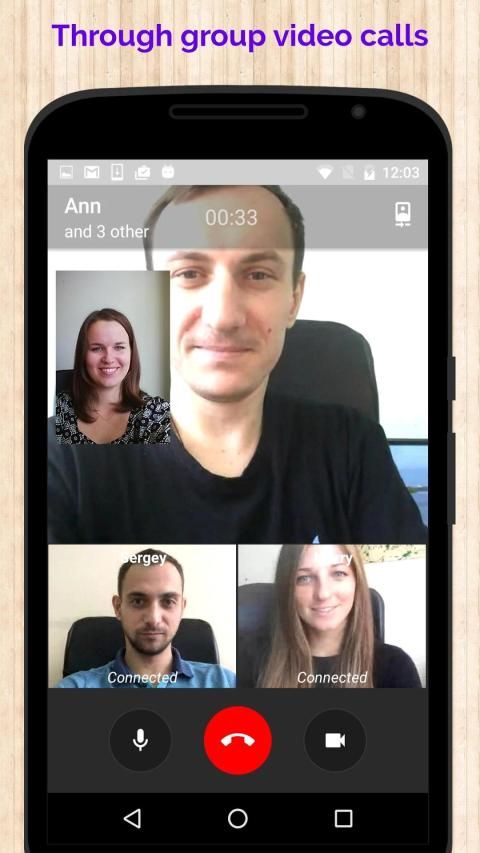
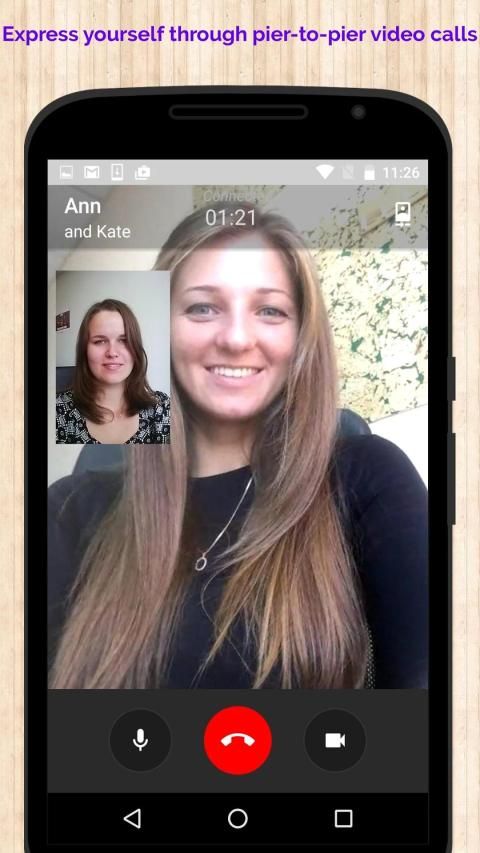
HiDa! is a FREE video and audio conferencing app that offers complete END-TO-END security and encryption in your calls. HiDa! works in any level of internet connection and uses very less of your data. HiDa! offers a great speed and quality in the video and audio calls.
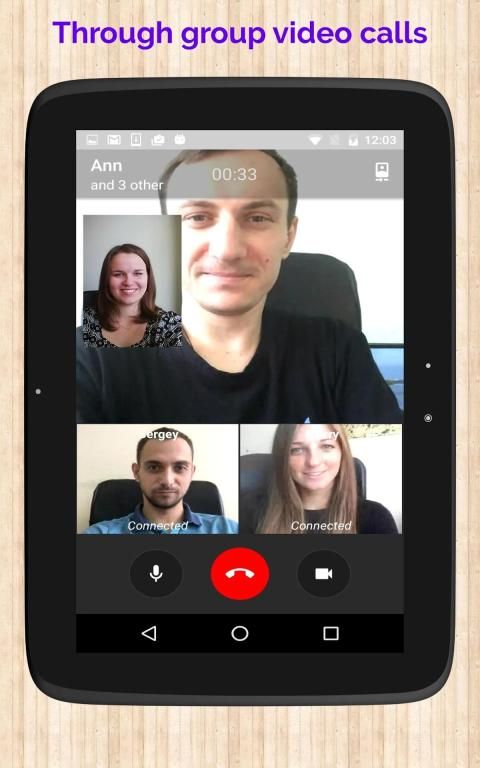
The app offers video/audio conference for upto 12 people at once for free!
WHY USE HiDa!:
• NO FEES: There are no subscription fees to use HiDa!. HiDa! uses any type of Internet connection (4G/3G/2G/EDGE or Wi-Fi) to let you video and audio conference your business partners and, so you don't have to pay for every call.
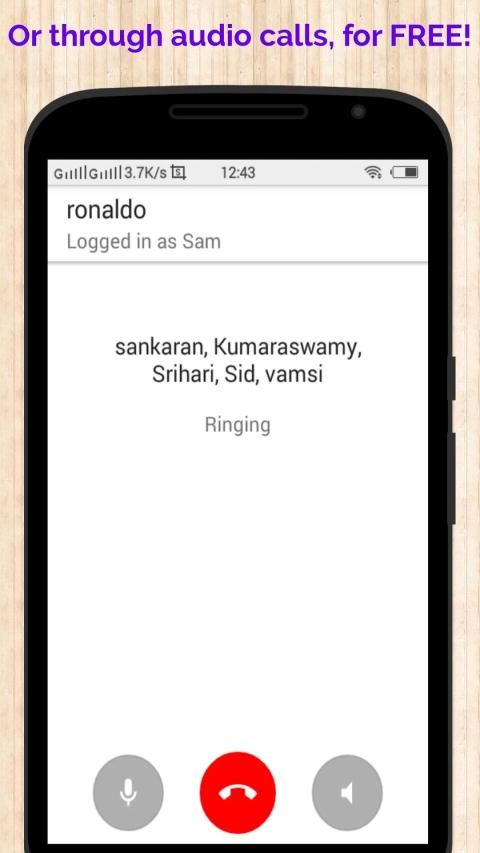
• FREE CALLS: Video/Audio conference your business partners together at once through group calls for free with HiDa!, even if they're in another country. HiDa! calls use your phone's Internet connection rather than your cellular plan.
• NO INTERNATIONAL CHARGES: There's no extra charge to video/audio conference through HiDa! internationally. Conference with your business partners around the world and avoid international call charges.
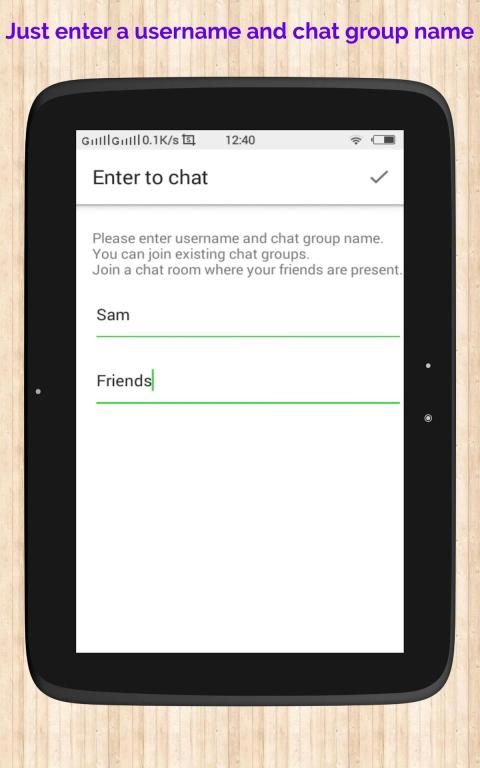
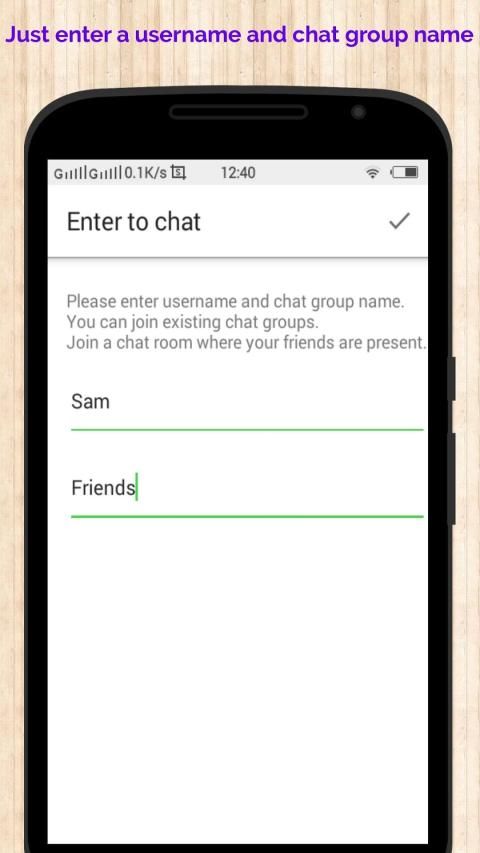
• SAY NO TO USERNAMES AND PINS: Why remember yet another username or PIN?In HiDa!, just enter your username and a chat group name to in which your business partners can also join!
• LOGGING IN AND OUT: With HiDa!, you can log in into a chat group where your business partners are present, attend the call and then logout and again log in into another chat group. So, no confusions about multiple chat groups at once.
• A GREAT FEATURE - THE SCREEN SHARE : HiDa! isn't meant to be some boring conferencing app. It's awesome Screen Share feature allows users to share the activities on their screen. So you can share a PPT live through this app or conduct virtual board meetings from anywhere or conduct virtual classrooms! So HiDa! is a multi-purpose conferencing app.
----------------------------------------------------------------------------------------------------------------------------------------
HOW TO USE THE APP:
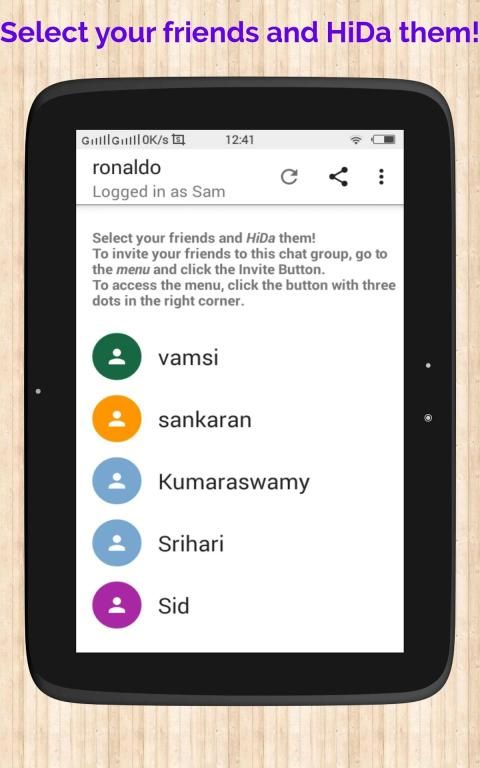
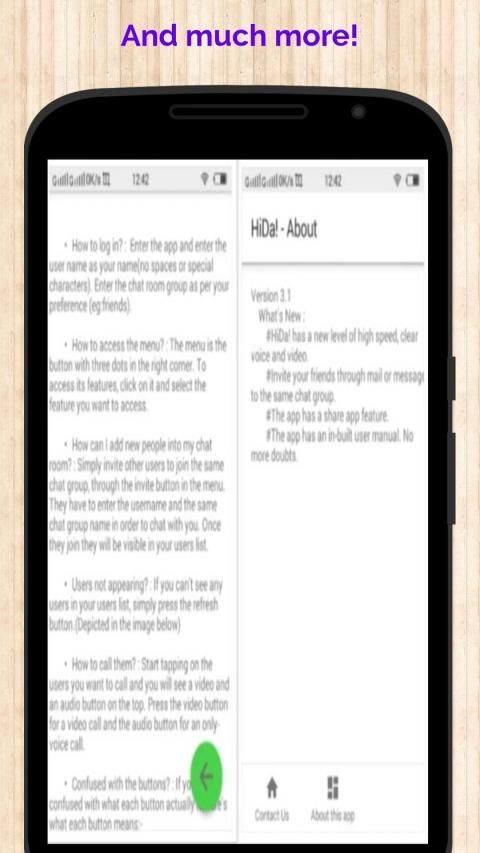
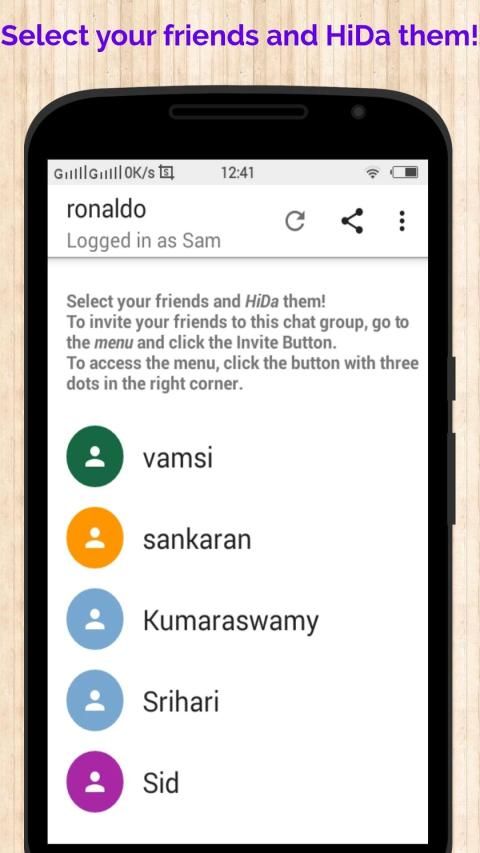
• HOW TO LOGIN? : Enter the app and enter the user name as your name(no spaces or special characters). Enter the chat group name as per your preference (eg:business).
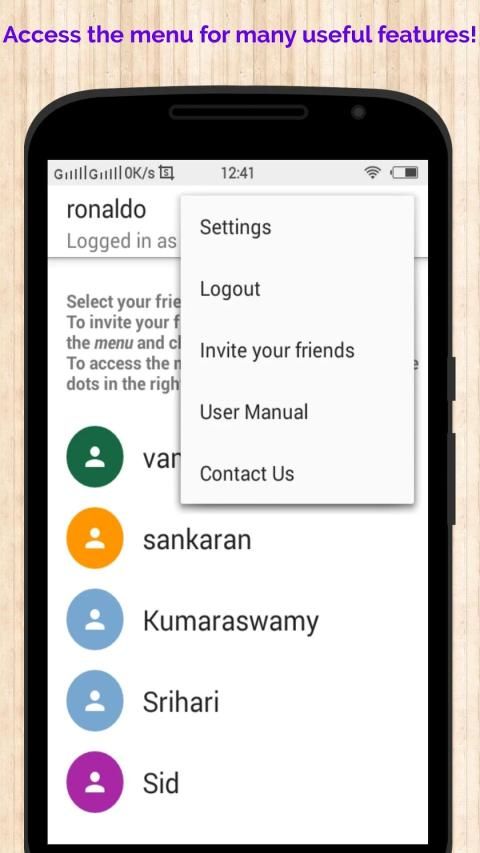
• HOW CAN I ADD NEW PEOPLE TO MY CHAT ROOM? : Click on the menu button(The button on the top right corner with three dots) to invite another person to the group. In the invite, replace the text 'Enter the Chat Group Name Here' with the chat group name
• USERS NOT APPEARING? : If you can't see any users in your users list, simply press the refresh button.
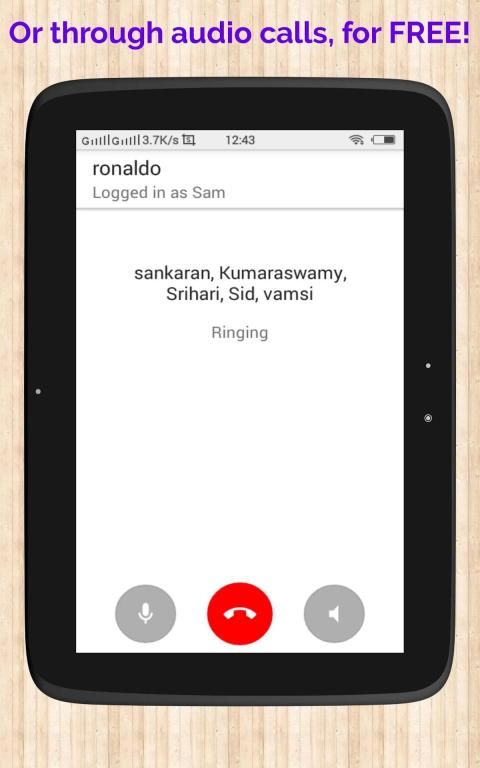
• HOW TO CALL THEM? : Start tapping on the users you want to call and you will see a video and an audio button on the top. Press the video button for a video call and the audio button for an only-voice call.
• CONFUSED WITH THE BUTTONS : If you are confused with what each button actually is, here's what each button means:-
1. End Button : Click the end button to just end your call.
2. Video off/on button : Click the button that has a video icon on it to turn off/on the video streaming(This is only visible in a video call).
3. Audio off/on button : The button that has a mic icon on it is used to mute your audio from the conversation(Just so you need to take a break!).
4. Camera flip button : The button on top, that has a person-in-a-phone like icon, is the button that helps you change your camera.
5. Screen share button : The button that has a phone with a forward icon in it is the screen share button. It helps you share what is happening on your screen to the other user(s).
• If you've read all these instructions and how-to(s) for this app, hopefully your doubts would have been cleared and then you're ready to go!
----------------------------------------------------------------------------------------------------------------------------------------
Also Check out HiDa! on WEB: http://bit.ly/2Hzm2oA
Hida! adalah video GRATIS dan aplikasi audio yang conferencing yang menawarkan lengkap keamanan AKHIR-TO-END dan enkripsi dalam panggilan Anda. Hida! bekerja di setiap tingkat koneksi internet dan menggunakan sangat kurang data Anda. Hida! menawarkan kecepatan dan kualitas dalam panggilan video dan audio.
Aplikasi ini menawarkan video / audio conference untuk upto 12 orang sekaligus gratis!
MENGAPA MENGGUNAKAN Hida !:
• NO BIAYA: Tidak ada biaya berlangganan untuk menggunakan Hida !. Hida! menggunakan jenis koneksi internet (4G / 3G / 2G / EDGE atau Wi-Fi) untuk membiarkan Anda video dan konferensi audio mitra bisnis Anda dan, sehingga Anda tidak harus membayar untuk setiap panggilan.
• PANGGILAN GRATIS: konferensi Video / Audio mitra bisnis Anda bersama-sama sekaligus melalui kelompok panggilan gratis dengan Hida !, bahkan jika mereka berada di negara lain. Hida! panggilan menggunakan koneksi internet ponsel Anda daripada rencana seluler Anda.
• NO BIAYA INTERNASIONAL: Tidak ada biaya tambahan untuk konferensi audio video / melalui Hida! internasional. Konferensi dengan mitra bisnis Anda di seluruh dunia dan menghindari biaya telepon internasional.
• KATAKAN TIDAK UNTUK USERNAMES DAN PIN: Mengapa ingat belum nama pengguna lain atau PIN di Hida !, cukup masukkan nama pengguna dan chatting nama grup untuk di mana mitra bisnis Anda juga bisa bergabung?!
• PEMBALAKAN DALAM DAN OUT: Dengan Hida !, Anda bisa login ke grup chat di mana mitra bisnis Anda yang hadir, menghadiri panggilan dan kemudian logout dan lagi masuk ke grup chat yang lain. Jadi, tidak ada kebingungan tentang beberapa kelompok chatting sekaligus.
• Sebuah FITUR BESAR - THE SCREEN SAHAM: Hida! tidak dimaksudkan untuk menjadi beberapa aplikasi membosankan conferencing. Itu mengagumkan fitur layar Share memungkinkan pengguna untuk berbagi aktivitas di layar mereka. Sehingga Anda dapat berbagi PPT langsung melalui aplikasi ini atau melakukan pertemuan papan virtual dari mana saja atau melakukan kelas virtual! Jadi Hida! adalah aplikasi multi-tujuan konferensi.
-------------------------------------------------- -------------------------------------------------- ------------------------------------
CARA PENGGUNAAN APP THE:
• CARA LOGIN? : Masukkan aplikasi dan masukkan nama pengguna sebagai nama Anda (tanpa spasi atau karakter khusus). Masukkan nama grup chat sesuai preferensi Anda (misalnya: bisnis).
• Bagaimana cara menambahkan ORANG BARU SAYA CHAT ROOM? : Klik pada tombol menu (Tombol di sudut kanan atas dengan tiga titik) untuk mengundang orang lain ke grup. Dalam undang, ganti teks 'Masukkan Nama grup chat Berikut dengan nama grup chat
• PENGGUNA TIDAK MUNCUL? : Jika Anda tidak dapat melihat pengguna dalam daftar pengguna Anda, cukup tekan tombol refresh.
• CARA MEMANGGIL MEREKA? : Mulai menekan pada pengguna yang ingin Anda panggil dan Anda akan melihat video dan tombol audio di atas. Tekan tombol video untuk video call dan tombol audio untuk panggilan hanya-suara.
• BINGUNG DENGAN TOMBOL: Jika Anda bingung dengan apa yang masing-masing tombol sebenarnya, inilah yang masing-masing tombol artinya: -
1. Akhir Button: Klik tombol end untuk hanya mengakhiri panggilan Anda.
2. Video off / pada tombol: Klik tombol yang memiliki ikon video di atasnya untuk mematikan / pada video streaming (ini hanya terlihat di video call).
3. Audio off / pada tombol: (! Hanya sehingga Anda perlu mengambil istirahat) Tombol yang memiliki ikon mic di atasnya digunakan untuk menonaktifkan audio Anda dari percakapan.
4. Kamera tombol Flip: Tombol di atas, yang memiliki orang-in-a-ponsel seperti icon, adalah tombol yang membantu Anda mengubah kamera Anda.
5. Layar tombol share: Tombol yang memiliki ponsel dengan ikon maju di dalamnya adalah tombol share layar. Ini membantu Anda berbagi apa yang terjadi di layar Anda ke pengguna lain (s).
• Jika Anda telah membaca semua instruksi ini dan bagaimana-untuk (s) untuk aplikasi ini, mudah-mudahan keraguan Anda akan telah dibersihkan dan kemudian Anda siap untuk pergi!
-------------------------------------------------- -------------------------------------------------- ------------------------------------
Juga Periksa Hida! di WEB: http://bit.ly/2Hzm2oA
#HiDa! has a new level of high speed, clear voice and video.
#The Invite Feature has now become even simpler.
Just click 'Invite' in the menu and send the invite to others.
#The app has a share app feature.
#Both Video and Audio Conferences now have a ringer tone.
#The Screen Share Feature has been optimised.


9Apps 4.9