

I would like to recommend you an application with large number of downloaders. 20,000+ users downloaded GOLDEN PLAYER latest version on 9Apps for free every week! The world's most powerful app is here waiting for you. This hot app was released on 2019-12-29. You can find more interesting apps at 9Apps!
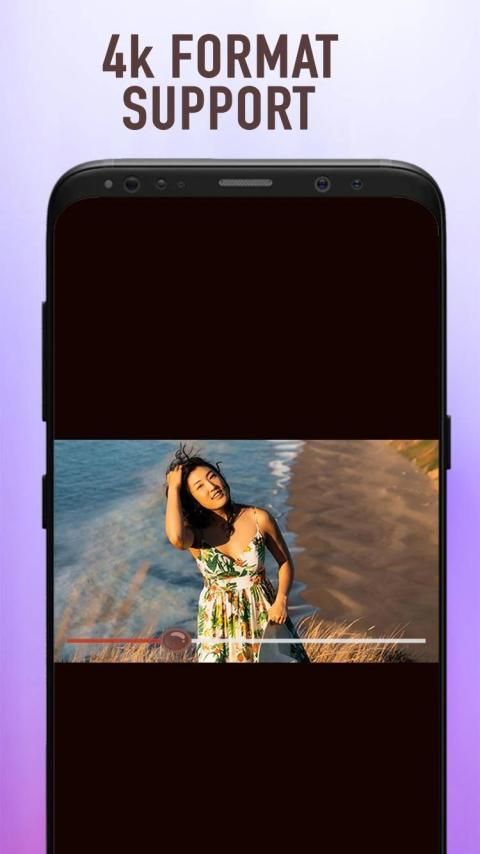
Golden Video Player for any for format video playing with many features.
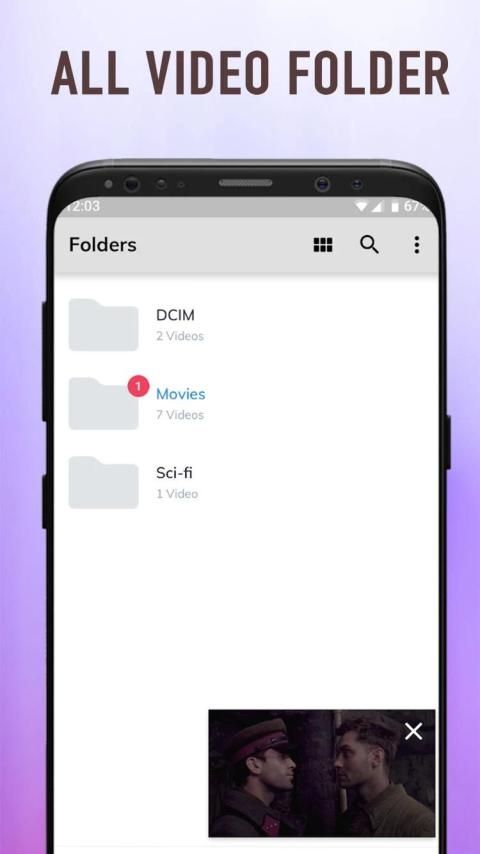
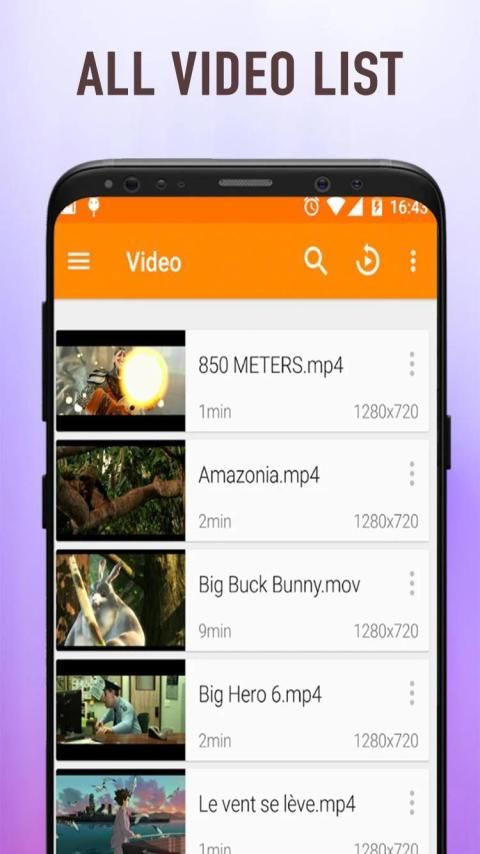
*List all video folders with directory path.
*List all supported video format files.
*Play full- float video mode on scrolling.
*Singleton video playing in new views full views.
*Allow screen stretch mode.
*Handle brightness, volume up/down.
*back and forward video by swiping left and right.
* Gestures for volume control
* Gestures for brightness control
* Gestures for forward or backward
* Fullscreen by manual or sensor
* Try to replay when error(only for live video)
* Set video scale type (double click video will switch the scale types in app,you can find the difference)
* FitParent:scale the video uniformly (maintain the video's aspect ratio) so that both dimensions (width and height) of the video will be equal to or less than the corresponding dimension of the view. like ImageView's CENTER_INSIDE.
* FillParent:scale the video uniformly (maintain the video's aspect ratio) so that both dimensions (width and height) of the video will be equal to or larger than the corresponding dimension of the view .like ImageView's CENTER_CROP.
* WrapContent:center the video in the view,if the video is less than view perform no scaling,if video is larger than view then scale the video uniformly so that both dimensions (width and height) of the video will be equal to or less than the corresponding dimension of the view.
* FitXY:scale in X and Y independently, so that video matches view exactly.
* 16:9:scale x and y with aspect ratio 16:9 until both dimensions (width and height) of the video will be equal to or less than the corresponding dimension of the view.
* 4:3:scale x and y with aspect ratio 4:3 until both dimensions (width and height) of the video will be equal to or less than the corresponding dimension of the view.
Golden Video Player untuk apa saja untuk bermain video format dengan banyak fitur.
* Daftar semua folder video dengan jalur direktori.
* Daftar semua file format video yang didukung.
* Mainkan mode video full-float saat menggulir.
* Video singleton diputar dalam tampilan baru dilihat penuh.
* Izinkan mode peregangan layar.
* Menangani kecerahan, volume naik / turun.
* maju dan mundur video dengan menggesekkan kiri dan kanan.
* Gerakan untuk kontrol volume
* Gerakan untuk kontrol kecerahan
* Gerakan untuk maju atau mundur
* Layar penuh dengan manual atau sensor
* Cobalah untuk memutar ulang ketika kesalahan (hanya untuk video langsung)
* Setel jenis skala video (video klik dua kali akan mengganti jenis skala dalam aplikasi, Anda dapat menemukan perbedaannya)
* FitParent: skala video secara seragam (pertahankan rasio aspek video) sehingga kedua dimensi (lebar dan tinggi) video akan sama dengan atau kurang dari dimensi tampilan yang sesuai. seperti ImageView's CENTER_INSIDE.
* FillParent: skala video secara seragam (pertahankan rasio aspek video) sehingga kedua dimensi (lebar dan tinggi) video akan sama dengan atau lebih besar dari dimensi tampilan yang sesuai. Seperti CENTER_CROP ImageView.
* WrapContent: pusatkan video dalam tampilan, jika video kurang dari tampilan tidak melakukan penskalaan, jika video lebih besar dari tampilan maka skala video secara seragam sehingga kedua dimensi (lebar dan tinggi) dari video akan sama dengan atau kurang dari dimensi tampilan yang sesuai.
* FitXY: skala dalam X dan Y secara independen, sehingga video cocok dengan tampilan yang tepat.
* 16: 9: skala x dan y dengan rasio aspek 16: 9 hingga kedua dimensi (lebar dan tinggi) video akan sama dengan atau kurang dari dimensi tampilan yang sesuai.
* 4: 3: skala x dan y dengan rasio aspek 4: 3 hingga kedua dimensi (lebar dan tinggi) video akan sama dengan atau kurang dari dimensi tampilan yang sesuai.
bugs fixed
features added






9Apps 4.9










