
9Apps provide lots of India android apps. 20,000+ users downloaded GeoTrack latest version on 9Apps for free every week! You can find this multifunction app on 9Apps easily. This hot app was released on 2020-01-02. Enjoy playing with new, amazing features!
Fan of travel and trekking, I designed this application to allow me to geotag all my photos. I record my trips with this application and then I export them in my other windows application PicaGeoTag (https://www.picageotag.com) to mark my photos with the GPS coordinates of the location of the shooting.
The operation is extremely simple thanks to the automatic calibration function between GeoTrack and PicaGeoTag.
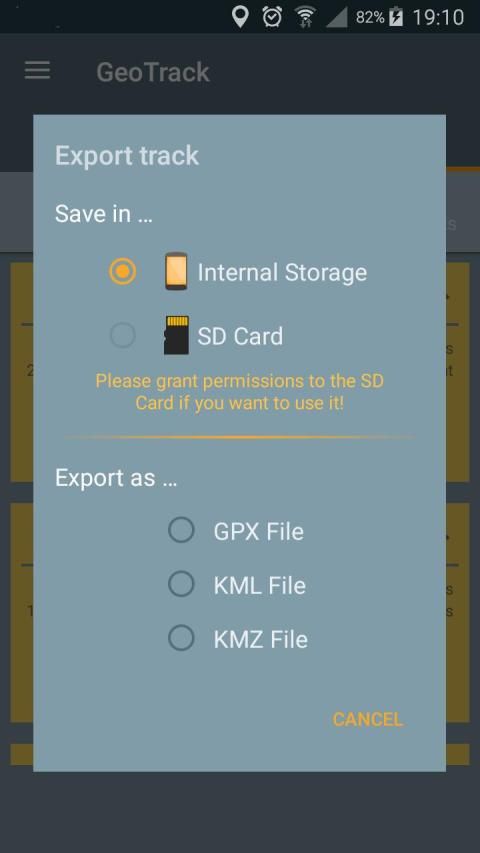
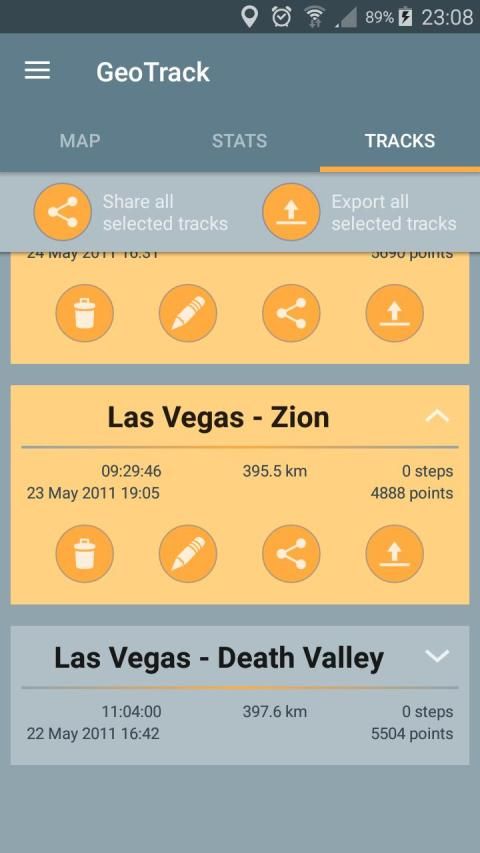
Exports are in standard formats GPX, KML and KMZ. So you can use any software capable of processing these formats such as Google Earth.
GeoTrack is also interesting for trekking as it is the only one of its kind that records the number of footsteps at the same time. You can also record points of interest along the courses.
The application has been designed to be very battery-efficient so you can record even very long runs. Recording is done even when the screen is off or the application is closed.
If you use the application as a navigation tool, you can use it as a GPS (map centered and oriented on the heading of the device) keeping the screen on.
The main features are:
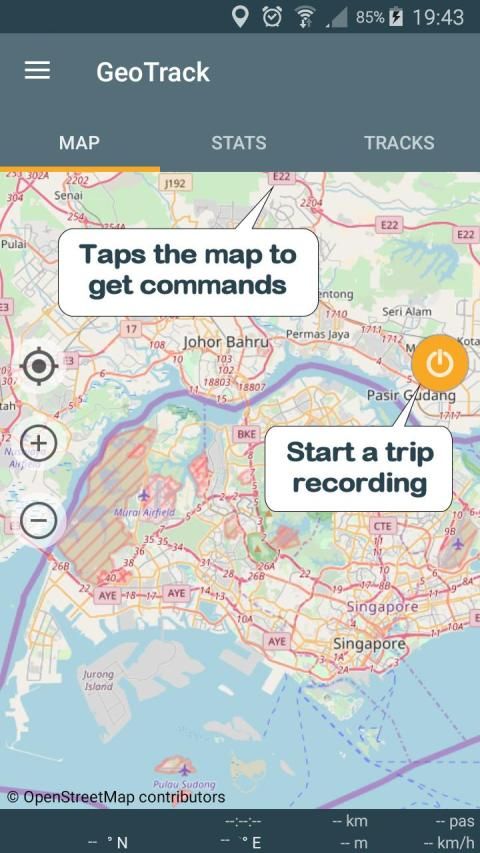
. GPS recording of trips and of number of foot steps.
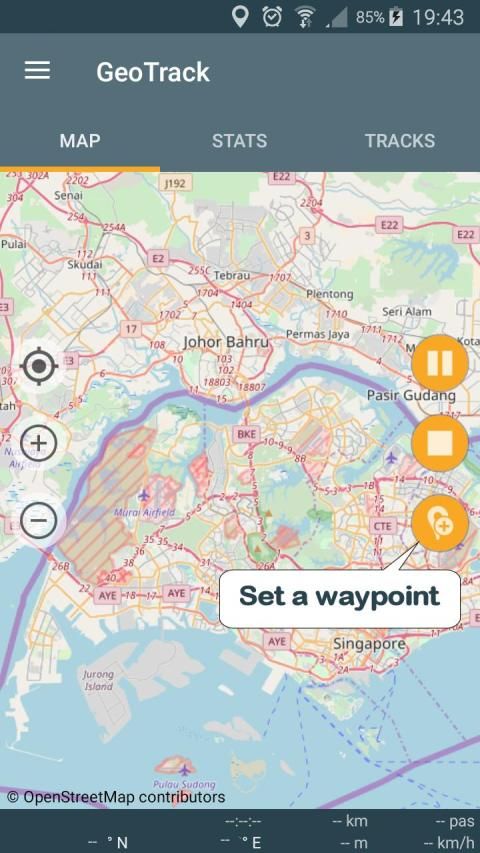
. Recording of points of interest (waypoints).
. Recording while screen is off or application is closed (Saves battery)
. Choice between several maps: Google or Open Street Map Classical, Hiking Biking or Topographic.
. Real time location on map.
. Ability to keeps the map centered during displacements.
. GPS mode to orient the map following the heading of the device.
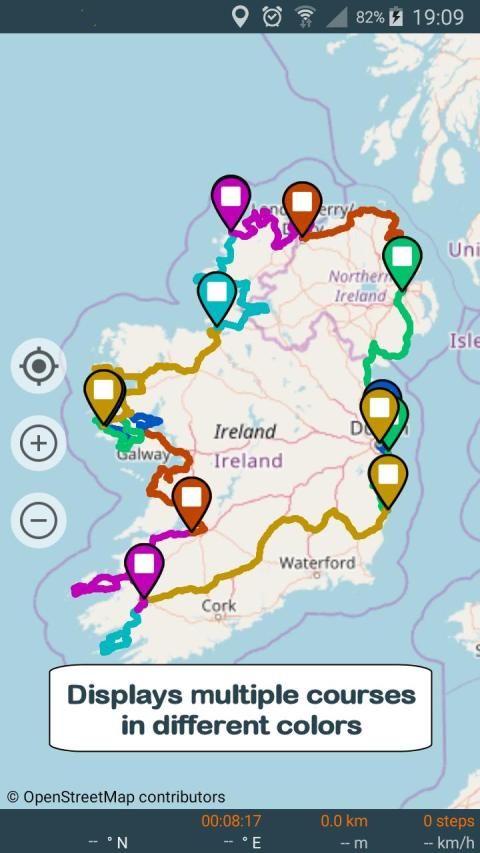
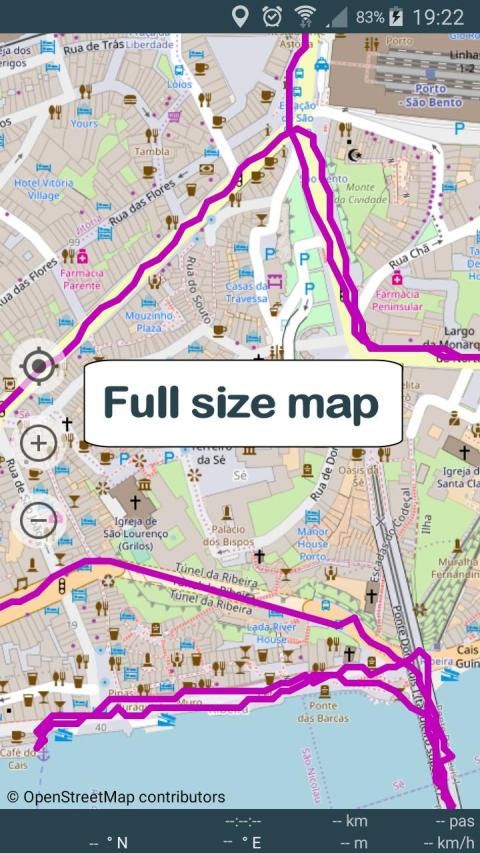
. Displaying selected trips on a map (one or more trips)
. Export / Share as GPX, KML or KMZ files (one or more trips per file).
. Import of GPX, KML or KMZ files.
. Calibration screen to adjust the time difference between the GPS track recorder and your camera.
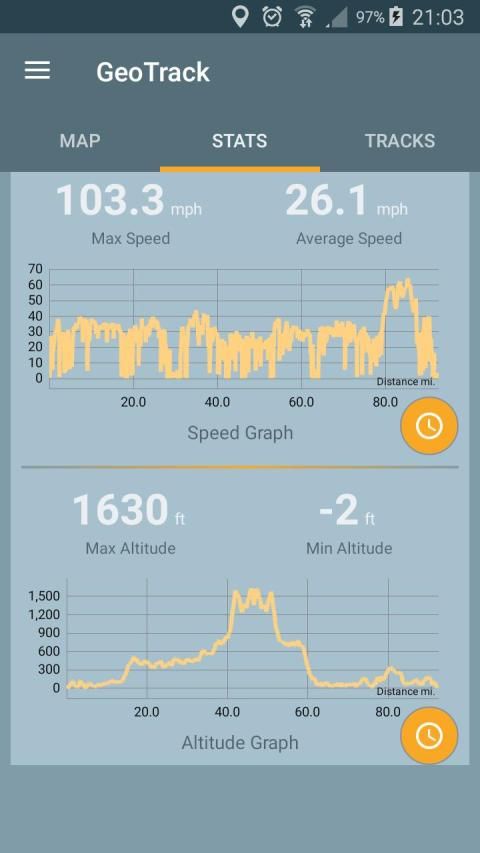
. Statistics with graphs.
. Export / Sharing of charts
. Choice of measurement units (metric, english or marine units)
. Magnification up to 3 times of maps.
. Simplified offline mode (keeps the already loaded map elements indefinitely).
Remarks:
. Recording of the number of foot steps requires at least Android KITKAT and a compatible device.
. GPS mode requires a device with compass.
When importing files, prefer as much as possible GPX-type files that are faster to process.
Privacy:
This application respects your privacy. It uses the minimum possible permissions:
. 'Precise Position' to record GPS positions.
. 'Write / Read storage' (internal or SD card) to export the trips.
. 'Run at start-up' to resume a stopped recording after restarting the device.
Fan perjalanan dan trekking, saya merancang aplikasi ini untuk memungkinkan saya untuk geotag semua foto saya. Aku merekam perjalanan saya dengan aplikasi ini dan kemudian saya ekspor mereka di jendela lain aplikasi saya PicaGeoTag (https://www.picageotag.com) untuk menandai foto-foto saya dengan koordinat GPS dari lokasi penembakan.
Operasi ini sangat berkat sederhana untuk fungsi kalibrasi otomatis antara GeoTrack dan PicaGeoTag.
Ekspor dalam format standar GPX, KML dan KMZ. Sehingga Anda dapat menggunakan perangkat lunak apapun mampu memproses format seperti Google Earth.
GeoTrack juga menarik untuk trekking karena merupakan satu-satunya dari jenisnya yang mencatat jumlah jejak pada waktu yang sama. Anda juga dapat merekam tempat menarik sepanjang kursus.
Aplikasi ini telah dirancang untuk menjadi sangat baterai-efisien sehingga Anda dapat merekam bahkan berjalan sangat lama. Rekaman dilakukan bahkan ketika layar mati atau aplikasi ditutup.
Jika Anda menggunakan aplikasi ini sebagai alat navigasi, Anda dapat menggunakannya sebagai GPS (peta berpusat dan berorientasi pada judul perangkat) menjaga layar pada.
Fitur utama adalah:
. rekaman GPS dari perjalanan dan dari jumlah langkah kaki.
. Rekaman tempat menarik (waypoint).
. Merekam sementara layar dimatikan atau aplikasi ditutup (Menghemat baterai)
. Pilihan antara beberapa peta: Google atau Open Street Map klasik, Hiking Bersepeda atau Topografi.
. Real time lokasi pada peta.
. Kemampuan untuk membuat peta berpusat selama perpindahan.
. modus GPS untuk mengarahkan peta berikut judul perangkat.
. Menampilkan perjalanan yang dipilih pada peta (satu atau lebih perjalanan)
. Ekspor / Share sebagai GPX, KML atau file KMZ (satu atau lebih perjalanan per file).
. Impor GPX, KML atau KMZ file.
. layar kalibrasi untuk menyesuaikan perbedaan waktu antara perekam GPS track dan kamera Anda.
. Statistik dengan grafik.
. Ekspor / Berbagi grafik
. Pilihan unit pengukuran (metrik, Inggris atau marine unit)
. Pembesaran hingga 3 kali dari peta.
. mode offline Sederhana (membuat elemen peta sudah dimuat tanpa batas).
Keterangan:
. Rekaman jumlah langkah kaki memerlukan setidaknya KitKat Android dan perangkat yang kompatibel.
. modus GPS memerlukan perangkat dengan kompas.
Ketika mengimpor file, lebih memilih sebanyak mungkin file GPX-jenis yang lebih cepat untuk proses.
Privasi:
Aplikasi ini menghormati privasi Anda. Ia menggunakan mungkin hak akses minimum:
. 'Posisi Precise' ke posisi GPS record.
. 'Write / Baca storage' (internal atau SD card) untuk mengekspor perjalanan.
. 'Jalankan pada start-up' untuk melanjutkan rekaman berhenti setelah restart perangkat.
Fixed bug that sometimes prevent the location marker to show.




9Apps 4.9











