

Discover apps for Android here, 30,000+ users downloaded GZDSP 4-8X Control latest version on 9Apps for free every week! In addition, the latest version of the app has updated a lot of features. This hot app was released on 2019-12-24. You can free download it from 9Apps.
This app enables you to control and to adjust the setup of the GROUND ZERO GZDSP 4-8X signal processor when connected to the GROUND ZERO GZDSP BT-STICK streaming device.
A detailed user manual can be downloaded from the GROUND ZERO web page:
https://ground-zero-audio.com/
Requirements for using the app:
Installed and powered signal processor unit GROUND ZERO GZDSP 4-8X with connected GROUND ZERO GZDSP BT-STICK streaming interface. Established wireless connection between your ANDROID mobile device and the GZDSP BT-STICK (check the devices´s owner´s manual for further information about creating a wireless connection).
After adding the app to your ANDROID device and having connected the GZDSP BT-STICK in wireless mode, you´ll be able to control the main features of the GZDSP 4-8X:
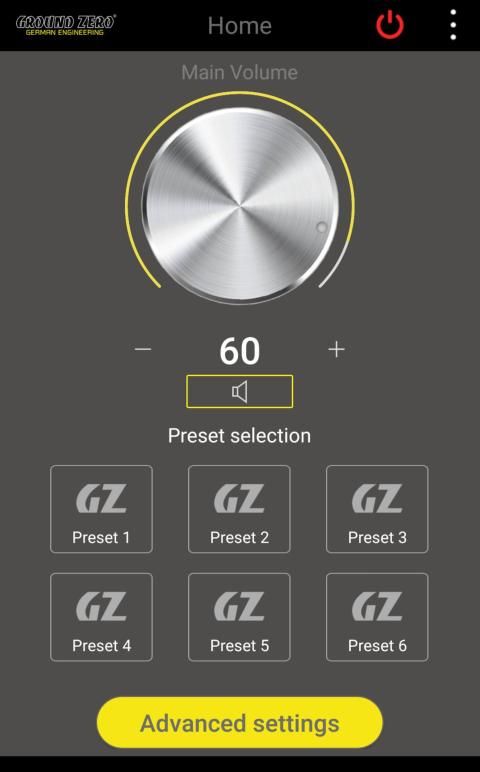
- Adjust the main volume
- Mute/unmute the main volume
- Select a preset (out of the 6 presets from the device´s memory)
Furthermore, you will have access to the advanced settings of the GZDSP 4-8X signal processor:
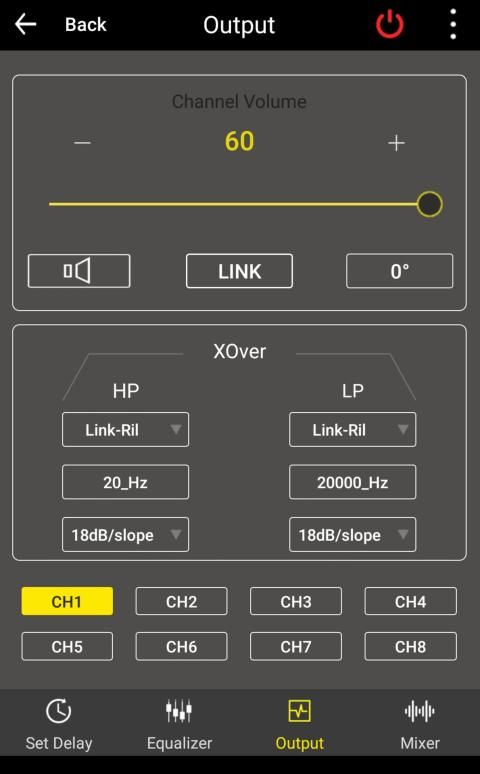
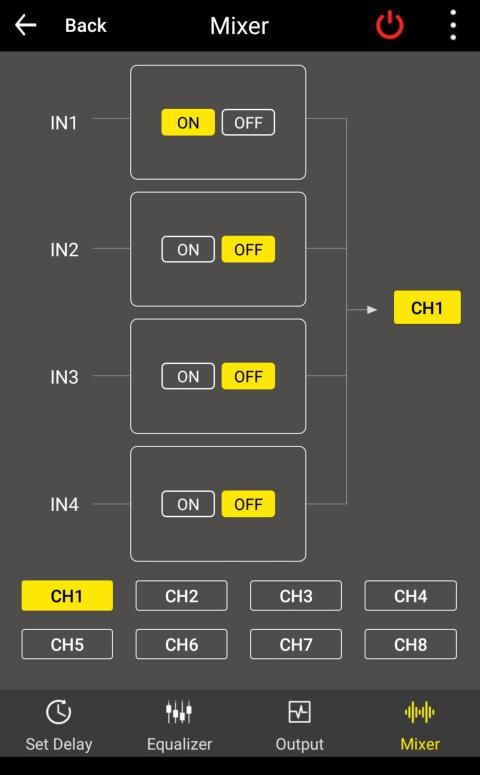
- Input/output selection and mixer
- Highpass and lowpass crossover setting
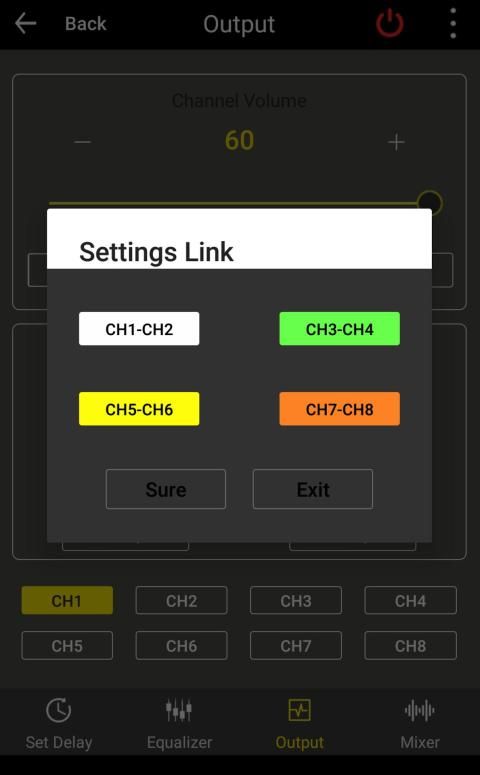
- Channel link configuration
- Channel phase control
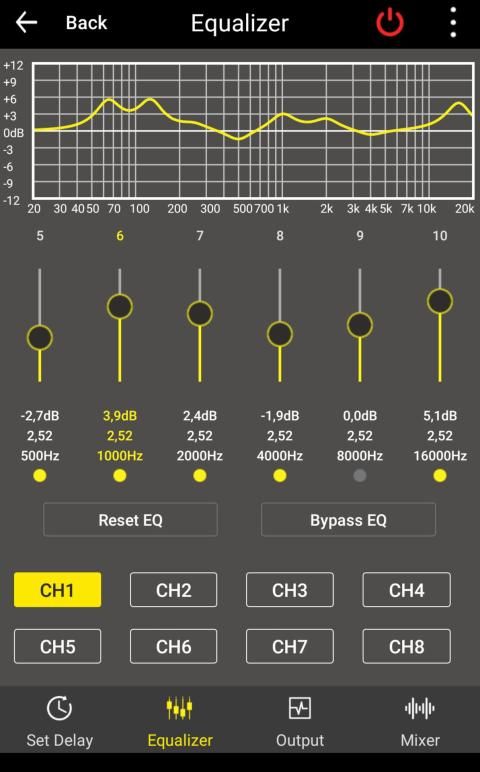
- 10-band parametric equalizer adjustment
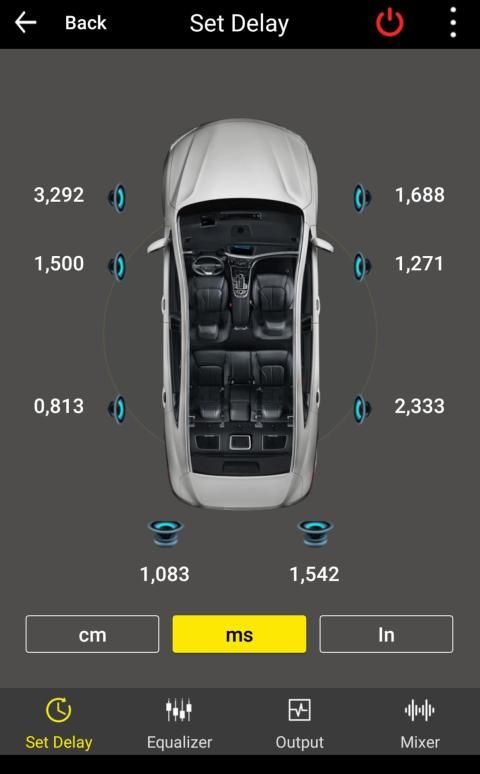
- Time alignment setup in ms/cm/inches
- Reset function
- Save and load presets to/from the device´s memory
Aplikasi ini memungkinkan Anda untuk mengontrol dan menyesuaikan pengaturan prosesor sinyal GROUND ZERO GZDSP 4-8X ketika terhubung ke perangkat streaming BTUND ZERO GZDSP BT-STICK.
Manual pengguna yang detail dapat diunduh dari halaman web GROUND ZERO:
https://ground-zero-audio.com/
Persyaratan untuk menggunakan aplikasi:
Unit prosesor sinyal yang terpasang dan bertenaga GROUND ZERO GZDSP 4-8X dengan antarmuka streaming GZDSP BT-STICK yang terhubung GROUND ZERO. Mendirikan koneksi nirkabel antara perangkat seluler ANDROID Anda dan GZDSP BT-STICK (lihat panduan pemilik perangkat untuk informasi lebih lanjut tentang membuat koneksi nirkabel).
Setelah menambahkan aplikasi ke perangkat ANDROID Anda dan setelah menghubungkan GZDSP BT-STICK dalam mode nirkabel, Anda akan dapat mengontrol fitur utama GZDSP 4-8X:
- Sesuaikan volume utama
- Membisukan / menyuarakan volume utama
- Pilih preset (dari 6 preset dari memori perangkat)
Selanjutnya, Anda akan memiliki akses ke pengaturan lanjutan prosesor sinyal 4-8X GZDSP:
- Pilihan input / output dan mixer
- Pengaturan highpass dan lowpass crossover
- Konfigurasi tautan saluran
- Kontrol fase saluran
- 10-band penyesuaian equalizer parametrik
- Pengaturan penataan waktu dalam ms / cm / inci
- Atur ulang fungsi
- Menyimpan dan memuat prasetel ke / dari memori perangkat
GZDSP 4-8X Control V1.15 includes some new features and bug fixes.
The factory set password for "Advanced Settings" is 666666. You may change the password any time.

9Apps 4.9










