
★
Fury Watch Face is fully Wear OS 2.0 supported
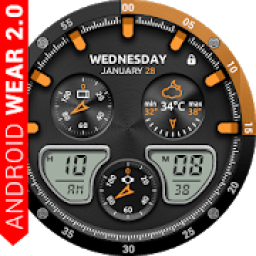
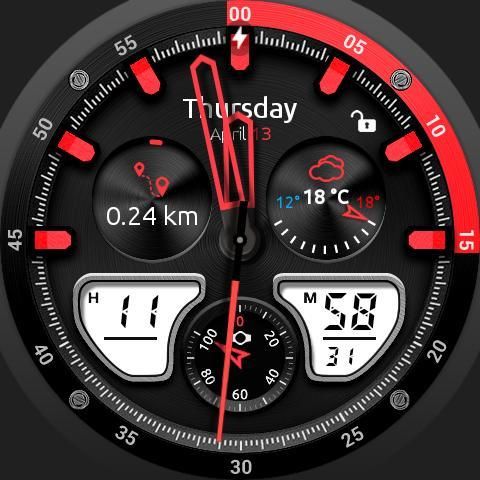
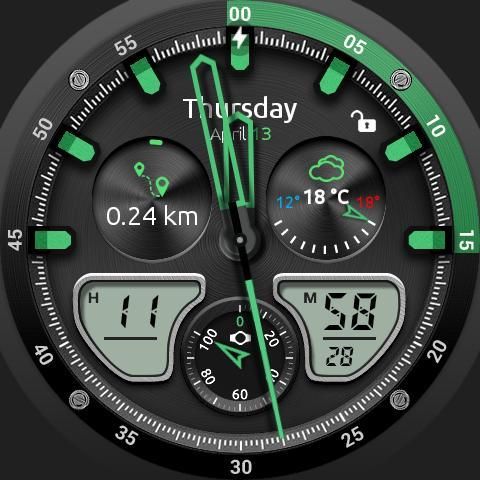
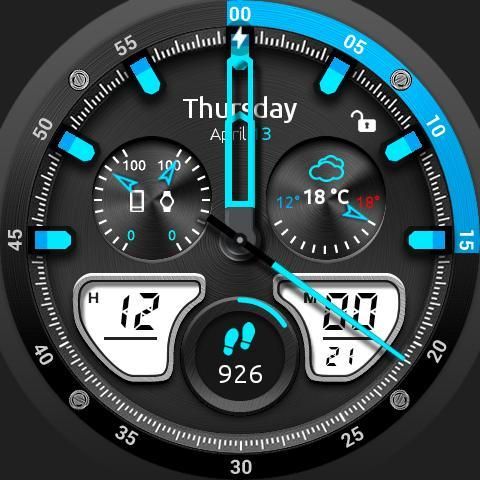
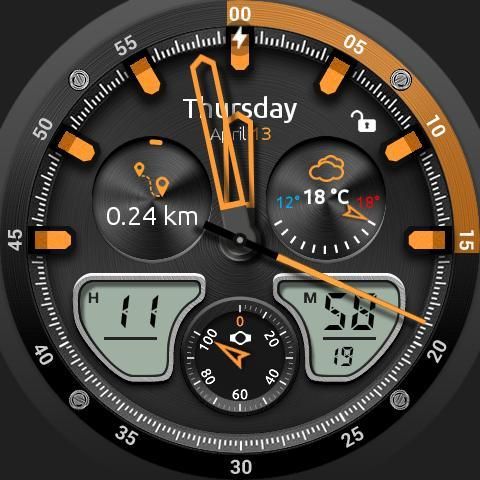
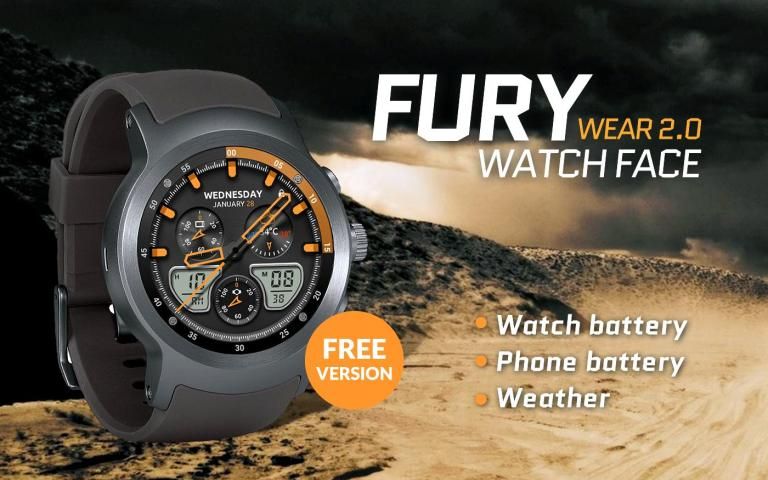
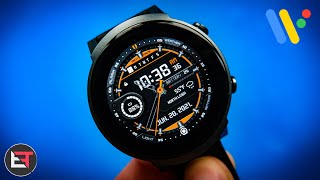
NEW! Completely new redesigned Fury watch face!. Fury watch face for Android Wear is a mix of elegant and digital interactive functions.
Watch face contains a huge number and user friendly settings on the watch and the phone companion app.
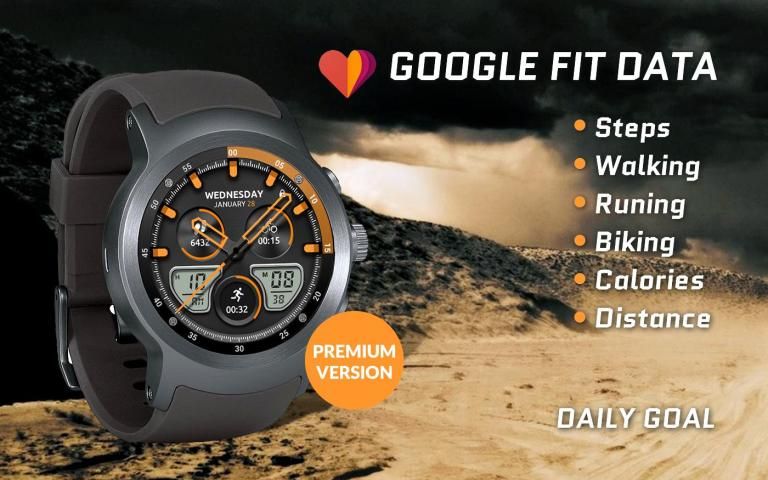
The watch face contains 3 tap targets on the screen and you can customize them to be more informative which includes various number of data such as
battery level status, FIT data, weather information, etc.
.
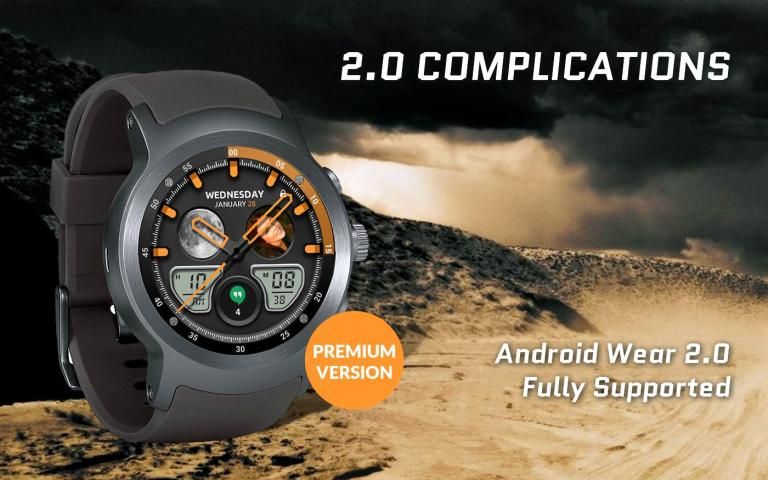
The
Android Wear 2.0
comes with external complication which this watch face supports completely.
★
How to select shortcuts in the position (complication)
★
- Long tap on the watch face
- System shows icon "gear" for the watch face settings. Tap on it
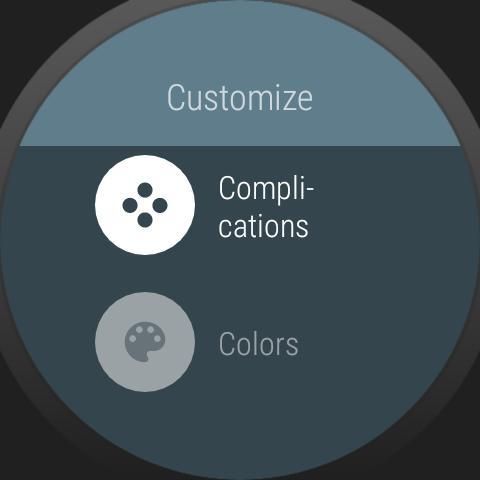
- Select "Customize" option
- Select "Complications" option
- Select desired position
- Select "External Complication"
- Find "General" from list and select it
- Select "App shortcut" and choose desired app
You are ready to go.
★
New version replaces shortcuts with external complications
★
New version replaces old built-in shortcuts with external complications (in
watch settings
) which gives to the user more options to show on the watch face (f.e. shortcuts for all installed apps on the watch, system data like as day\nights sunlights, time zones, weather, and much more)
★
ANDROID WEAR 2.0 integration
• Fully standalone! (iPhone and Android compatible)
• External complication data for the indicators
★ Compatible with all Android Wear watches
• External complications
• Background types
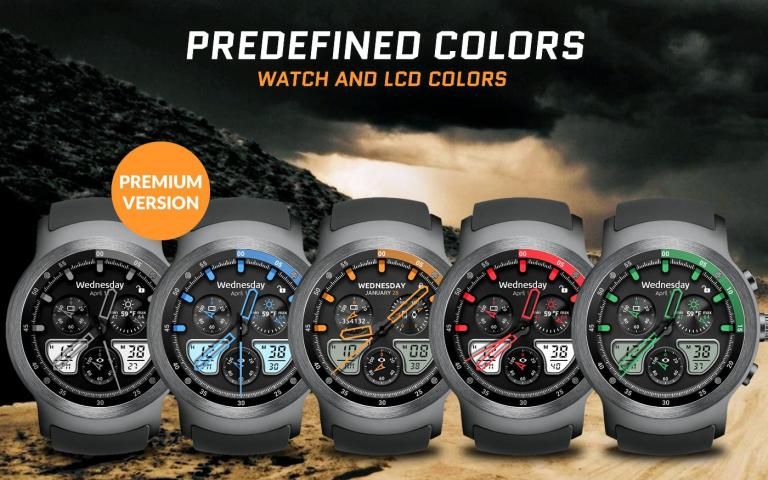
• Change color
• 24 hour format
• Leading zero
• Screen time
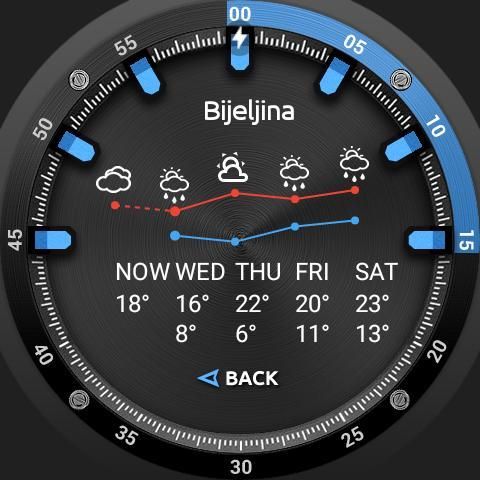
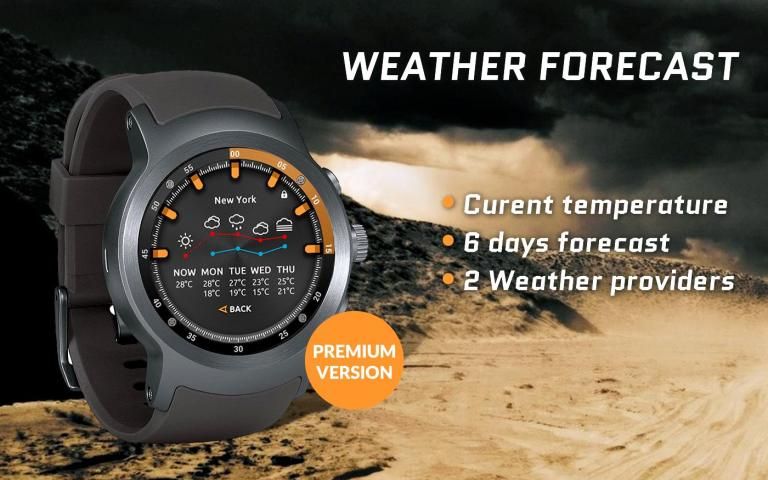
• Forecast
• Full ambient mode option
• Change a color preset on tap
• Tap indicator
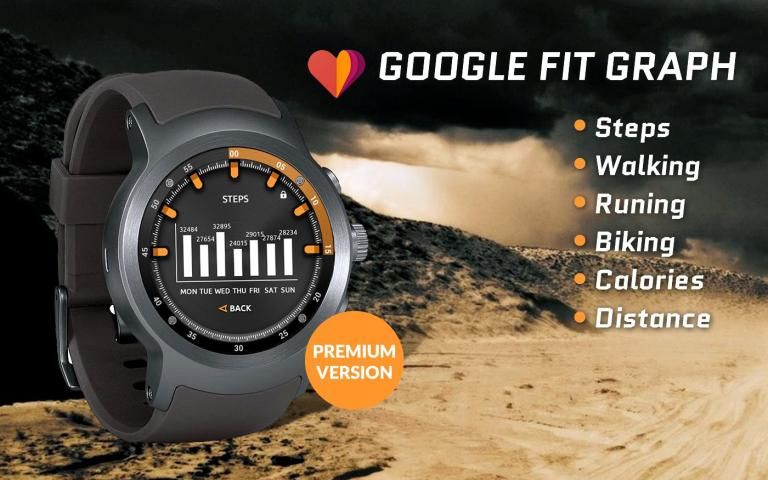
• Google FIT integration
• Weather settings (location, providers, frequency update, units)
★ NEW ★
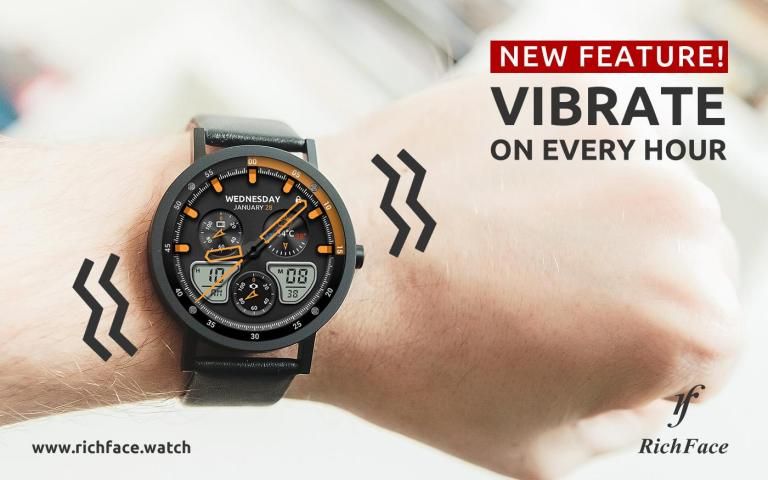
• Vibrate on every hour
★
Built-in complications:
• Weather
• Watch battery
• Phone battery
• Watch and phone battery
• Steps
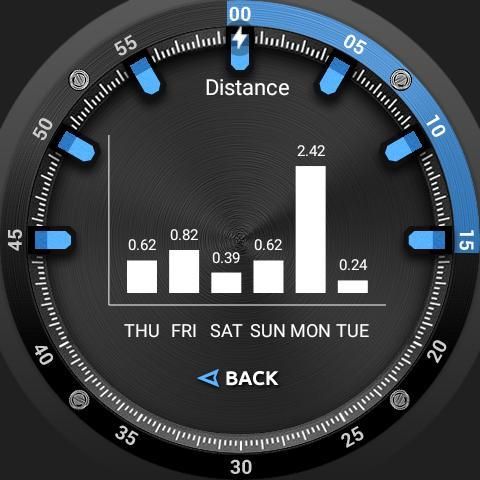
• Distance
• Walking
• Running
• Biking
• Calories
• Fit statistics
• HeartRate detector
• Steps counter from wear device (built-in steps)
★
FAQ
!! Please contact us if you have any trouble with the app !!
richface.watch@gmail.com
How do I install the watch face on Android Wear 2.0?
1. Install it from Google Play Wear Store on your watch.
2. Install the companion app for fully customization (Android phone devices).
Why I can not see steps or activity data in a built-in complication?
To see steps and other fit data, you need to connect the app with Google Fit.
There are two options:
1. Connect to Google Fit via settings located on your smartwatch
2. Connect to Google Fit via settings located on the phone companion app (only for Android phone devices)
The watch face CANNOT be installed on smartwatches with TizenOS (Samsung Gear 2, 3, ..) or any other OS except WearOS
★ PERMISSIONS Explained
http://www.richface.watch/privacy.php
★
Fury Watch Face didukung sepenuhnya oleh OS 2.0
BARU! Wajah arloji Fury yang sepenuhnya baru didesain ulang !. Wajah jam tangan Fury untuk Android Wear adalah perpaduan fungsi interaktif yang elegan dan digital.
Wajah arloji berisi sejumlah besar dan pengaturan ramah pengguna pada arloji dan aplikasi pendamping ponsel.
Wajah arloji berisi 3 target ketukan pada layar dan Anda dapat menyesuaikannya agar lebih informatif yang mencakup berbagai jumlah data seperti
status tingkat baterai, data FIT, informasi cuaca, dll.
.
Android Wear 2.0
dilengkapi dengan komplikasi eksternal yang didukung sepenuhnya oleh arloji ini.
★
Cara memilih cara pintas di posisi (komplikasi)
★
- Ketuk panjang pada wajah arloji
- Sistem menampilkan ikon "roda gigi" untuk pengaturan tampilan jam. Ketuk itu
- Pilih opsi "Kustomisasi"
- Pilih opsi "Komplikasi"
- Pilih posisi yang diinginkan
- Pilih "Komplikasi Eksternal"
- Cari "Umum" dari daftar dan pilih
- Pilih "Pintasan aplikasi" dan pilih aplikasi yang diinginkan
Kamu siap untuk pergi.
★
Versi baru menggantikan pintasan dengan komplikasi eksternal
★
Versi baru menggantikan pintasan bawaan lama dengan komplikasi eksternal (di
pengaturan tontonan
) yang memberi pengguna lebih banyak opsi untuk ditampilkan di permukaan arloji (pintas fe untuk semua aplikasi yang terpasang di arloji, data sistem seperti seperti sinar matahari siang hari, zona waktu, cuaca, dan banyak lagi lainnya)
★
ANDROID WEAR 2.0 integrasi
• Sepenuhnya mandiri! (iPhone dan Android kompatibel)
• Data komplikasi eksternal untuk indikator
★ Kompatibel dengan semua jam tangan Android Wear
• Komplikasi eksternal
• Jenis latar belakang
• Ganti warna
• format 24 jam
• Memimpin nol
• Waktu layar
• Ramalan cuaca
• Opsi mode ambient penuh
• Ubah prasetel warna pada ketuk
• Ketuk indikator
• Integrasi Google FIT
• Pengaturan cuaca (lokasi, penyedia, pembaruan frekuensi, unit)
★ BARU ★
• Bergetar setiap jam
★
Komplikasi bawaan:
• Cuaca
• Perhatikan baterai
• Baterai telepon
• Tonton dan baterai ponsel
• Langkah-langkah
• Jarak
• Berjalan
• Berlari
• Bersepeda
• Kalori
• Fit statistik
• Detektor HeartRate
• Penghitung langkah dari perangkat yang aus (langkah bawaan)
★
FAQ
!! Silakan hubungi kami jika Anda memiliki masalah dengan aplikasi !!
richface.watch@gmail.com
Bagaimana cara saya memasang muka arloji di Android Wear 2.0?
1. Instal dari Google Play Wear Store di jam tangan Anda.
2. Instal aplikasi pendamping untuk penyesuaian penuh (perangkat ponsel Android).
Mengapa saya tidak bisa melihat langkah-langkah atau data aktivitas dalam komplikasi bawaan?
Untuk melihat langkah-langkah dan data fit lainnya, Anda harus menghubungkan aplikasi dengan Google Fit.
Ada dua opsi:
1. Hubungkan ke Google Fit via pengaturan yang ada di jam tangan pintar Anda
2. Sambungkan ke Google Fit via pengaturan yang ada di aplikasi pendamping ponsel (hanya untuk perangkat ponsel Android)
Wajah arloji TIDAK DAPAT diinstal pada jam tangan pintar dengan TizenOS (Samsung Gear 2, 3, ..) atau OS lainnya kecuali WearOS
★ Perizinan Dijelaskan
http://www.richface.watch/privacy.php
Fixed crash on Google Fit connection





9Apps 4.9










