Following is the introduction of a wonderful App. 20,000+ users downloaded USB OTG File Manager latest version on 9Apps for free every week! When you click, the app will start downloading and wait till it completes installation you can start play. This hot app was released on 2018-10-01. More similar hot applications can be found here too.
File Manager for USB OTG : OTG Disk Explorer
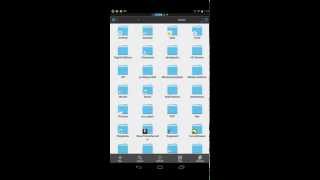
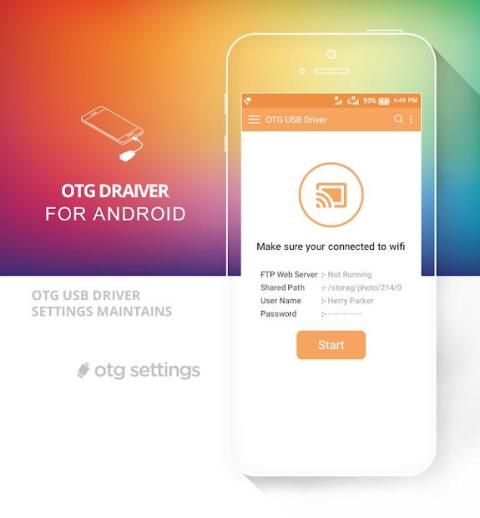
No need to root your Phone! Use your external USB flash storage devices on your phone by installing OTG Disk Explorer. You can also use this application as a nice file browser.
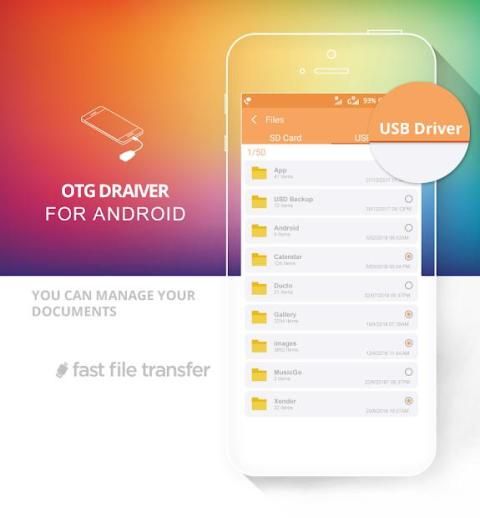
With a FAT32 filesystem, you can copy files to any USB mass storage device and manage your files on it (edit filenames, add directories, delete files) too.
You can also manage your files in the internal memory of your device.
USB OTG File Manager for Nexus allows you to open your files directly from your USB device! You just need to have an app that can handle it. For audio and video, I advise you to use VLC.The new Network Access authorization is only here for local use to be able to open the files. The app NEVER send or receive data to/from Internet.
Major Features File Manager for USB OTG : OTG Disk Explorer:
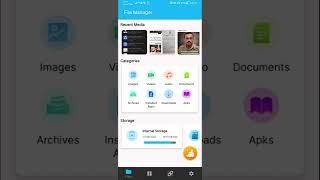
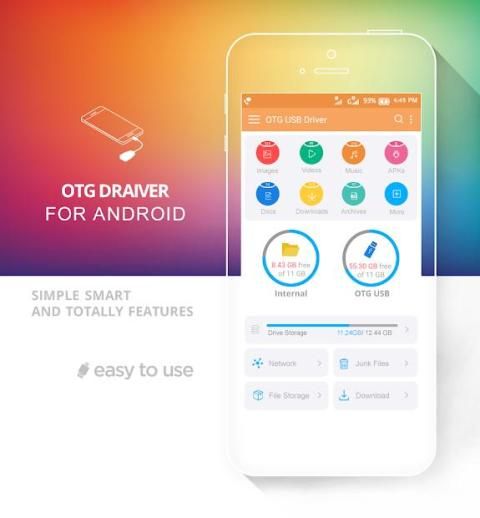
- Main Storage / SD card / USB OTG : You can manage all files and folders on both your internal storage and external storage.
- Downloads , Images , Audio , Videos , Documents , New files : Your files and folders are automatically sorted by their file types and characteristics so that you can easily find exactly the file you are looking for.
- you will manage all of your applications
- you will analize your storage (Ram cleaner and ra booster, manage your media and document)
- cut, paste, copy all function work
- Antivirus and battery saver
- This application is a complete package of File Manager with major tools application.
File Manager untuk USB OTG: OTG Disk Explorer
Tidak perlu melakukan rooting pada Telepon Anda! Gunakan perangkat penyimpanan flash USB eksternal di ponsel Anda dengan menginstal OTG Disk Explorer. Anda juga dapat menggunakan aplikasi ini sebagai file browser yang bagus.
Dengan sistem file FAT32, Anda dapat menyalin file ke perangkat penyimpanan massal USB dan mengelola file Anda di dalamnya (edit nama file, tambahkan direktori, hapus file) juga.
Anda juga dapat mengelola file Anda di memori internal perangkat Anda.
USB OTG File Manager untuk Nexus memungkinkan Anda membuka file Anda langsung dari perangkat USB Anda! Anda hanya perlu memiliki aplikasi yang dapat menanganinya. Untuk audio dan video, saya menyarankan Anda untuk menggunakan VLC. Otorisasi Akses Jaringan baru hanya di sini untuk penggunaan lokal agar dapat membuka file. Aplikasi TIDAK PERNAH mengirim atau menerima data ke / dari Internet.
Fitur Utama File Manager untuk USB OTG: OTG Disk Explorer:
- Penyimpanan Utama / kartu SD / USB OTG: Anda dapat mengelola semua file dan folder di penyimpanan internal dan penyimpanan eksternal.
- Unduhan, Gambar, Audio, Video, Dokumen, File baru: File dan folder Anda secara otomatis diurutkan berdasarkan jenis dan karakteristik file mereka sehingga Anda dapat dengan mudah menemukan file yang dicari dengan tepat.
- Anda akan mengelola semua aplikasi Anda
- Anda akan menganalisa penyimpanan Anda (Ram cleaner dan ra booster, kelola media dan dokumen Anda)
- Potong, tempel, salin semua fungsi berfungsi
- Antivirus dan penghemat baterai
- Aplikasi ini adalah paket lengkap File Manager dengan aplikasi alat utama.

9Apps 4.9