



Browse and download apps to your android phone from the App Store. 20,000+ users downloaded Fake Calculator - Secret Notes & Text latest version on 9Apps for free every week! The app is superior that can be used with any of the mobile type. This hot app was released on 2018-09-22. Download in official websites like 9apps and you'll never miss it!
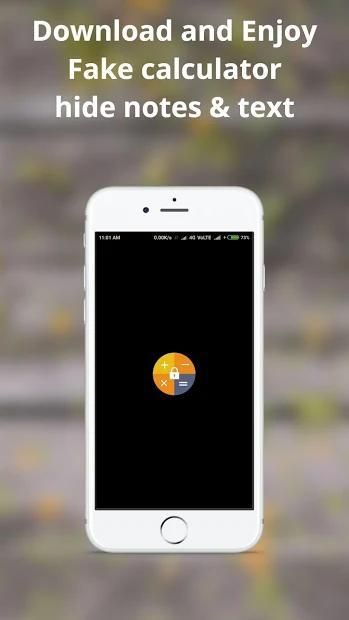
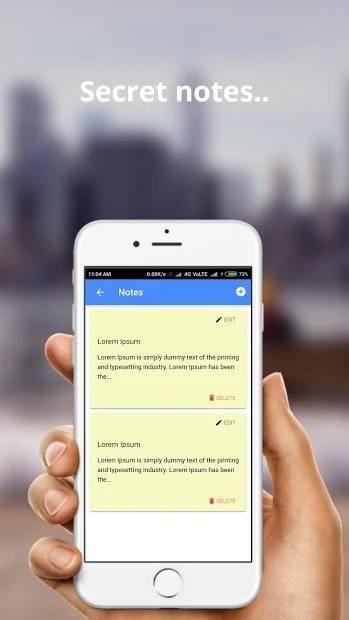
Use this fake calculator to hide notes, keep secret memos and to-do lists. Your notes remain protected with passwords. Hence, you can remain assured of privacy. With this app, keeping secret notes is just a piece of cake.
The interface of this app is just like that of a calculator. Hence, the name Fake calculator. While others will think of it as a calculator app, only you will know about the hidden use of the app. Isn’t that fun?
Download this secret calculator app to hide text for an Android device and give it a try!
Key Features:
Simple and safe password encrypted notepad
Take instant notes and save them
Get the best security
Easy to use
How to open the Setting:
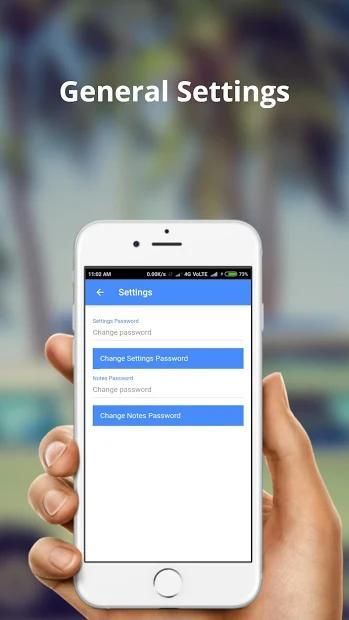
Type 12345 followed by = symbol.
How to open the notes:
Type 11111 followed by =.
You can change the setting and password later.
NOTE:
The data stored within the app is not saved by us and we do not take responsibility for any loss of data whatsoever.
Gunakan kalkulator palsu ini untuk menyembunyikan catatan, menyimpan memo rahasia dan daftar yang harus dilakukan. Catatan Anda tetap dilindungi dengan kata sandi. Oleh karena itu, Anda dapat tetap menjamin privasi. Dengan aplikasi ini, menyimpan catatan rahasia hanyalah sepotong kue.
Antarmuka aplikasi ini sama seperti kalkulator. Oleh karena itu, nama kalkulator Palsu. Sementara yang lain akan menganggapnya sebagai aplikasi kalkulator, hanya Anda yang akan tahu tentang penggunaan tersembunyi dari aplikasi. Bukankah itu menyenangkan?
Unduh aplikasi kalkulator rahasia ini untuk menyembunyikan teks untuk perangkat Android dan cobalah!
Fitur Utama:
Password notepad dienkripsi sederhana dan aman
Ambil catatan instan dan simpan
Dapatkan keamanan terbaik
Mudah digunakan
Cara membuka Pengaturan:
Ketik 12345 diikuti oleh = simbol.
Cara membuka catatan:
Ketik 11111 diikuti oleh =.
Anda dapat mengubah pengaturan dan kata sandi nanti.
CATATAN: Data yang disimpan dalam aplikasi tidak disimpan oleh kami dan kami tidak bertanggung jawab atas hilangnya data apa pun.
Password encrypted notepad
Lets you take instant notes and save them
Offers the best security
Simple UI
![[2026] How to Hide Apps in Calculator on Any Android screenshot 1](https://i.ytimg.com/vi/RcKSs3EA5HY/mqdefault.jpg)



9Apps 4.9









