
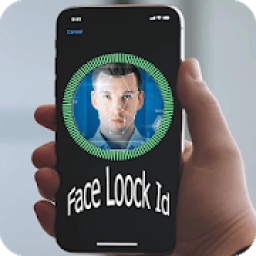
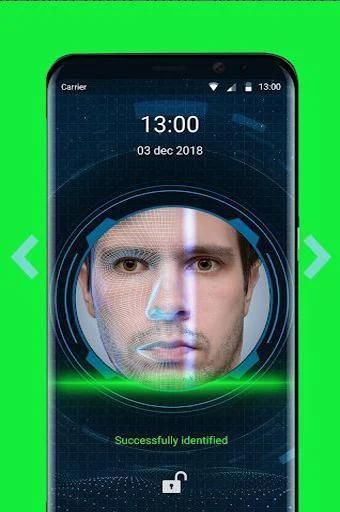
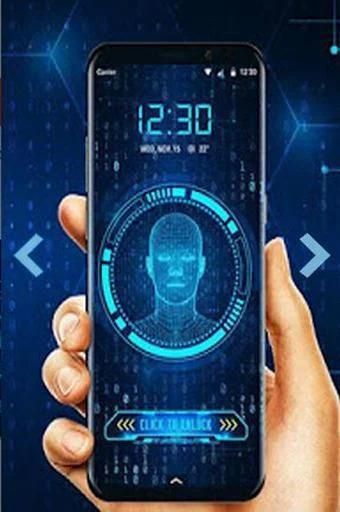

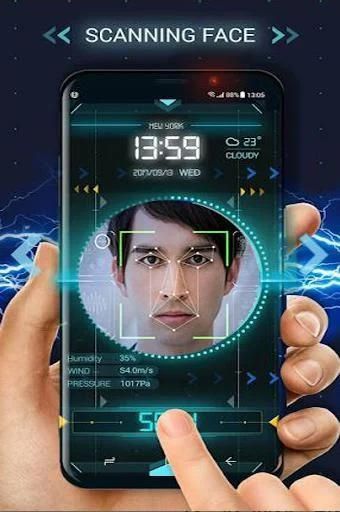
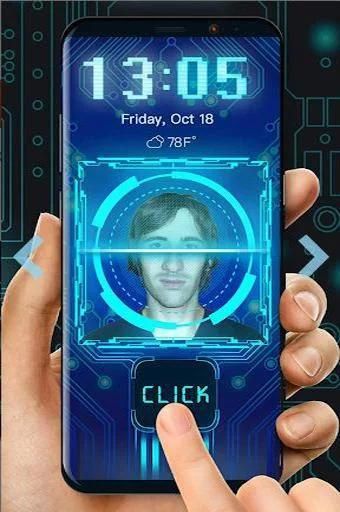
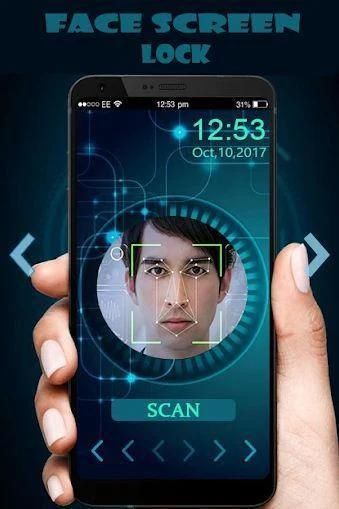
Here provides top Free Android Apps. 20,000+ users downloaded Face-Lock-Pro latest version on 9Apps for free every week! One thing you need to know that this app is unique. This hot app was released on 2019-07-11. 9Apps allows you to download more apps and updated daily!
If you want something different to lock /unlock your phone and tired using old Face locks try our Face Lock Screen App. Face Lock Screen is a cool and secure lock screen app with different beautiful wallpapers and clock. Smart gesture screen lock also provide the feature to change the color of the Face and hide the Face.
Face ID Lock Screen is a highly advanced technology for phone screen locking. Face unlock is one of the perfect ways to secure your mobile phone. It is quite simple to protect your phone using Face ID Lock Screen.
Face Lock Screen and clock is an amazing & professional lock screen app with awesome lock. Face Lock Screen allows you to unlock your phone with a variety of Face:. Face Lock screen also has the feature to unlock screen with pin code if you forgot your Face. You can set Face using pin code.
Face Lock Screen Features
✔ Enable or Disable Face Lock Screen in the Settings.
✔ Face and muck more to Unlock phone.
✔ Change Face using current Face or pincode.
✔ Use pincode to recover your forgotten gesture.
✔ Enable or Disable hide gesture feature from setting.
✔ Hide or show clock on gesture screen.
✔ Hide or show gesture feature when drawing a gesture.
✔ Set beautiful wallpapers as background.
✔Face Lock Screen application not allow any one to open the app without Face or pincode.
✔Face Lock Screen allows you to secure your phone and data with Face or pincode.
How to use Face Lock Screen
★- Install smart Face screen lock.
★ -Make sure that default screen lock is disabled.
★ -Open the application and create your first gesture.
★ -Continue and confirm gesture by drawing it second time.
★ -Create a 4 digit recovey pincode.
★ -Confirm the pincode and your gesture is created.
★ -Smart gesture screen lock is now enable.
★ -Enjoy using modern smart Face screen lock.
1. Train your face. Just push on train face button and it will do automatically in later to recognize your face
2. Set password
3. Check enable screen lock
Hope you like our free app. if you face any problem just contact with us. Do need to put here
We will continuously improve to your satisfaction.
Please contact us via : Omnishop96@gmail.com
Jika Anda menginginkan sesuatu yang berbeda untuk mengunci / membuka kunci ponsel Anda dan lelah menggunakan kunci Wajah lama coba Aplikasi Layar Kunci Wajah kami. Face Lock Screen adalah aplikasi layar kunci yang keren dan aman dengan berbagai wallpaper dan jam yang indah. Kunci layar gerakan pintar juga menyediakan fitur untuk mengubah warna Wajah dan menyembunyikan Wajah.
Face ID Lock Screen adalah teknologi yang sangat canggih untuk mengunci layar ponsel. Face unlock adalah salah satu cara sempurna untuk mengamankan ponsel Anda. Cukup sederhana untuk melindungi ponsel Anda menggunakan Layar Kunci ID Wajah.
Wajah Kunci Layar dan jam adalah aplikasi layar kunci yang luar biasa & profesional dengan kunci yang mengagumkan. Layar Penguncian Wajah memungkinkan Anda membuka kunci ponsel dengan beragam Wajah :. Layar Kunci Wajah juga memiliki fitur untuk membuka kunci layar dengan kode pin jika Anda lupa Wajah Anda. Anda dapat mengatur Wajah menggunakan kode pin.
Fitur Layar Kunci Wajah
✔ Aktifkan atau Nonaktifkan Layar Kunci Wajah di Pengaturan.
✔ Wajah dan kotoran lebih banyak untuk membuka kunci ponsel.
✔ Ubah Wajah menggunakan Wajah atau kode PIN saat ini.
✔ Gunakan kode PIN untuk memulihkan gerakan Anda yang terlupakan.
✔ Aktifkan atau Nonaktifkan sembunyikan fitur gesture dari pengaturan.
✔ Sembunyikan atau tampilkan jam di layar gerakan.
✔ Sembunyikan atau tampilkan fitur gerakan saat menggambar gerakan.
✔ Mengatur wallpaper yang indah sebagai latar belakang.
✔ Aplikasi Layar Kunci Cepat tidak mengizinkan siapa pun membuka aplikasi tanpa Wajah atau kode PIN.
✔Face Lock Screen memungkinkan Anda untuk mengamankan ponsel dan data Anda dengan Wajah atau kode PIN.
Cara menggunakan Layar Kunci Wajah
★ - Pasang kunci layar Wajah pintar.
★ -Pastikan bahwa kunci layar default dinonaktifkan.
★ -Buka aplikasi dan buat gerakan pertama Anda.
★ -Lanjutkan dan konfirmasi gerakan dengan menggambar kedua kalinya.
★ -Membuat kode pin 4 digit recovey.
★ -Konfirmasikan kode PIN dan gerakan Anda dibuat.
★ -Kunci layar gesture Smart sekarang diaktifkan.
★ -Nikmati menggunakan kunci layar Wajah pintar modern.
1. Latih wajah Anda. Cukup tekan tombol train train dan itu akan dilakukan secara otomatis nanti untuk mengenali wajah Anda
2. Tetapkan kata sandi
3. Periksa aktifkan kunci layar
Semoga Anda menyukai aplikasi gratis kami. jika Anda menghadapi masalah, silakan kontak dengan kami. Perlu diletakkan di sini
Kami akan terus meningkatkan kepuasan Anda.
Silakan hubungi kami melalui: Omnishop96@gmail.com
Improved the Face Lock ID Pro stability



9Apps 4.9










