
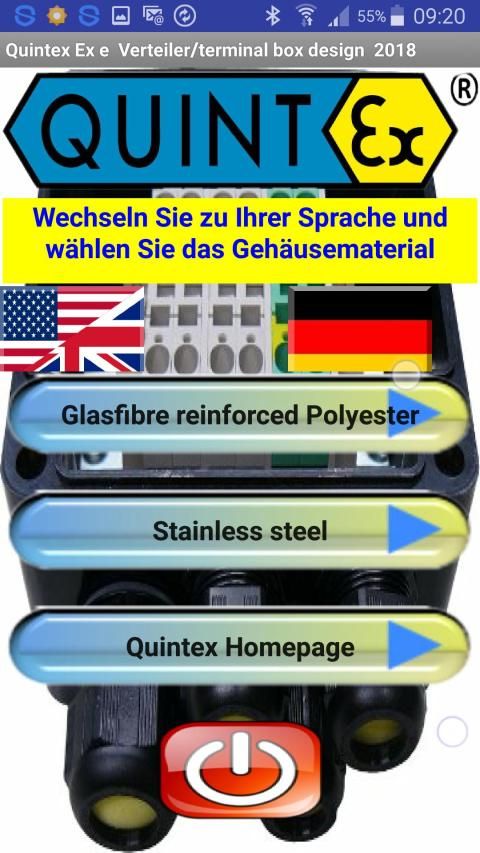
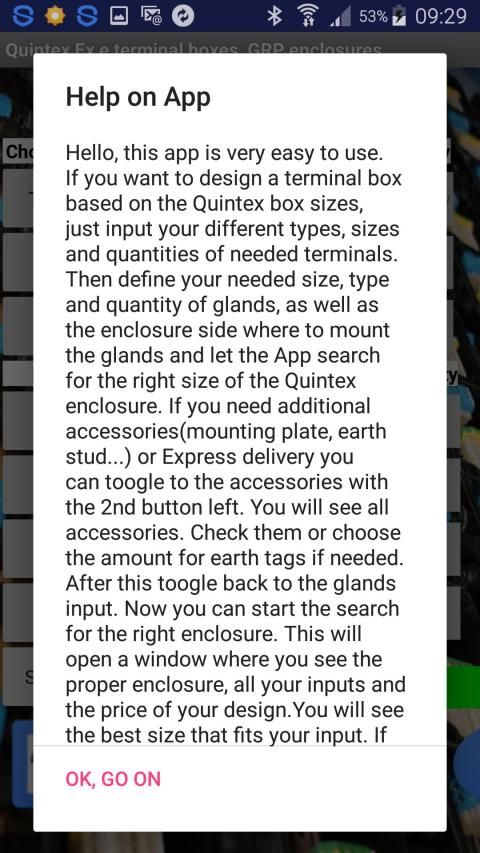
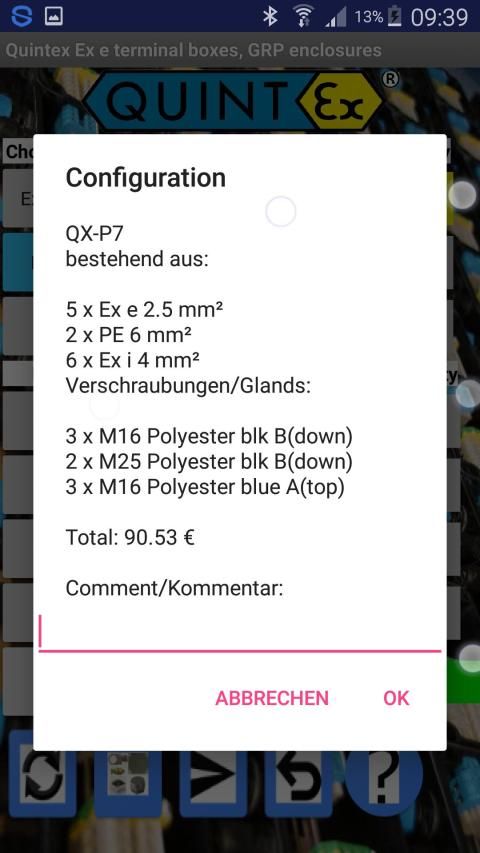
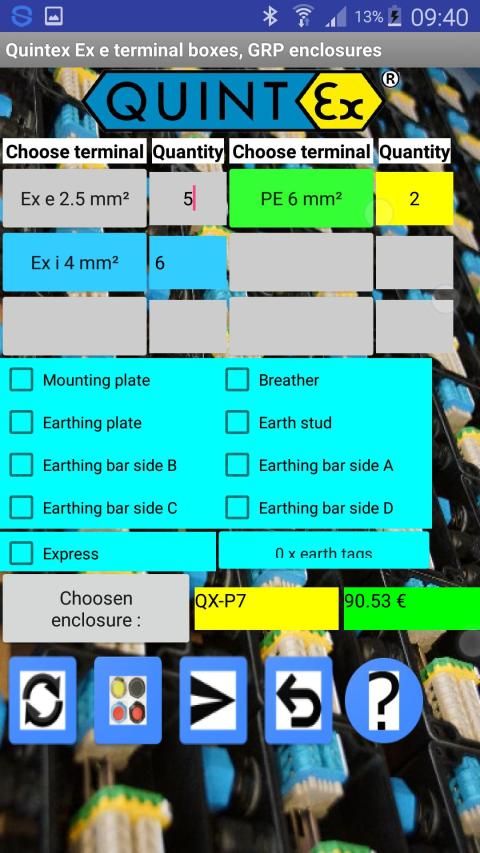
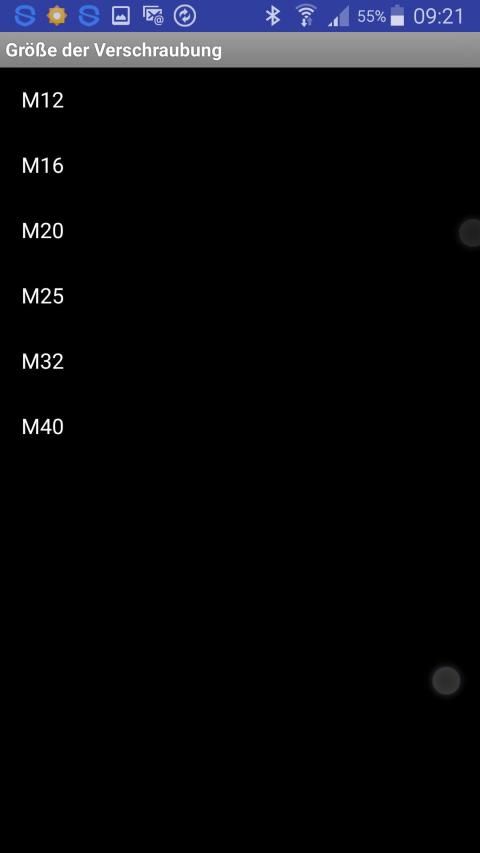
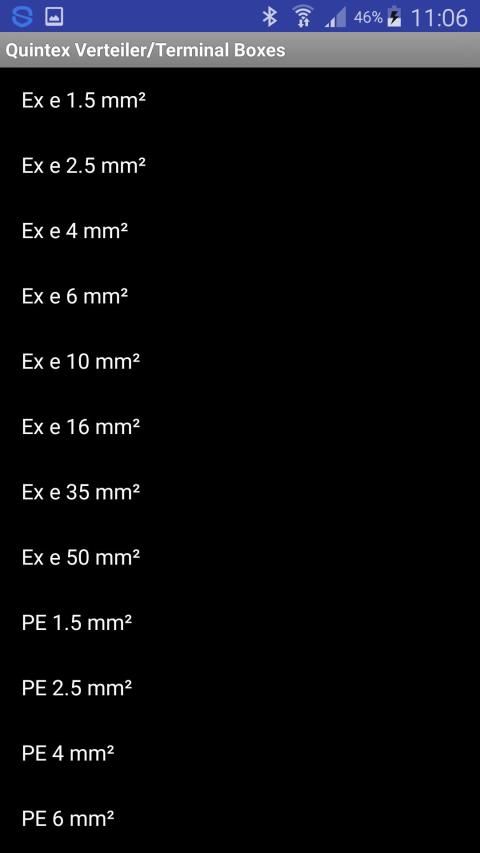
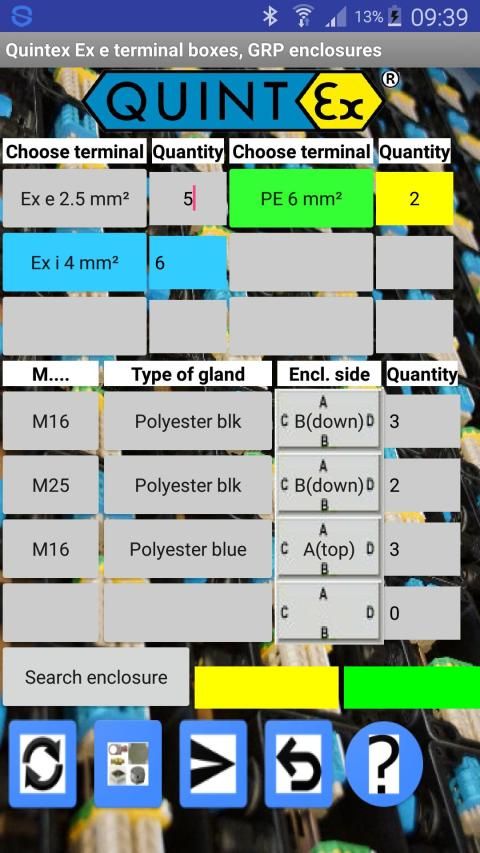
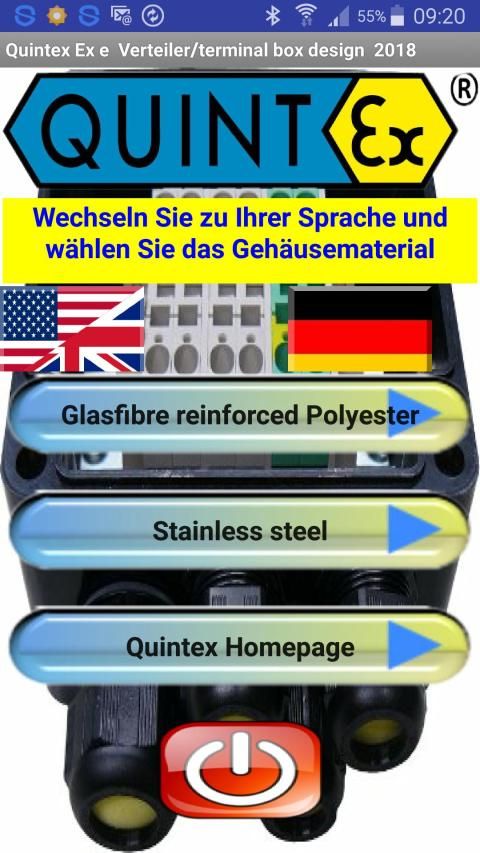
This app is very easy to use. If you want to design a terminal box based on the Quintex box sizes, just input your different types, sizes and quantities of needed terminals. Then define your needed size, type and quantity of glands, as well as the enclosure side where to mount the glands and let the App search for the right size of the Quintex enclosure. If you need additional accessories(mounting plate, earth stud...) or Express delivery you can toogle to the accessories with the 2nd button left. You will see all accessories. Check them or choose the amount for earth tags if needed. After this toogle back to the glands input. Now you can start the search for the right enclosure. This will open a window where you see the proper enclosure, all your inputs and the price of your design.You will see the best size that fits your input. If there is no proper enclosure size for your input you will see a warning. If you want to order you can send this configuration with the 'Send' button. There you can also add some comment (e.g. tags of terminal, bridges for terminals etc..)
If you use an Android version < 4.2 you can download another version on download page:
https://goo.gl/sQhq36
The desktop calculation can be found here: https://goo.gl/XoCt51
Aplikasi ini sangat mudah digunakan. Jika Anda ingin merancang kotak terminal berdasarkan ukuran kotak Quintex, cukup masukkan jenis, ukuran, dan jumlah terminal yang dibutuhkan. Kemudian tentukan ukuran, jenis dan kuantitas kelenjar yang Anda perlukan, serta sisi kandang tempat memasang kelenjar dan biarkan App mencari ukuran yang tepat dari kandang Quintex. Jika Anda memerlukan aksesori tambahan (pemasangan pelat, giwang bumi ...) atau pengiriman Ekspres, Anda dapat toogle ke aksesori dengan tombol ke-2 tersisa. Anda akan melihat semua aksesori. Periksa mereka atau pilih jumlah untuk tag bumi jika diperlukan. Setelah ini toogle kembali ke input kelenjar. Sekarang Anda dapat memulai pencarian untuk enklosur kanan. Ini akan membuka jendela di mana Anda melihat kandang yang tepat, semua masukan Anda dan harga desain Anda. Anda akan melihat ukuran terbaik yang sesuai dengan masukan Anda. Jika tidak ada ukuran kandang yang tepat untuk input Anda, Anda akan melihat peringatan. Jika Anda ingin memesan, Anda dapat mengirim konfigurasi ini dengan tombol 'Kirim'. Di sana Anda juga dapat menambahkan beberapa komentar (misalnya tag terminal, jembatan untuk terminal dll.)
Jika Anda menggunakan versi Android <4.2 Anda dapat mengunduh versi lain di halaman unduhan:
https://goo.gl/sQhq36
Perhitungan desktop dapat ditemukan di sini: https://goo.gl/XoCt51
Make it easier to understand how to use it; choose the way you want sharing you data(G-mail is not neccessary anymore)


9Apps 4.9











