

With the updating of mobile application, 20,000+ users downloaded EX File Explorer latest version on 9Apps for free every week! This is a wonderful app which is unique in android apps. This hot app was released on 2020-01-28. You can see more apps release recently on 9Apps.
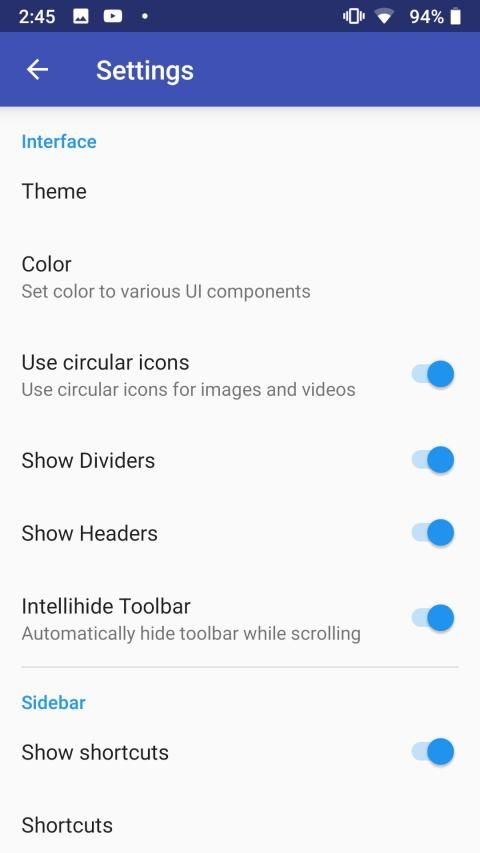
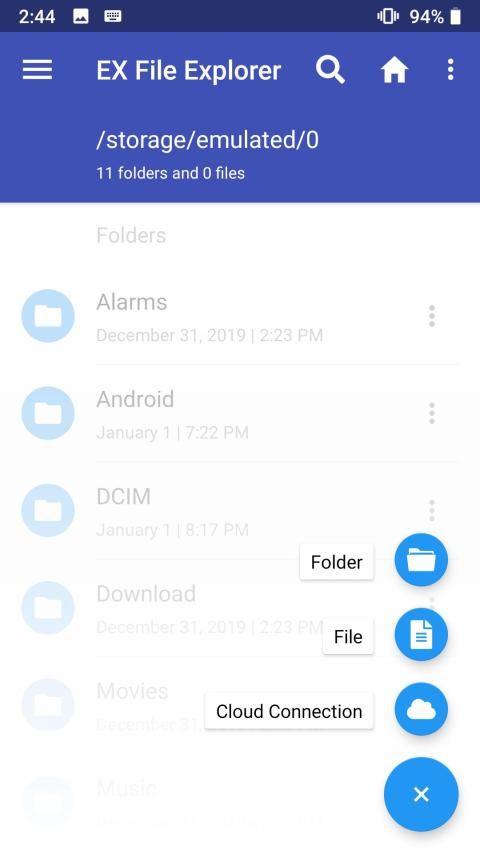
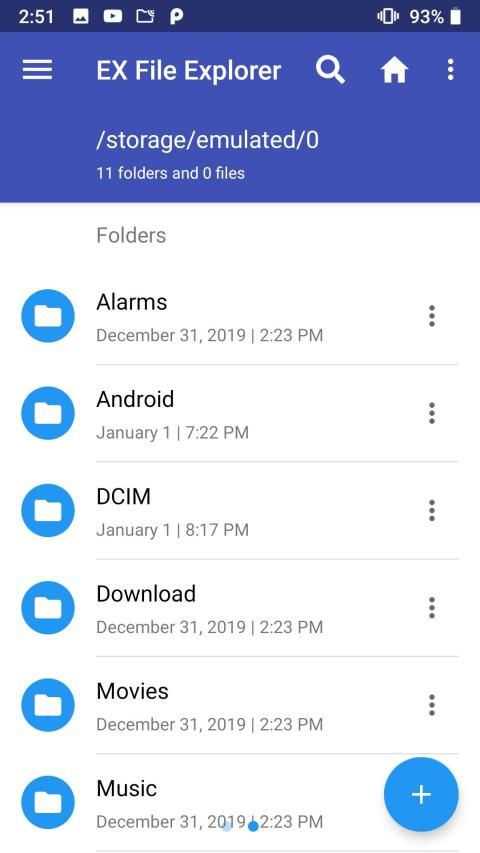
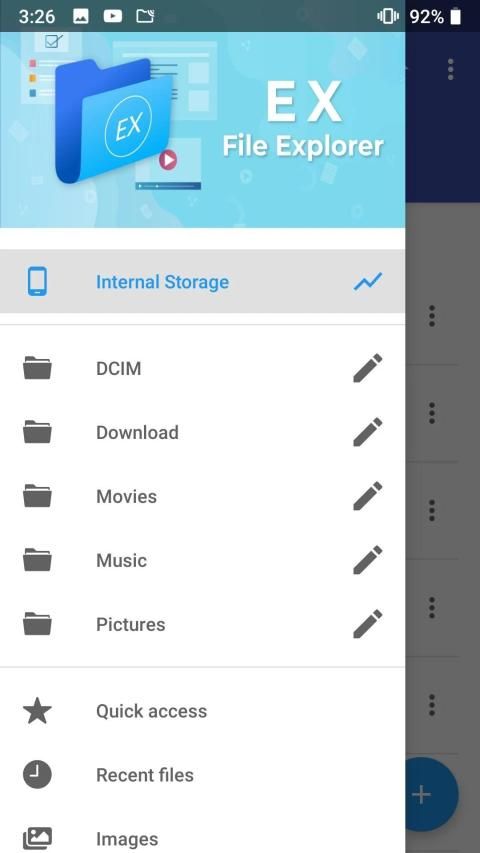
Ex File Explorer is a powerful file manager app with a clean and intuitive interface. Let's take a tour of that attractive features :
* File Manager and Folder Manager - now manage your files with features like file browser, hide, create shortcut, download, bookmark, paste, copy, cut, compress, rename, move, delete, search, transfer, organise and many such similar actions easily.
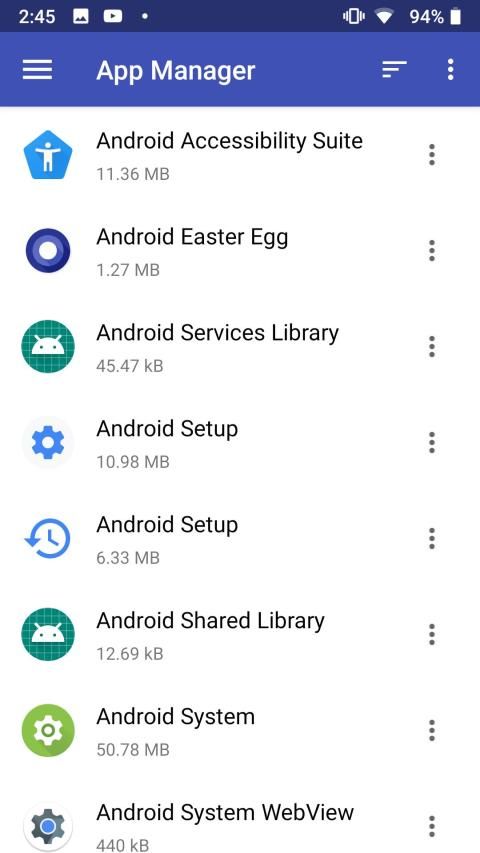
* Application Manager - you can backup,uninstall and create shortcut for your apps
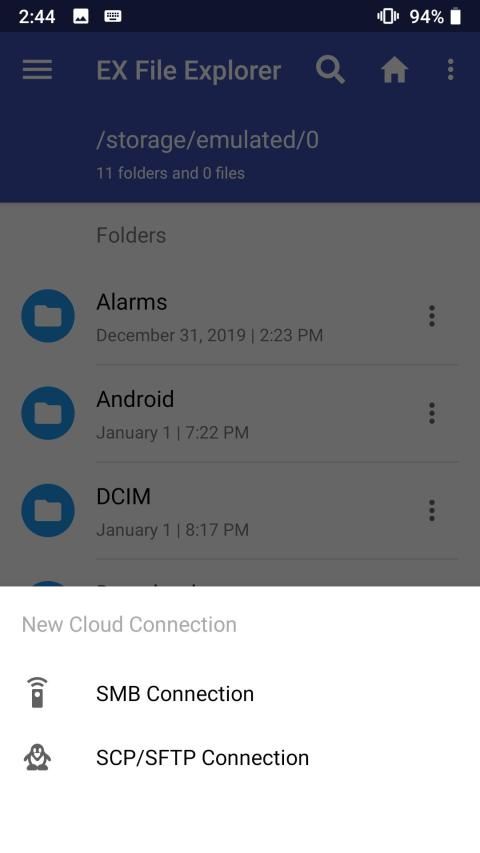
* Cloud Storage Manager- the app supports multiple cloud storage.
* Root explorer and browser - for complete access to mobile storage.
* App manager - to backup, open, create shortcut and uninstall your app’s.
* Various file types viewers and players : video player, image viewer, document reader inside app, without leaving the application.
* ZIP and RAR support built-in : compressed and decompressed ZIP and RAR files with password(encryption AES 256 bit).
* Designed for multiple device resolutions support(Mobile,Tab).
* Supports more than 30 languages.
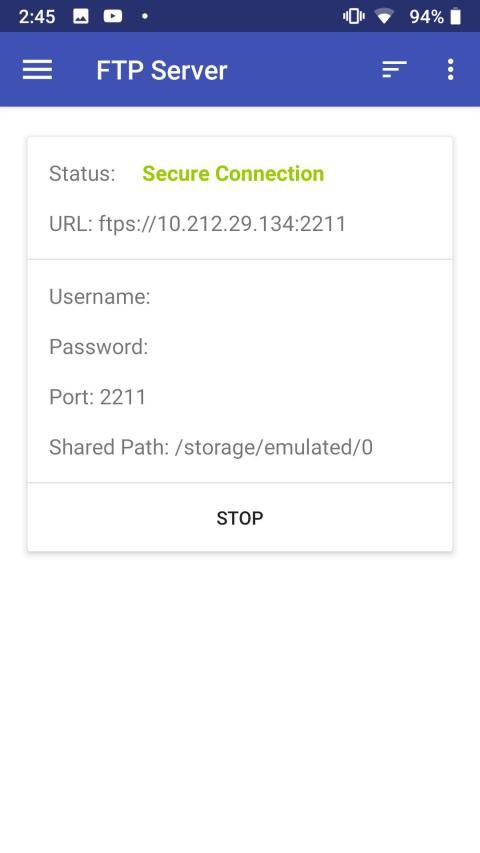
* Access files on NAS (Network-attached storage): You can access files within remote or shared storage like FTP, FTPS, SFTP, SMB, WebDAV, and LAN. Also you can access your mobile dev ice from PC using FTP(File Transfer Protocol).
* Quickly access recent files, access bookmarks, access history or search for any file.
If you are looking for a file manager app that has simple and sleek interface with full features, Ex File Explorer would be the best choice.
Ex File Explorer adalah aplikasi pengelola file yang kuat dengan antarmuka yang bersih dan intuitif. Mari kita melihat-lihat fitur menarik itu:
* Manajer File dan Manajer Folder - sekarang kelola file Anda dengan fitur-fitur seperti browser file, sembunyikan, buat pintasan, unduh, bookmark, tempel, salin, potong, kompres, ganti nama, pindahkan, hapus, cari, transfer, atur, dan banyak tindakan serupa lainnya dengan mudah.
* Manajer Aplikasi - Anda dapat membuat cadangan, mencopot dan membuat pintasan untuk aplikasi Anda
* Cloud Storage Manager - aplikasi mendukung beberapa penyimpanan cloud.
* Root explorer dan browser - untuk akses lengkap ke penyimpanan seluler.
* Pengelola aplikasi - untuk membuat cadangan, membuka, membuat pintasan, dan mencopot pemasangan aplikasi Anda.
* Berbagai jenis file pemirsa dan pemain: pemutar video, penampil gambar, pembaca dokumen di dalam aplikasi, tanpa meninggalkan aplikasi.
* Dukungan ZIP dan RAR bawaan: file ZIP dan RAR yang dikompresi dan didekompresi dengan kata sandi (enkripsi AES 256 bit).
* Dirancang untuk dukungan resolusi beberapa perangkat (Ponsel, Tab).
* Mendukung lebih dari 30 bahasa.
* Mengakses file di NAS (penyimpanan yang dilampirkan jaringan): Anda dapat mengakses file dalam penyimpanan jarak jauh atau bersama seperti FTP, FTPS, SFTP, SMB, WebDAV, dan LAN. Anda juga dapat mengakses es ponsel Anda dari PC menggunakan FTP (File Transfer Protocol).
* Cepat mengakses file terbaru, mengakses bookmark, mengakses riwayat atau mencari file apa pun.
Jika Anda mencari aplikasi pengelola file yang memiliki antarmuka sederhana dan ramping dengan fitur lengkap, Ex File Explorer akan menjadi pilihan terbaik.
_ Ex File Explorer




9Apps 4.9










