
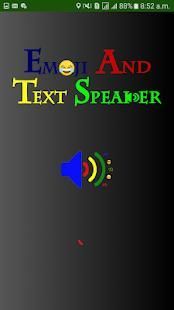
Some India application are update now! 20,000+ users downloaded Speaker latest version on 9Apps for free every week! Fortunately, It's easy to get this popular app. This hot app was released on 2018-08-04. To know more information, read the paragraph below.
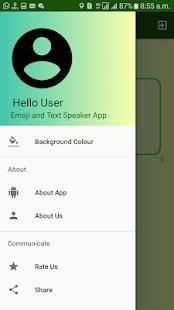
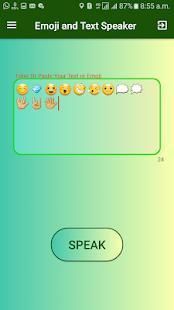
Emoji and Text Speaker App will Speak your Text in English(U.K) and It will also Speak Emoji Meaning which you type in EditText.
Why Should We use Emoji and Text Speaker App?=1.Emoji and Text Speaker will Require Only 2 Permission(Internet,Vibration).It Means Emoji and Text Speaker is Secure
2. Emoji and Text Speaker App size is very Small.
3. In Emoji and Text Speaker App you can Paste large Text and this app can Speak large Text (English U.k) as well as you can write any number of Emoji at one time.
4.Emoji and Text Speaker App is Free .
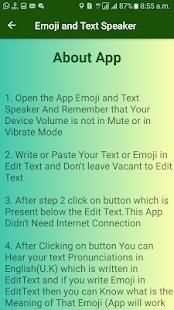
How to use ?=1. Open Your Internet Connection.
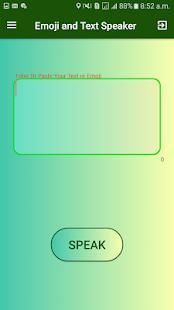
2. Open the Emoji and Text Speaker App.
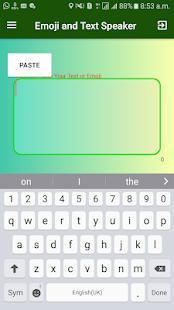
3. Write your Text or Paste your Text or write your emoji in Edit Text.
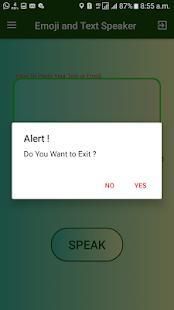
4. After that Click on Speak Button.
Emoji dan Text Speaker App akan Bicaralah Teks Anda dalam bahasa Inggris (U.K) dan juga akan Bicara emoji Arti yang Anda ketik EditText.
Mengapa Kita Harus menggunakan Emoji dan Text Speaker App? = 1.Emoji dan Teks Speaker akan Membutuhkan Hanya 2 Izin (Internet, Vibration) .Ini Sarana Emoji dan Text Speaker adalah Aman
2. Emoji dan Teks ukuran Speaker App sangat kecil.
3. Dalam Emoji dan Teks Speaker App Anda dapat Paste Teks besar dan aplikasi ini dapat Bicara Text besar (bahasa Inggris U.k) serta Anda dapat menulis sejumlah Emoji pada satu waktu.
4.Emoji dan Teks Speaker App adalah gratis.
Cara menggunakan? = 1. Buka Koneksi Internet Anda.
2. Buka Emoji dan Teks Speaker App.
3. Menulis teks atau Paste Text atau menulis emoji Anda di Mengedit Teks.
4. Setelah itu Klik Tombol Bicara.
Bug Fixes




9Apps 4.9









