

I wants to share an app for all of you. 20,000+ users downloaded Easy File Manager latest version on 9Apps for free every week! In addition, the latest version of the app has updated a lot of features. This hot app was released on 2019-05-13. You can find more interesting apps at 9Apps!
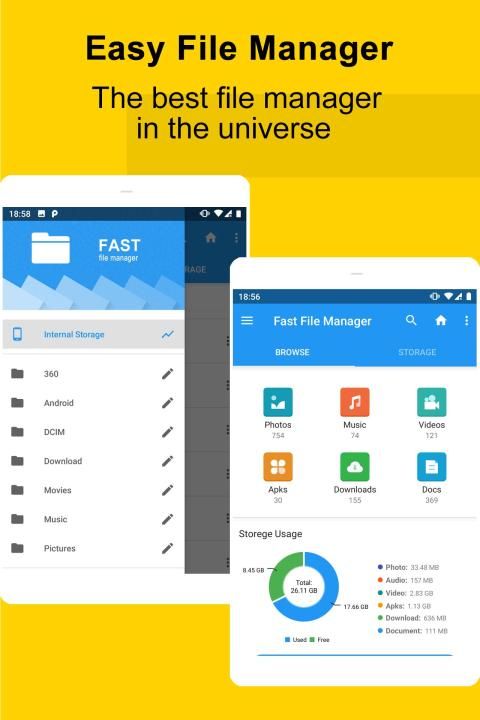
Easy File Manager is a powerful Android file manager
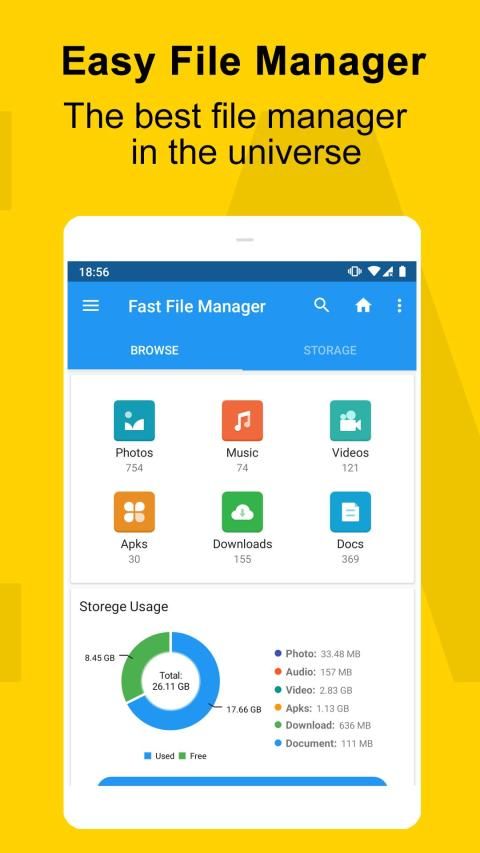
, clear classification allows you to find pictures, video, music, documents, installation packages, compressed packages and other files quickly,
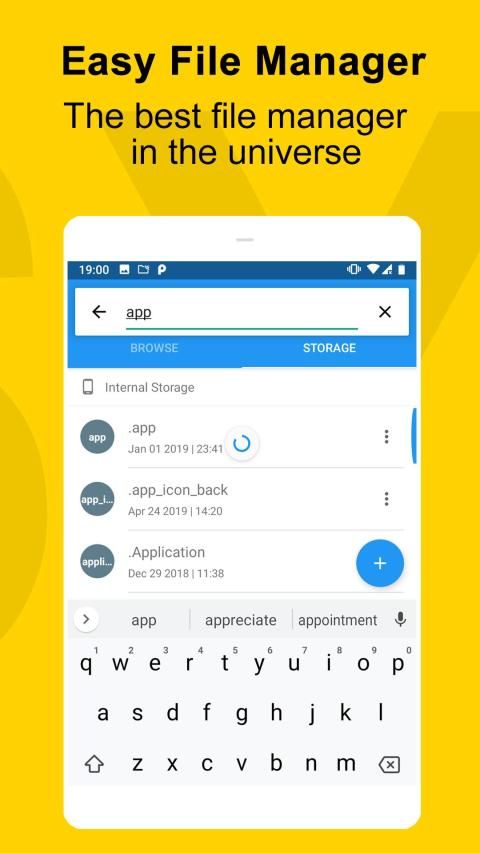
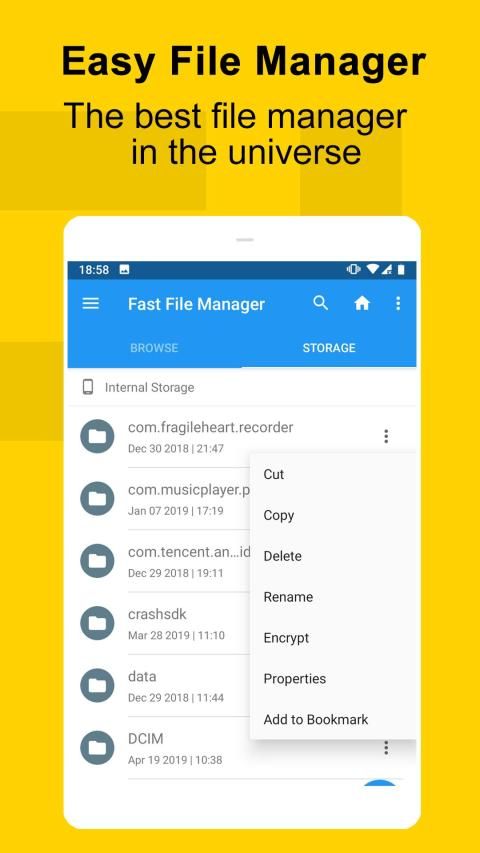
supporting global search, delete, create, copy, cut, rename, share and other file operation functions on the mobile phone memory and SD card
. We also provide a convenient garbage collection function, so you can
easily clean up the excess files, folders and application cache on the phone.
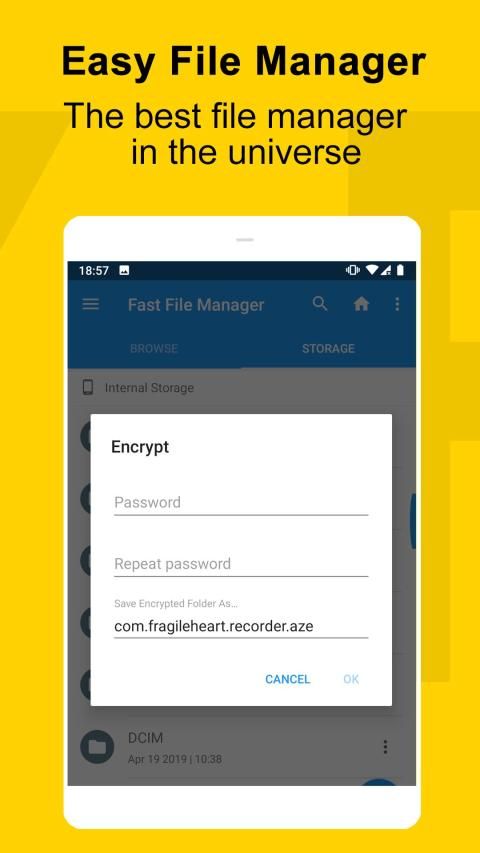
Do you want to hide or encrypt your private files? Come and use this free app - private file manager
Function description:
File classification, extremely fast scanning——Quickly scan files on Android devices,sort and classify them by picture, music, video, document, installation package, compression package and other types,which are clear at a glance and easy to find.
New file logo, easy to find NEW files -- Add "NEW" logo to the NEW photos and other files, it’s easy to find newly added photos, videos, recordings, bluetooth transmission, download files and other files.
Clean up files, so that there is no place to hide junk files——Extremely fast scan application cache, residual installation package and other junk files, with the convenient function to find large files.
Folder name identification-Identify the name of application program that creates the folder, the purpose of the folder is clear, and useless folders can be safely deleted.
Preview the number of files – Get to know the number of files without opening a folder, saving a lot of trouble.
Built-in ZIP support - Enable you to browse, compress, uncompress ZIP packages
Built-in image and text viewer - you can view images and text files directly .
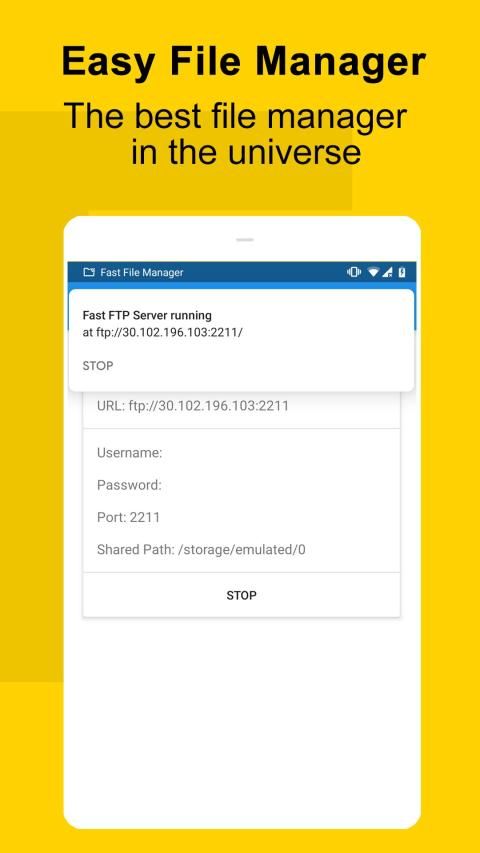
Support file transfer and sharing -- you can share the files in your Android device with your friends by bluetooth, social application, WiFi, etc.. Your friends can also access your Android device by remote management.
Privacy files, hidden files - you can hide the files in your Android device through our application encryption. You can only open the file directory by our application, protecting your important files from others to access
More advanced features - a lot of advanced features are hidden in the phone Menu key, helping you manage files with a better experience.
Frequently asked questions:
1. When you can't find how to select a file, you can long press the file to activate the edit mode before operation
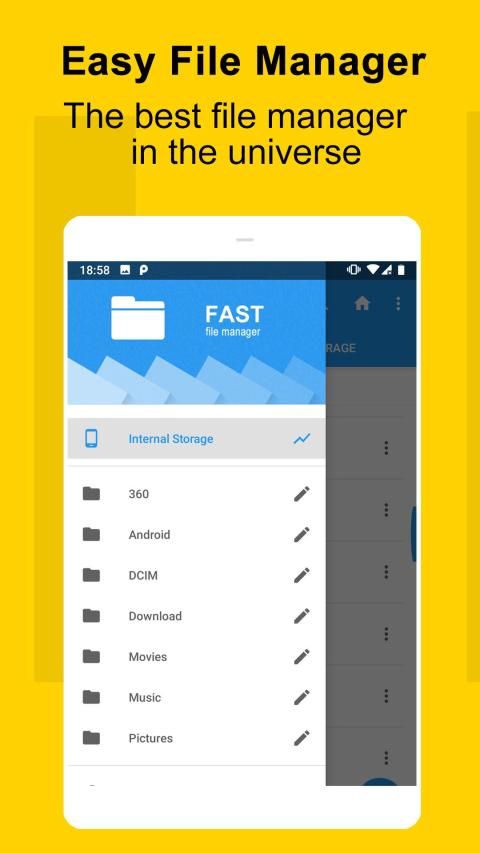
2, when you can't find the desired function, try the Menu key on the phone or slide to the left to see more advanced hidden functions
3. When you find a large number of duplicate file records in classified files, please do not delete duplicate records. Please uninstall 360 file management master and reinstall it.
Please download the legal version from Google Play or official website to ensure no advertising or no disturbance.
If you have any problems, feel free to email us or submit feedback directly in the application.
Easy File Manager adalah pengelola file Android yang tangguh
, klasifikasi yang jelas memungkinkan Anda menemukan gambar, video, musik, dokumen, paket instalasi, paket terkompresi, dan file lainnya dengan cepat,
mendukung pencarian global, menghapus, buat, salin, potong, ganti nama, bagikan dan fungsi operasi file lainnya pada memori ponsel dan kartu SD
. Kami juga menyediakan fungsi pengumpulan sampah yang nyaman, sehingga Anda dapat
dengan mudah membersihkan file, folder, dan cache aplikasi berlebih di ponsel.
Apakah Anda ingin menyembunyikan atau mengenkripsi file pribadi Anda? Datang dan gunakan aplikasi gratis ini - pengelola file pribadi
Deskripsi fungsi:
Classification Klasifikasi file, pemindaian yang sangat cepat - Pindai file dengan cepat pada perangkat Android , urutkan dan klasifikasikan berdasarkan gambar, musik, video, dokumen, paket instalasi, paket kompresi, dan jenis lainnya , yang sekilas jelas dan mudah ditemukan.
Logo Logo file baru, mudah ditemukan file BARU - Tambahkan logo "BARU" ke foto BARU dan file lain, mudah untuk menemukan foto, video, rekaman, transmisi bluetooth yang baru ditambahkan, unduh file dan file lainnya.
Bersihkan file, sehingga tidak ada tempat untuk menyembunyikan file sampah —— Sangat cepat memindai cache aplikasi, paket instalasi sisa dan file sampah lainnya, dengan fungsi yang mudah untuk menemukan file besar.
Identifikasi nama folder-Mengidentifikasi nama program aplikasi yang membuat folder, tujuan folder jelas, dan folder yang tidak berguna dapat dihapus dengan aman.
Pratinjau jumlah file - Mengenal jumlah file tanpa membuka folder, menghemat banyak masalah.
Support Dukungan ZIP bawaan - Memungkinkan Anda untuk menelusuri, memampatkan, mengompresi paket ZIP
Penampil gambar dan teks bawaan - Anda dapat melihat gambar dan file teks secara langsung.
Mendukung transfer dan berbagi file - Anda dapat berbagi file di perangkat Android Anda dengan teman-teman Anda melalui bluetooth, aplikasi sosial, WiFi, dll. Teman-teman Anda juga dapat mengakses perangkat Android Anda dengan manajemen jarak jauh.
File privasi, file tersembunyi - Anda dapat menyembunyikan file di perangkat Android Anda melalui enkripsi aplikasi kami. Anda hanya dapat membuka direktori file dengan aplikasi kami, melindungi file penting Anda dari orang lain untuk diakses
Fitur yang lebih canggih - banyak fitur lanjutan yang disembunyikan di tombol Menu ponsel, membantu Anda mengelola file dengan pengalaman yang lebih baik.
Pertanyaan yang sering diajukan:
1. Ketika Anda tidak dapat menemukan cara memilih file, Anda dapat menekan file untuk mengaktifkan mode edit sebelum operasi
2, ketika Anda tidak dapat menemukan fungsi yang diinginkan, coba tombol Menu pada ponsel atau geser ke kiri untuk melihat fungsi tersembunyi yang lebih canggih
3. Ketika Anda menemukan sejumlah besar catatan file duplikat dalam file-file rahasia, harap jangan hapus catatan duplikat. Copot pemasangan master manajemen file 360 dan pasang kembali.
Silakan unduh versi legal dari Google Play atau situs web resmi untuk memastikan tidak ada iklan atau tidak ada gangguan.
Jika Anda memiliki masalah, jangan ragu untuk mengirim email kepada kami atau mengirimkan umpan balik langsung di aplikasi.
Easy File Manager is a powerful Android file manager

9Apps 4.9














