



Following is the introduction of a wonderful App. 20,000+ users downloaded Easy Clicker: Auto Multi Clicker latest version on 9Apps for free every week! The app can be the quickest one to play if you get used to it. This hot app was released on 2019-12-24. However, has been a fashionable app for a long time.
With the advancement in technology, applications are taking steps to ease the functioning of digital screens via touch gestures, customized navigation bars, Auto swipe, etc.
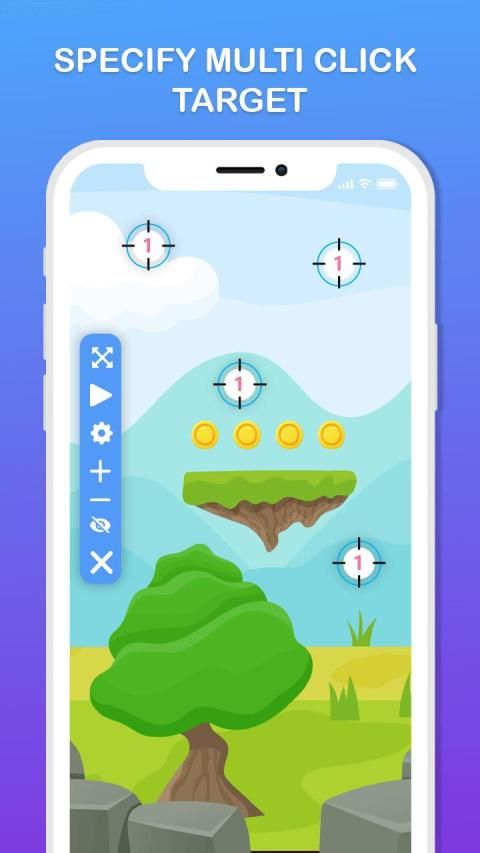
A unique implementation gaining widespread demand is the Auto Clicker functionality! A feature-rich Easy Clicker: Auto Multi Clicker app is launched! Easy Clicker: Auto Multi Clicker app is intuitively designed and developed by the professional Android designers and Android developers to facilitate the Android users with the best user experience while working with Auto clickers! Easy Clicker: Auto Multi Clicker app is a dual-feature app serving a single target and multiple target mode functionalities.
Components of Easy Clicker: Auto Multi Clicker app:
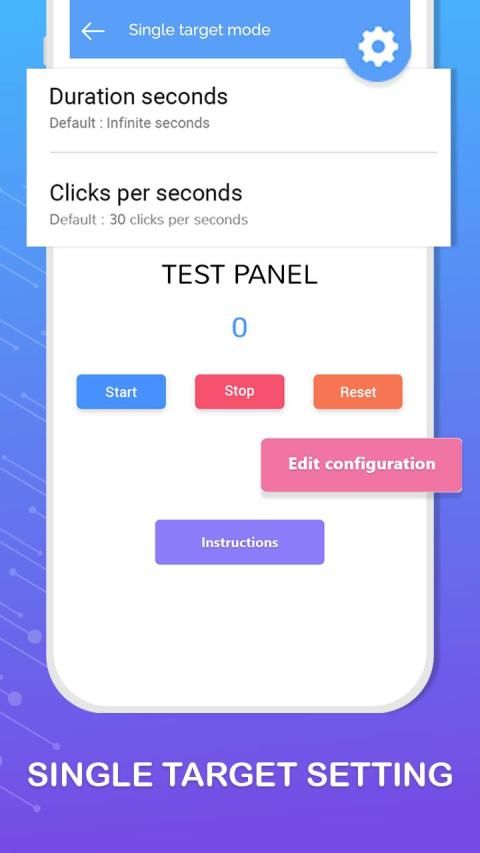
- Single Target Mode
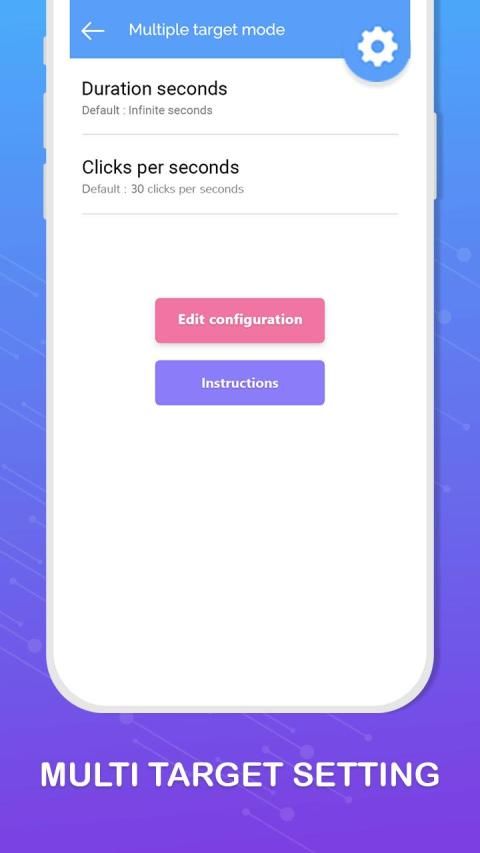
- Multiple Target Mode
- Settings
- Instructions
- Enable set
Easy Clicker: Auto Multi Clicker app requires overlay permission to run over other apps. Easy Clicker: Auto Multi Clicker app seeks accessibility permission to start its functioning.
Easy Clicker: Auto Multi Clicker app has a set of settings to be manually set by the user to implement the Auto clicker functionality. Settings include:
- delay time before do next click
- delay time may be in milliseconds, seconds or minutes
- Long press
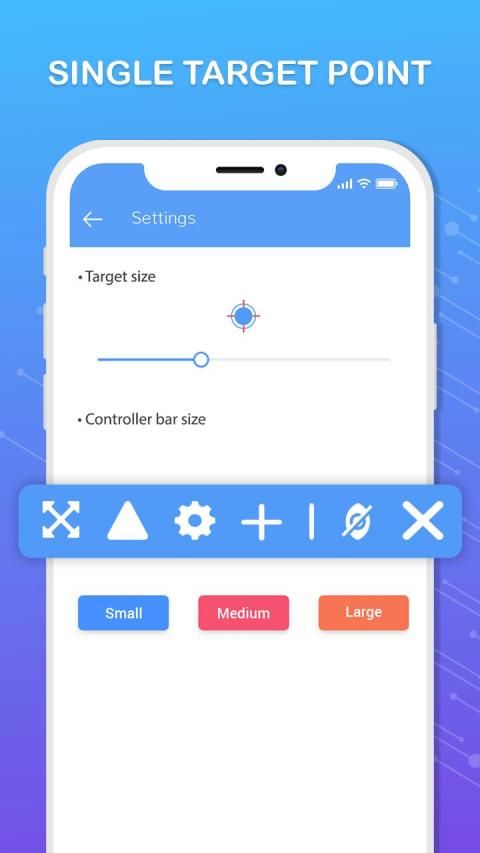
- Manually assign the controller bar size either small, medium or large.
- Set the opacity of the controller via the slider mechanism.
- Stop when the selected stop condition takes place.
Easy Clicker: Auto Multi Clicker app provides various stop condition options:
- Run infinitely.
- Amount of time.
- Number of cycles.
- 20 clicks/sec
- 10 clicks/sec
Common icon instructions to use the Easy Clicker: Auto Multi Clicker app efficiently:
- tap play button to run clicks
- tap the 4-way arrow icon to move the floating menu
- tap cross icon to end the event
- tap settings icon to fetch the setting details
- Click on the invisible content icon to get the invisible target points
- Add clicker
- Remove clicker
Easy Clicker: Auto Multi Clicker app is a novel implementation by the professional Android team. Easy Clicker: Auto Multi Clicker app is a lightweight application, will not drain the device memory, battery and other resources. Easy Clicker: Auto Multi Clicker app supports almost all screen resolutions of mobile and tablet devices. Easy Clicker: Auto Multi Clicker app is an in-demand and readily available Android app.
QUICK!
Grab the exclusive Easy Clicker: Auto Multi Clicker app for FREE!!! NOW!
Dengan kemajuan teknologi, aplikasi mengambil langkah-langkah untuk memudahkan berfungsinya layar digital melalui gerakan sentuh, bilah navigasi yang disesuaikan, gesekan otomatis, dll.
Implementasi unik yang mendapatkan permintaan luas adalah fungsi Clicker Otomatis! Clicker Mudah kaya fitur: aplikasi Auto Multi Clicker diluncurkan! Easy Clicker: Aplikasi Auto Multi Clicker dirancang dan dikembangkan secara intuitif oleh perancang Android profesional dan pengembang Android untuk memfasilitasi pengguna Android dengan pengalaman pengguna terbaik saat bekerja dengan Clickers otomatis! Easy Clicker: Aplikasi Auto Multi Clicker adalah aplikasi fitur ganda yang melayani fungsi target tunggal dan beberapa mode target.
Komponen Clicker Mudah: Aplikasi Multi Clicker Otomatis:
- Mode Target Tunggal
- Beberapa Mode Target
- Pengaturan
- Instruksi
- Aktifkan set
Easy Clicker: Aplikasi Auto Multi Clicker memerlukan izin overlay untuk menjalankan aplikasi lain. Easy Clicker: Aplikasi Auto Multi Clicker mencari izin aksesibilitas untuk memulai fungsinya.
Easy Clicker: Aplikasi Auto Multi Clicker memiliki satu set pengaturan yang akan ditetapkan secara manual oleh pengguna untuk mengimplementasikan fungsi auto clicker. Pengaturan meliputi:
- waktu tunda sebelum melakukan klik selanjutnya
- waktu tunda mungkin dalam milidetik, detik atau menit
- Tekan lama
- Secara manual menetapkan ukuran bar pengontrol baik kecil, sedang atau besar.
- Atur opacity controller melalui mekanisme slider.
- Berhenti ketika kondisi berhenti yang dipilih terjadi.
Clicker Mudah: Aplikasi Auto Multi Clicker menyediakan berbagai opsi kondisi berhenti:
- Jalankan tanpa batas.
- Jumlah waktu.
- Jumlah siklus.
- 20 klik / detik
- 10 klik / detik
Petunjuk ikon umum untuk menggunakan Easy Clicker: aplikasi Auto Multi Clicker secara efisien:
- ketuk tombol putar untuk menjalankan klik
- ketuk ikon panah 4 arah untuk memindahkan menu mengambang
- ketuk ikon silang untuk mengakhiri acara
- ketuk ikon pengaturan untuk mengambil detail pengaturan
- Klik ikon konten yang tidak terlihat untuk mendapatkan poin target yang tidak terlihat
- Tambahkan clicker
- Hapus clicker
Easy Clicker: Aplikasi Auto Multi Clicker adalah implementasi baru oleh tim Android profesional. Easy Clicker: Aplikasi Auto Multi Clicker adalah aplikasi yang ringan, tidak akan menguras memori perangkat, baterai dan sumber daya lainnya. Easy Clicker: Aplikasi Auto Multi Clicker mendukung hampir semua resolusi layar perangkat seluler dan tablet. Easy Clicker: Aplikasi Auto Multi Clicker adalah aplikasi Android yang banyak dicari dan tersedia.
CEPAT!
Raih Easy Clicker eksklusif: aplikasi Auto Multi Clicker GRATIS !!! SEKARANG!




9Apps 4.9










