

Have you ever read one of those reviews about a app? 20,000+ users downloaded File Explorer latest version on 9Apps for free every week! And it was enormous fun This hot app was released on 2020-05-11. If you wanna more apps besides this, turn to 9Apps.
File Explorer Pro is the Pro version of ES File Explorer (File Manager) – the must-have app for every Android user.
You can enjoy all the benefits below once you own ES File Explorer Pro!
More to customize – Set start pages & ALL default windows
More to see – New Theme and color panel
More to expect – Dozens of new features( totally free) will come soon
Highlights of ES File Explorer (File Manager):
File Manager: Click to install applications, and check zipped files
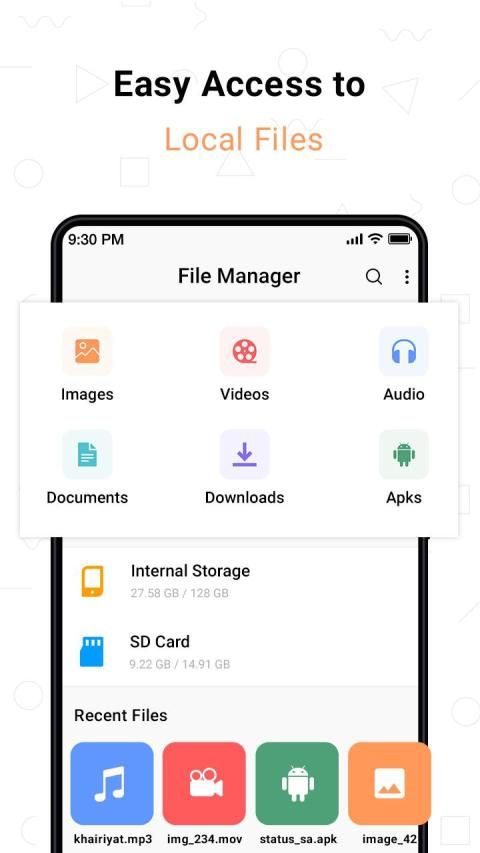
Multimedia Explorer: Click to play music/videos, check image(s) and document(s)
Cloud Storage: Supports Dropbox, Box.net, Sugarsync, Google Drive, OneDrive(SkyDrive), Amazon S3, Yandex and more clouds platforms.
ES File Explorer is a featured local/LAN/FTP/Bluetooth/Cloud Storage file & security & application & task & bookmark manager.
Some of the features include:
Local, LAN, FTP, Bluetooth and Cloud Storage file operations
Multi-operate on files/apps and powerful clipboard
Change Views and Sort
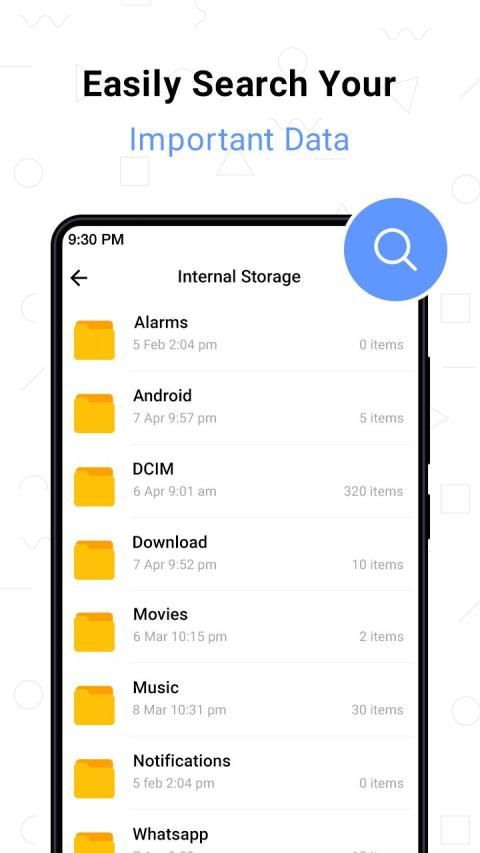
Search files on SD card, shares and Bluetooth
Share files with friends
Text viewers and editors
Play audio or video files locally/remotely or to friends
View files or open other files with the third party programs
Set pictures as wallpaper or contact icon
Show/hide files
Zip/unzip the zip files
Check files with MD5/SHA
Set folder as home in local
Set folder as server in Remote
Analyse use of space on SD card
App backup & (un)install & make shortcut
Root explorer
Features and Benefits of ES File Explorer (File Manager):
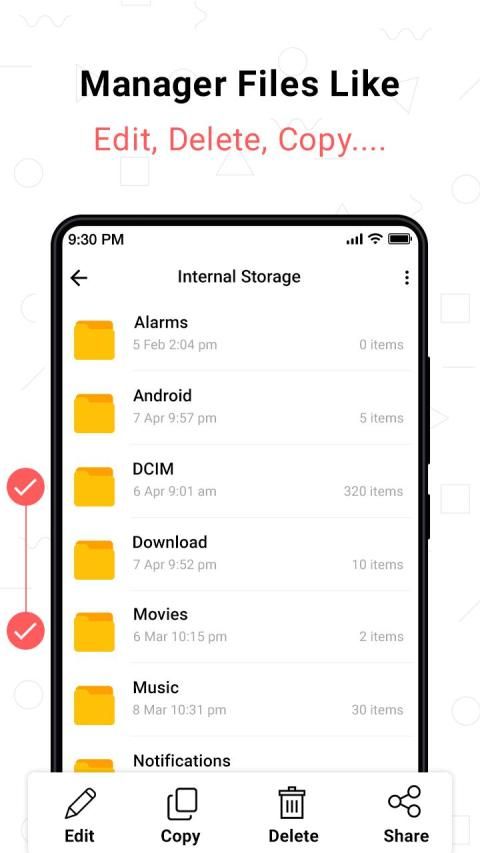
File Manager: Manage your files just like you do on your desktop or laptop using Multiple Select, Cut/Copy/Paste, Move, Create, Delete, Rename, Search, Share, Send, Hide, Create Shortcut, and Bookmark. All operations can be performed on local files (on your Android device) or even remotely (from your computer over a network)
Application Manager: Categorize, uninstall, back up, and create shortcuts to your apps
Remote File Manager: When this feature is enabled, you can manage files on your phone from your computer
Built-in ZIP and RAR support: Allows you to compress and decompress ZIP files, unpack RAR files, and create encrypted (AES 256 bit) ZIP files
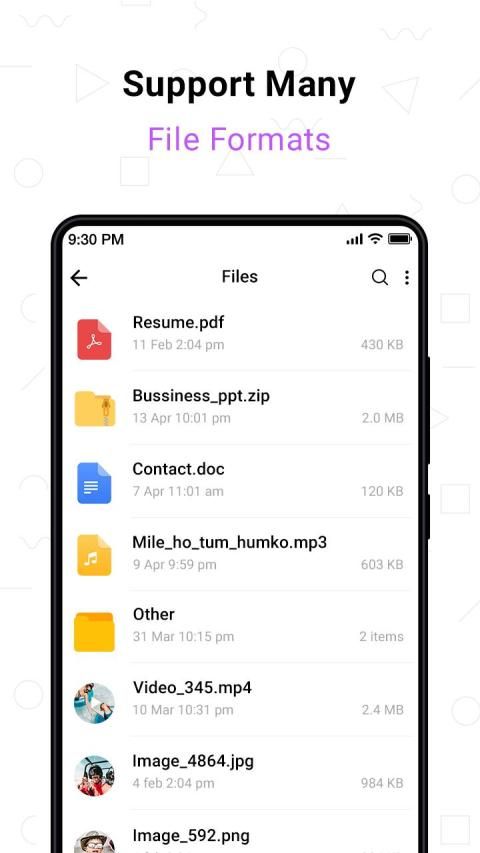
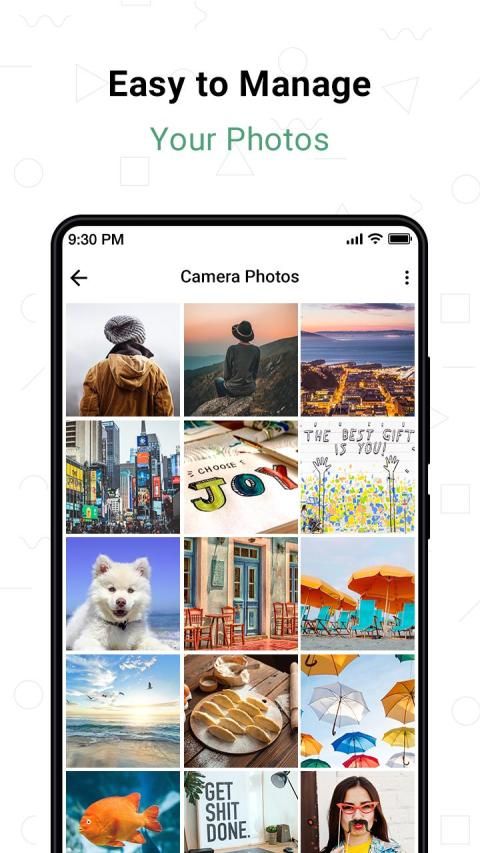
Built-in viewers and players for various file types: Including photos, music, and videos; supports third-party applications such as Quick Office for better productivity
Shows thumbnails: For APKs and images
Text viewers and editors
Access your home PC: Through your smartphone via WiFi with SMB
Functions as an FTP and WebDAV client: Manage files on FTP, FTPS, SFTP, and WebDAV servers just like you manage files on your SD card
Bluetooth file browser: You can copy and paste files between Bluetooth-ready devices. ES File Explorer (File Manager) supports OBEX FTP for browsing devices and transferring files between Bluetooth devices.
Root Explorer: The ultimate set of file management tools for root users. Provides access to the entire file system and all data directories, and allows the user to change permissions.
File Explorer Pro adalah versi Pro ES File Explorer (File Manager) - aplikasi yang harus dimiliki untuk setiap pengguna Android.
Anda dapat menikmati semua manfaat di bawah ini setelah Anda memiliki ES File Explorer Pro!
Lainnya untuk dikustomisasi - Mengatur halaman mulai & SEMUA jendela default
Lebih banyak untuk dilihat - Tema Baru dan panel warna
Lebih banyak yang diharapkan - Puluhan fitur baru (benar-benar gratis) akan segera hadir
Sorotan ES File Explorer (Manajer File):
Manajer File: Klik untuk menginstal aplikasi, dan periksa file zip
Multimedia Explorer: Klik untuk memutar musik / video, periksa gambar dan dokumen
Penyimpanan Awan: Mendukung Dropbox, Box.net, Sugarsync, Google Drive, OneDrive (SkyDrive), Amazon S3, Yandex dan lebih banyak platform cloud.
ES File Explorer adalah file penyimpanan / keamanan / aplikasi & tugas & pengelola bookmark lokal / LAN / FTP / Bluetooth / Cloud unggulan.
Beberapa fitur termasuk:
Operasi file Lokal, LAN, FTP, Bluetooth dan Cloud Storage
Multi-operasikan pada file / aplikasi dan clipboard yang kuat
Ubah Tampilan dan Sortir
Cari file di kartu SD, bagikan, dan Bluetooth
Bagikan file dengan teman
Penampil teks dan editor
Putar file audio atau video secara lokal / jarak jauh atau ke teman
Lihat file atau buka file lain dengan program pihak ketiga
Jadikan gambar sebagai wallpaper atau ikon kontak
Tampilkan / sembunyikan file
Zip / unzip file zip
Periksa file dengan MD5 / SHA
Tetapkan folder sebagai rumah di lokal
Atur folder sebagai server di Remote
Menganalisis penggunaan ruang pada kartu SD
Cadangan aplikasi & (batalkan) instal & buat pintasan
Penjelajah root
Fitur dan Manfaat ES File Explorer (File Manager):
Manajer File: Kelola file Anda seperti yang Anda lakukan di desktop atau laptop menggunakan Pilihan Ganda, Potong / Salin / Tempel, Pindahkan, Buat, Hapus, Ubah Nama, Cari, Bagikan, Kirim, Sembunyikan, Buat Pintasan, dan Bookmark. Semua operasi dapat dilakukan pada file lokal (pada perangkat Android Anda) atau bahkan dari jarak jauh (dari komputer Anda melalui jaringan)
Manajer Aplikasi: Kategorikan, copot pemasangan, buat cadangan, dan buat pintasan ke aplikasi Anda
Remote File Manager: Ketika fitur ini diaktifkan, Anda dapat mengelola file di ponsel dari komputer Anda
Dukungan ZIP dan RAR bawaan: Memungkinkan Anda untuk mengompres dan mendekompresi file ZIP, membongkar file RAR, dan membuat file ZIP terenkripsi (AES 256 bit)
Penampil dan pemain internal untuk berbagai jenis file: Termasuk foto, musik, dan video; mendukung aplikasi pihak ketiga seperti Quick Office untuk produktivitas yang lebih baik
Menunjukkan thumbnail: Untuk APK dan gambar
Penampil teks dan editor
Akses PC rumah Anda: Melalui ponsel cerdas Anda melalui WiFi dengan SMB
Berfungsi sebagai klien FTP dan WebDAV: Mengelola file pada server FTP, FTPS, SFTP, dan WebDAV sama seperti Anda mengelola file pada kartu SD Anda
Browser file Bluetooth: Anda dapat menyalin dan menempel file di antara perangkat yang siap-Bluetooth. ES File Explorer (File Manager) mendukung OBEX FTP untuk menjelajahi perangkat dan mentransfer file antar perangkat Bluetooth.
Root Explorer: Kumpulan utama alat manajemen file untuk pengguna root. Menyediakan akses ke seluruh sistem file dan semua direktori data, dan memungkinkan pengguna untuk mengubah izin.



9Apps 4.9










