
Are you finding some interesting apps? 30,000+ users downloaded Dont Touch My Phone Alert latest version on 9Apps for free every week! And it was enormous fun This hot app was released on 2018-08-08. However, has been a fashionable app for a long time.
Don't Touch My Phone Alert
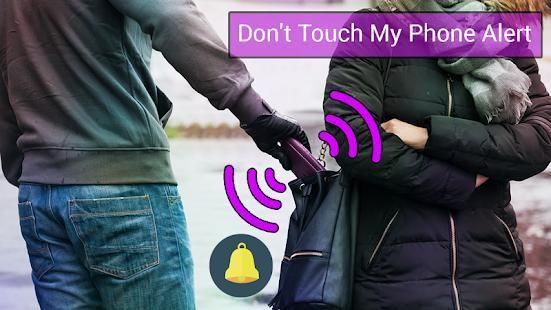
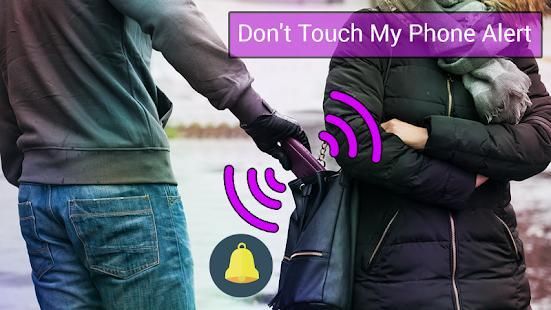
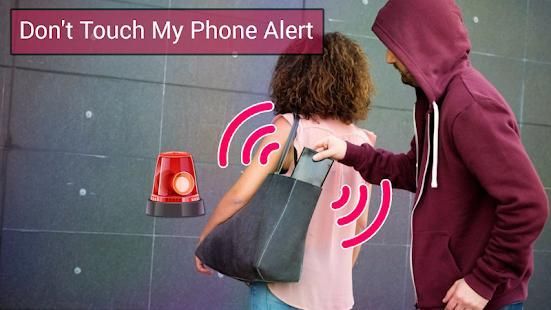
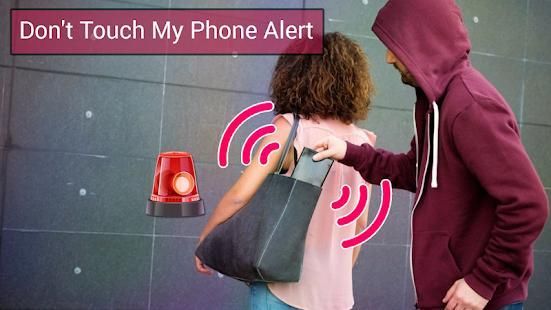
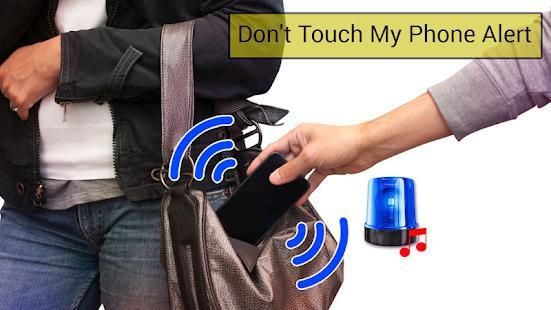
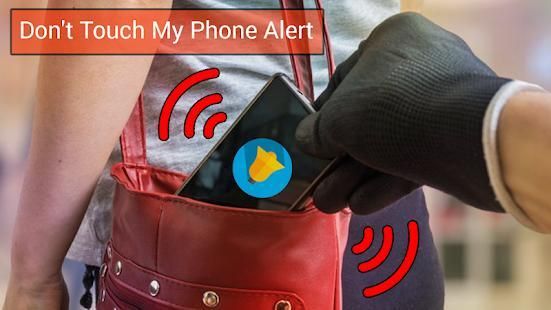
This application protect your mobile phone from theft from unknown people who will try to open your mobile secretly without your permission.
With
Don't Touch My Phone Alert
Anti theft app, you will not be afraid to let your mobile any where in your surroundings.
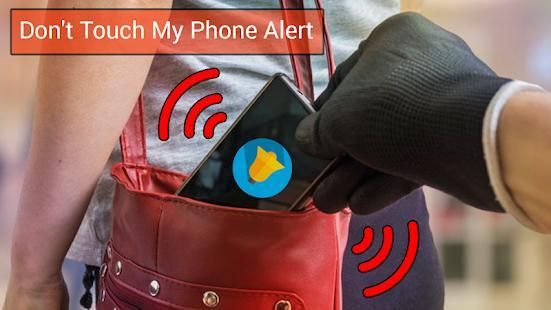
This alarm keep safe your device from unknown people. If you activate the alarm,no one could touch it,because sound will be activated if any one touch or take the mobile.
How to Use
Don't Touch My Phone Alert
=> Click on Enter To Secure Phone to activate the Anti theft Alarm
=> Then set up upto 4 Digit pin number and start service.
=> If anyone try to stolen your mobile, It will activate the alarm.
=> You will be notified.
Don't Touch My Phone App Uses
=> If anybody stolen your mobile
=> If your friends want to watch your private photos or videos.
=> If anybody wants to get your personal data from your device.
=> If afraid to leave your device in public places.
=> If anyone want to read your private messages or information.
=> If your children or family persons are using your mobile when you are not there.
now be smart and relax from the fear of mobile stolen you will be notify if unwanted action occurs.Share
Don't Touch My Phone Alert
app with your family and dont forget to rate us.
Jangan Sentuh My Phone Siaga
Aplikasi ini melindungi ponsel Anda dari pencurian dari orang tak dikenal yang akan mencoba untuk membuka ponsel Anda secara diam-diam tanpa izin Anda.
Dengan
Jangan Sentuh My Phone Siaga Anti pencurian aplikasi, Anda tidak akan takut untuk membiarkan Anda bergerak setiap tempat di sekitar Anda.
Alarm ini tetap aman perangkat Anda dari orang tak dikenal. Jika Anda mengaktifkan alarm, tidak ada yang bisa menyentuhnya, karena suara akan diaktifkan jika salah satu sentuhan atau mengambil ponsel.
Cara Menggunakan
Jangan Sentuh My Phone Siaga
=> Klik Masukkan Untuk Secure Phone untuk mengaktifkan Anti pencurian Alarm
=> Kemudian mengatur upto nomor pin 4 Digit dan memulai layanan.
=> Jika ada yang mencoba untuk mencuri ponsel Anda, ini akan mengaktifkan alarm.
=> Anda akan diberitahu.
Jangan Sentuh My Phone App Penggunaan
=> Jika ada yang dicuri ponsel Anda
=> Jika teman Anda ingin menonton foto-foto pribadi Anda atau video.
=> Jika orang ingin untuk mendapatkan data pribadi Anda dari perangkat Anda.
=> Jika takut untuk meninggalkan perangkat Anda di tempat umum.
=> Jika ada yang ingin membaca pesan pribadi Anda atau informasi.
=> Jika anak-anak Anda atau orang keluarga menggunakan ponsel Anda ketika Anda tidak ada.
sekarang menjadi cerdas dan bersantai dari rasa takut mobile dicuri Anda akan memberitahu jika tindakan yang tidak diinginkan occurs.Share
Jangan Sentuh My Phone Siaga aplikasi dengan keluarga Anda dan jangan lupa untuk menilai kita.



9Apps 4.9










