I wants to share an app for all of you. 20,000+ users downloaded Dark Mode latest version on 9Apps for free every week! The app can be the quickest one to play if you get used to it. This hot app was released on 2020-01-18. You can enjoy the most completed function of this app.
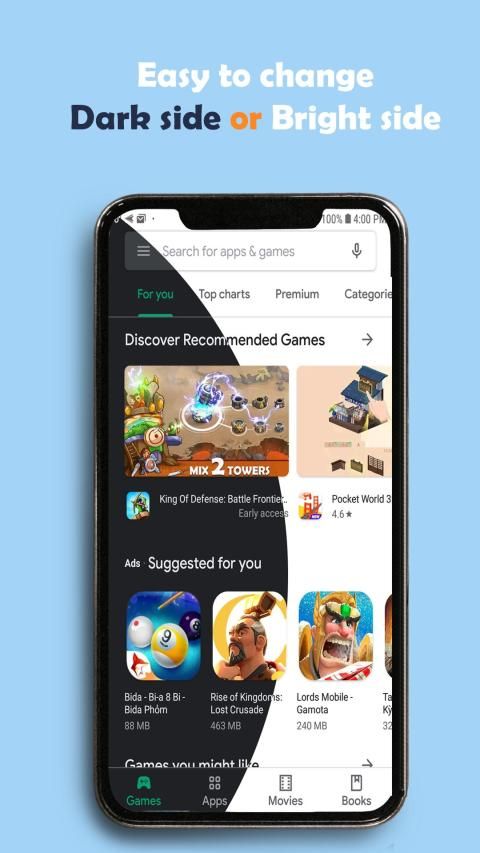
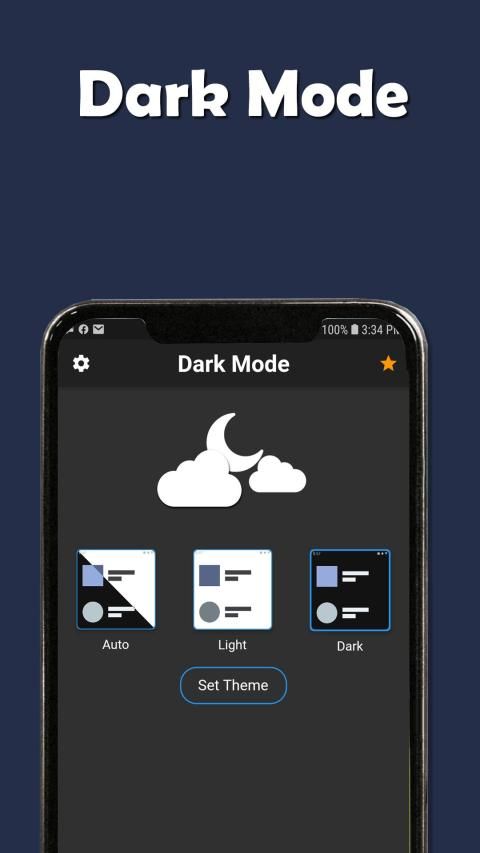
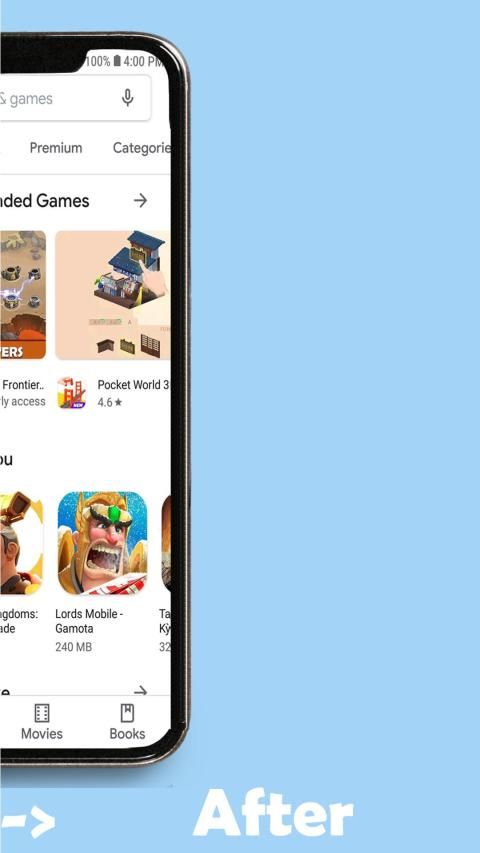
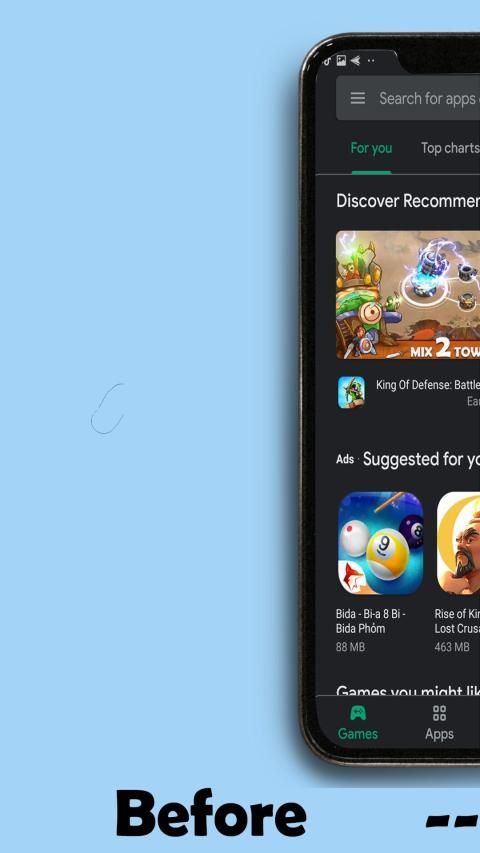
❤️ Dark mode apps helps to active Android dark mode on device that do not provide in your phone system settings.
❤️ Dark mode support Most of the all Google apps,Instagram and many more apps
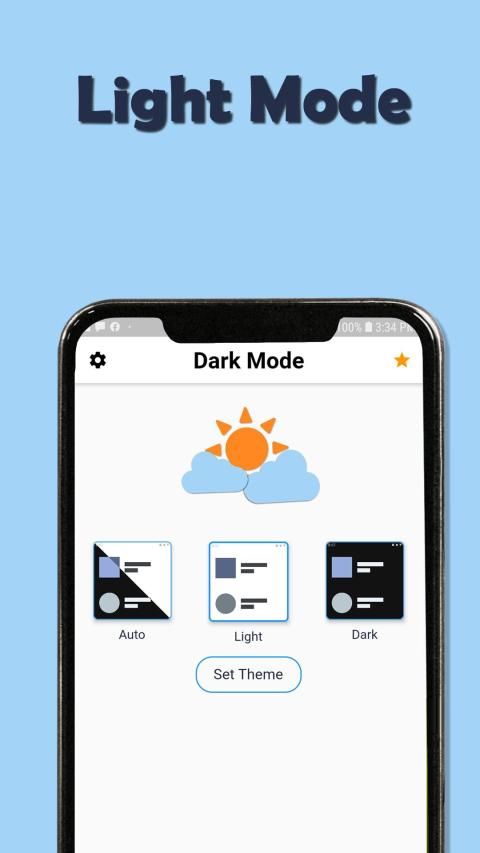
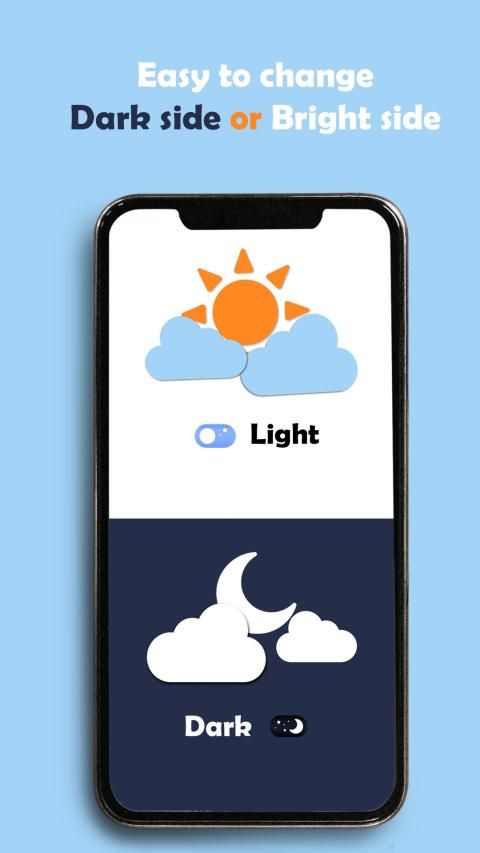
❤️ Enabling dark mode helps reduce the strain on eyes and also improves the battery life of the device Dark mode provides the option to set the night mode automatically based on the time of the day This switches the supported Dark mode app automatically to night mode based on the time of the day
Dark mode is used to activate the night mode on devices that do not provide this option in the system settings with night mode
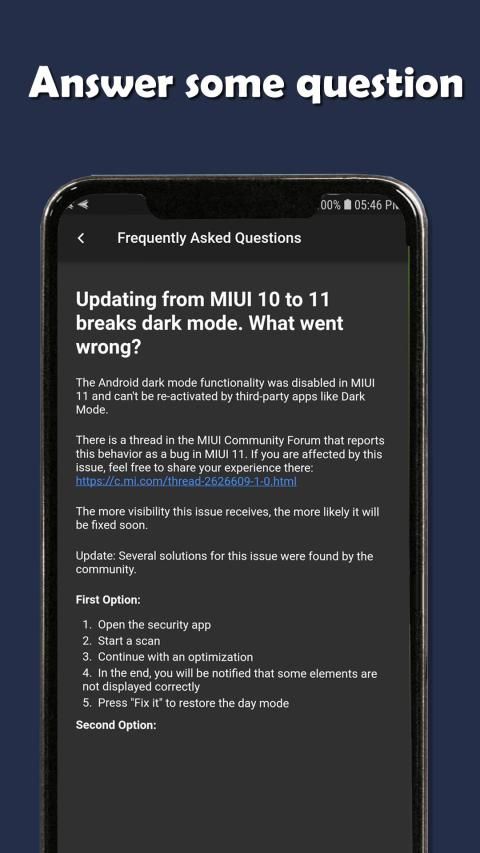
Dark mode will not work on all devices since some smartphone manufacturers disabled or blocked this option for their devices!
Use Dark mode and Night mode app:
Dark mode app prevent your eyes from hurting when the screen is too bright
Low light usage for reading, browsing, texting or gaming with Dark mode app
Dark mode app disable hardware or soft buttons backlight
If you have an AMOLED display, you can also save battery by Dark mode app
Night mode theme on your device and and other apps like message, game, social network with dark mode theme
Special night mode in the evening with dark mode app create your device applies night mode theme
Features of Dark mode:
Reduce blue light
Adjustable filter intensity
Save power with night mode
Dark mode is very easy to use
Built-in screen dimmer
Eye protector from screen light auto mode in dark mode
If you love the Dark mode app, please rate 5* to support the developer ♥️ Don't forget to share Dark mode app with friends ♥️
❤️ Aplikasi mode gelap membantu mengaktifkan mode gelap Android di perangkat yang tidak menyediakan pengaturan sistem telepon Anda.
❤️ Dukungan mode gelap Sebagian besar dari semua aplikasi Google, Instagram, dan banyak lagi aplikasi lainnya
❤️ Mengaktifkan mode gelap membantu mengurangi ketegangan pada mata dan juga meningkatkan masa pakai baterai perangkat Mode gelap memberikan opsi untuk mengatur mode malam secara otomatis berdasarkan waktu hari Ini mengubah aplikasi mode Gelap yang didukung secara otomatis ke mode malam berdasarkan waktu hari
Mode gelap digunakan untuk mengaktifkan mode malam pada perangkat yang tidak menyediakan opsi ini dalam pengaturan sistem dengan mode malam
Mode gelap tidak akan berfungsi di semua perangkat karena beberapa produsen ponsel pintar menonaktifkan atau memblokir opsi ini untuk perangkat mereka!
Gunakan mode Gelap dan Aplikasi mode malam:
Aplikasi mode Gelap mencegah mata Anda dari sakit saat layar terlalu terang
Penggunaan cahaya rendah untuk membaca, menjelajahi, mengirim pesan teks atau bermain game dengan aplikasi mode Gelap
Aplikasi mode gelap menonaktifkan perangkat keras atau tombol lembut lampu latar
Jika Anda memiliki layar AMOLED, Anda juga dapat menghemat baterai dengan aplikasi mode Gelap
Tema mode malam di perangkat Anda dan dan aplikasi lain seperti pesan, game, jejaring sosial dengan tema mode gelap
Mode malam khusus di malam hari dengan aplikasi mode gelap membuat perangkat Anda menggunakan tema mode malam
Fitur mode Gelap:
Kurangi cahaya biru
Intensitas filter yang dapat disesuaikan
Hemat daya dengan mode malam
Mode gelap sangat mudah digunakan
Peredup layar internal
Pelindung mata dari mode otomatis lampu layar dalam mode gelap
Jika Anda menyukai aplikasi mode Gelap, beri peringkat 5 * untuk mendukung pengembang ♥ ️ Jangan lupa untuk berbagi aplikasi mode Gelap dengan teman-teman ♥ ️
new feature set wallpaper <3

9Apps 4.9


![How to change MATLAB into DARK Mode/DARK theme [MANUALLY] 🌝▶️🌚 screenshot 3](https://i.ytimg.com/vi/vX4mWKTvhjg/mqdefault.jpg)