

Browse and download apps to your android phone from the App Store. 30,000+ users downloaded Crop Video - Video Cropper latest version on 9Apps for free every week! It truly does not offer any money. This hot app was released on 2018-12-17. Download and play this free app for android mobile phone now!
Video cropper application allows you to crop video. You just need to select video from gallery.
This application is very easy and simple to use.
Features:
-Multiple video choice.
-Crop the video.
-Cut the portion of video.
-Easy to use.
-Fast and speedy app.
How to use:
-Search the crop video – video cropper application.
-install the crop video application.
-Update this app.
-Crop video – video cropper page will be open in your smart phone.
-To start click on start button.
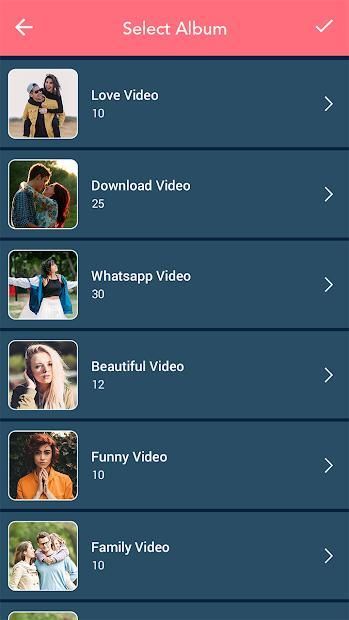
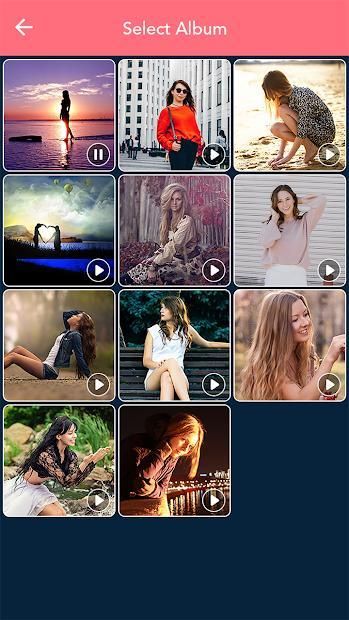
-Video list will be open in your phone.
-Select only one video in list.
-Video crop page will be open.
-Crop your video to original , square , portrait , landscape size.
-Choice is yours.
-You can also cut your video.
-Select the portion of video to cut.
-Click on right arrow button.
-Your video will be create.
-Play your video.
-Share your video with your friends and family members on social world.
-If you delete the video click on delete button.
-Your created video will be show on my creation button.
Aplikasi pemangkas video memungkinkan Anda memotong video. Anda hanya perlu memilih video dari galeri.
Aplikasi ini sangat mudah dan mudah digunakan.
Fitur:
-Beberapa pilihan video.
-Crop videonya.
-Buang bagian dari video.
-Mudah digunakan.
Aplikasi -cepat dan cepat.
Bagaimana cara menggunakan:
-Hasil Video crop - aplikasi video cropper.
-Menginstal aplikasi video crop.
-Update Aplikasi ini.
Video -Crop - halaman video cropper akan terbuka di ponsel pintar Anda.
-Untuk memulai klik pada tombol start.
Daftar -Video akan terbuka di telepon Anda.
-Pilih hanya satu video dalam daftar.
Halaman crop -Video akan terbuka.
-Crop video Anda ke ukuran asli, persegi, potret, lanskap.
-Pilihan ada pada Anda.
-Kamu juga bisa memotong videomu.
-Pilih bagian video untuk dipotong.
-Klik tombol panah kanan.
-Video Anda akan dibuat.
-Putar video Anda.
-Bagi video Anda dengan teman dan anggota keluarga di dunia sosial.
-Jika Anda menghapus klik video pada tombol hapus.
-Anda yang dibuat akan ditampilkan pada tombol kreasi saya.

9Apps 4.9










