
Pencil Sketch
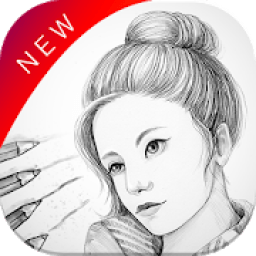
is a simple and easy to use application that creates a classic look with a monotonous styling effect.
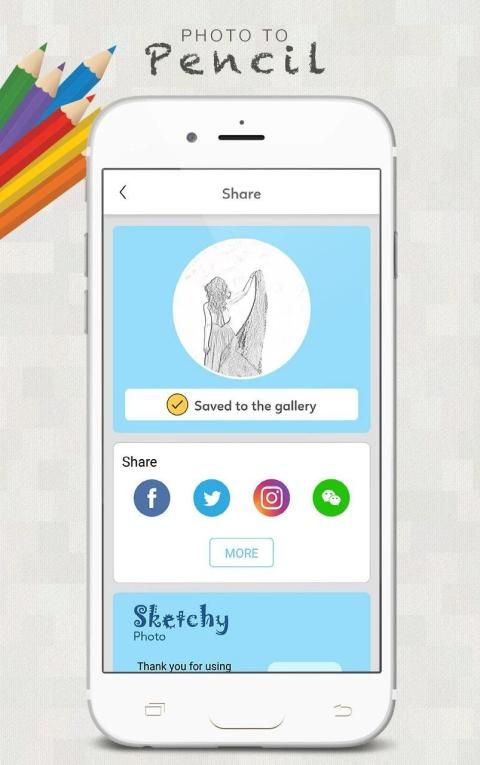
You do not have to learn to draw or paint, just select a nice photo, Pencil Sketch will automatically handle and save for you, you just have to edit your own style and then use. Use those photos. You can share them send them to social networks or MMS messages through the gallery of the system.
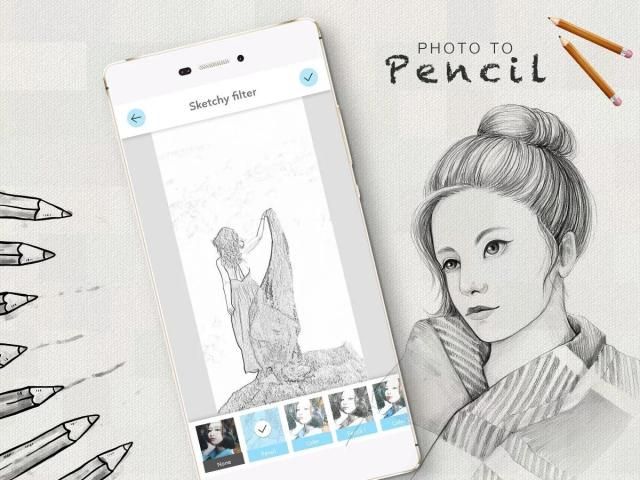
Pencil Sketch provides three styles: "Sketch", "Doodle" and "Hatch". "Sketch" style creates pencil sketches with smooth edges and curves, which is a perfect choice if you like handmade drawings and paintings. "Doodle" option converts a photo into a doodle style cartoon photo. It works great for portrait photos taken from your selfie camera, and you will get a lot of extra attention after posting them to your social channels. "Hatch" style works generally on any kind of photos, as it is a simple style which generates a cross★ hatching texture on photos. Several photo frames are included in the app so that you can easily apply them to your photo sketch results.
Pencil Sketch
is also a powerful all★ in★ one photo editor and drawing tool. Pencil Sketch is the best way to transform your photos into works of art and to express your creativity with the world.
Features in photo pencil sketch:
★ One tap auto enhance.
★ Gorgeous photo effects, filters and frames.
★ Fun stickers
★ Color balance.
★ Adjust brightness, contrast, color temperature, and saturation.
★ Color temperature.
★ Color Splash.
★ Draw and add text.
★ Cosmetic tools: fix redeye, remove blemishes and whiten teeth.
How it works:
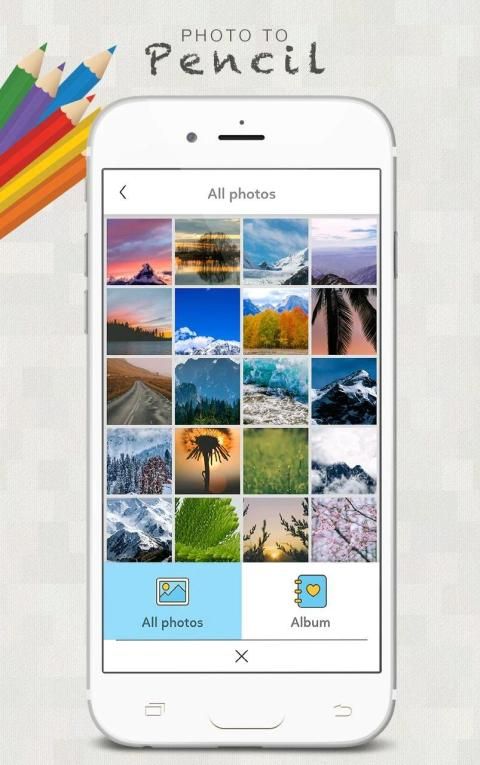
1 Click a photo from camera,or select an image from Phone Gallery
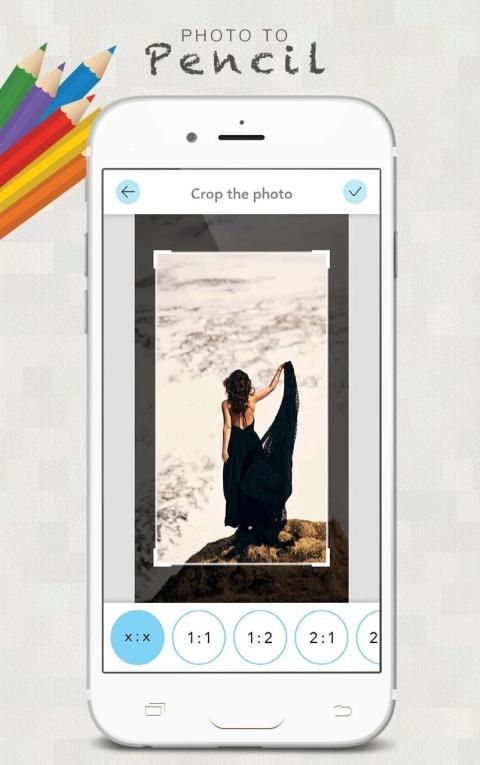
2 Select the area you want to apply the effect on i.e. Crop and Resize
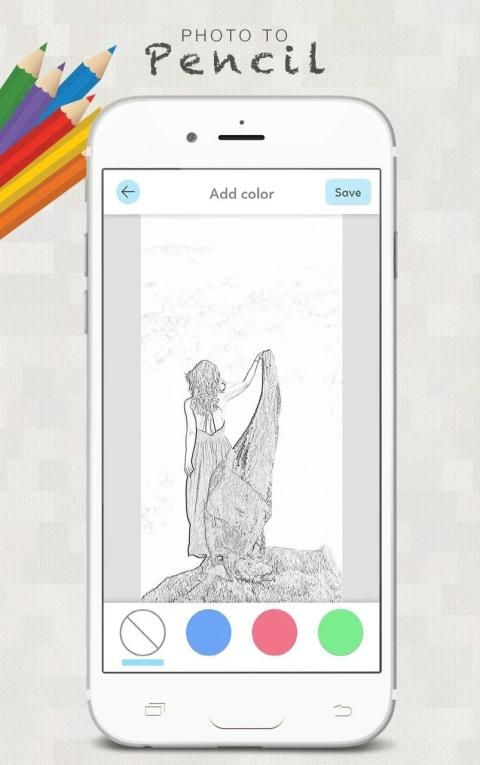
3 Choose the Pencil Sketch effect or other filter you want to apply
4 Apply a beautiful frame to the picture
5 Add text to write on picture
6 Share you sketch on social media like Facebook,Instagram with friends
Contact me
Email: artzakalero4@gmail.com
Facebook Page:
Pensil Sketch adalah sederhana dan mudah untuk menggunakan aplikasi yang menciptakan tampilan klasik dengan efek styling monoton.
Anda tidak harus belajar untuk menggambar atau melukis, cukup pilih foto yang bagus, Pensil Sketch otomatis akan menangani dan menyimpan untuk Anda, Anda hanya perlu mengedit gaya Anda sendiri dan kemudian menggunakan. Menggunakan foto mereka. Anda dapat berbagi mereka mengirim mereka ke jaringan atau pesan MMS sosial melalui galeri sistem.
Pensil Sketch menyediakan tiga gaya: "Sketch", "Doodle" dan "Hatch". "Sketch" gaya menciptakan sketsa pensil dengan tepi halus dan kurva, yang merupakan pilihan yang sempurna jika Anda suka gambar buatan tangan dan lukisan. "Doodle" pilihan mengkonversi foto ke foto kartun gaya doodle. Ia bekerja bagus untuk foto potret yang diambil dari kamera selfie Anda, dan Anda akan mendapatkan banyak perhatian ekstra setelah posting mereka ke saluran sosial Anda. "Hatch" gaya bekerja umumnya pada setiap jenis foto, karena gaya sederhana yang menghasilkan lintas ★ menetas tekstur pada foto. Beberapa bingkai foto yang termasuk dalam aplikasi sehingga Anda dapat dengan mudah menerapkannya pada hasil sketsa foto Anda.
Pensil Sketch juga kuat semua ★ di ★ Editor satu foto dan gambar alat. Pensil Sketsa adalah cara terbaik untuk mengubah foto Anda menjadi karya seni dan untuk mengekspresikan kreativitas Anda dengan dunia.
Fitur pensil foto sketsa:
★ Satu tap auto meningkatkan.
★ efek foto Cantik, filter dan frame.
★ stiker Fun
★ keseimbangan warna.
★ Menyesuaikan kecerahan, kontras, suhu warna, dan saturasi.
★ suhu Warna.
★ Warna Splash.
★ Menggambar dan menambahkan teks.
★ alat kosmetik: memperbaiki mata merah, menghilangkan noda dan memutihkan gigi.
Bagaimana itu bekerja:
1 Klik foto dari kamera, atau pilih gambar dari Galeri Ponsel
2 Pilih daerah Anda ingin menerapkan efek pada yaitu Crop dan Resize
3 Pilih efek Pensil Sketsa atau filter Anda ingin menerapkan
4 Terapkan bingkai yang indah untuk gambar
5 Tambahkan teks untuk menulis pada gambar
6 Share Anda sketsa pada media sosial seperti Facebook, Instagram dengan teman-teman
Hubungi saya
Email: artzakalero4@gmail.com
Halaman Facebook:






9Apps 4.9