
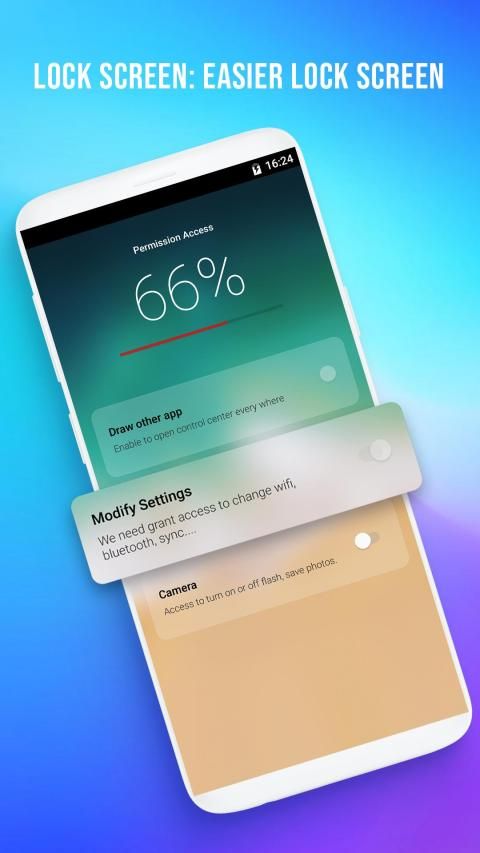
Enjoy the most popular apps here! 20,000+ users downloaded Control Center latest version on 9Apps for free every week! If you are not comfortable with the old version then you can updated it right now. This hot app was released on 2019-04-18. You can also find some other similar apps here.
✪ Quick Control Panel OS - Control Center OS 12 gives you instant access to the Camera, Clock, Record the screen, Screenshot and more settings like to Phone X, Phone XS max.
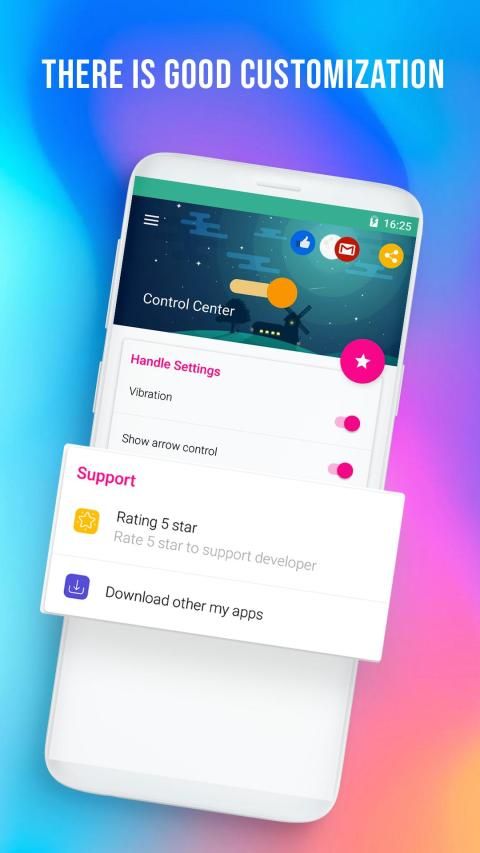
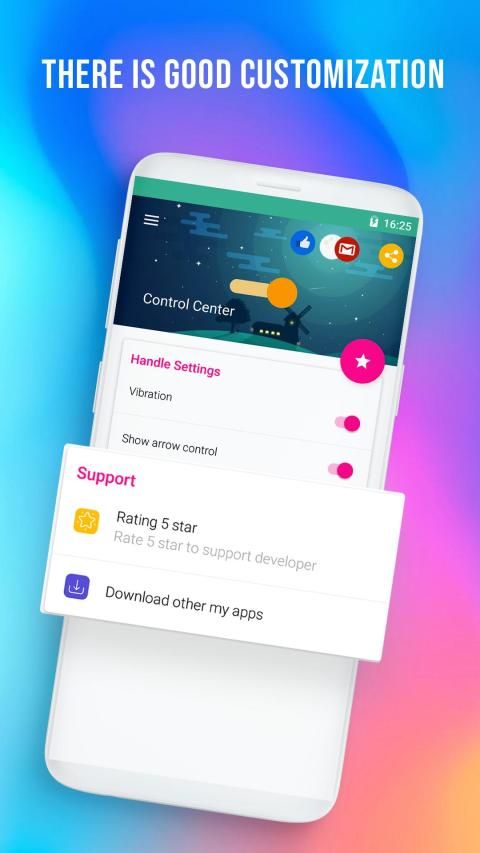
✪ There is good customization, we can bring the applications to use, put in this new Control Center to manipulate more conveniently.
✪ You can quickly access all your favorite apps, games, settings and quick toggle, screen capture, screen recording.
✪ If you are using an Android device, you can fully experience the Control Center through the same name application on Play Store.
☎️
Quick Control Panel OS - Control Center OS 12
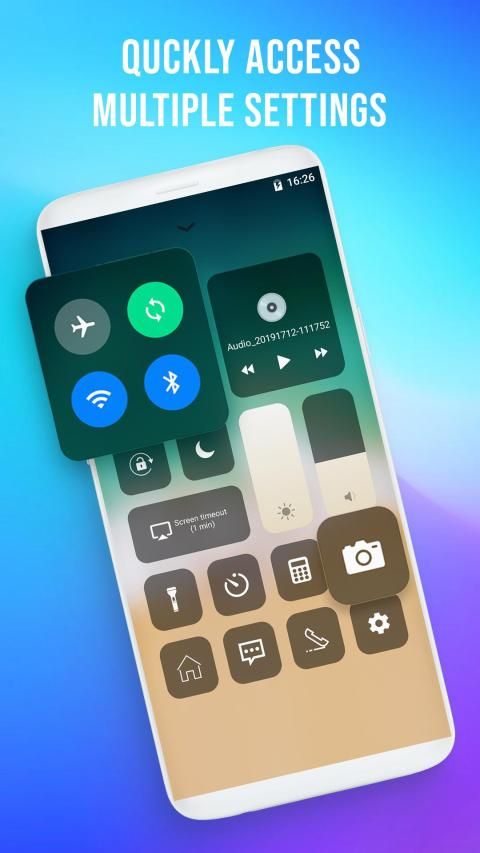
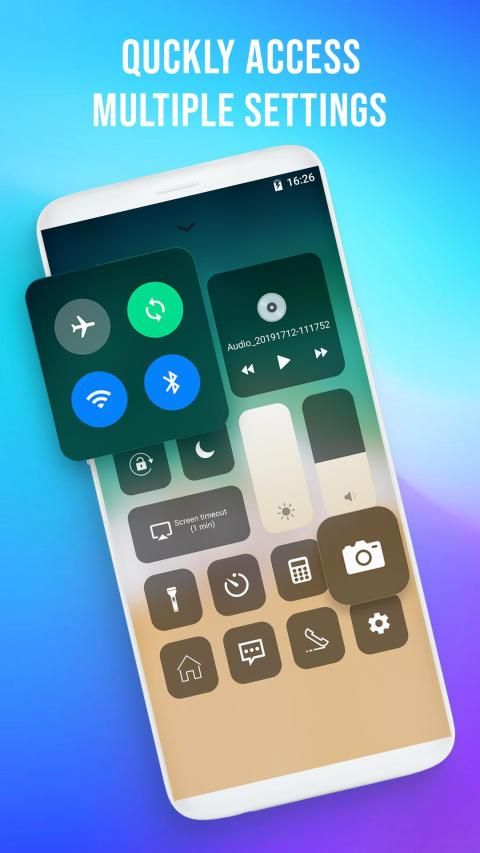
, the control center gives Android users instant access to commonly used applications and controls (like OS) by swiping up from any screen. Control Center is a feature that allows users to quickly activate frequently used connections on Phone X as well as adjust screen brightness, increase or decrease the volume of OS 12. Manipulation of Control Center is the same as on OS, just swipe from the bottom up, the panel will appear to control volume, music, vibration, flight mode and the basic notification functions similar to OS.
Quick Control Panel OS - Control Center OS 12
is an easy tool for Android devices. It's fast, it’s smooth, and it’s totally free. In addition, the adjustment icons can be customized, users can replace "useless" icons with frequently used functions, including Control Center colors and themes. There is good customization, we can bring the applications to use, put in this new Control Center to manipulate more conveniently.
Features
❂ Turn on (off) airplane mode
❂ Turn on (off) sync
❂ Turn on (off) Bluetooth
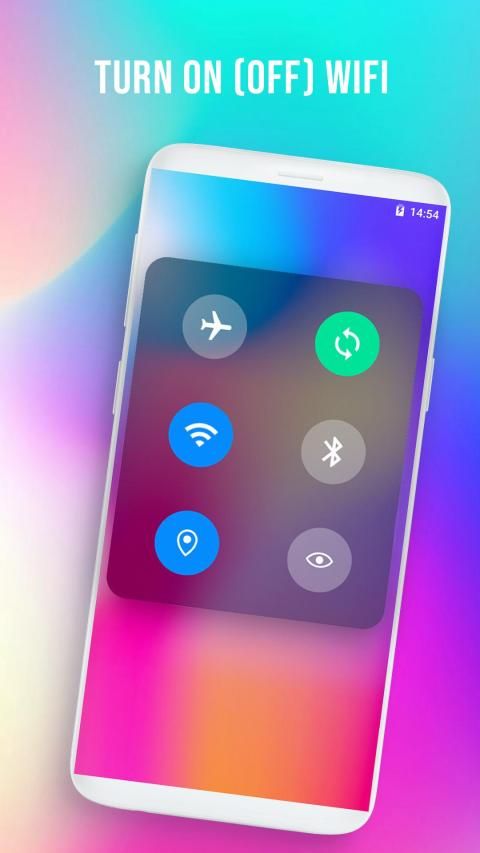
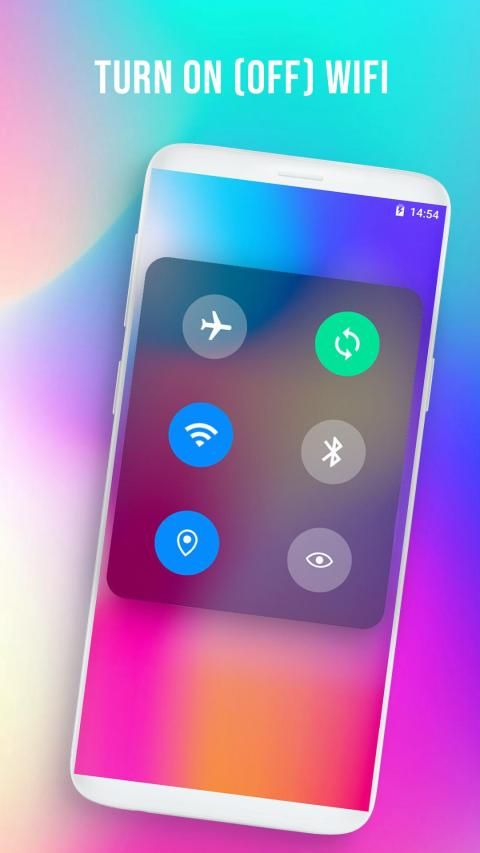
❂ Turn on (off) wifi
❂ Turn on (off) flashlight
❂ Turn on (off) screen lock
❂ Turn on (off) k disturbing mode
❂ Set the standby screen (15s, 30s, 1M, 2M, 10M, 30M)
❂ Turn on, turn off the music, select the next song, the previous one
❂ Go to the home screen
❂ Adjust dark light
❂ Adjust the sound to be small
❂ Open the clock app
❂ Open the photography application
❂ Open the computer application
❂ Open the message application
❂ Open the calling application
❂ Go to application center (settings) control
❂ Also when pressing and holding long into the group (airplant, sync, wifi, Bluetooth), it can turn on, turn off the location and turn off the reading mode.
In the main screen of the application, there is a function of vibrating when turning on, turning off any function in the control center. In addition, it can optionally hide the horizontal scroll bar that appears on the screen when installing the control center.
✪ Panel Kontrol Cepat OS - Pusat Kontrol OS 12 memberi Anda akses cepat ke Kamera, Jam, Rekam layar, Tangkapan layar dan lebih banyak pengaturan seperti untuk Telepon X, Maks. Telepon XS maks.
✪ Ada kustomisasi yang baik, kita dapat membawa aplikasi untuk digunakan, dimasukkan ke Pusat Kontrol baru ini untuk memanipulasi dengan lebih nyaman.
✪ Anda dapat dengan cepat mengakses semua aplikasi, game, pengaturan favorit Anda dan beralih cepat, tangkapan layar, perekaman layar.
✪ Jika Anda menggunakan perangkat Android, Anda dapat sepenuhnya mengalami Pusat Kontrol melalui aplikasi nama yang sama di Play Store.
☎️
OS Panel Kontrol Cepat - Pusat Kontrol OS 12
, pusat kontrol memberi pengguna Android akses cepat ke aplikasi dan kontrol yang umum digunakan (seperti OS) dengan menggesekkan layar dari atas ke mana saja. Control Center adalah fitur yang memungkinkan pengguna untuk dengan cepat mengaktifkan koneksi yang sering digunakan pada Telepon X serta menyesuaikan kecerahan layar, menambah atau mengurangi volume OS 12. Manipulasi Pusat Kontrol sama dengan pada OS, cukup geser dari bawah ke atas. , panel akan muncul untuk mengontrol volume, musik, getaran, mode penerbangan dan fungsi pemberitahuan dasar yang mirip dengan OS.
OS Panel Kontrol Cepat - Control Center OS 12
adalah alat yang mudah untuk perangkat Android. Cepat, halus, dan gratis. Selain itu, ikon penyesuaian dapat disesuaikan, pengguna dapat mengganti ikon "tidak berguna" dengan fungsi yang sering digunakan, termasuk warna dan tema Pusat Kontrol. Ada kustomisasi yang baik, kita dapat membawa aplikasi untuk digunakan, dimasukkan ke Pusat Kontrol baru ini untuk memanipulasi dengan lebih nyaman.
Fitur
❂ Mengaktifkan (menonaktifkan) mode pesawat
❂ Aktifkan (nonaktifkan) sinkronisasi
❂ Aktifkan (nonaktifkan) Bluetooth
❂ Hidupkan (matikan) wifi
❂ Hidupkan (matikan) senter
❂ Hidupkan (off) kunci layar
❂ Menyalakan (mematikan) k mode mengganggu
❂ Atur layar siaga (15s, 30s, 1M, 2M, 10M, 30M)
❂ Nyalakan, matikan musik, pilih lagu berikutnya, yang sebelumnya
❂ Pergi ke layar beranda
❂ Sesuaikan cahaya gelap
❂ Sesuaikan suara menjadi kecil
❂ Buka aplikasi jam
❂ Buka aplikasi fotografi
❂ Buka aplikasi komputer
❂ Buka aplikasi pesan
❂ Buka aplikasi panggilan
❂ Buka kontrol pusat aplikasi (pengaturan)
❂ Juga ketika menekan dan menahan lama ke dalam grup (airplant, sinkronisasi, wifi, Bluetooth), itu dapat menyala, matikan lokasi dan matikan mode membaca.
Di layar utama aplikasi, ada fungsi getar saat menghidupkan, mematikan fungsi apa pun di pusat kendali. Selain itu, secara opsional dapat menyembunyikan bilah gulir horizontal yang muncul di layar saat memasang pusat kontrol.
Add features:
- Allows the user to adjust the width of the horizontal scroll bar
- Fix bug



9Apps 4.9










