
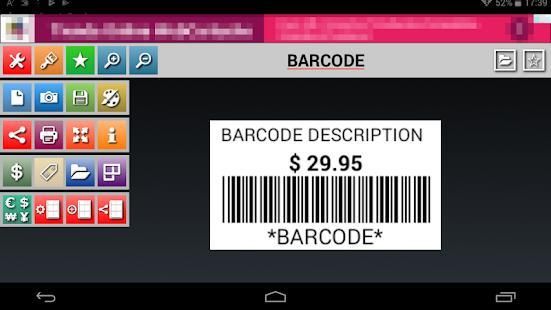
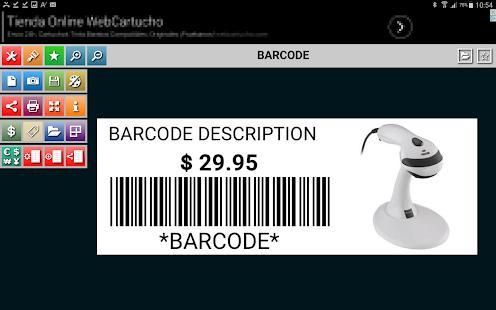
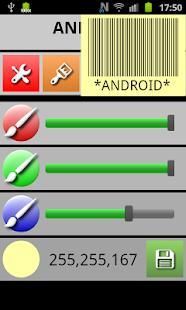
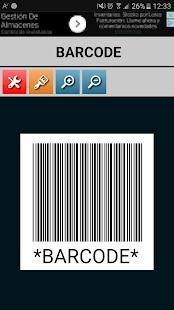
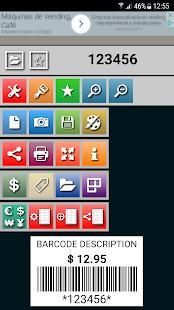
Creates and prints Code39 barcode labels in seconds. The barcode can be saved on the SD card and in the database by pressing the Save button.
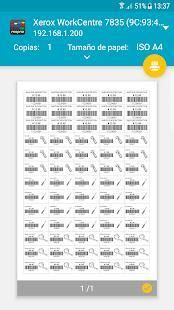
• The Barcode can now be printed directly on a wifi printer.
• Faster Barcode Search from the toolbar.
• Add Barcodes to favorites for a faster location.
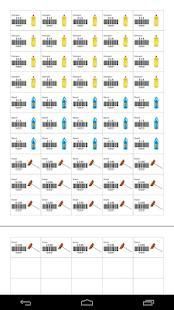
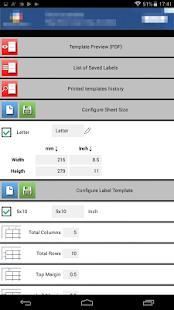
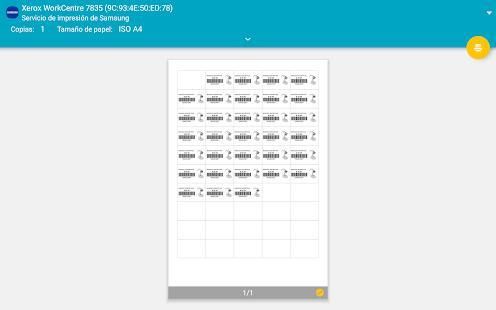
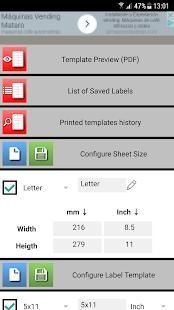
• You can now configure your label templates to print on sheets with self-adhesive labels.
• Generated templates can be printed directly on a Wi-Fi printer.
• Generated templates can be opened from a web browser external to the device.
• Share all favorite Barcodes or the result of a query, such as pictures.
How to print via App:
• Download the print server to your PC, downloaded and installed in 2 minutes.
Https://sites.google.com/site/mlcprintserver
• Write a code and click the print button.
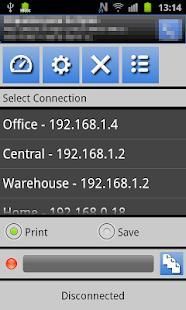
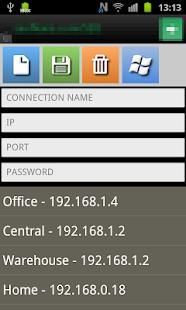
• The first time, it creates a connection to the server.
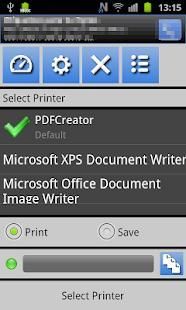
• Choose printer, resolution, paper size, and number of copies.
Alphanumeric support and image for Code39.
Allowed characters :. 0123456789ABCDEFGHIJKLMNOPQRSTUVWXYZ- $ / +% and space.
Longclick on each button for more information.
This App does not use or process personal information.
Menciptakan dan mencetak label barcode Kode39 dalam hitungan detik. barcode dapat disimpan pada kartu SD dan dalam database dengan menekan tombol Save.
• Barcode sekarang dapat dicetak langsung pada printer wifi.
• Lebih cepat Barcode Cari dari toolbar.
• Tambah Barcode ke favorit untuk lokasi lebih cepat.
• Anda sekarang dapat mengkonfigurasi template label Anda untuk mencetak pada lembar dengan label perekat diri.
• template Generated dapat dicetak langsung pada printer Wi-Fi.
• template Generated dapat dibuka dari browser web eksternal ke perangkat.
• Bagi semua Barcode favorit atau hasil dari query, seperti gambar.
Cara mencetak melalui App:
• Download print server ke PC Anda, download dan diinstal dalam 2 menit.
Https://sites.google.com/site/mlcprintserver
• Menulis kode dan klik tombol cetak.
• Pertama kali, itu menciptakan koneksi ke server.
• Pilih printer, resolusi, ukuran kertas, dan jumlah salinan.
dukungan alfanumerik dan gambar untuk Kode39.
karakter yang diizinkan:. 0123456789ABCDEFGHIJKLMNOPQRSTUVWXYZ- $ / +% dan ruang.
Longclick pada setiap tombol untuk informasi lebih lanjut.
App ini tidak menggunakan atau memproses informasi pribadi.
Error control








9Apps 4.9












