
Following is the introduction of a wonderful App. 30,000+ users downloaded Cloak latest version on 9Apps for free every week! When you click, the app will start downloading and wait till it completes installation you can start play. This hot app was released on 2019-12-30. Here are some guides of this app:
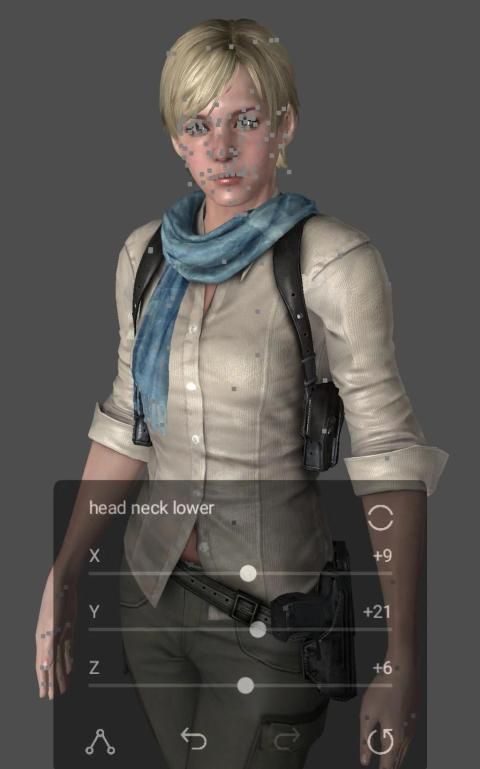
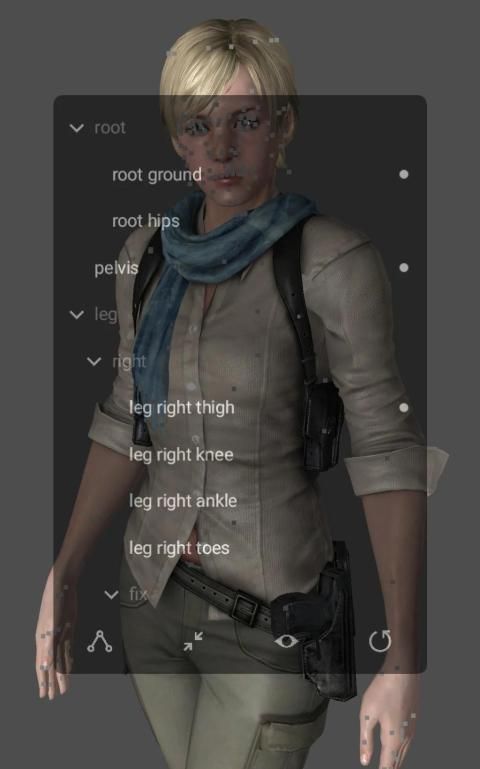
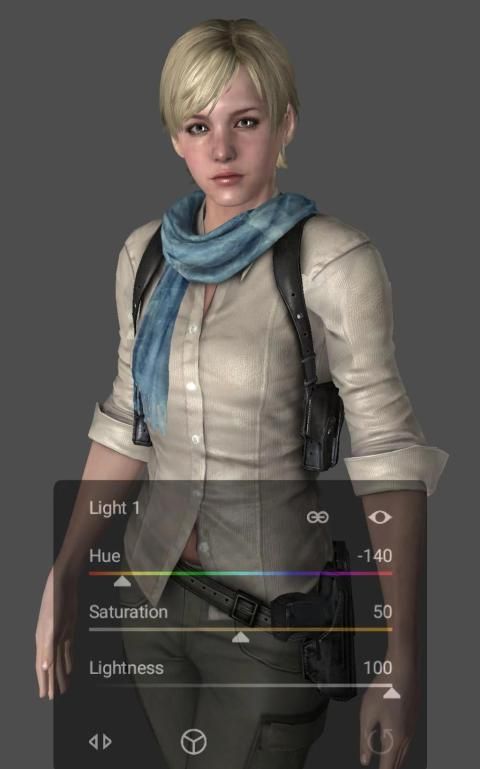
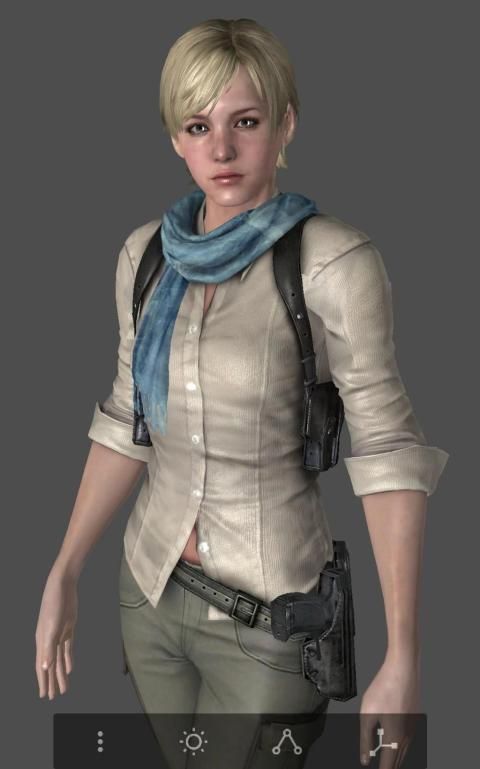
Cloak renders and poses 3D models.
- Load thousands of XNALara (MESH, XPS), Source Filmmaker (MDL), MikuMikuDance (PMD, PMX), OBJ models.
- Load multiple models in the scene.
- Render diffuse, light, normal, detail, specular, and environment maps.
- Render shadows.
- Render translucent materials with high quality.
- Rotate, translate and scale bones.
- Undo and redo bone transforms.
- Load and save unlimited poses.
- Load and save scenes that contain information about models, poses, camera, and lights.
- Rotate, pan and zoom camera smoothly.
- Attach the camera to the bone by long pressing to edit easily.
- Adjust the position, intensity, shadow depth and color of two lights.
- Save image with transparent background.
- Set the visibility of each map and mesh part.
- Support PNG, TGA, DDS, JPG, BMP textures.
How to load model
1. Copy the model folders to the device.
2. In the Cloak, select ‘Load model’ in the menu.
3. Specify the folder where the model folders are located.
4. Lock the folder.
5-1. XNALara
Select a model folder in the list.
5-2. Source Filmmaker
Make sure that two folders (models, materials) appear in the list.
Expand ‘models’ folder and select a model.
5-3. MikuMikuDance, OBJ
Select a model folder in the list.
Select a model in the expanded folder.
Other popular model formats will be supported later.
Also check Blink, photo editing app for image post-processing.
Jubah merender dan berpose model 3D.
- Muat ribuan XNALara (MESH, XPS), Source Filmmaker (MDL), MikuMikuDance (PMD, PMX), model OBJ.
- Muat beberapa model dalam adegan.
- Membuat peta difus, ringan, normal, detail, specular, dan lingkungan.
- Membuat bayangan.
- Membuat bahan yang tembus cahaya dengan kualitas tinggi.
- Putar, terjemahkan, dan skala tulang.
- Undo dan redo transformasi tulang.
- Muat dan simpan pose tak terbatas.
- Memuat dan menyimpan adegan yang berisi informasi tentang model, pose, kamera, dan lampu.
- Putar, geser dan perbesar kamera dengan lancar.
- Pasang kamera ke tulang dengan menekan lama untuk mengedit dengan mudah.
- Sesuaikan posisi, intensitas, kedalaman bayangan dan warna dua lampu.
- Simpan gambar dengan latar belakang transparan.
- Atur visibilitas setiap peta dan bagian jala.
- Mendukung tekstur PNG, TGA, DDS, JPG, BMP.
Cara memuat model
1. Salin folder model ke perangkat.
2. Di Jubah, pilih ‘Muat model’ di menu.
3. Tentukan folder tempat folder model berada.
4. Kunci folder.
5-1. XNALara
Pilih folder model dalam daftar.
5-2. Pembuat Film Sumber
Pastikan dua folder (model, bahan) muncul dalam daftar.
Buka folder ‘model’ dan pilih model.
5-3. MikuMikuDance, OBJ
Pilih folder model dalam daftar.
Pilih model dalam folder yang diperluas.
Format model populer lainnya akan didukung nanti.
Juga periksa Blink, aplikasi pengeditan foto untuk pemrosesan pasca gambar.
- Fixed bugs in loading and rendering MikuMikuDance models.


9Apps 4.9