
Millions of free Android apps are provide on 9apps. 20,000+ users downloaded CV Maker latest version on 9Apps for free every week! Fortunately, It's easy to get this popular app. This hot app was released on 2020-03-05. If you wanna more apps besides this, turn to 9Apps.
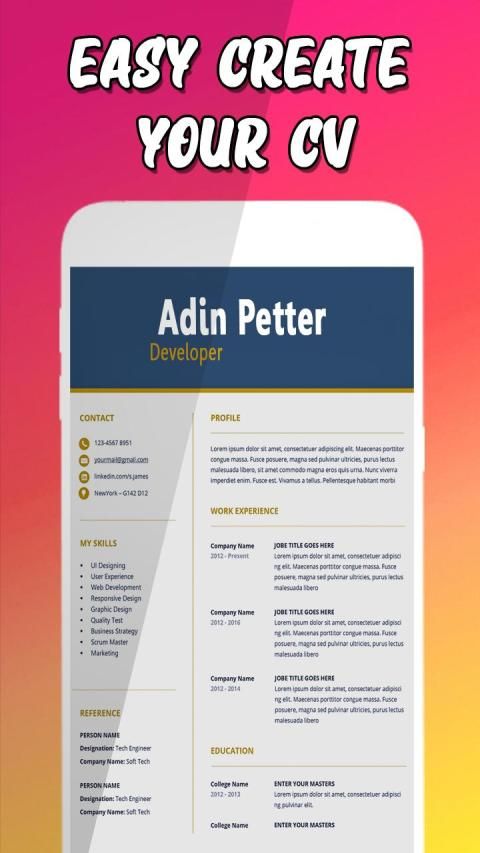
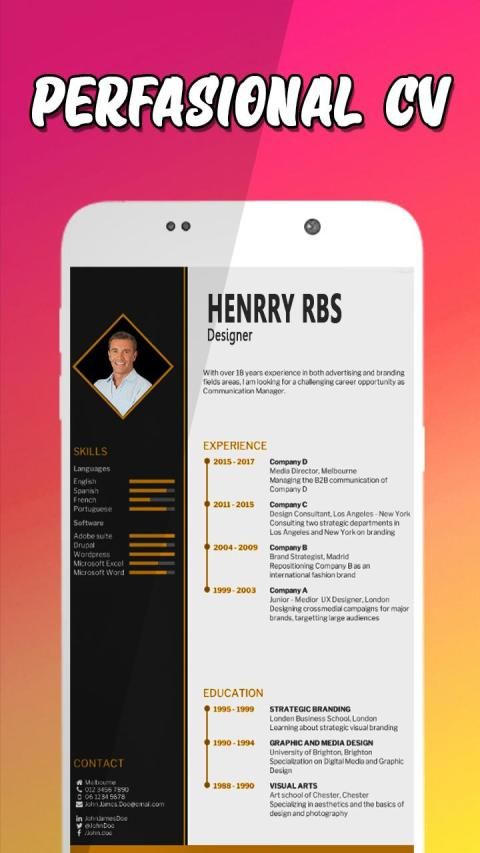
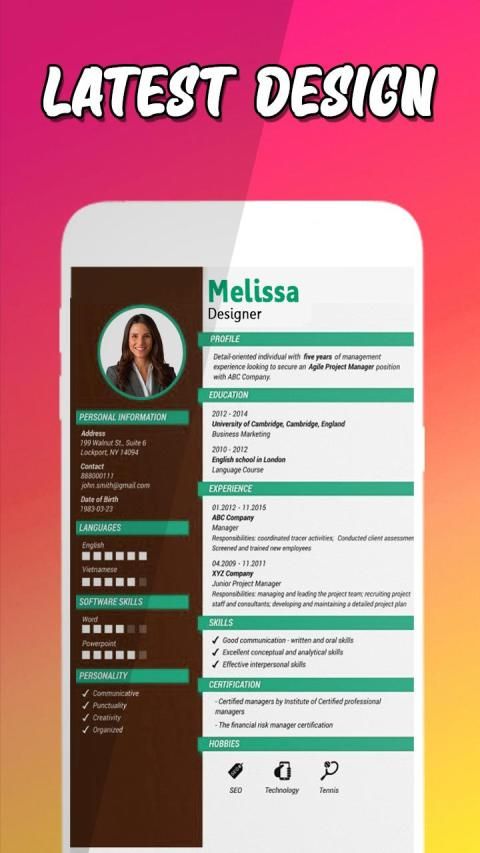
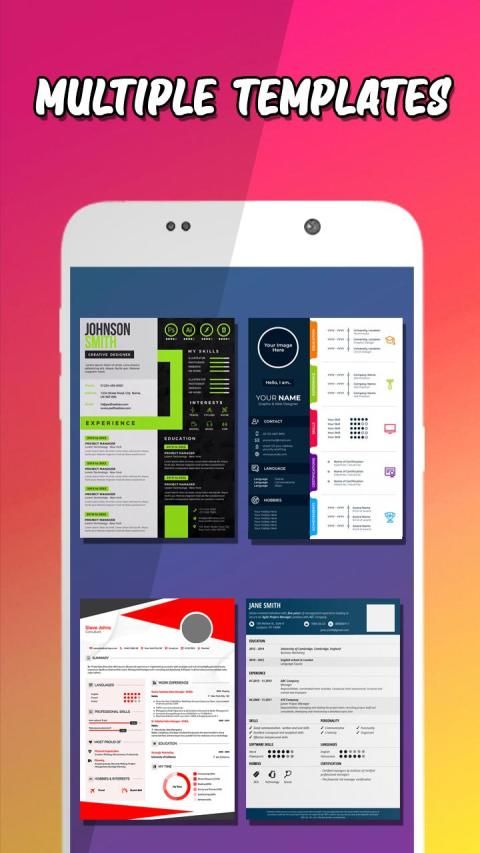
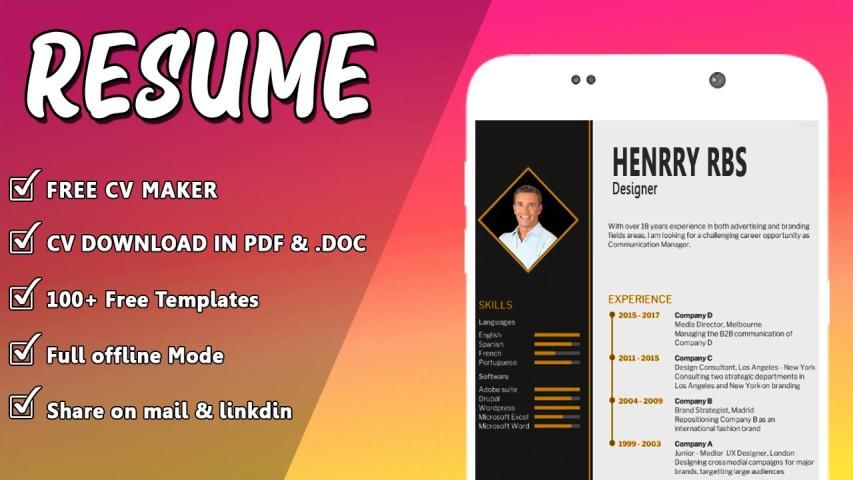
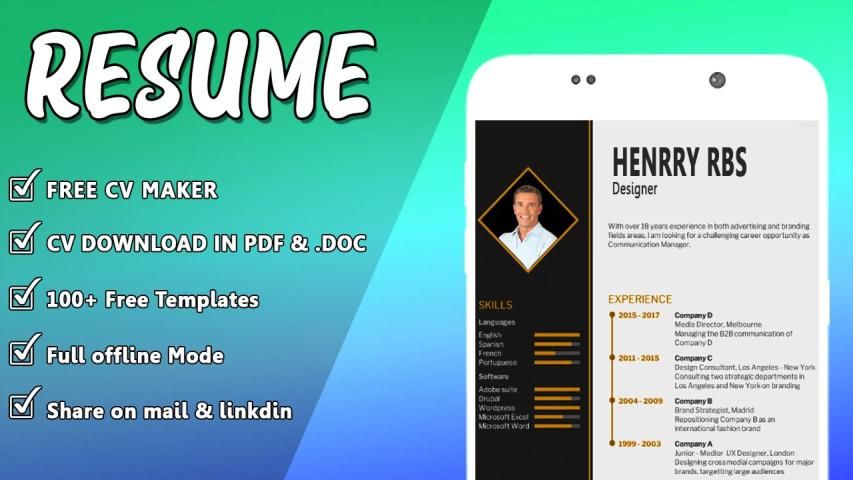
When someone apply for any job his or her resume represent his or her skills and qualifications in recent regime of technology every body is moving on smartphones instead of desktop or laptop computer now it is need of time you can create your resume in your smart phone via typing your qualification and skills to overcome this problem now this app is in your android smart phone with awesome unique templates to choose for your cv or resume jut put you info and create within a minute and save as image or pdf file to share anywhere you want to send and Specialized cv maker and resume Builder free is suitable for various jobs. This is best Cv app with more than 100 formats. You can create perfect professional Cv in few minutes.
Features:
easy to use
Download as PDF format.
very easy to build resume.
Customized everything
change profile and name
Easy to Share professional cv.
This Cv builder app is free to use
Freshers or Experienced is best for all
100+ Cv Templates
How to Use
open the Cv Maker app
fill all Blank requirements to create cv
choose template
download or save resume
you can also download as a pdf or print your cv through printer
This cv maker app is created for all Freshers and expert job seeker. You can create cv and write everything that you want
you can use different format and template to style your cv. you can create a very beautiful app through this resume
Let us create resume now.
1. Complete the resume profile to make resume
Fill all the required fields to generate the resume. You will get warning message, Incomplete - if any data is missing.
2. Select Resume Template
First select Format for resume - Freshers or Experienced (Expert) Resume format.
Then select any resume template and view the preview of the Curriculum Vitae (CV / Resume)
3. Download Resume in PDF format or print
You can download resume in PDF format or print it.
Ketika seseorang melamar pekerjaan apa pun, resumenya mewakili keterampilan dan kualifikasinya dalam rezim teknologi terkini, setiap orang bergerak menggunakan telepon pintar alih-alih komputer desktop atau laptop, sekarang saatnya Anda dapat membuat resume di telepon pintar melalui mengetikkan kualifikasi dan keterampilan Anda untuk mengatasi masalah ini sekarang aplikasi ini ada di ponsel pintar android Anda dengan templat unik yang luar biasa untuk dipilih untuk CV Anda atau melanjutkan dengan menaruh informasi dan buat dalam satu menit dan simpan sebagai file gambar atau pdf untuk dibagikan di mana pun Anda inginkan mengirim dan membuat pembuat cv khusus dan melanjutkan Builder gratis cocok untuk berbagai pekerjaan. Ini adalah aplikasi Cv terbaik dengan lebih dari 100 format. Anda dapat membuat Cv profesional yang sempurna dalam beberapa menit.
Fitur:
mudah digunakan
Unduh dalam format PDF.
sangat mudah untuk membangun resume.
Semuanya disesuaikan
ubah profil dan nama
Mudah untuk Berbagi cv profesional.
Aplikasi pembuat Cv ini gratis untuk digunakan
Freshers atau Berpengalaman adalah yang terbaik untuk semua
100+ Cv Templates
Cara Penggunaan
buka aplikasi Cv Maker
isi semua persyaratan Kosong untuk membuat cv
pilih template
unduh atau simpan resume
Anda juga dapat mengunduh sebagai pdf atau mencetak cv Anda melalui printer
Aplikasi pembuat cv ini dibuat untuk semua Freshers dan pencari kerja ahli. Anda dapat membuat cv dan menulis semua yang Anda inginkan
Anda dapat menggunakan format dan templat yang berbeda untuk menata cv Anda. Anda dapat membuat aplikasi yang sangat indah melalui resume ini
Mari kita buat resume sekarang.
1. Lengkapi profil resume untuk membuat resume
Isi semua bidang yang diperlukan untuk membuat resume. Anda akan mendapatkan pesan peringatan, Tidak lengkap - jika ada data yang hilang.
2. Pilih Lanjutkan Template
Pertama pilih Format untuk resume - Freshers atau berpengalaman (Format resume).
Kemudian pilih templat resume apa pun dan lihat pratinjau Curriculum Vitae (CV / Resume)
3. Unduh Resume dalam format PDF atau cetak
Anda dapat mengunduh resume dalam format PDF atau mencetaknya.
create your professional CV or resume with stylish templates


9Apps 4.9











