
ikon Blue Text - Keyboard   Convert

Blue Text - Keyboard Convert

2.1 for Android
4.3 | 500,000+ Instal | ULASAN

Shamoil Arsiwala

Penjabaran dari 9apps Blue Text - Keyboard Convert

*TEXT WILL APPEAR BLACK ON KITKAT AND OLDER BASED ROMS*
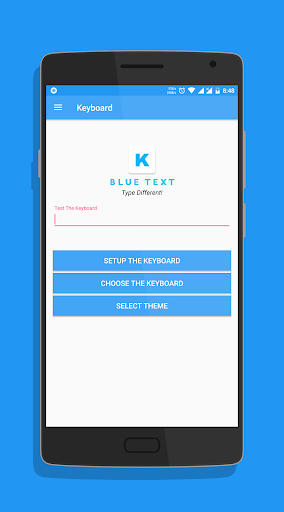
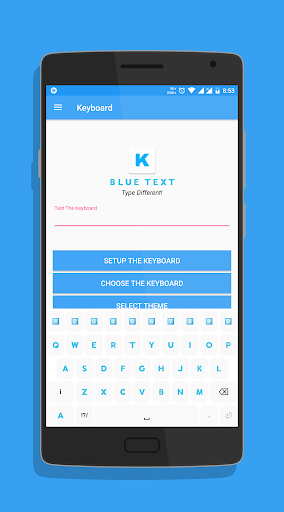
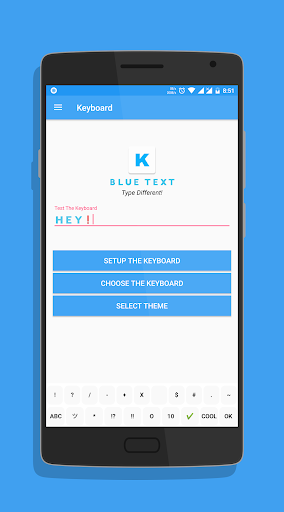
To Enable the Keyboard,
1. Go to Setting
2. Select Language and Input
3. Click on Current Keyboard
4. Click on Choose Keyboard
5. Enable Emoji Letter Keyboard & click on Ok
6. Again click on Current Keyboard and this time your should see the Emoji Letter Keyboard.
Select it and start Typing!
- The Application has a beautiful Light theme & Dark Theme.
- Also send BLANK MESSAGES by selecting the blank key in symbols section.
If you have any doubts or suggestions, Leave them in the review section below
Thank you!

Memperbarui Blue Text - Keyboard Convert 2.1

v2.10 -
- Fixed display problems on Nougat and above.
- Bug fixes.
- Reduced size.
- Updated Layout.
- Cleaned code for faster performance.

Informasi

  • Kategori:
    Personalisasi
  • Versi Terbaru:
    2.1
  • Perbarui:
    2018-09-14
  • Ukuran File:
    2.8MB
  • Persyaratan:
    Android 4.1 or later
  • Diupdate:
    Shamoil Arsiwala
  • ID:
    com.arsiwala.shamoil.emojiletterkeyboard
  • Available on:
ULASAN
  • avatar
    Aplikasihnyo bagus tapi bisa dak tolong di kasih tau cara ganti tipe nyo kok dak jelas tulisanyo pas baru masuk
    2020-10-01 11:48
  • avatar
    bagaimna baru di donlot nyeting jadi birunya ko susah si
    2020-08-26 01:33
  • avatar
    Hahahahaha... 😆😆😆
    2020-08-13 10:37
  • avatar
    Coba dulu
    2020-07-25 05:59
  • avatar
    Keren buat Status Social Media Blue text! Don't forget to Subscribe my Youtube Channel ANDHI SP79. Thanks guys...
    2020-07-25 10:54
  • avatar
    Tulisanyako kotak kotak sama apknya suka fc
    2020-07-22 03:25