
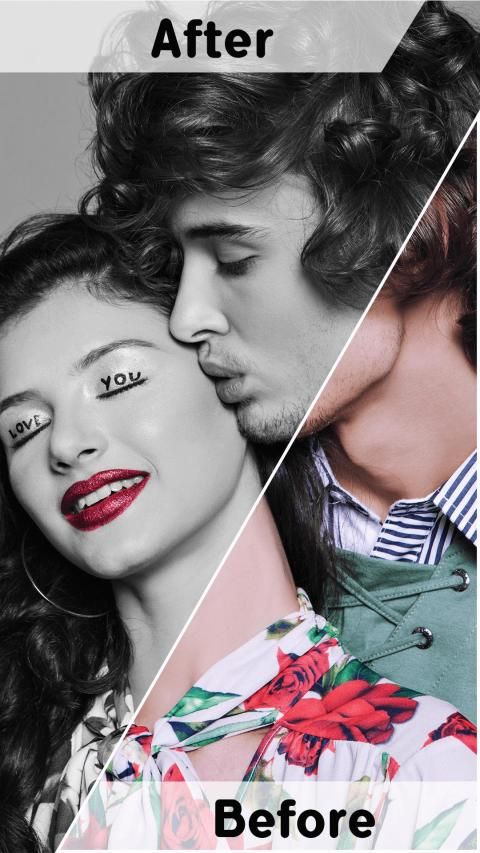
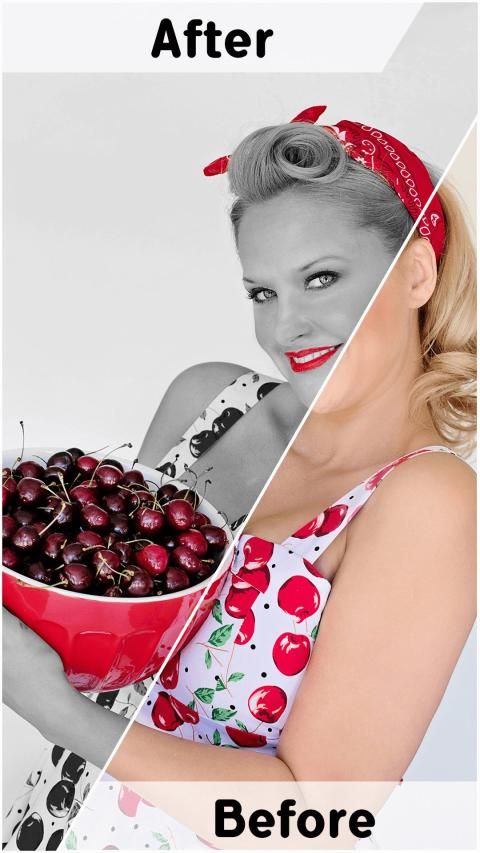
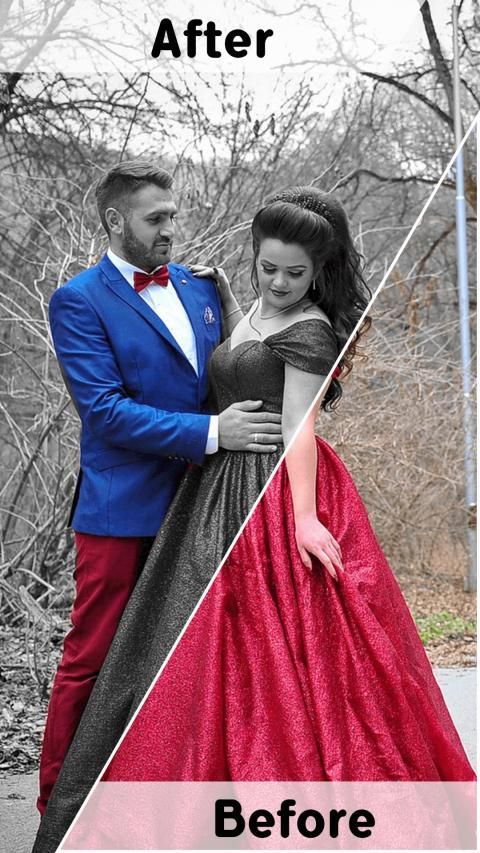
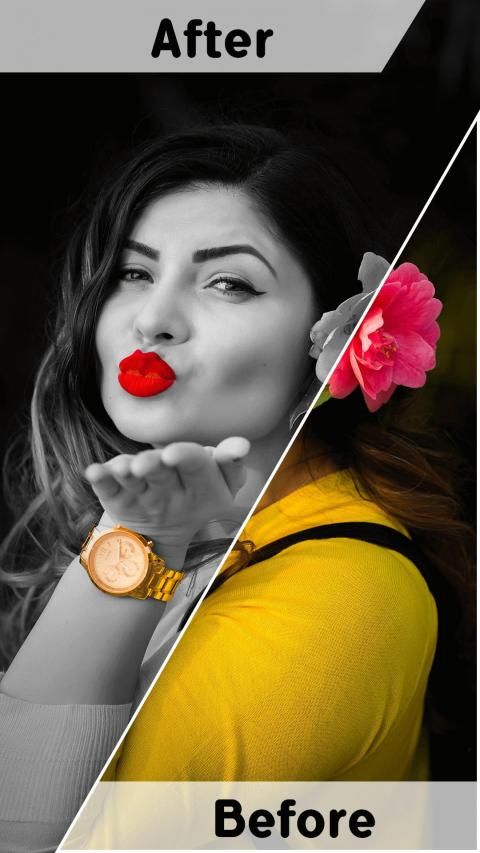
Do you believe? 20,000+ users downloaded Black and White Photo Editor latest version on 9Apps for free every week! You get various free apps from the store. This hot app was released on 2019-03-27. Just use it when absolutely necessary.
How about going colorless this time? Yes, monochromatic images of yours. More often than not, you wonder how on earth your grandparent’s pictures look so beautiful even after so many years of their wedding.
Black and white photo editor
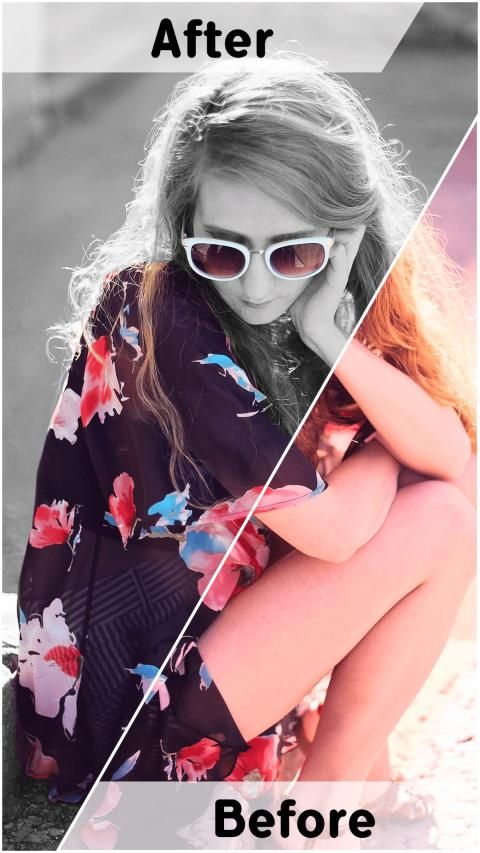
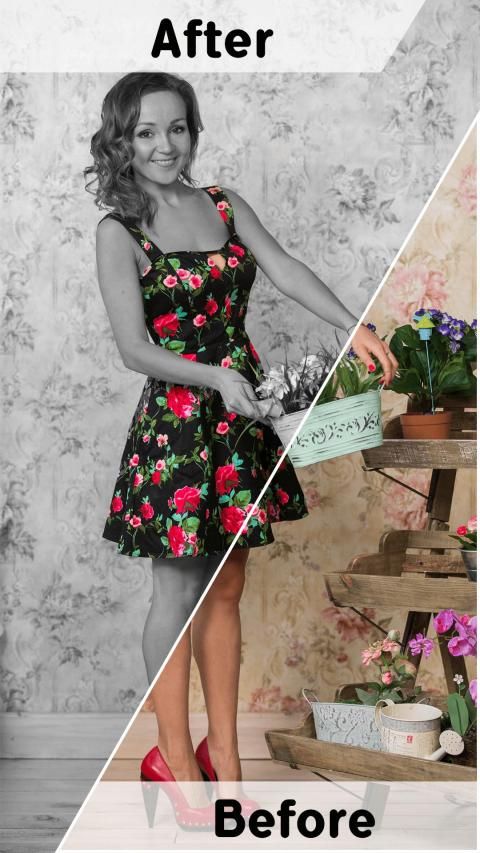
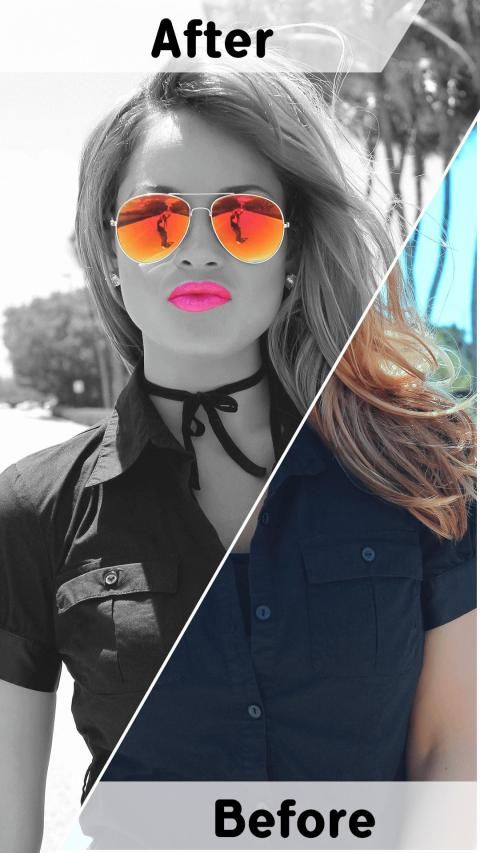
is an app used to give your images an amazing and flawless effect to flaunt with the people you love. You can have immense fun with splash photo editor by keeping a certain part in color and rest in black and white. Mesmerizing it would be, just try out!
The best part is to have white and black photo color splash effect you don’t need to own a DSLR, just your phone will do the needful. With color
splash photo effect
it is very easy to get a great image that too just in few finger strokes. If you think you are a fun loving person, who loves to play with his/her pictures to bring in uniqueness, try out black and white photo editor to edit your pictures, and use
White and Black photo color splash effect
app to make everyone look your image with awe.
Splash photo editor makes it easy for everyone to change or edit colors in their picture. Also, if you want, you can recolor the parts of your image which you desire to and create your own pics art. All you need to do is download
splash photo editor
EDIT, STORE, and SHARE your monochromatic picture with your loved ones and have unlimited fun.
Key Features of Black and White Photo Editor
• Easy selection or import of image from the gallery or you can click on the spot with your camera.
• One-of-its-kind photo editor application having not only black and white effect but also grayscale effects and much more.
• Stylish text are also available to use on the photo using
black and white photo editor.
• The best part is
splash photo editor is absolutely free
, you can use it to edit or convert your colored photo into black and white format.
• Even it has best color splash effects along with auto color and contrast effects.
• Awesome filter from saturation to contrast, brightness and sepia, and threshold etc… for helping you get more beautiful pictures.
• Editing tools like zoom, rotate, crop and other options are also available which are easy to use with just few finger touches.
• Finally, saving and sharing image on whatsapp, flickr, facebook, pinterest, twitter and other social networks was never so easy.
How to Use Splash Photo Editor:
• First thing first, select your favorite image from the gallery or click one with camera.
• Edit your image as you want. Convert your colored photo into black and white format.
• Apply the black and white effect or grayscale effect to your photo.
• Also, if you want you can add stylish text on the photo.
• You can also use auto color and contrast effects to make your photo more enchanting.
• If you want you can use photo filter effects like saturation, contrast and brightness, sepia, threshold etc.
• Zoom in or zoom out, rotate or crop whatever you wish to do with your image.
• Save your image in your gallery.
• All set to share your amazing art work with the world via whatsapp, flickr, facebook, pinterest, twitter and other social networks
Download the app now and have unlimited fun with the monochromatic pictures of yours.
Go Colorless….!!
Bagaimana kalau tidak berwarna kali ini? Ya, gambar monokromatik Anda. Lebih sering daripada tidak, Anda bertanya-tanya bagaimana di bumi gambar kakek-nenek Anda terlihat begitu indah bahkan setelah bertahun-tahun pernikahan mereka.
Editor foto hitam-putih
adalah aplikasi yang digunakan untuk memberikan gambar Anda efek luar biasa dan sempurna untuk memamerkan kepada orang yang Anda cintai. Anda dapat bersenang-senang dengan editor foto percikan dengan menjaga bagian warna tertentu dan sisanya hitam putih. Mempesona itu akan, coba saja!
Bagian terbaiknya adalah memiliki efek percikan warna foto putih dan hitam yang Anda tidak perlu memiliki DSLR, cukup telepon Anda yang membutuhkannya. Dengan warna
efek percikan foto
, sangat mudah untuk mendapatkan gambar yang bagus juga hanya dengan beberapa goresan jari. Jika Anda berpikir Anda orang yang menyenangkan, yang suka bermain dengan fotonya untuk membawa keunikan, cobalah editor foto hitam putih untuk mengedit gambar Anda, dan gunakan
Efek percikan warna foto hitam putih aplikasi untuk membuat semua orang melihat gambar Anda dengan kagum.
Editor foto Splash memudahkan setiap orang untuk mengubah atau mengedit warna dalam gambar mereka. Juga, jika Anda mau, Anda dapat mewarnai ulang bagian-bagian gambar Anda yang Anda inginkan dan membuat gambar seni Anda sendiri. Yang perlu Anda lakukan adalah mengunduh
editor foto percikan
EDIT, STORE, dan BERBAGI gambar monokromatik Anda dengan orang yang Anda cintai dan bersenang-senang tanpa batas.
Fitur Utama dari Editor Foto Hitam Putih
• Pilihan mudah atau impor gambar dari galeri atau Anda dapat mengklik di tempat dengan kamera Anda.
• Aplikasi editor foto yang unik tidak hanya memiliki efek hitam putih tetapi juga efek skala abu-abu dan banyak lagi.
• Teks gaya juga tersedia untuk digunakan pada foto menggunakan
editor foto hitam putih.
• Bagian terbaiknya adalah
editor foto splash benar-benar gratis
, Anda dapat menggunakannya untuk mengedit atau mengubah foto berwarna Anda menjadi format hitam putih.
• Bahkan memiliki efek percikan warna terbaik bersama dengan warna otomatis dan efek kontras.
• Filter luar biasa dari saturasi ke kontras, kecerahan dan sepia, dan ambang batas dll ... untuk membantu Anda mendapatkan gambar yang lebih indah.
• Alat pengeditan seperti zoom, rotate, crop dan opsi lain juga tersedia yang mudah digunakan hanya dengan beberapa sentuhan jari.
• Akhirnya, menyimpan dan berbagi gambar di whatsapp, flickr, facebook, pinterest, twitter, dan jejaring sosial lainnya tidak pernah semudah ini.
Cara Menggunakan Editor Foto Splash:
• Hal pertama yang pertama, pilih gambar favorit Anda dari galeri atau klik satu dengan kamera.
• Edit gambar Anda seperti yang Anda inginkan. Konversi foto berwarna Anda ke format hitam dan putih.
• Terapkan efek hitam putih atau efek skala abu-abu ke foto Anda.
• Juga, jika mau, Anda dapat menambahkan teks gaya pada foto.
• Anda juga dapat menggunakan warna otomatis dan efek kontras untuk membuat foto Anda lebih mempesona.
• Jika mau, Anda dapat menggunakan efek filter foto seperti saturasi, kontras dan kecerahan, sepia, ambang batas dll.
• Memperbesar atau memperkecil, memutar atau memotong apa pun yang ingin Anda lakukan dengan gambar Anda.
• Simpan gambar Anda di galeri Anda.
• Semua siap untuk membagikan karya seni menakjubkan Anda dengan dunia melalui whatsapp, flickr, facebook, pinterest, twitter, dan jejaring sosial lainnya
Unduh aplikasi sekarang dan bersenang-senang tanpa batas dengan gambar monokromatik Anda.
Pergi Tidak Berwarna .... !!



9Apps 4.9










