9Apps services for free Android apps. 20,000+ users downloaded Bee Photo Editor latest version on 9Apps for free every week! And now, this app adds more functions. This hot app was released on 2019-09-26. 9Apps has thousands of apps and updated daily!
Bee Photo Editor is a very powerful photo editing application.
Main features of Bee Photo Editor:
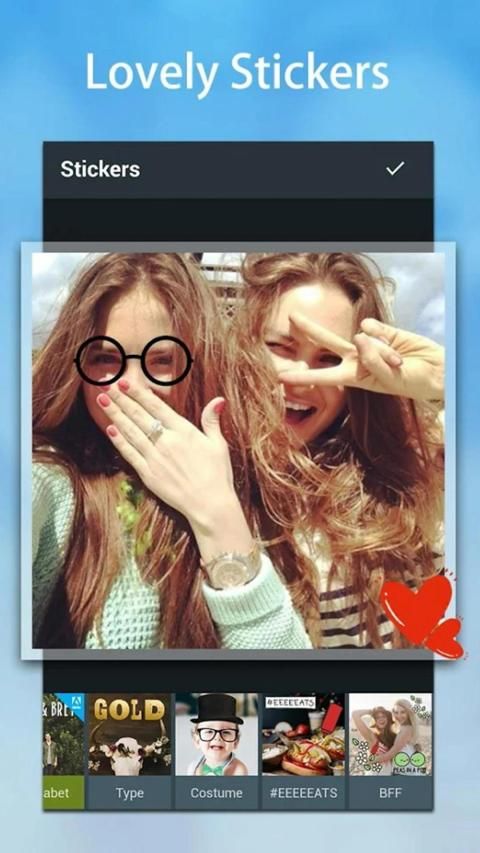
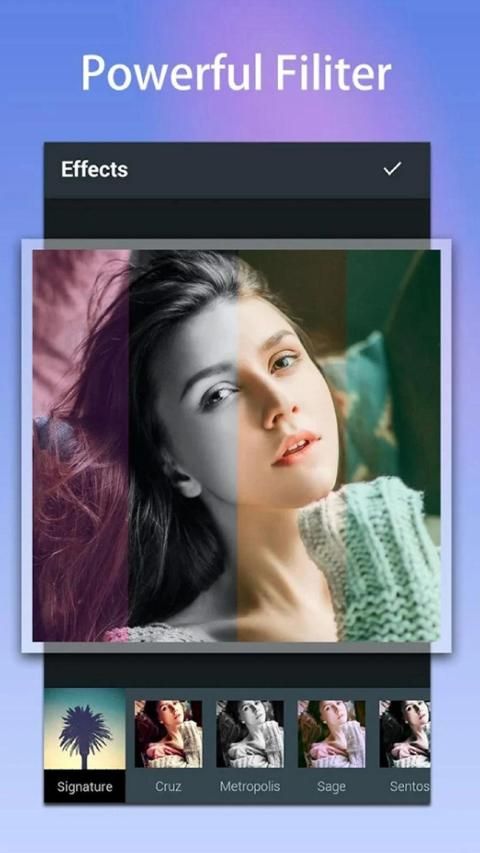
Comprehensive photo editor effects, borders, stickers, text and blur.
- A fun photo editor where you can draw with your fingers in the photo.
- A creative photo editing with overlays, shapes, frames, memes, and color splashes.
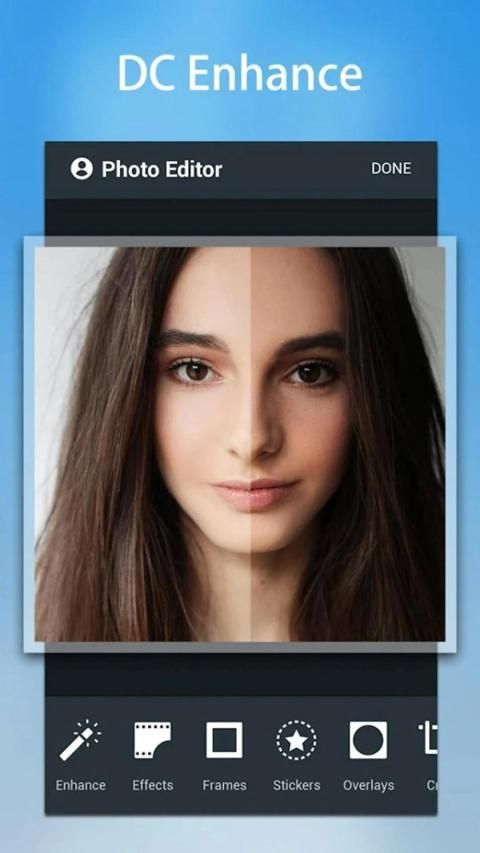
- A useful retouch photo editor, you can remove sputum on your face, whiten skin and remove red eyes.
- Professional photo editor with enhanced capabilities, crop selection and detail adjustment.
How to use Bee Photo Editor:
★Open the image in the gallery
★ Choose your favorite photo
★ Add and choose interesting stickers, emoji
★ Drag to your picture
★ Resize, play with rainbows and curves
★ next to the touch preview mode
★ Share your diy photos to your friends
★ or save to your device
Bee Photo Editor adalah aplikasi pengeditan foto yang sangat kuat.
Fitur utama dari Bee Photo Editor:
Efek editor foto yang komprehensif, batas, stiker, teks dan blur.
- Editor foto yang menyenangkan di mana Anda dapat menggambar dengan jari Anda di foto.
- Pengeditan foto yang kreatif dengan overlay, bentuk, bingkai, meme, dan percikan warna.
- Editor foto retouch berguna, Anda dapat menghapus dahak di wajah Anda, memutihkan kulit dan menghilangkan mata merah.
- Editor foto profesional dengan kemampuan yang ditingkatkan, pemilihan krop dan penyesuaian detail.
Cara menggunakan Bee Photo Editor:
★ Buka gambar di galeri
★ Pilih foto favorit Anda
★ Tambah dan pilih stiker yang menarik, emoji
★ Seret ke gambar Anda
★ Ubah ukuran, mainkan dengan pelangi dan kurva
★ di sebelah mode pratinjau sentuh
★ Bagikan foto diy Anda ke teman-teman Anda
★ atau simpan ke perangkat Anda

9Apps 4.9