
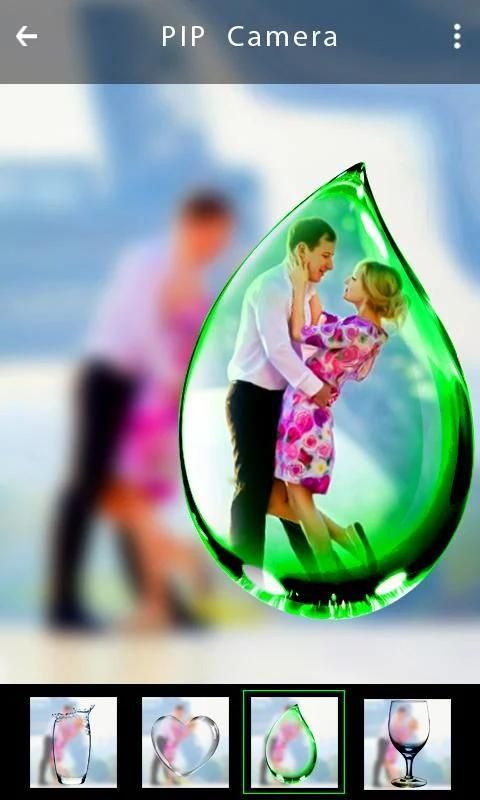
With the updating of mobile application, 30,000+ users downloaded Blur Master and PIP Camera latest version on 9Apps for free every week! This will give an informative for the other crazy players. This hot app was released on 2019-05-31. If you want it so go head and download it and enjoy your app.
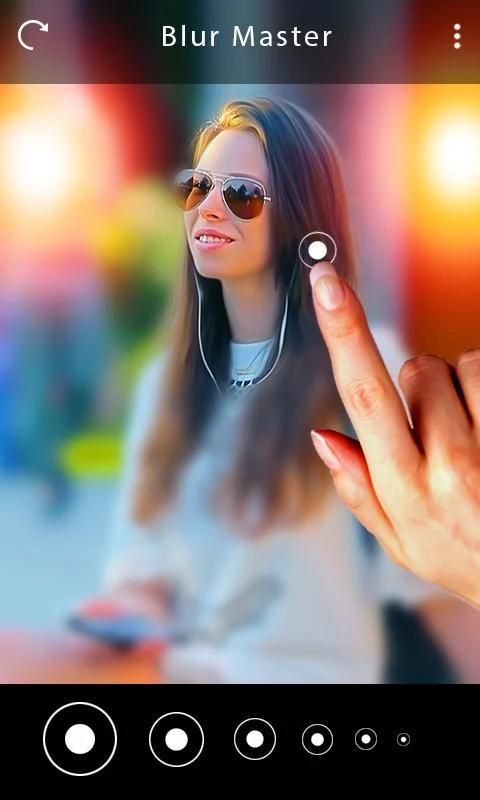
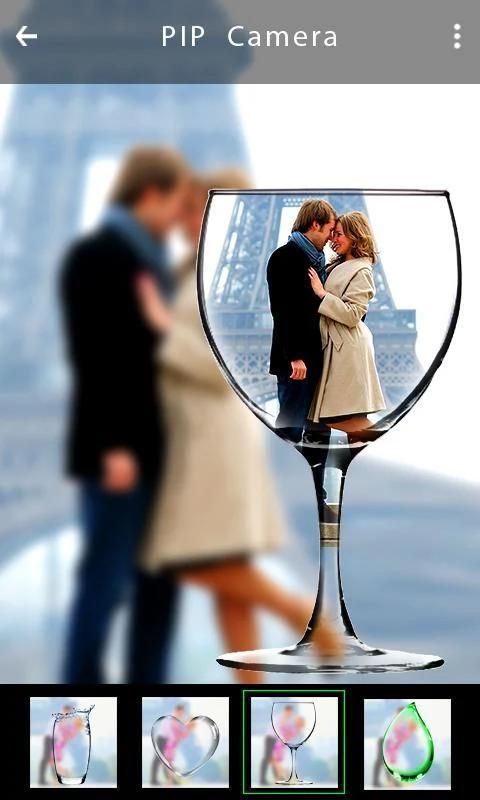
DSLR Camera Effect – PIP Dp Maker – Blur Photo is the best photo editor app. This Blur Photo background and PIP DP Maker give your photo a new look. You have option to crop image and edit photo. This Blur Background – PIP dp maker app contains two features
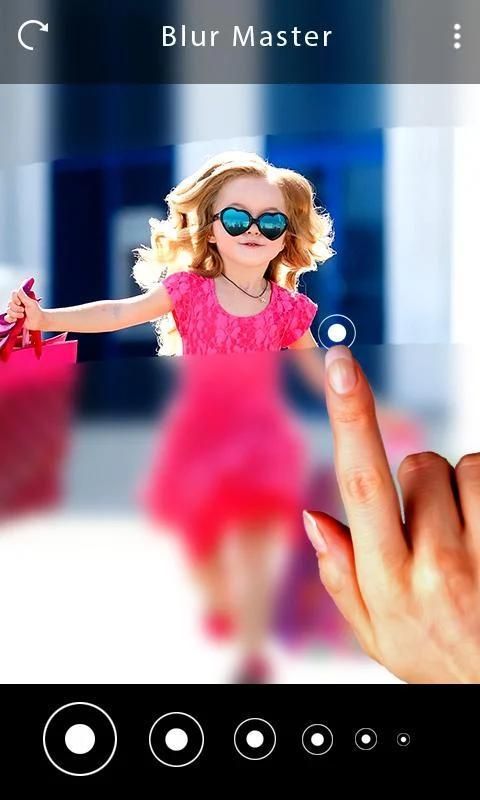
(a) Blur Photo Background
(b) PIP DP maker photo frames
How to make Blur Background using this Blur Background – PIP dp maker – Photo editor app:
1. Download and install this Blur Background – PIP dp maker – Photo editor app
2. Select the photo of BLUR background option
3. Select a photo of your choice from gallery or click a photo
4. Your photo appears with complete blur where you need to remove the blur from the area you wish to highlight
5. You have option of zoom photo and offset blur.
6. Save the photo and share it or use it
How to make PIP DP Maker using this PIP Camera effect:
1. Select the option of PIP from home screen
2. Select a photo from gallery or click a photo
3. Select the PIP frame from the list
4. Add name on photo using text on pic
5. Save the photo
Do share this Blur Background – PIP dp maker – Photo editor app with others and rate this app along with comments. Your suggestions are valuable and would be thankful if you can send us your suggestions
Efek Kamera DSLR - PIP Dp Maker - Blur Photo adalah aplikasi editor foto terbaik. Latar belakang Blur Photo dan PIP DP Maker ini memberikan foto Anda tampilan baru. Anda memiliki opsi untuk memotong gambar dan mengedit foto. Aplikasi Blur Background - PIP dp maker ini berisi dua fitur
(a) Latar Belakang Foto Buram
(B) bingkai foto pembuat PIP DP
Cara membuat Blur Background menggunakan Blur Background ini - PIP dp maker - Aplikasi editor foto:
1. Unduh dan instal Blur Background ini - PIP dp maker - Aplikasi editor foto
2. Pilih foto opsi latar belakang BLUR
3. Pilih foto pilihan Anda dari galeri atau klik foto
4. Foto Anda muncul dengan blur total di mana Anda harus menghapus blur dari area yang ingin Anda sorot
5. Anda memiliki pilihan untuk memperbesar foto dan mengimbangi blur.
6. Simpan foto dan bagikan atau gunakan
Cara membuat PIP DP Maker menggunakan efek PIP Camera ini:
1. Pilih opsi PIP dari layar beranda
2. Pilih foto dari galeri atau klik foto
3. Pilih bingkai PIP dari daftar
4. Tambahkan nama pada foto menggunakan teks pada gambar
5. Simpan foto
Bagikan Blur Background ini - PIP dp maker - Aplikasi editor foto dengan orang lain dan beri peringkat aplikasi ini bersama dengan komentar. Saran Anda sangat berharga dan akan berterima kasih jika Anda dapat mengirimkan saran Anda kepada kami
App Made Better




9Apps 4.9









