


Here provides top Free Android Apps. 20,000+ users downloaded Assistive Touch For Android 2020 latest version on 9Apps for free every week! It truly does not offer any money. This hot app was released on 2020-01-18. Read the following paragraph to see more information.
What is Assistive Touch?
Assistive Touch is a floating app that stays on your Android’s screen and assists you in getting frequent tasks done easily. It help you access all setting quickly and protect your home button .What the floating panel display on screen , you can easy touch an quickly access games, apps, which you love, you can adjust settings, changes and view the notifications easily. It is really a useful and free tool Assistive touch help you protect the physical button like Home device with just one click . This helps to speed up the device and save battery life.
Highlight Features AssistiveTouch
★ Lock screen quickly with one touch to protect
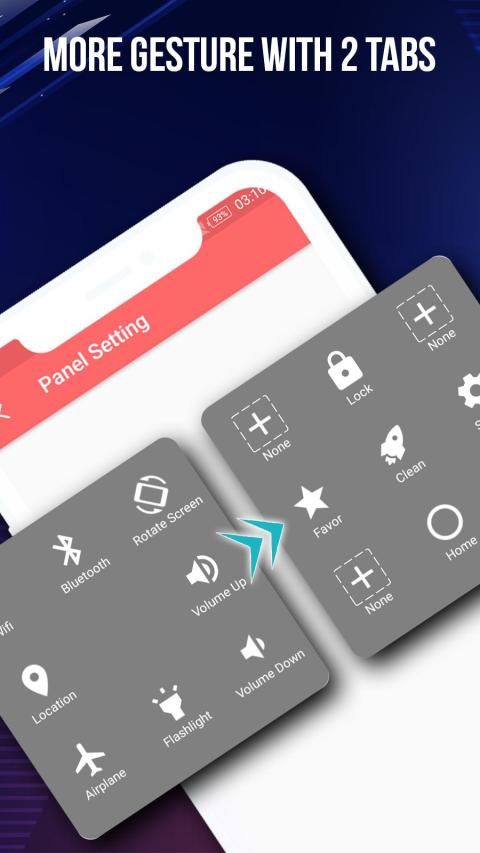
★ Accessing your favorite apps , game or access all setting quickly.
★ Power button A light touch to shut down.
★ View notification center : You can open notification center of your device quickly.
★ Screenshot : you can easy capture screenshot by one touch
★ Recent button : It help open all your recent apps
★ Setting screen: Access setting screen quickly
★ Virtual buttons replace physical buttons (Back, home, recent, volume, power)
★ Boost your phone in assistivetouch you can easily speed up your device with just one click, frees up memory (RAM)
★ Setting phone mode quickly (Normal mode,Vibrant Mode, Silent Mode)
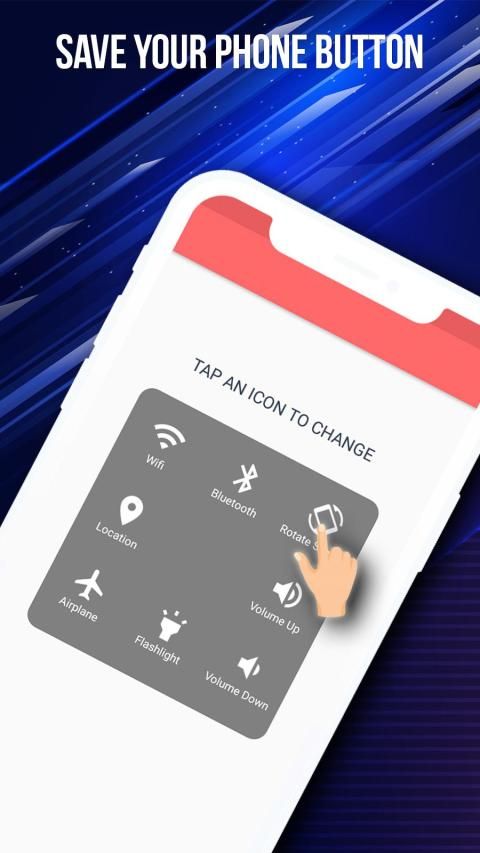
★ Adjust settings easily : Touch and turn ON/OFF Wifi, GPS, Bluetooth . You can adjusting volume , screen brightness
★ Flashlight : ON/OFF flashlight quickly with Assistivetouch
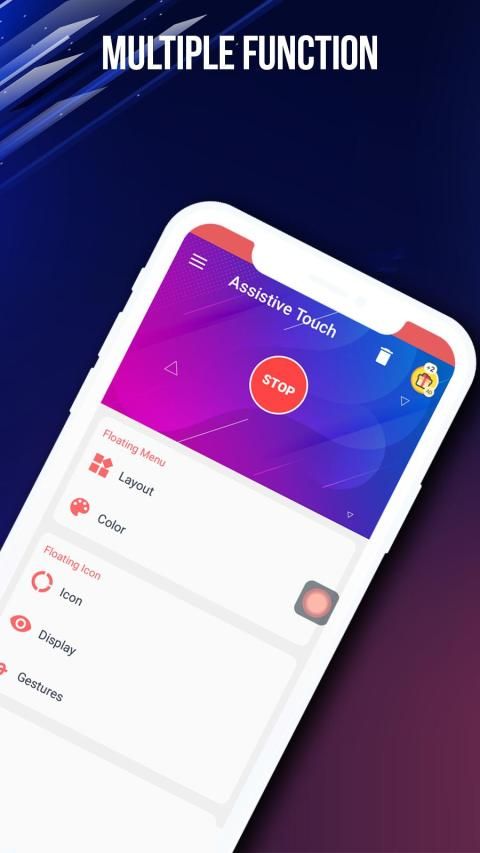
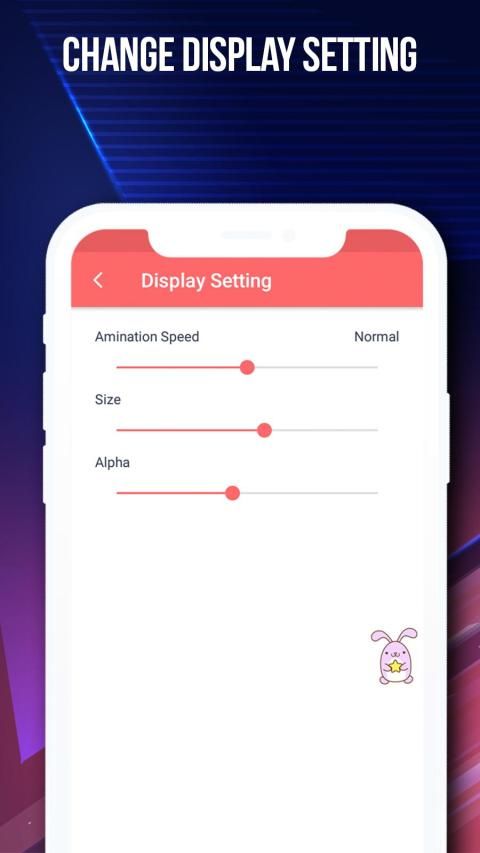
Customization UI
★ Change the background color with beautiful color
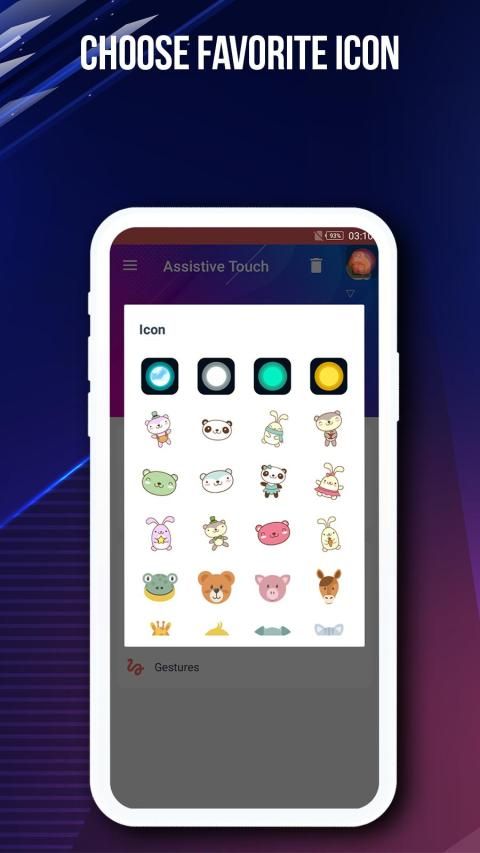
★ Change Assistive touch icon with many pretty icons, totally free
★ Change icon of Assistive Touch easy with many cute icon.
How to turn on Assistive on Android
1. Once installed and activated, you will see a small green dot on the edge of the screen. Tap on it to open the easy launcher menu. You can move the floating button anywhere around the edges of the screen. It doesn’t stick in the center of the screen. If you place it in the center, it will automatically drift to the nearest edge.
2. Tap on the button and you will see a floating panel menu pop out in the center of the screen. The default menu comes with 4 options: Lock Screen, Speed booster - Clean Memory, Home Screen, setting and favorite app This is what makes Floating Touch shines. The floating button is probably the only similarity it has with Assistive Touch. Other than that, you can customize every single item to your liking and make your workflow more productive. . For example, I would like to turn on Bluetooth and Play Music at the same time. It will be great if I can do it with a single tap.
How uninstall Assistivetouch
To uninstall assistive touch , please click on button on the top to uninstall app
Frequently asked questions:
1. Ask: How to uninstall this app?
★ If you use lock screen function, it require turn on Device Administration so If you want to uninstall this Assistive Touch, please click on uninstall button in app .
2. Ask: Why my phone don't have Screenshot Capture function?
★ Screenshot Capture only available on Android 5.0 or higher.
Permissions required :
- This app uses Accessibility Services for Home, Back and Recent functions.
- This app uses the ,Device Administrator permission. BIND_DEVICE_ADMIN permission is used only to lock your device.. App does not use the permission for any other purpose.
- This app uses Accessibility services
.
- CAMERA only to turn on Flashlight, not take a photo or any other purpose.
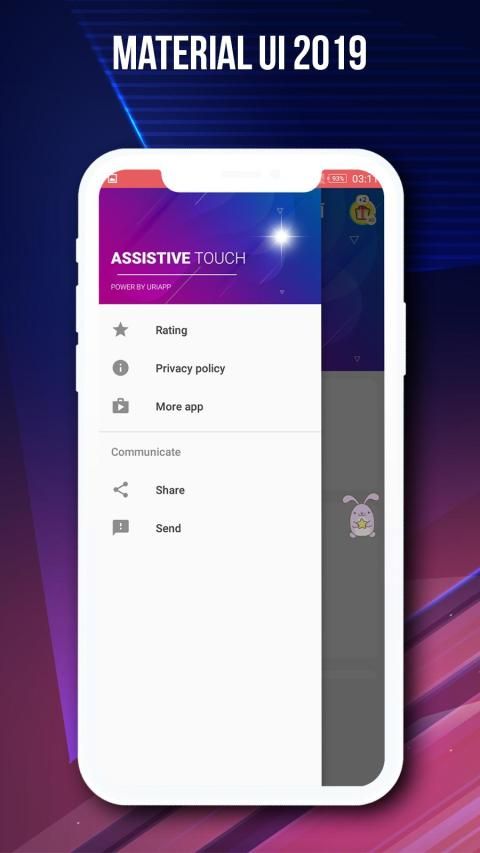
Thank for watched. If you like AssistiveTouch please review and give us 5 start.
Thank for your support!
Apa itu Assistive Touch?
Assistive Touch adalah aplikasi mengambang yang tetap berada di layar Android Anda dan membantu Anda menyelesaikan tugas dengan mudah. Ini membantu Anda mengakses semua pengaturan dengan cepat dan melindungi tombol beranda. Apa tampilan panel mengambang di layar, Anda dapat dengan mudah menyentuh permainan, aplikasi, yang Anda sukai, Anda dapat menyesuaikan pengaturan, mengubah dan melihat notifikasi dengan mudah. Ini benar-benar alat bantu yang berguna dan sentuhan bebas membantu Anda melindungi tombol fisik seperti perangkat Rumah dengan hanya satu klik. Ini membantu mempercepat perangkat dan menghemat masa pakai baterai.
Fitur Sorotan AssistiveTouch
★ Kunci layar dengan cepat dengan satu sentuhan untuk melindungi
★ Mengakses aplikasi, game, atau mengakses semua pengaturan favorit Anda dengan cepat.
★ Tombol Daya Sentuhan ringan untuk mematikan.
★ Lihat pusat notifikasi: Anda dapat membuka pusat notifikasi perangkat Anda dengan cepat.
★ Screenshot: Anda dapat dengan mudah menangkap tangkapan layar dengan satu sentuhan
★ Tombol Terbaru: Ini membantu membuka semua aplikasi terbaru Anda
★ Layar pengaturan: Akses layar pengaturan dengan cepat
★ tombol virtual menggantikan tombol fisik (Kembali, rumah, baru-baru ini, volume, daya)
★ Tingkatkan ponsel Anda di layar assistivet Anda dapat dengan mudah mempercepat perangkat Anda hanya dengan satu kali klik, membebaskan memori (RAM)
★ Mengatur mode ponsel dengan cepat (mode Normal, Mode Vibrant, Mode Diam)
★ Sesuaikan pengaturan dengan mudah: Sentuh dan nyalakan / matikan Wifi, GPS, Bluetooth. Anda dapat menyesuaikan volume, kecerahan layar
★ Senter: Senter ON / OFF dengan cepat dengan Assistivetouch
UI kustomisasi
★ Ubah warna latar belakang dengan warna yang indah
★ Ubah ikon sentuh Assistive dengan banyak ikon cantik, benar-benar gratis
★ Ubah ikon Sentuhan Asisten mudah dengan banyak ikon lucu.
OwCara mengaktifkan Assistive di Android
1. Setelah diinstal dan diaktifkan, Anda akan melihat titik hijau kecil di tepi layar. Ketuk untuk membuka menu peluncur yang mudah. Anda dapat memindahkan tombol mengambang di mana saja di sekitar tepi layar. Itu tidak menempel di tengah layar. Jika Anda meletakkannya di tengah, itu akan secara otomatis melayang ke tepi terdekat.
2. Ketuk tombol dan Anda akan melihat menu panel mengambang muncul di tengah layar. Menu default hadir dengan 4 opsi: Lock Screen, Speed booster - Clean Memory, Home Screen, setting, dan aplikasi favorit. Inilah yang membuat Floating Touch bersinar. Tombol mengambang mungkin satu-satunya kesamaan yang dimilikinya dengan Assistive Touch. Selain itu, Anda dapat menyesuaikan setiap item sesuai keinginan Anda dan membuat alur kerja Anda lebih produktif. . Misalnya, saya ingin mengaktifkan Bluetooth dan Putar Musik secara bersamaan. Akan sangat bagus jika saya bisa melakukannya dengan sekali ketukan.
Bagaimana menghapus instalasi Assistivetouch
Untuk menghapus instalan sentuhan bantu, klik tombol di bagian atas untuk menghapus instalasi aplikasi
Pertanyaan yang sering diajukan:
1. Tanyakan: Bagaimana cara menghapus aplikasi ini?
★ Jika Anda menggunakan fungsi layar kunci, itu perlu mengaktifkan Administrasi Perangkat jadi Jika Anda ingin menghapus instalasi Assistive Touch ini, silakan klik tombol uninstall di aplikasi.
2. Tanyakan: Mengapa ponsel saya tidak memiliki fungsi Screenshot Capture?
★ Screenshot Capture hanya tersedia di Android 5.0 atau lebih tinggi.
ErmPersyaratan yang dibutuhkan:
- Aplikasi ini menggunakan Layanan Aksesibilitas untuk fungsi Rumah, Kembali dan Terbaru.
- Aplikasi ini menggunakan, izin Administrator Perangkat. Izin BIND_DEVICE_ADMIN hanya digunakan untuk mengunci perangkat Anda .. Aplikasi tidak menggunakan izin untuk tujuan lain apa pun.
- Aplikasi ini menggunakan layanan Aksesibilitas
. - KAMERA hanya untuk menyalakan senter, tidak mengambil foto atau tujuan lain.
Terima kasih sudah menonton. Jika Anda suka AssistiveTouch, silakan tinjau dan beri kami mulai 5.
Terima kasih atas dukungan Anda!
Hi, This is the best Assistive Touch for Android 2020




9Apps 4.9










