
Browse and download apps to your android phone from the App Store. 20,000+ users downloaded App Locker Master Lite latest version on 9Apps for free every week! Although you probably won't notice it at first. This hot app was released on 2016-12-02. Don’t wait any longer– the application will shock you.
★ ★ ★ ★ ★ The best, lightest, fastest and most professional App Lock ★ ★ ★ ★ ★
If you have install App Locker Master, Let try this Lite version (reduce feature, more performance)
Lock anything and everything in phone using
App Locker Master Lite
►
With App Locker Master Lite you can
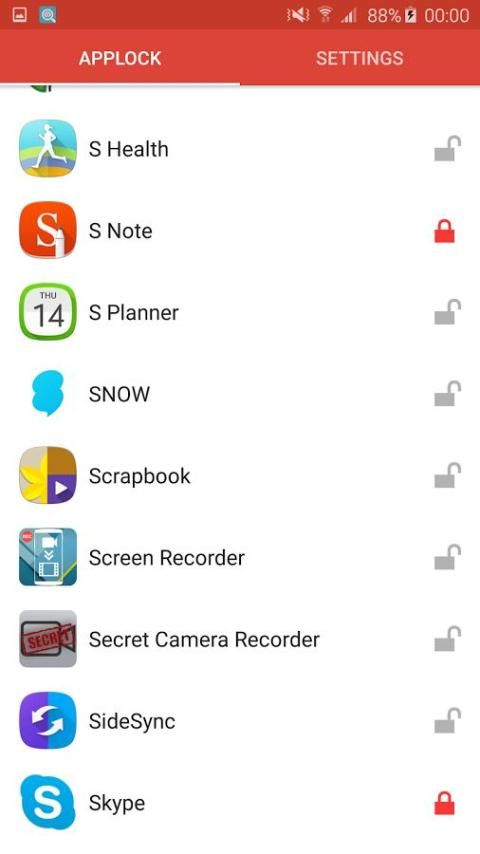
☆ Lock all app in your phone and personal things from other users.
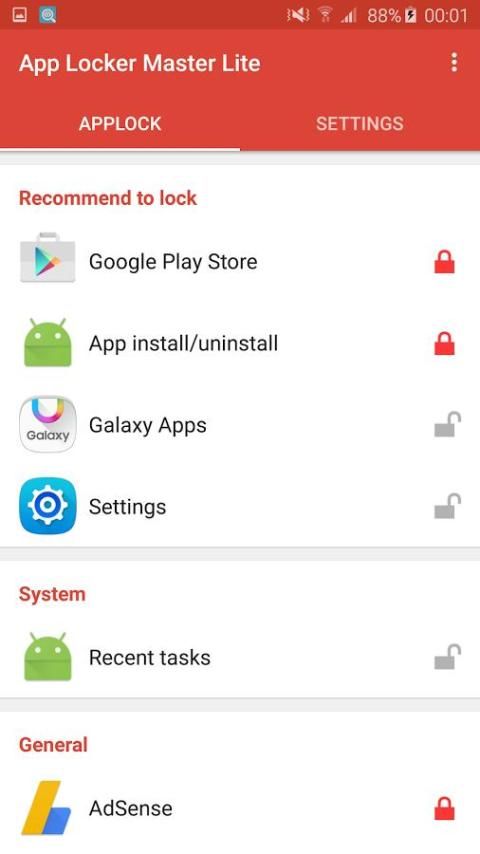
☆ Lock: Messages, Emails, Contacts, Gallery, Google Play Store, Settings, etc..
►
All this with very less battery and memory consumption for sure!
►
App Locker Master Lite helps you to feel secure when:
☆ You share your phone with anyone
☆ You have sensitive contact details
☆ Your kids play with your phone
☆ You have personal images in Gallery.
☆ You have SMS, MMS etc. that you don't want to be shared.
►
Features:
★ Lock app 3rd party with App Lock advance feature
★ Interface easy to use, easy to lock any apps
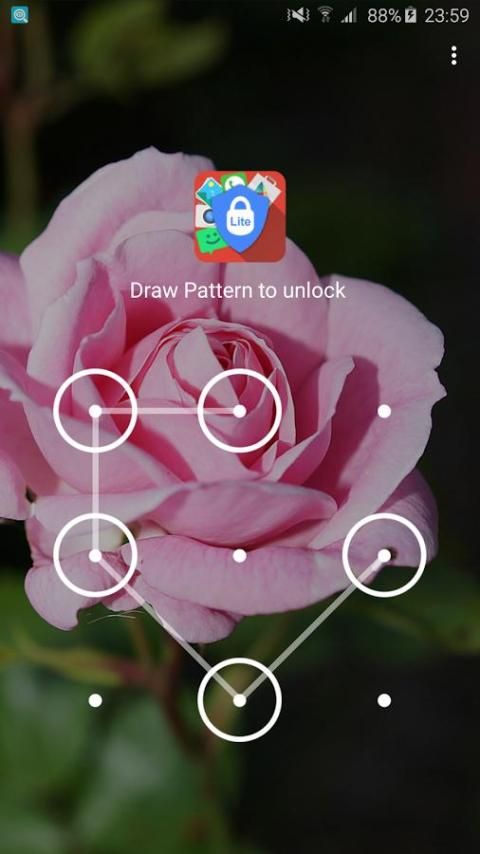
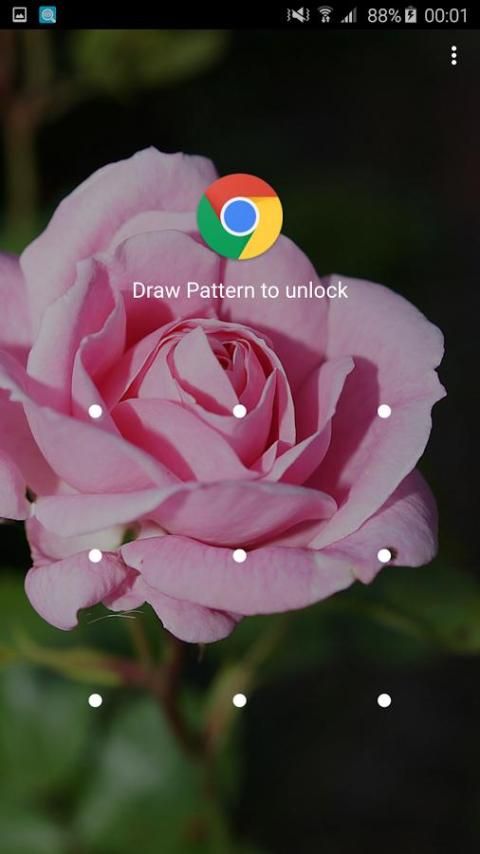
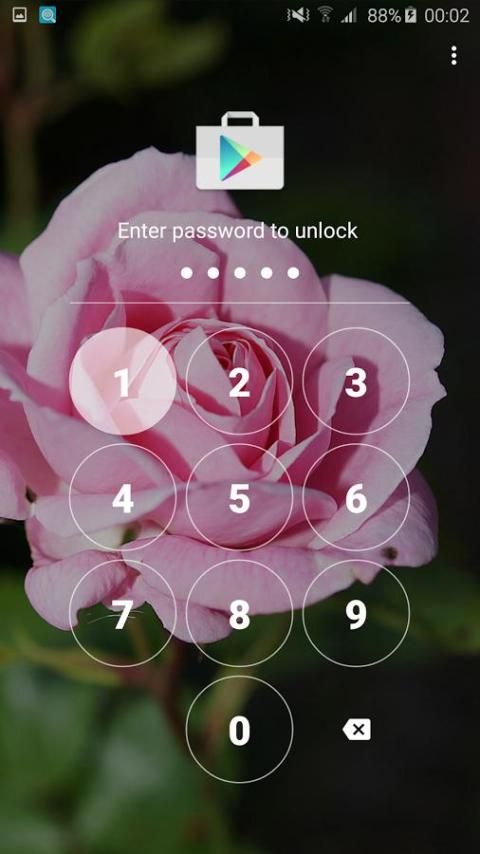
★ PATTERN and PIN for lock in portrait and landscape screen mode
★ Less Battery and Memory usage.
★ Protect uninstalled and installed.
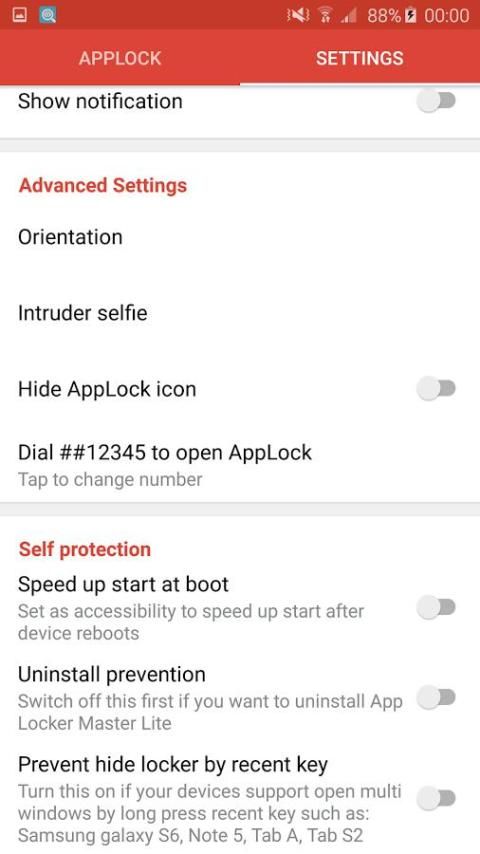
★ Hidden icon of this application
►
Specially:
☆ Not affect your battery
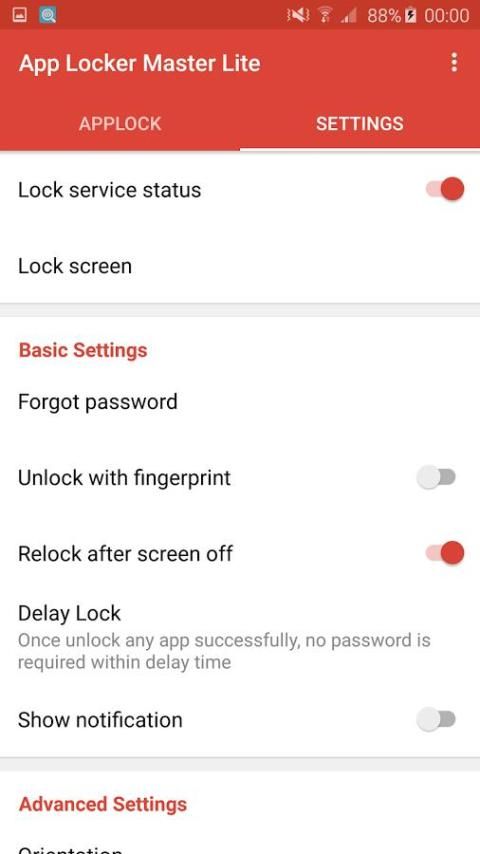
☆ Samsung fingerprint for unlock
☆ Hidden icon of this app
☆ Call to open App Lock
☆ Prevent uninstall with devices admin
☆ Smart Lock orientation
☆ Delay lock for best user experience
☆ Customize you Lock screen (Animation in/out, change your hint message)
☆ More security with: random password key, pattern size, invisible pattern
☆ Start this app lock immediately when your phone restart.
☆ Working well in Android Lollipop and Android M above
----------------FAQ----------------
✔
How to uninstalled App Locker Master Lite
- If you not turn on prevent uninstalled "Device Admin Active" in application setting, you can uninstall App Locker Master (Protect App) same with other 3rd party in your phone
- If you turn on prevent uninstalled "Device Admin Active", please set turn off this before uninstall
App Locker Master
or disable admin permissions in Location & security -> Select device admin -> App Locker Master Lite(set turn off)
✔
What I need to do when forgot password?
- In this case you can using "Forgot Password" in setting, first time you start lock any apps this feature will show for you, you need to using your email for retrieve password when forgot it
- Other, you can using the code in "Forgot Password" for reset you password,
✔
Why this App Lock not working in Android 5.1 above
- Cause Android system update so you need to allow App Lock access Usage Stats in your phone, we will guide this to you when first install/open App Lock
✔
Why this App Lock not working in LG, SONY devices run Android 5.0
- Cause Android system update so you need to allow App Lock access Usage Stats in your phone, so please turn on
Usage Stats
by below guide: Settings app -> Security -> Usage Stats -> turn on for App Locker Master
-----------------------------------
If have any problem when using
App Locker Master Lite
welcome to send email to us!
nguyenjohny60@gmail.com
Website:
http://www.vnnewsolutions.com
Facebook:
https://www.facebook.com/applockermaster
★ ★ ★ ★ ★ terbaik, paling ringan, tercepat dan paling profesional App Lock ★ ★ ★ ★ ★
Jika Anda telah menginstal App Locker Guru, Mari mencoba versi Lite ini (mengurangi fitur, kinerja yang lebih)
Kunci apa saja dan segala sesuatu di telepon menggunakan
App Locker Guru Lite
►
Dengan App Locker Guru Lite Anda dapat
☆ Kunci semua aplikasi di ponsel Anda dan hal-hal pribadi dari pengguna lain.
☆ Lock: Pesan, Email, Kontak, Galeri, Google Play Store, Pengaturan, dll ..
►
Semua ini dengan sangat kurang baterai dan memori konsumsi pasti!
►
App Locker Guru Lite membantu Anda untuk merasa aman ketika:
☆ Anda berbagi ponsel Anda dengan siapa pun
☆ Anda memiliki rincian kontak sensitif
☆ anak-anak Anda bermain dengan telepon Anda
☆ Anda memiliki gambar pribadi di Galeri.
☆ Anda memiliki SMS, MMS dll yang Anda tidak ingin dibagikan.
►
Fitur:
★ Lock pihak ke-3 aplikasi dengan fitur muka App Lock
★ Antarmuka mudah digunakan, mudah untuk mengunci setiap aplikasi
★ POLA dan PIN untuk mengunci portrait dan landscape layar modus
★ Kurang baterai dan penggunaan memori.
★ Melindungi dihapus dan diinstal.
★ ikon Tersembunyi dari aplikasi ini
►
khusus:
☆ Tidak mempengaruhi baterai Anda
☆ Samsung sidik jari untuk membuka
☆ ikon Tersembunyi dari aplikasi ini
☆ Panggilan untuk membuka App Lock
☆ Mencegah uninstall dengan perangkat admin
☆ Pintar Kunci orientasi
☆ Keterlambatan kunci untuk pengalaman pengguna yang terbaik
☆ Sesuaikan Anda Mengunci layar (Animation in / out, mengubah pesan petunjuk Anda)
☆ keamanan lebih dengan: kunci sandi acak, ukuran pola, pola tak terlihat
☆ Mulai kunci aplikasi ini segera ketika me-restart telepon Anda.
☆ Bekerja dengan baik di Android Lollipop dan Android M di atas
---------------- FAQ ----------------
✔
Cara uninstall App Locker Guru Lite
- Jika Anda tidak mengaktifkan penanggulangan dihapus "Device Admin Aktif" dalam pengaturan aplikasi, Anda dapat menghapus App Locker Master (Melindungi App) sama dengan pihak ke-3 lainnya di ponsel Anda
- Jika Anda mengaktifkan penanggulangan dihapus "Device Admin Aktif", silahkan mengatur mematikan ini sebelum uninstall
App Locker Guru atau izin admin menonaktifkan di Lokasi & keamanan -> Pilih admin perangkat -> App Locker Guru Lite ( set mematikan)
✔
Apa yang harus saya lakukan ketika lupa password?
- Dalam hal ini Anda dapat menggunakan "Lupa Password" di pengaturan, pertama kali Anda mulai mengunci setiap aplikasi fitur ini akan menunjukkan untuk Anda, Anda perlu menggunakan email Anda untuk mengambil password ketika lupa itu
- Lainnya, Anda dapat menggunakan kode di "Lupa Password" untuk ulang password,
✔
Mengapa ini App Lock tidak bekerja di Android 5.1 di atas
- Penyebab update sistem Android sehingga Anda perlu untuk memungkinkan Statistik App Lock akses Usage di ponsel Anda, kami akan memandu ini untuk Anda ketika pertama kali menginstal / open App Lock
✔
Mengapa ini App Lock tidak bekerja di LG, perangkat SONY menjalankan Android 5.0
- Penyebab update sistem Android sehingga Anda perlu untuk memungkinkan Statistik App Lock akses Usage di ponsel Anda, jadi silakan mengaktifkan
Penggunaan Statistik dengan di bawah panduan: Pengaturan aplikasi -> Security -> Statistik Penggunaan -> mengaktifkan untuk App Locker Guru
-----------------------------------
Jika memiliki masalah ketika menggunakan
App Locker Guru Lite
selamat datang untuk mengirim email kepada kami!
nguyenjohny60@gmail.com
Website:
http://www.vnnewsolutions.com
Facebook:
https://www.facebook.com/applockermaster
Version 3.0.4
☆ Fix bugs not working in android 2.3, and bug not auto start lock service when update AppLock
Version 3.0.1
☆ Add search view in app list
☆ UI bugs fix

9Apps 4.9












