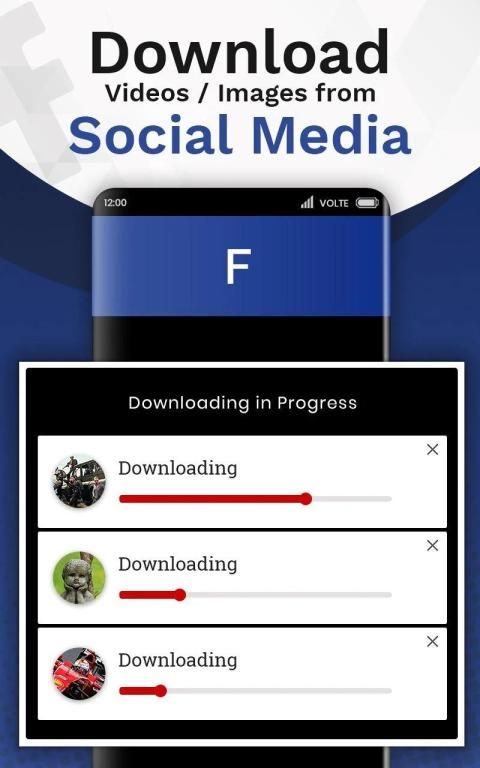
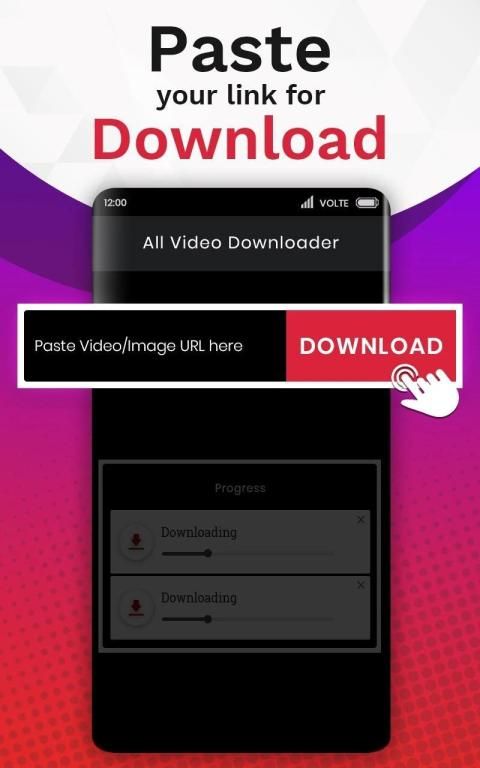
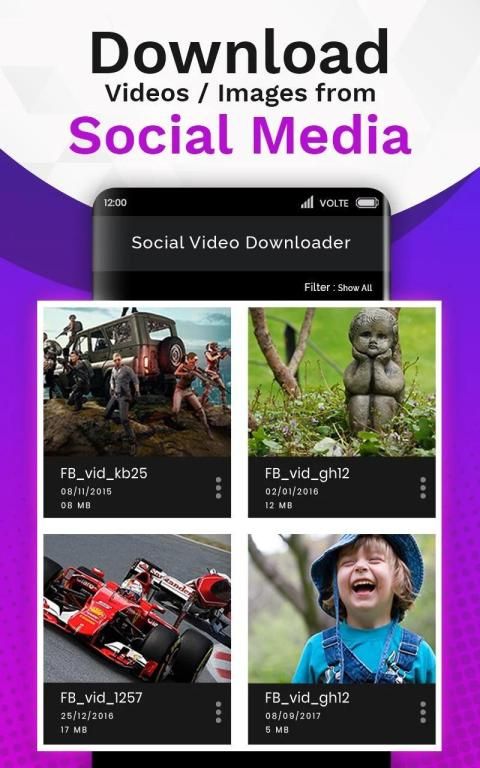
With the updating of mobile application, 20,000+ users downloaded All Video Downloader latest version on 9Apps for free every week! In my opinion, you will like this app after use it. This hot app was released on 2019-06-06. Don’t wait any longer– the application will shock you.
The
Free Video Downloader
app allows you to easily download videos, images and social media clips from social webs apps automatically as well as manually in
HD quality
.
You just need to tap on
Copy Link
of respective video/image you want to download and it will automatically start downloading the video. To manually download just copy the link and paste it in the app and click on the DOWNLOAD VIDEO button & the video will get downloaded in a few seconds.
All Video Downloader 2019 is a mobile video downloading app through which users can easily download videos & images from social media apps with ease.
The
powerful download manager
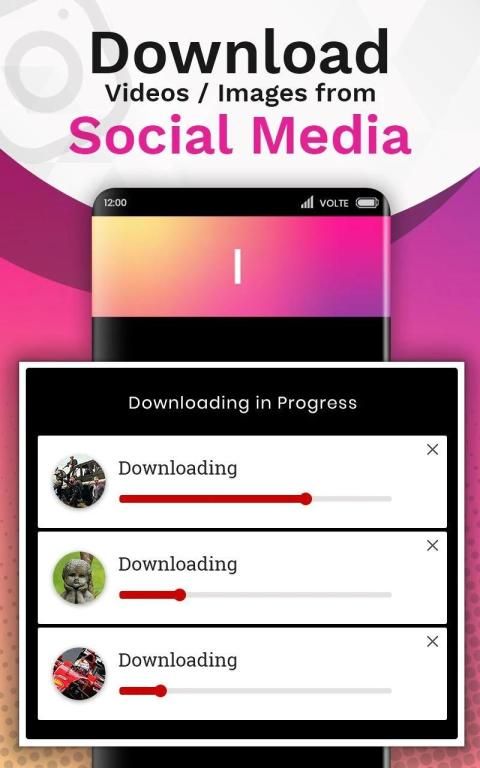
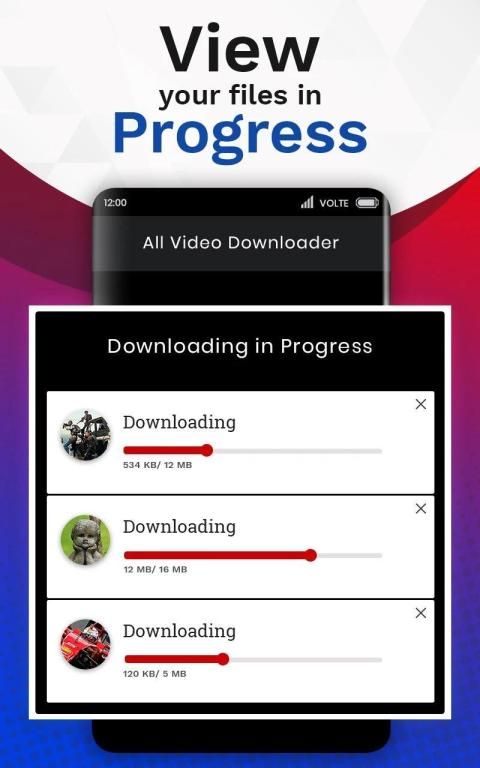
allows you to pause and resume downloads, download in the background and download several files at the same time. Play them offline with the built-in video player.
Features of the Free Video Downloader App:
• Easily download videos and images in
HD quality
.
• Share your downloaded images and videos via social media apps.
• Watch downloaded videos & images
offline without mobile data or Wi-Fi
.
•
No buffering
while watching videos on video downloader.
• Easy to use as it downloads any image & video automatically.
• Downloads videos and images from social media webs
@lightning fast speeds
.
• View downloaded images and videos without launching the app.
• Customize settings for auto download.
• With this app you will able to filter images, videos and images & videos from particular social media.
Works Automatically:
Step 1:
First, install and launch the The All Video Downloader 2019 App.
Step 2:
Go to social media apps, tap on Copy link of a video you would want to download (Image & Video).
Step 3:
Download will start automatically.
Step 4:
During downloading, The app icon will appear on the screen if you click on it, you will land on the App screen meanwhile downloading is in progress or complete.
Step 5:
After completion of downloads, a prompt will appear on the screen with Play and Cancel buttons.
Step 6:
You can easily disable this prompt if you Go into the settings and Disable Complete Downloading Notification.
Note:
If you repost or share videos & images without the allowance of the belonging possessor, we are not responsible for any intellectual property violation that results from an unauthorized repost of a video. The All Video Downloader App is not associated with any social media(Instagram, Facebook, Like, Tumblr, Pinterest) apps. It is only a tool which helps you to download videos and images.
Aplikasi
Pengunduh Video Gratis
memungkinkan Anda mengunduh video, gambar, dan klip media sosial dengan mudah dari aplikasi jejaring sosial secara otomatis maupun secara manual dalam
kualitas HD
.
Anda hanya perlu mengetuk
Salin Tautan
dari masing-masing video / gambar yang ingin Anda unduh dan secara otomatis akan mulai mengunduh video. Untuk mengunduh secara manual, cukup salin tautan dan tempel di aplikasi dan klik tombol UNDUH VIDEO & video akan diunduh dalam beberapa detik.
All Video Downloader 2019 adalah aplikasi pengunduhan video seluler yang memungkinkan pengguna mengunduh video & gambar dengan mudah dari aplikasi media sosial dengan mudah.
pengelola unduhan yang hebat
memungkinkan Anda untuk menjeda dan melanjutkan unduhan, unduh di latar belakang dan unduh beberapa file secara bersamaan. Mainkan secara offline dengan pemutar video bawaan.
Fitur Aplikasi Pengunduh Video Gratis:
• Unduh video dan gambar dengan mudah dalam
kualitas HD
.
• Bagikan gambar dan video yang Anda unduh melalui aplikasi media sosial.
• Tonton video & gambar yang diunduh
offline tanpa data seluler atau Wi-Fi
.
•
Tanpa buffering
saat menonton video di pengunduh video.
• Mudah digunakan karena mengunduh gambar & video secara otomatis.
• Mengunduh video dan gambar dari web media sosial
@mencapai kecepatan cepat
.
• Lihat gambar dan video yang diunduh tanpa meluncurkan aplikasi.
• Kustomisasi pengaturan untuk unduhan otomatis.
• Dengan aplikasi ini Anda akan dapat memfilter gambar, video dan gambar & video dari media sosial tertentu.
Bekerja Secara Otomatis:
Langkah 1:
Pertama, instal dan luncurkan Aplikasi Semua Video Downloader 2019.
Langkah 2:
Buka aplikasi media sosial, ketuk tautan Salin video yang ingin Anda unduh (Gambar & Video).
Langkah 3:
Pengunduhan akan dimulai secara otomatis.
Langkah 4:
Selama mengunduh, ikon aplikasi akan muncul di layar jika Anda mengkliknya, Anda akan mendarat di layar App sementara pengunduhan sedang berlangsung atau selesai.
Langkah 5:
Setelah selesai mengunduh, sebuah prompt akan muncul di layar dengan tombol Putar dan Batalkan.
Langkah 6:
Anda dapat dengan mudah menonaktifkan konfirmasi ini jika masuk ke pengaturan dan Nonaktifkan Pemberitahuan Pengunduhan Selesai.
Catatan:
Jika Anda mem-posting ulang atau membagikan video & gambar tanpa izin dari pemiliknya, kami tidak bertanggung jawab atas pelanggaran kekayaan intelektual apa pun yang disebabkan oleh pengiriman ulang video yang tidak sah. Aplikasi Semua Video Downloader tidak terkait dengan aplikasi media sosial (Instagram, Facebook, Suka, Tumblr, Pinterest). Ini hanya alat yang membantu Anda mengunduh video dan gambar.
Fixed App Crash

9Apps 4.9

![Top 5 Apps to download YouTube Videos 🔥🔥🔥 [Soft App Assist] screenshot 1](https://i.ytimg.com/vi/1gtNhmuHBJ4/mqdefault.jpg)