
Discover apps for Android here, 30,000+ users downloaded Mirror Screen latest version on 9Apps for free every week! This app was totally funny. This hot app was released on 2018-08-18. Besides, you can also select other popular apps you like here!
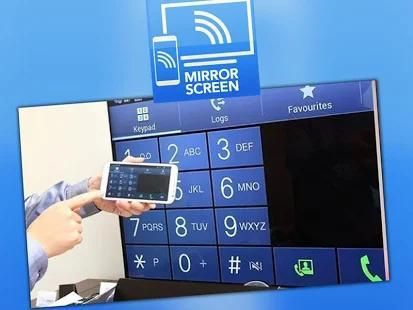
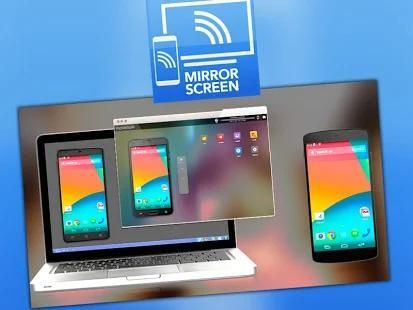
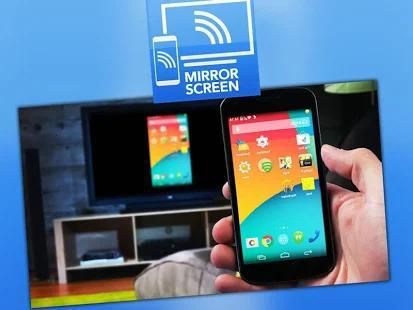
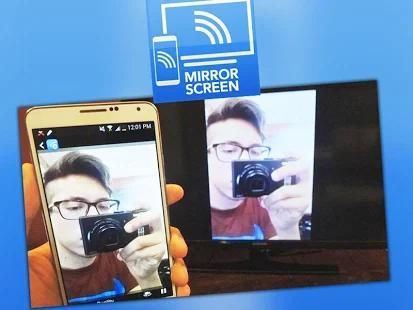
With Screen Mirror App For TV, you can share your device's screen over WiFi and access it from a remote browser from any other device in your WiFi network, and also Cast to TV enables you to cast all local videos, music and images to Chromecast, Amazon Fire Stick or Fire TV, Xbox One, Smart TVs or other DLNA Devices. Cast to TV and enjoy movies on TV now!
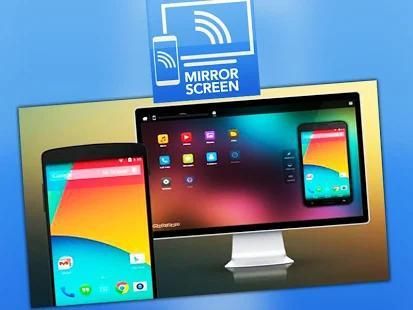
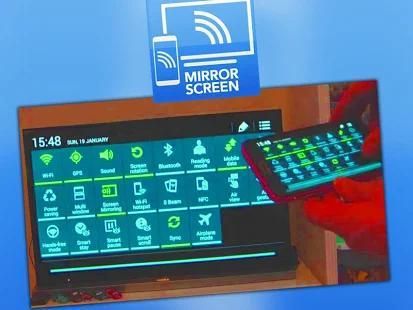
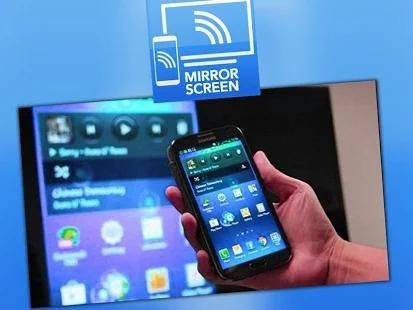
Download Cast Screen App and screen mirror you phone screen to tv for free. You can simply use this free screen mirroring for android app and share your scren phone on tv just like a dual screen to any device or pc on the same network through media player, web browser, Chromecast, and UPnP / DLNA devices (Smart TV or other compatible devices).
• Using This Mirror Cast App For Android, You'll Be Able To :
- Make powerful presentation for work, education, or gaming and screen mirroring to roku.
- Live broadcast everything to Twitch, Youtube Gaming, Facebook, Ustream, and any other internet popular streaming servers: perfect to broadcast your favorite games, and cast screen mirroring for android for free.
- Record it to video files and screen mirroring on samsung tv.
- Screen sharing with media players and tools such as VLC, XBMC/KODI, OBS (Open Broadcaster Software), and others...
- Cast videos to tv.
- Smart Mirror your phone to tv.
- Screen Mirroring samsung smart tv for free.
- If you want to cast video from android to tv, you’d better try Cast to TV - Cast to Chromecast.
All Screen Mirroring App for Android to smart TV screen mirroring assistant for screencasting & display smartphone mobile screen, widget & shortcut. Allshare mirror screen casting for smart TV like samsung, LG, Panasonic, Toshiba & roku without Wifi just by using dongles or adaptors. Enjoy streaming Video & TV cast and all local cast series.
Mirror screen does not need extra dongle or cable. Click the “Start”, the Mobile hotspot will be operating automatically. and After hotspot will be operating, connect to AP from other devices.
Screen Stream Mirroring Pro App will assist you to scan and mirror your android phone or tab's screen on smart TV/Display (mira cast enabled ) or Wireless dongles or adapters.
• How To Screen Mirror ?
- Your TV should support Wireless Display or any sort of Display Dongles.
- The TV must be connected to wifi network same as your phone.
- The Phone version must be android 4.2 and above.
- Download and run Screen Mirroring App.
When installed, a widget is added called Miracast Widget that will allow you to directly to the Miracast settings screen with one click to send your device's display to your Miracast enabled external display, such as your TV or monitor! When you are casting your screen, the widget will display the name of the screen. You can click the widget again to disconnect.
• Still have doubts ? Here's some other features of our screen mirroring app :
- Screen mirroring to roku
- Screen mirroring samsung tv
- Mirror tv
- Bt notice
- Samsung screen mirroring
- Mirror cast
- Screen mirroring app
- Samsung mirroring app
- Screen mirroring s8
- Mirroring to tv
- Mirror screen
- Cast screen android
- Screen mirroring to roku
• PLEASE READ :
- The Screen Mirroring or Smart View feature is compatible with the following devices:
Samsung Galaxy S8, Samsung Galaxy S7, S8, S8 edge, Samsung Galaxy S6, Samsung Galaxy S5, Samsung Galaxy S4, Samsung Galaxy S III , Samsung Galaxy Note II, Samsung Galaxy Note 3, Samsung Galaxy Note 4, Samsung Galaxy Camera, Samsung 8” Galaxy Note, Samsung Galaxy Note 10.1”, Samsung Galaxy Note 10.1" edge 2017 Edition. Sony TV, Bravia, Bmw, Pixel, J7 Tab, S2 Tab, Huawei, HTC, Hisense, Hotstar, JVC & JIO Smart TV, Kindle Fire, Kodi, K20, keyone, LG TV, Nexus, Nokia, Roku Root.
- This app is not screen mirroring for iphone.
- This app is not screen mirroring with iphone.
- This app is not screen mirroring on roku.
Dengan Layar Cermin App Untuk TV, Anda dapat berbagi layar perangkat Anda melalui WiFi dan mengaksesnya dari browser jauh dari perangkat lain dalam jaringan WiFi Anda, dan juga Cast ke TV memungkinkan Anda untuk membuang semua video lokal, musik dan gambar ke Chromecast, Amazon Api stick atau Api TV, Xbox One, Smart TV atau Perangkat DLNA lainnya. Cast ke TV dan menikmati film di TV sekarang!
Download Cast Layar App dan layar kaca Anda layar ponsel ke tv gratis. Anda hanya dapat menggunakan layar ini gratis mirroring untuk aplikasi android dan berbagi ponsel scren Anda di tv seperti layar ganda untuk setiap perangkat atau pc pada jaringan yang sama melalui media player , peramban web, Chromecast, dan perangkat UPnP / DLNA (Smart TV atau perangkat lain yang kompatibel).
• Menggunakan ini Cast Cermin App Untuk Android, Anda akan Mampu Untuk:
- Membuat presentasi yang kuat untuk pekerjaan, pendidikan, atau permainan dan penyamaran layar ke roku.
- Hidup disiarkan segalanya untuk Twitch, Youtube Gaming, Facebook, Ustream, dan setiap internet lainnya populer Streaming server: sempurna untuk menyiarkan permainan favorit Anda, dan layar cor mirroring untuk android gratis.
- Rekam ke file video dan layar mirroring di samsung tv.
- berbagi layar dengan pemutar media dan alat-alat seperti VLC, XBMC / KODI, OBS (Open Penyiar Software), dan lain-lain ...
- Transmisikan video ke tv.
- Smart Mirror telepon Anda ke tv.
- Layar Mirroring samsung smart tv gratis.
- Jika Anda ingin membuang video dari android ke tv, Anda lebih baik akan mencoba Cast untuk TV - Cast ke Chromecast.
Semua Layar Mirroring App untuk Android ke layar TV pintar mirroring asisten untuk screencasting & menampilkan layar ponsel smartphone, widget & shortcut. Allshare layar kaca casting untuk TV pintar seperti samsung, LG, Panasonic, Toshiba & roku tanpa Wifi hanya dengan menggunakan dongle atau adapter. Nikmati streaming video & TV cast dan semua serial cast lokal.
layar cermin tidak perlu dongle tambahan atau kabel. Klik "Start", hotspot Mobile akan beroperasi secara otomatis. Dan Setelah hotspot akan beroperasi, terhubung ke AP dari perangkat lain.
Layar Streaming Mirroring Pro App akan membantu Anda untuk memindai dan cermin ponsel android Anda atau layar tab pada pintar TV / Display (mira cor diaktifkan) atau dongle nirkabel atau adaptor.
• Bagaimana Screen Mirror?
- TV Anda harus mendukung Tampilan Nirkabel atau semacam Display Dongles.
- TV harus terhubung ke jaringan wifi yang sama dengan telepon Anda.
- Versi Telepon harus Android 4.2 ke atas.
- Unduh dan jalankan Aplikasi Pencerminan Layar.
Ketika diinstal, widget ditambahkan disebut Miracast Widget yang akan memungkinkan Anda untuk langsung ke pengaturan Miracast layar dengan satu kali klik untuk mengirim layar perangkat Anda untuk Anda Miracast diaktifkan display eksternal, seperti TV atau monitor! Ketika Anda casting layar Anda, Widget akan menampilkan nama layar. Anda dapat mengklik widget lagi untuk memutus sambungan.
• Masih memiliki keraguan Berikut beberapa fitur lain dari mirroring aplikasi layar kami :?
- Screen mirroring ke roku
- Screen mirroring samsung tv
- Cermin tv
- Pemberitahuan Bt
- Samsung screen mirroring
- Cermin cor
- Aplikasi pencerminan layar
- Aplikasi pencerminan Samsung
- Screen mirroring s8
- Mirroring ke tv
- Layar cermin
- Layar Cast android
- Layar mirroring untuk roku
• HARAP BACA:
- Screen Mirroring atau Pintar View fitur kompatibel dengan perangkat berikut:
Samsung Galaxy S8, Samsung Galaxy S7, S8, S8 tepi, Samsung Galaxy S6, Samsung Galaxy S5, Samsung Galaxy S4, Samsung Galaxy S III, Samsung Galaxy Note II, Samsung Galaxy Note 3, Samsung Galaxy Note 4, Samsung Galaxy Camera, Samsung 8 "Galaxy Note, Samsung Galaxy Note 10.1", Samsung Galaxy Note 10.1 "tepi 2017 Edition. Sony TV, Bravia, Bmw, Pixel, J7 Tab, S2 Tab, Huawei, HTC, Hisense, Hotstar, JVC & Jio Smart TV, Kindle api, Kodi, K20, keyone, LG TV, Nexus, Nokia, Roku root.
- Aplikasi ini bukan screen mirroring untuk iphone.
- Aplikasi ini bukan layar mirroring dengan iphone.
- Aplikasi ini bukan screen mirroring pada roku.


![How to Screen Mirror ANDROID/IOS to Laptop [FREE]: WooTechy MirrorDisp screenshot 3](https://i.ytimg.com/vi/zkZ4REsWjSQ/mqdefault.jpg)



9Apps 4.9










