

Download and enjoy our service, 30,000+ users downloaded All In One Video Editor latest version on 9Apps for free every week! Although you probably won't notice it at first. This hot app was released on 2019-06-28. You’ll want to use it on your own phones after you know more.
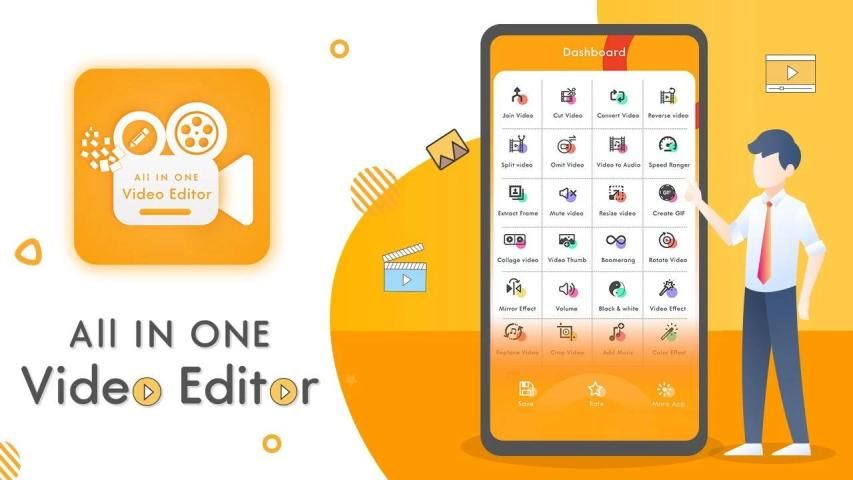
All In One Video Editor app is the best way to create, edit, and publish videos on Android. Get this powerful and easy-to-use video editor app for making and sharing videos on social media. Add themes, filters, effects, transitions, emoji, voiceover narration, music, and more.Video Editor for HD Video app is Professional Video Editing tool for your daily needs with most useful and handy Features to edit your video within minutes.
You can add video filters, transitions, music, voice over to the video, and you can rotate, zoom, trim,split your video.
You create make slow motion video show easily, just change the video speed, then a amazing slow motion video show will be ready!
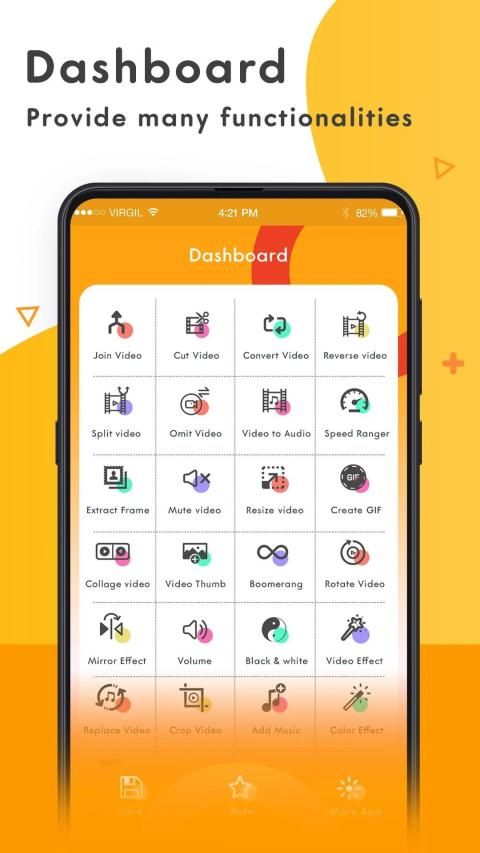
Key Features
-Video Joiner
-Video Cutter
-Convert video
-Reverse Video
-Split Video
-Omit Video
-Video To Audio
-Speed Changer
-Extract Frame
-Mute Video
-Resize Video
-Create GIF
-Collage Video
-Video Thumb
-Video Boomerang
-Rotate Video
-Mirror Effect
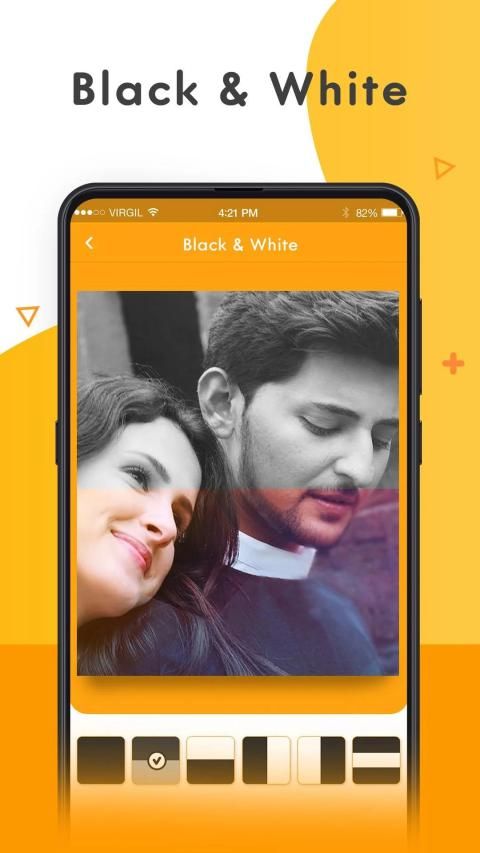
-Black & White
-Video Effect
-Replace Audio
-Crop Video
-Add Music
-Color Effect
-Video Watermark
-Multi-languages Support :-English, Deutsche, Francais, Espanol
>>>>>> Features of Application <<<<<<
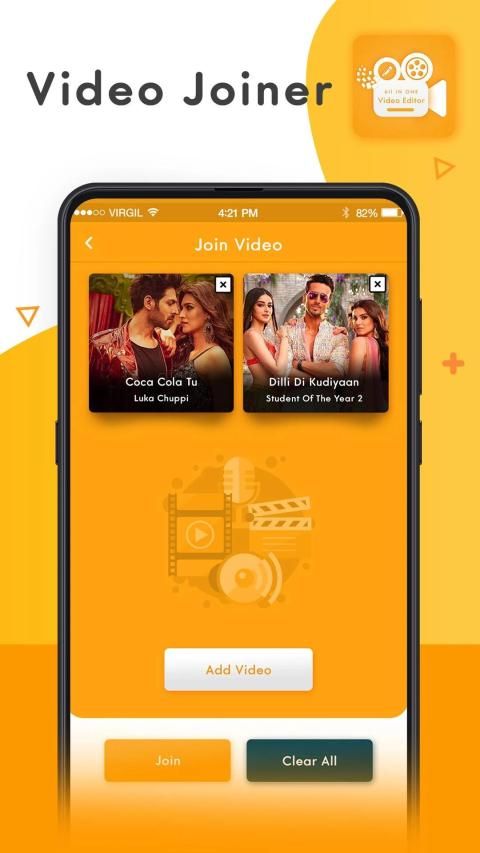
Video Joiner
Video joiner function provide consistently join N-number of video files together in JUST ONE CLICK.
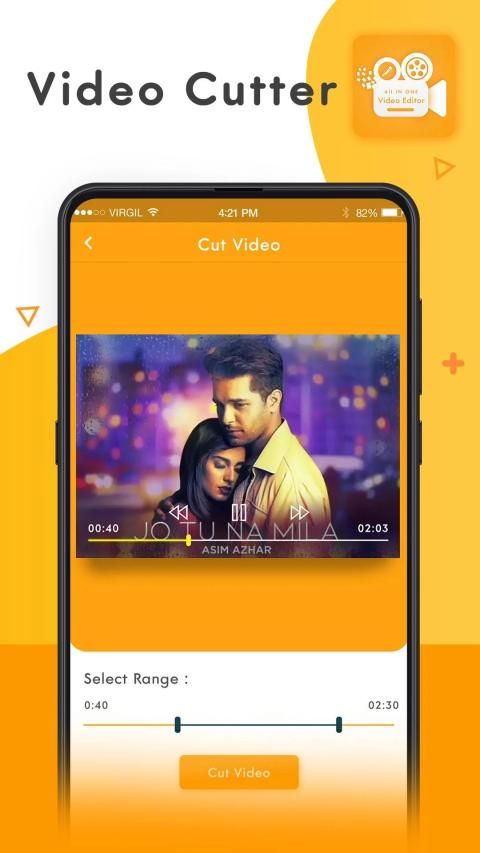
Video Cutter
Video Cutter is a startling function of New Video All in one. With the help of Video cutter, the user can cut or trim the stablest part from a video file without losing original quality.in addition that it support many different file formats like .mp4, .mkv, .mov and many other.
Video Converter
Would you like to convert Video files configuration to another formation? Convert Video Function has brazenly transform your Video file to a various format like as .mp4, .mkv, .mov etc. Just Explore it.
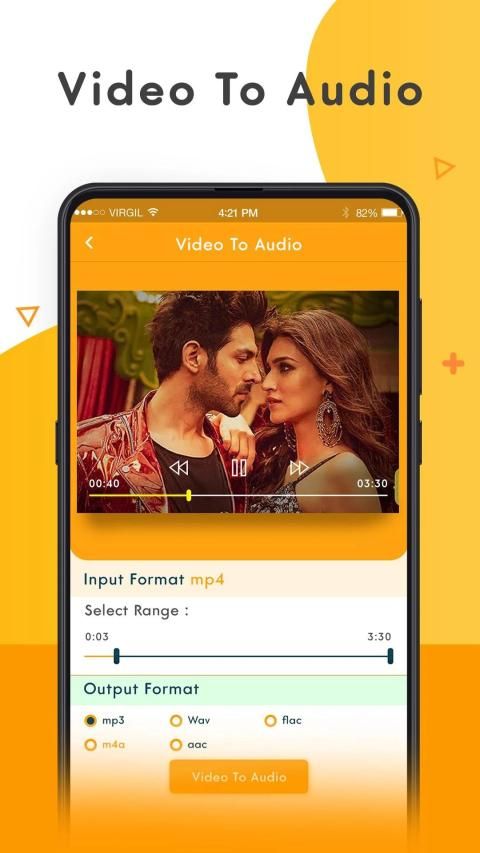
Video To Audio
Video to Audio has to be a function of Video all in one where the user can Extract from Video file to Audio file and save an audio file to many supportive formats.
Mute Video
Sometimes we come to a situation where we have to show the only visualization not audio here you can remove audio with the help of mute function.
Extract Frame
With the help of this function, you can make an album of the image from video file at every second.
Resize Video
With the help of this function, You can use Resize Features of New Video all in one Editor and customize the video files size per your needs.
Create GIF : Video to GIF
Here, the user can create GIF from video files and It's easy to use, and simple step to create but still provides powerful/a ton features: video to GIF.
Video Boomerang
Boomerang Video function helps to create boomerang videos that loop back and run continuously.
Video Thumbnails
With the help of this function, a user can create thumbnails of full video in a single image, which give a complete idea of your video in a single image.
Video Watermark
With the help of this function, Users can make your private video with your branding.
Video to photo
Grab particular and perfect moments from recorded videos and playable gallery videos in simple steps. Supports Quick Capture and Auto Snap between time interval.
Combine Video
Here, User can play a similar video on unit screen with a separate frame of visualization.
Rotate Video
Sometimes we need to rotate video default ordination with the help of this function user can not only rotate video but also flip if the user wants to do it and its conversion is lossless.
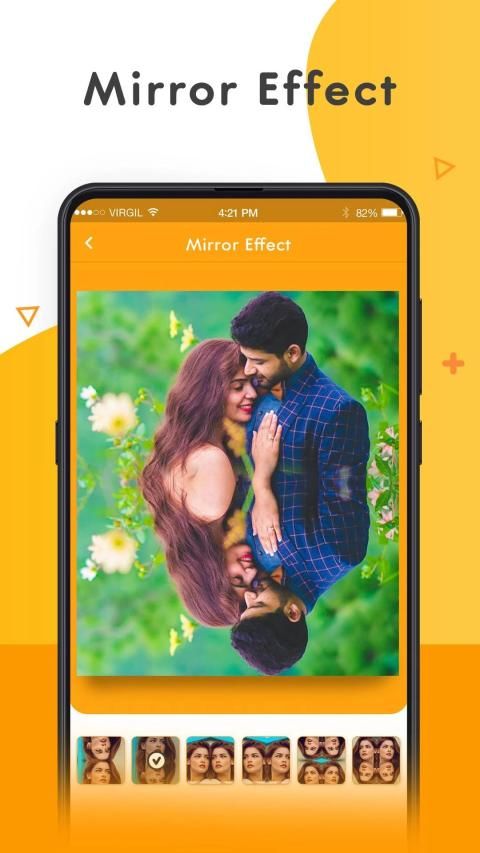
Mirror Effect
This effect gives a fun user can apply a mirror effect for make mirror video, converted video has both the part real view and a mirror view of the original video.
Slow Motion Video Maker
Create slow motion video of a particular part of video by using trim option or make the whole video slow. Choose any video and select speed like 1/2, 1/3, 1/4, up to 1/10.
Video Effect (more than 40 filters)
Using this amazing feature Users can easily add many video effects (Like- Sepia, Vignette, Gray, Rose, Red, Blue Vintage etc) to your videos.
Aplikasi All In One Video Editor adalah cara terbaik untuk membuat, mengedit, dan mempublikasikan video di Android. Dapatkan aplikasi editor video yang kuat dan mudah digunakan ini untuk membuat dan berbagi video di media sosial. Tambahkan tema, filter, efek, transisi, emoji, narasi sulih suara, musik, dan lainnya. Editor Video untuk aplikasi Video HD adalah alat Penyuntingan Video Profesional untuk kebutuhan harian Anda dengan Fitur yang paling berguna dan praktis untuk mengedit video Anda dalam hitungan menit.
Anda dapat menambahkan filter video, transisi, musik, suara ke video, dan Anda dapat memutar, memperbesar, memotong, membagi video Anda.
Anda membuat membuat tayangan video gerak lambat dengan mudah, cukup ubah kecepatan video, maka tayangan video gerak lambat yang menakjubkan akan siap!
Fitur Utama
-Video Joiner
-Pemotong Video
-Konversi video
-Kembali Video
Video -Split
-Kirim Video
-Video Ke Audio
Changer Kecepatan
Bingkai -Extract
-Mute Video
-Resize Video
-Buat GIF
Video -Koleksi
-Video Thumb
-Video Boomerang
Video -Rotate
Efek -Mirror
-Putih hitam
Efek -Video
-Ganti Audio
-Crop Video
-Tambahkan Musik
-Efek Warna
-Video Watermark
Dukungan -Multi-bahasa: -Inggris, Deutsche, Francais, Espanol
>>>>>> Fitur Aplikasi <<<<<<
Video Joiner
Fungsi video joiner memberikan secara konsisten bergabung N-jumlah file video bersama di JUST ONE CLICK.
Pemotong Video
Pemotong Video adalah fungsi yang mengejutkan dari New Video All in one. Dengan bantuan pemotong Video, pengguna dapat memotong atau memotong bagian paling stabil dari file video tanpa kehilangan kualitas aslinya. Selain itu, ia mendukung berbagai format file seperti .mp4, .mkv, .mov, dan banyak lainnya.
Alat konversi video
Apakah Anda ingin mengonversi konfigurasi file Video ke formasi lain? Konversi Fungsi Video telah dengan berani mengubah file Video Anda ke berbagai format seperti .mp4, .mkv, .mov dll. Jelajahi saja.
Video Ke Audio
Video ke Audio harus menjadi fungsi Video semua dalam satu tempat pengguna dapat mengekstrak dari file Video ke file Audio dan menyimpan file audio ke banyak format yang mendukung.
Bungkam Video
Kadang-kadang kita sampai pada situasi di mana kita harus menunjukkan satu-satunya visualisasi bukan audio di sini Anda dapat menghapus audio dengan bantuan fungsi bisu.
Ekstrak Bingkai
Dengan bantuan fungsi ini, Anda dapat membuat album gambar dari file video setiap detik.
Ubah Ukuran Video
Dengan bantuan fungsi ini, Anda dapat menggunakan Fitur Ubah Ukuran Video Baru semuanya dalam satu Editor dan menyesuaikan ukuran file video sesuai kebutuhan Anda.
Buat GIF: Video ke GIF
Di sini, pengguna dapat membuat GIF dari file video dan Sangat mudah digunakan, dan langkah sederhana untuk membuat tetapi masih menyediakan fitur yang kuat / banyak: video ke GIF.
Boomerang Video
Fungsi Boomerang Video membantu untuk membuat video boomerang yang berputar kembali dan berjalan terus menerus.
Thumbnail Video
Dengan bantuan fungsi ini, pengguna dapat membuat thumbnail video penuh dalam satu gambar, yang memberikan gambaran lengkap video Anda dalam satu gambar.
Tanda Air Video
Dengan bantuan fungsi ini, Pengguna dapat membuat video pribadi Anda dengan branding Anda.
Video ke foto
Raih momen-momen tertentu dan sempurna dari video yang direkam dan video galeri yang dapat diputar dalam langkah-langkah sederhana. Mendukung Pengambilan Cepat dan Snap Otomatis di antara interval waktu.
Gabungkan Video
Di sini, Pengguna dapat memutar video serupa di layar unit dengan bingkai visualisasi yang terpisah.
Putar Video
Kadang-kadang kita perlu memutar pentahbisan video standar dengan bantuan fungsi ini pengguna tidak hanya dapat memutar video tetapi juga membalik jika pengguna ingin melakukannya dan konversinya tidak ada habisnya.
Efek Cermin
Efek ini memberikan pengguna kesenangan dapat menerapkan efek cermin untuk membuat video cermin, video yang dikonversi memiliki tampilan bagian nyata dan tampilan cermin dari video asli.
Pembuat Video Gerakan Lambat
Buat video gerakan lambat dari bagian tertentu dari video dengan menggunakan opsi trim atau buat seluruh video menjadi lambat. Pilih video apa saja dan pilih kecepatan seperti 1/2, 1/3, 1/4, hingga 1/10.
Efek Video (lebih dari 40 filter)
Menggunakan fitur luar biasa ini Pengguna dapat dengan mudah menambahkan banyak efek video (Seperti Sepia, Vignette, Gray, Rose, Merah, Biru Vintage dll) ke video Anda.




9Apps 4.9










