

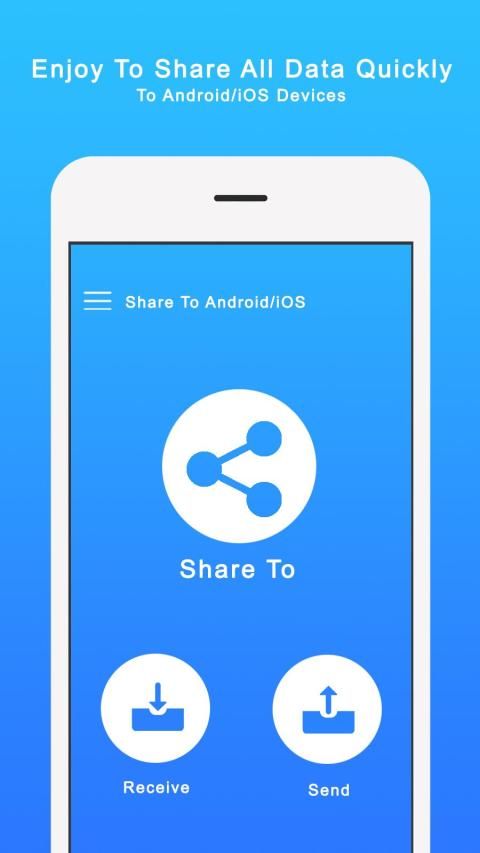
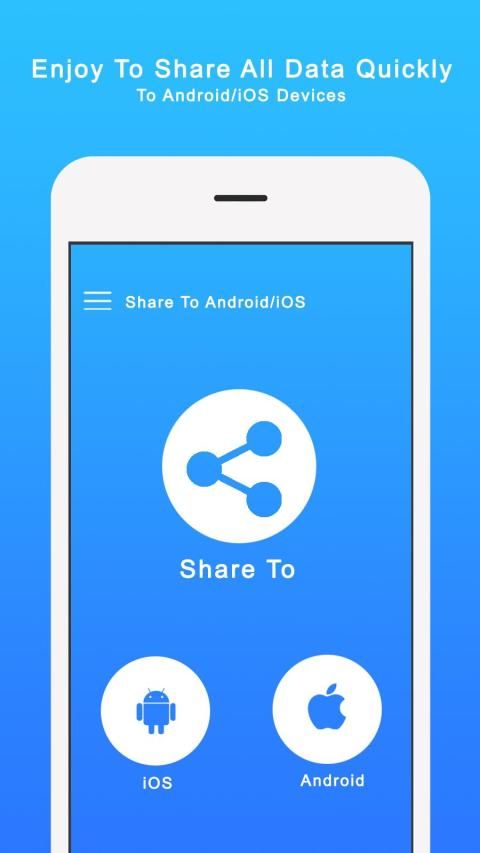
I'm glad to tell you that 30,000+ users downloaded Airdrop for Android latest version on 9Apps for free every week! More functions were added in this app. This hot app was released on 2019-11-20. Hope you will like this amazing app!
Airdrop For Android & Fast Share File help you to manager files in your Phone on the computer over wireless connection.
Copy your data from one phone to another over a WiFi network, without the need for a computer.
Do you still use the troublesome USB wire cable to connect your phone and computer?
Now throw that bothering USB wire cable away.
Easily transfer data from one phone to another, including:
* Contacts
* Calendar
* Photos
* Video
FEATURES:
1. Upload or download multiple files at once.
2. Delete, rename, copy, zip or unzip files using the built-in file manager interface.
3. Shortcuts to photo, video and music directories.
4. Runs as a background service.
5. View photos directly in your web browser (integrated thumbnail gallery).
Only simple steps:
1. Ensure your Phone and computer connect in the same WiFi network.
2. Start File Transfer by press "Start" button.
3. Copy and paste the URL noticed into your FTP Client or Windows file explorer, then you scan and manager files in your Phone on your computer.
Fast Share File Pro is here and the best thing its totally free. Like always we brings you a friendly way for sharing images, videos and music over a wifi network, Now with Pro version share files between Android and iOS devices. View on your windows/MAC. Isn't this awesome.
If you have any question contact us : gonzmichela@gmail.com
Airdrop For Android & Fast Share File membantu Anda mengatur file di telepon di komputer melalui koneksi nirkabel.
Salin data Anda dari satu ponsel ke yang lain melalui jaringan WiFi, tanpa perlu komputer.
Apakah Anda masih menggunakan kabel kawat USB yang bermasalah untuk menghubungkan ponsel dan komputer Anda?
Sekarang buang kabel kawat USB yang mengganggu itu.
Mudah mentransfer data dari satu ponsel ke yang lain, termasuk:
* Kontak
* Kalender
* Foto
* Video
FITUR:
1. Unggah atau unduh banyak file sekaligus.
2. Hapus, ganti nama, salin, zip, atau unzip file menggunakan antarmuka pengelola file bawaan.
3. Jalan pintas ke direktori foto, video, dan musik.
4. Berjalan sebagai layanan latar belakang.
5. Lihat foto secara langsung di browser web Anda (galeri thumbnail terintegrasi).
Hanya langkah-langkah sederhana:
1. Pastikan Telepon dan komputer Anda terhubung dalam jaringan WiFi yang sama.
2. Mulai Transfer File dengan menekan tombol "Mulai".
3. Salin dan tempel URL yang terlihat ke Klien FTP atau Windows explorer file Anda, lalu Anda pindai dan kelola file di Telepon di komputer Anda.
Fast Share File Pro ada di sini dan yang terbaik gratis. Seperti biasa, kami menghadirkan cara yang ramah untuk berbagi gambar, video, dan musik melalui jaringan wifi, Sekarang dengan file versi Pro berbagi antara perangkat Android dan iOS. Lihat di windows / MAC Anda. Bukankah ini luar biasa.
Jika Anda memiliki pertanyaan, hubungi kami: gonzmichela@gmail.com



9Apps 4.9










