Free and secured download of Android apps on 9Apps. 20,000+ users downloaded Better Crates Mod latest version on 9Apps for free every week! More features are involved in this new version. This hot app was released on 2019-03-01. If you wanna more apps besides this, turn to 9Apps.
Better Crates Mod 1.12.2 (More Storage Crates)
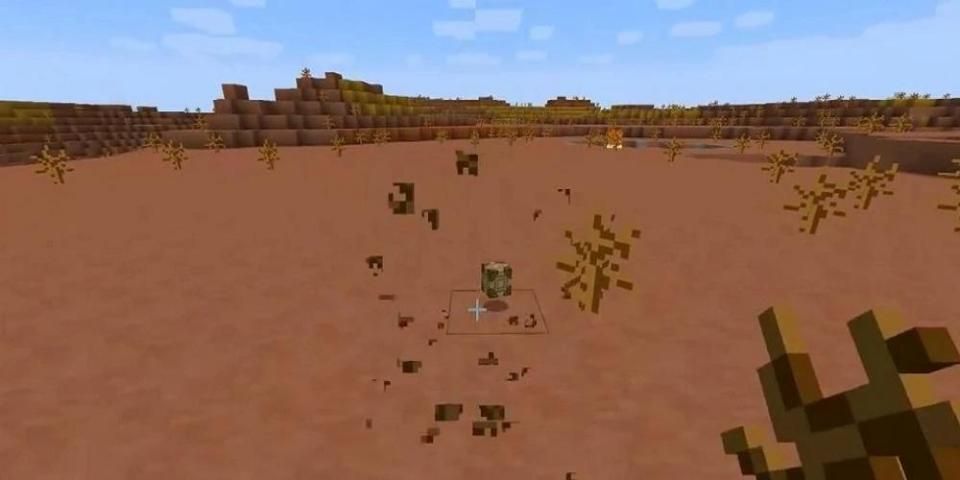
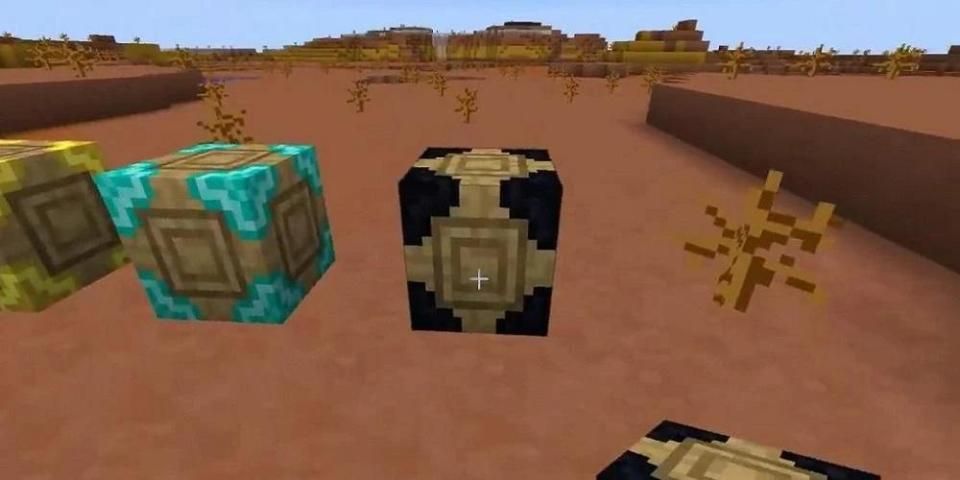
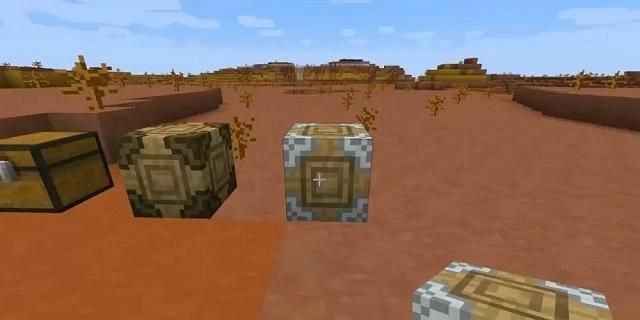
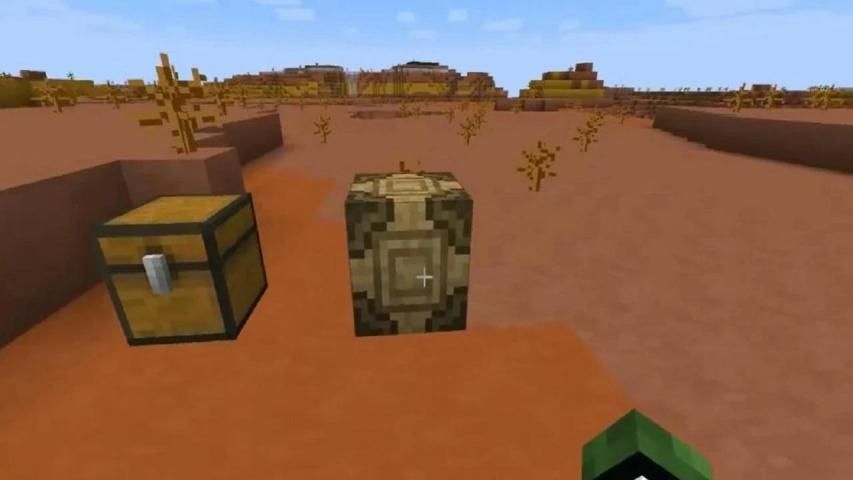
Better Crates Mod 1.12.2 adds storage crates that have different types, differing in the number of slots. The main difference is that when they are destroyed, they retain their contents. There are also improvements that convert crates into crates one level higher.
Features:
Available Crates:
Wooden crate: 36 slots
Copper crate: 45 slots
Tin crate: 45 slots
Iron crate: 63 slots
Golden crate: 81 slots
Diamond crate: 117 slots
Obsidian crate: 117 slots (Protected explosions)
How to install:
Make sure you have already installed Minecraft Forge.
Locate the minecraft application folder.
On windows open Run from the start menu, type appdata and click Run.
On mac open finder, hold down ALT and click Go then Library in the top menu bar. Open the folder Application Support and look for Minecraft.
Place the mod you have just downloaded (.jar file) into the Mods folder.
When you launch Minecraft and click the mods button you should now see the mod is installed.
बेहतर बक्से मॉड 1.12.2 (अधिक भंडारण बक्से)
बेहतर क्रेट्स मॉड 1.12.2 स्टोरेज क्रेट्स को जोड़ता है जिसमें विभिन्न प्रकार होते हैं, जो स्लॉट्स की संख्या में भिन्न होते हैं। मुख्य अंतर यह है कि जब वे नष्ट हो जाते हैं, तो वे अपनी सामग्री को बनाए रखते हैं। ऐसे सुधार भी हैं जो टोकरे को एक स्तर अधिक में बदल देते हैं।
विशेषताएं:
उपलब्ध बक्से:
लकड़ी के टोकरे: 36 स्लॉट
कॉपर टोकरा: 45 स्लॉट
टिन टोकरा: 45 स्लॉट
आयरन क्रेट: 63 स्लॉट
गोल्डन टोकरा: 81 स्लॉट
हीरा टोकरा: 117 स्लॉट
ओब्सीडियन टोकरा: 117 स्लॉट (संरक्षित विस्फोट)
स्थापित कैसे करें:
सुनिश्चित करें कि आप पहले से ही Minecraft फोर्ज स्थापित कर चुके हैं।
Minecraft एप्लिकेशन फ़ोल्डर की स्थिति जानें।
विंडोज़ पर स्टार्ट मेनू से Run खोलें, appdata टाइप करें और Run पर क्लिक करें।
मैक ओपन फाइंडर पर, ALT दबाए रखें और टॉप मेनू बार में Go फिर लाइब्रेरी पर क्लिक करें। फ़ोल्डर एप्लिकेशन समर्थन खोलें और Minecraft की तलाश करें।
आपके द्वारा अभी डाउनलोड की गई मॉड (.jar फ़ाइल) को मॉड फ़ोल्डर में रखें।
जब आप Minecraft लॉन्च करते हैं और mods बटन पर क्लिक करते हैं, तो आपको यह देखना चाहिए कि mod स्थापित है।





9Apps 4.9