There are hundreds of new apps released every week, 20,000+ users downloaded Photo Editor - Text on photo by Tasmimi latest version on 9Apps for free every week! The app has made a strong effect. This hot app was released on 2020-06-02. You can also find some other similar apps here.
Designed with simplicity in mind, Tasmimi is the perfect app for poster and typography design. We provided many amazing tools and options you’ll need to make your posters pop and be unique.
It’s not only an easy app to use which you can control your designs completely with, but it also has a variety of unique tools you won’t find elsewhere.
With all features included, we have no doubt that Tasmimi is the best professional poster maker you’ll find for smartphones.
So if you needed to edit photos or create posters, quotes or even logos, Tasmimi is the way to go.
• Features:
Ways to start your poster design:
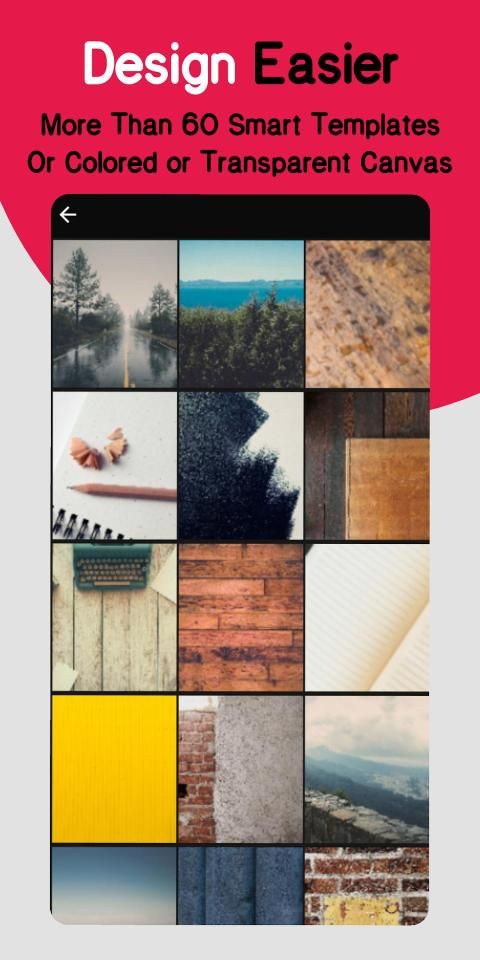
- Pick one of 60 amazing smart modifiable templates.
- Start with a colored canvas.
- Design on a photo chosen from your gallery.
Objects you can add to the design:
- Text.
- Image from gallery.
- Shapes (rectangle, circle, draw a polygon …etc).
- Draw (brush).
- Modifiable icons.
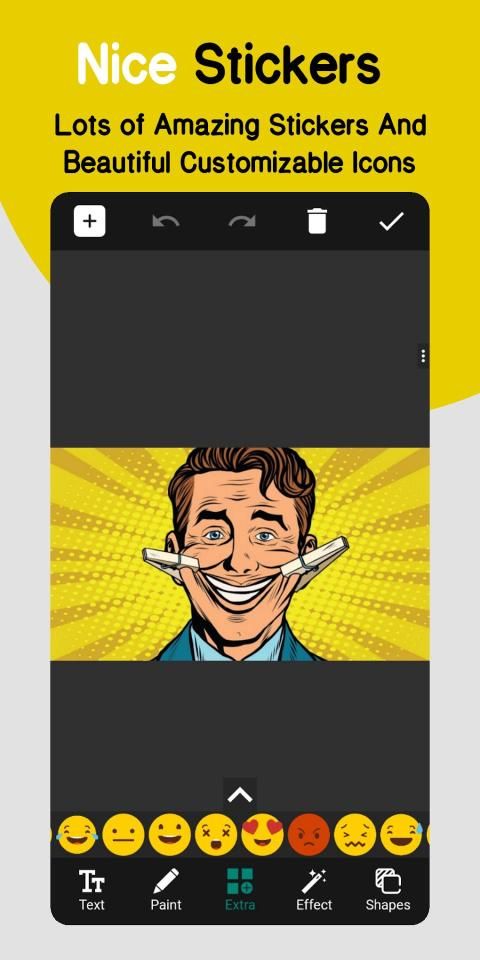
- Stickers.
Text tools and features:
- Fill with multiple options.
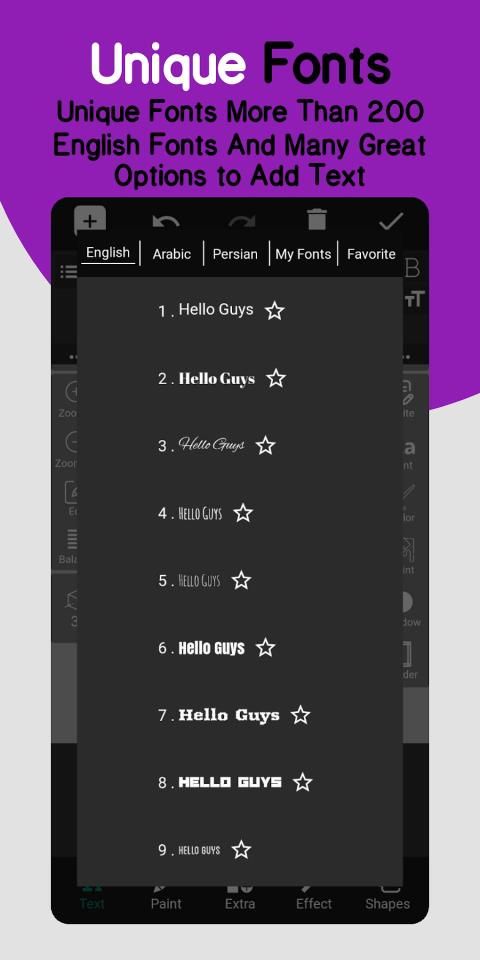
- Lots of fonts with the ability to add custom fonts.
- Opacity.
- Stroke.
- Shadow.
- Highlight.
- Reflection.
- Layer exposure (Blend modes).
- Filters.
- And other tools.
Layers menu:
- Change order and sort layers.
- Clone any layer.
- Lock, hide, or delete any layer.
- Center or/and widen layer.
- Layer exposure (Blend modes).
Fill options:
- Fill with a single color.
- Linear and radial gradient.
- Pattern.
- Color brush.
- Fill with an image from the gallery.
- Color picker (pick a color from an image).
- Color wheel.
Photo editing tools:
- Crop and rotate.
- Effects and filters.
- Layer exposure (Blend modes).
- Add Border.
- And other tools.
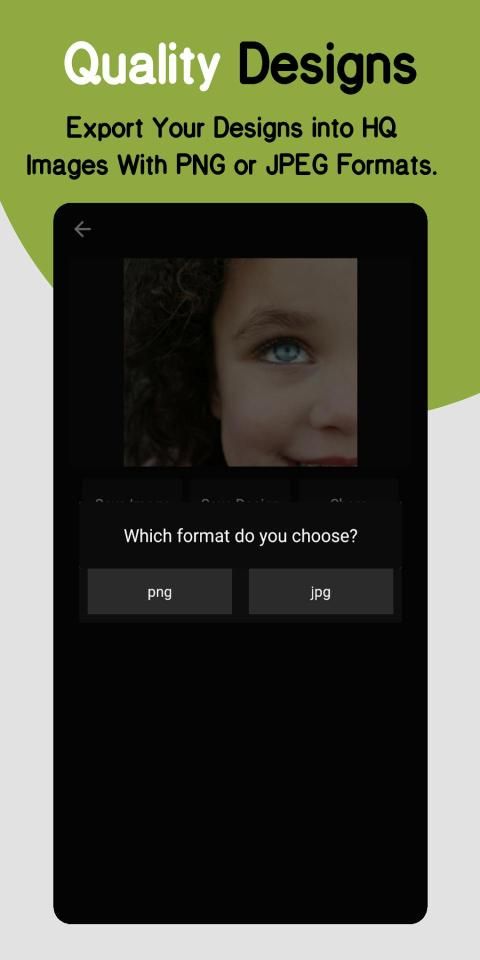
Design save and export options:
- Save as a PNG photo.
- Save as a JPEG photo.
Other features:
- Draw with a brush in any color and change its width and fill easily.
- Group and ungroup feature for better design control.
- Add dashes to strokes & borders.
- Zoom feature.
- Control tools shortcuts.
- Grid and pixel movement.
- Share images option.
We also included other features we leave for you to explore and benefit from in your own creative way as you use the app and make your own posters and design and edit your own image.
We read your reviews and consider all suggestions for next updates so keep them coming.
You can also follow us and share your designs and posters with us on social media:
https://www.instagram.com/tasmimii
मन में सादगी के साथ बनाया गया, Tasmimi पोस्टर और टाइपोग्राफी डिजाइन के लिए एकदम सही ऐप है। हमने कई अद्भुत उपकरण और विकल्प प्रदान किए हैं जिन्हें आपको अपने पोस्टर को पॉप बनाने और अद्वितीय बनाने की आवश्यकता होगी।
यह न केवल एक आसान ऐप है, जिसका उपयोग करके आप अपने डिज़ाइनों को पूरी तरह से नियंत्रित कर सकते हैं, बल्कि इसमें कई प्रकार के अनूठे टूल भी हैं जो आपको कहीं और नहीं मिलेंगे।
सभी विशेषताओं में शामिल होने के साथ, हमें इसमें कोई संदेह नहीं है कि Tasmimi सबसे अच्छा पेशेवर पोस्टर निर्माता है जिसे आप स्मार्टफ़ोन के लिए खोजेंगे।
इसलिए यदि आपको फ़ोटो संपादित करने या पोस्टर, उद्धरण या यहां तक कि लोगो बनाने की आवश्यकता है, तो तस्मीमी जाने का रास्ता है।
• विशेषताएं:
अपने पोस्टर डिजाइन शुरू करने के तरीके:
- 60 अद्भुत स्मार्ट परिवर्तनीय टेम्पलेट्स में से एक चुनें।
- रंगीन कैनवास से शुरुआत करें।
- अपनी गैलरी से चुनी गई तस्वीर पर डिजाइन।
ऑब्जेक्ट जो आप डिज़ाइन में जोड़ सकते हैं:
- पाठ।
- गैलरी से छवि।
- आकृतियाँ (आयत, वृत्त, एक बहुभुज बनाएं ... आदि)।
- ड्रा (ब्रश)।
- परिवर्तनीय चिह्न।
- स्टिकर।
पाठ उपकरण और विशेषताएं:
- कई विकल्पों के साथ भरें।
- कस्टम फोंट जोड़ने की क्षमता के साथ फोंट के बहुत सारे।
- अपारदर्शिता।
- आघात।
- साया।
- हाइलाइट करें।
- प्रतिबिंब।
- परत जोखिम (ब्लेंड मोड)।
- फिल्टर।
- और अन्य उपकरण।
परत मेनू:
- क्रम बदलें और परतों को सॉर्ट करें।
- किसी भी परत को क्लोन करें।
- किसी भी परत को लॉक, छिपाना या हटाना।
- केंद्र या / और चौड़ी परत।
- परत जोखिम (ब्लेंड मोड)।
विकल्प भरें:
- एक ही रंग के साथ भरें।
- रेखीय और रेडियल ढाल।
- पैटर्न।
- रंग ब्रश।
- गैलरी से एक छवि के साथ भरें।
- रंग बीनने वाला (एक छवि से एक रंग चुनें)।
- रंगीन पहिया।
फोटो संपादन उपकरण:
- फसल और बारी बारी से।
- प्रभाव और फिल्टर।
- परत जोखिम (ब्लेंड मोड)।
- बॉर्डर जोड़ें।
- और अन्य उपकरण।
डिज़ाइन सहेजें और निर्यात विकल्प:
- PNG फोटो के रूप में सेव करें।
- JPEG फोटो के रूप में सेव करें।
अन्य सुविधाओं:
- किसी भी रंग के ब्रश से ड्रा करें और उसकी चौड़ाई बदलें और आसानी से भरें।
- बेहतर डिजाइन नियंत्रण के लिए समूह और समूह की सुविधा।
- स्ट्रोक और सीमाओं में डैश जोड़ें।
- ज़ूम सुविधा।
- नियंत्रण उपकरण शॉर्टकट।
- ग्रिड और पिक्सेल आंदोलन।
- शेयर छवियों विकल्प।
हमने अन्य सुविधाओं को भी शामिल किया है जिन्हें हम आपके स्वयं के रचनात्मक तरीके से तलाशने और लाभ उठाने के लिए छोड़ते हैं क्योंकि आप ऐप का उपयोग करते हैं और अपने स्वयं के पोस्टर बनाते हैं और अपनी खुद की छवि बनाते हैं और संपादित करते हैं।
हम आपकी समीक्षाओं को पढ़ते हैं और अगले अद्यतनों के लिए सभी सुझावों पर विचार करते हैं ताकि वे आते रहें।
आप हमें फॉलो भी कर सकते हैं और अपने डिजाइन और पोस्टर हमारे साथ सोशल मीडिया पर साझा कर सकते हैं:
https://www.instagram.com/tasmimii
- Fixed some bugs.
- Merge layers added.

9Apps 4.9