
Download and enjoy our service, 30,000+ users downloaded PDF Reader latest version on 9Apps for free every week! And now, this app adds more functions. This hot app was released on 2020-01-13. It is a very popular app on India now.
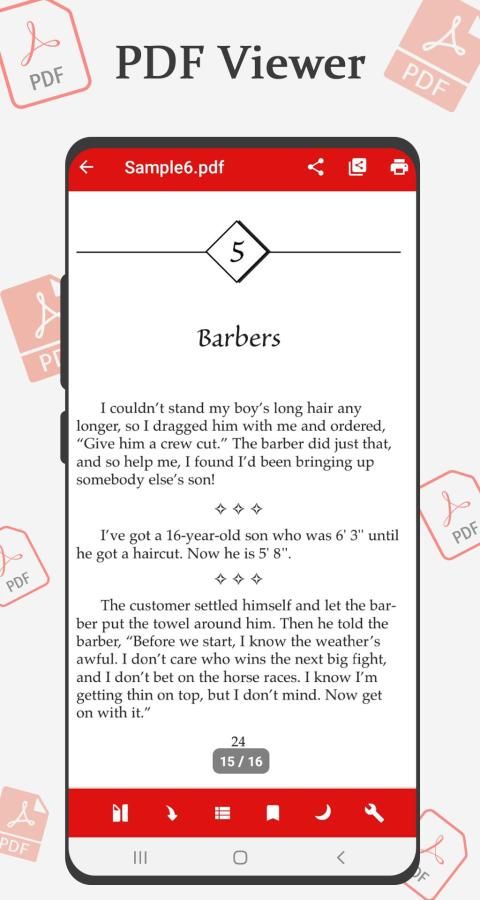
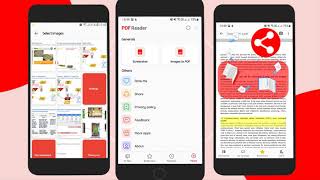
pdf reader application possesses a simple interface and makes it easy to read pdf or manage file on your phone.
PDF Reader – PDF Viewer is an application to read text documents that will allow you to open any file in one of the following formats
PDF Reader & PDF Editor is application to read PDF files.
PDF is the best app to view, read and manage PDF files and it works beautifully on Android.
This application has a simple interface and makes it easy to read or manage PDF files on your phone.
No need to the internet so you can use our PDF Reader - PDF file Viewer to access your file from your home, the office or anywhere else.
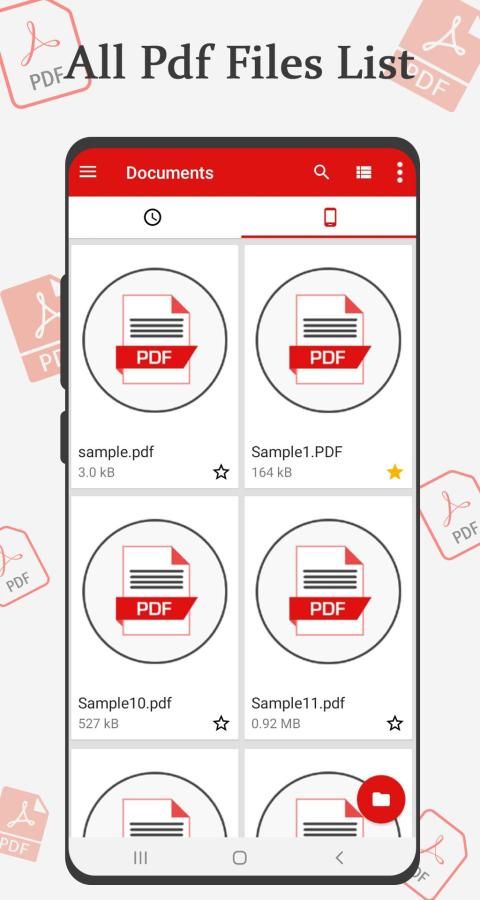
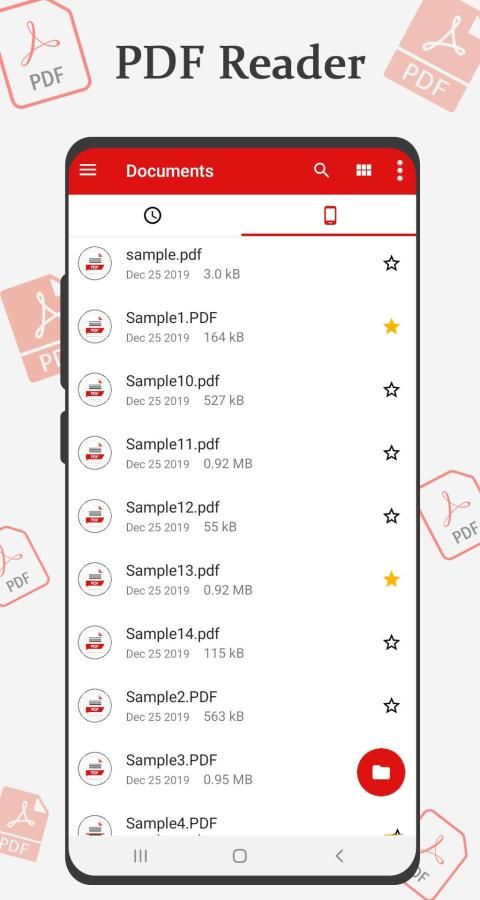
Powerful pdf manager lets you scan entire pdfs in your device. You can also review the pdfs you read in the recent section. Easily put a pdf file into your favorite list so you can watch it anywhere and anytime.
PDF Reader – PDF File Viewer 2019 is an application to read and edit PDF files- edit document pdf. It is a PDF editor free and a tool that allows opening, navigate, preview, write, annotate and draw over any cute PDF file.
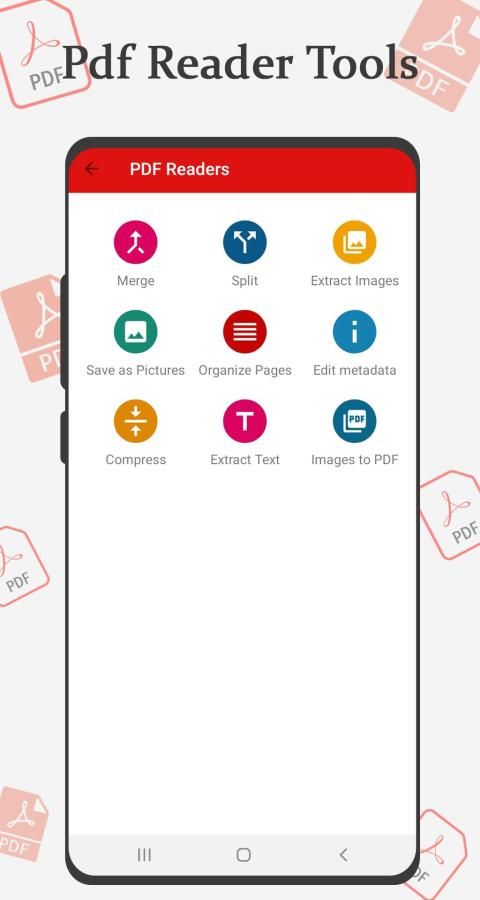
Provide lots of tools for PDF Editors and PDF reader like Pdf Merge, Pdf Split, Pdf Extract Images, Pdf Save as Picture, Pdf Organize Pages, Edit Pdf metadata, Pdf Compress, Extract Pdf Text, Image To pdf
• Fast and stable performance
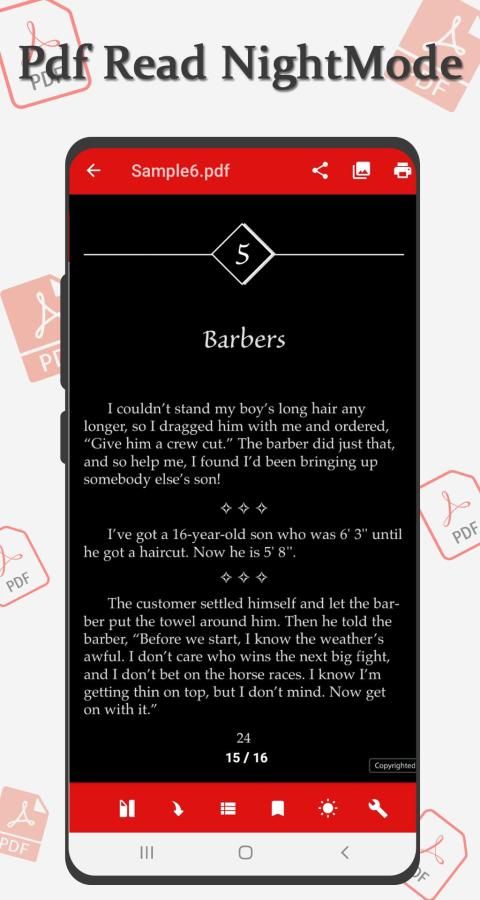
• Pdf open night mode
• Pdf scroll top-to-bottom and left-to-right
• Jump to any enter page number
• Add bookmark any pdf of page
• Bookmark pdf list
• Pdf merge, Pdf Split
• Extract Pdf Images
• Compress pdf, Extract pdf text
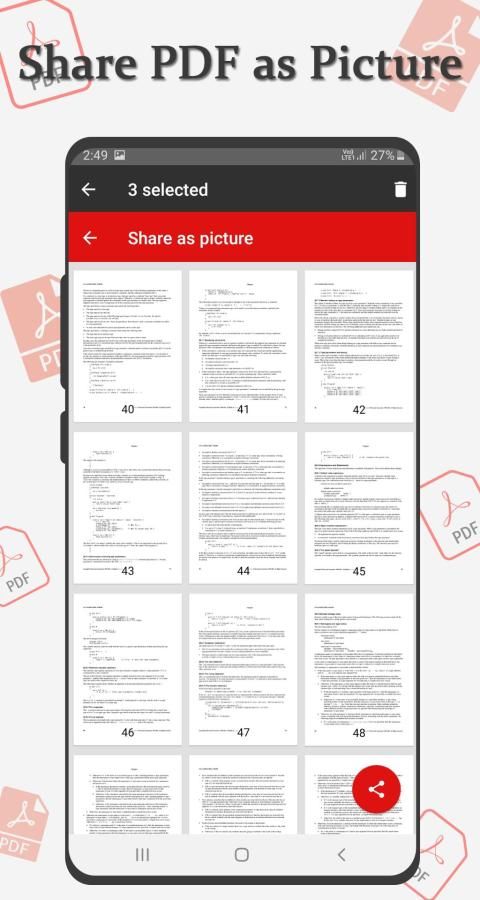
• Pdf save as picture
• create images to pdf
• Zoom-in and Zoom-out for perfect vision
• Search, create, save the pdf file quickly
• Open password-protected PDF files
• Outline/Thumbnail list
• Jump to Page
• Sort Pdf by name, date modified, by size And also Ascending and Descending order
Manage all the PDF files:-
• All PDF - Pdf Reader application will scan all the PDF files in your device and focus in a single location.
• Recent - Contains all the PDFs you have open, sorted by the latest open time, and you can easily view the PDFs you have recently viewed.
• Search - If you have a lot of PDF files, you'll also easily find them with "Search" features in the application's PDF management interface.
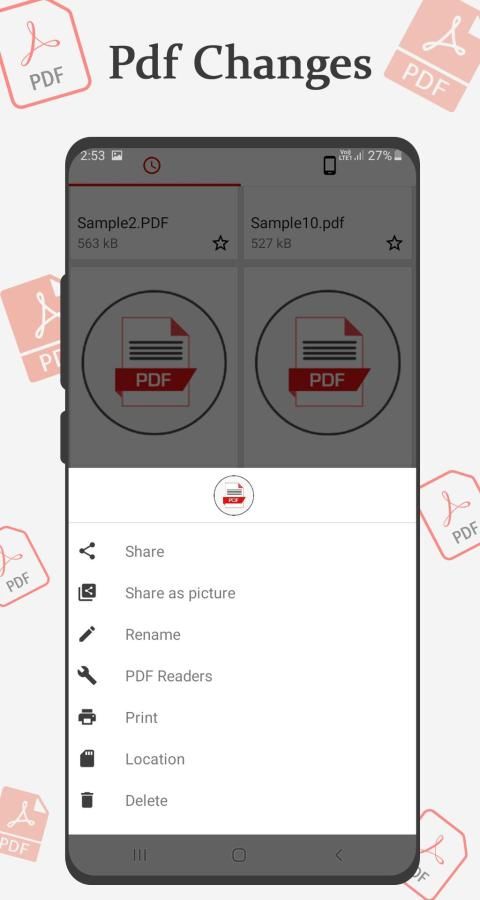
• Delete/Rename - You can easily change the name, delete the file, and view details of your PDF file. Share it to your fellow colleagues by email or co-worker at this screen.
पीडीएफ रीडर एप्लिकेशन में एक सरल इंटरफ़ेस होता है और आपके फोन पर पीडीएफ पढ़ना या फाइल को प्रबंधित करना आसान बनाता है।
पीडीएफ रीडर - पीडीएफ व्यूअर टेक्स्ट दस्तावेजों को पढ़ने के लिए एक एप्लिकेशन है जो आपको निम्नलिखित स्वरूपों में से किसी एक फ़ाइल को खोलने की अनुमति देगा
पीडीएफ रीडर और पीडीएफ संपादक पीडीएफ फाइलों को पढ़ने के लिए आवेदन है।
पीडीएफ पीडीएफ फाइलों को देखने, पढ़ने और प्रबंधित करने के लिए सबसे अच्छा ऐप है और यह एंड्रॉइड पर खूबसूरती से काम करता है।
इस एप्लिकेशन का एक सरल इंटरफ़ेस है और आपके फ़ोन पर PDF फ़ाइलों को पढ़ना या प्रबंधित करना आसान बनाता है।
इंटरनेट की कोई आवश्यकता नहीं है, ताकि आप हमारे पीडीएफ रीडर - पीडीएफ फाइल व्यूअर का उपयोग अपने घर, कार्यालय या कहीं और से अपनी फ़ाइल तक पहुंचने के लिए कर सकें।
शक्तिशाली पीडीएफ़ मैनेजर आपको अपने डिवाइस में संपूर्ण पीडीएफ़ स्कैन करने देता है। आप हाल के अनुभाग में पढ़े गए पीडीएफ़ की समीक्षा भी कर सकते हैं। आसानी से अपनी पसंदीदा सूची में एक पीडीएफ फाइल डालें ताकि आप इसे कहीं भी और कभी भी देख सकें।
पीडीएफ रीडर - पीडीएफ फाइल व्यूअर 2019 पीडीएफ फाइलों को पढ़ने और संपादित करने के लिए एक एप्लिकेशन है- दस्तावेज़ पीडीएफ संपादित करें। यह एक पीडीएफ एडिटर फ्री और एक टूल है जो किसी भी प्यारे पीडीएफ फाइल को खोलने, नेविगेट करने, पूर्वावलोकन करने, लिखने, एनोटेट करने और खींचने की अनुमति देता है।
पीडीएफ संपादकों और पीडीएफ रीडर के लिए बहुत सारे उपकरण प्रदान करें जैसे कि पीडीएफ़ मर्ज, पीडीएफ़ स्प्लिट, पीएफडी एक्सट्रैक्शन इमेज, पीएफडी सेव फ़ॉर पिक्चर, पीएफडी ऑर्गेनाइज़ पेज, एडिट पीडीएफ़ मेटाडेटा, पीएफडी कॉम्प्रेस, एक्सट्रेस पीडीएफ़ टेक्स्ट, इमेज पीडीएफ के लिए
• तेज और स्थिर प्रदर्शन
• पीडीएफ ओपन नाइट मोड
• Pdf ऊपर-से-नीचे और बाएँ-से-दाएँ स्क्रॉल करें
• किसी भी पेज नंबर पर जाएं
• पेज के किसी भी पीडीएफ को बुकमार्क जोड़ें
• बुकमार्क पीडीएफ सूची
• Pdf मर्ज, Pdf स्प्लिट
• पीडीएफ चित्र निकालें
• पीडीएफ को संपीड़ित करें, पीडीएफ टेक्स्ट निकालें
• Pdf तस्वीर के रूप में सहेजें
• छवियों को पीडीएफ में बनाएँ
• सही दृष्टि के लिए ज़ूम-इन और ज़ूम-आउट
• पीडीएफ फाइल को जल्दी से खोजें, बनाएं, सेव करें
• पासवर्ड से सुरक्षित पीडीएफ फाइलों को खोलें
• रूपरेखा / थंबनेल सूची
• पेज पर जाएं
• नाम, तिथि, आकार, और भी आरोही और अवरोही क्रम से संशोधित करें
सभी पीडीएफ फाइलों को प्रबंधित करें: -
• सभी पीडीएफ - पीडीएफ रीडर एप्लिकेशन आपके डिवाइस में सभी पीडीएफ फाइलों को स्कैन करेगा और एक ही स्थान पर ध्यान केंद्रित करेगा।
• हाल ही में आपके पास खुले हुए सभी पीडीएफ हैं, जिन्हें नवीनतम खुले समय द्वारा क्रमबद्ध किया गया है, और आप उन पीडीएफ को आसानी से देख सकते हैं जिन्हें आपने हाल ही में देखा है।
• खोज - यदि आपके पास बहुत सारी पीडीएफ फाइलें हैं, तो आप उन्हें एप्लिकेशन के पीडीएफ प्रबंधन इंटरफ़ेस में "खोज" सुविधाओं के साथ आसानी से पाएंगे।
• हटाएँ / नाम बदलें - आप आसानी से नाम बदल सकते हैं, फ़ाइल को हटा सकते हैं, और अपनी पीडीएफ फाइल का विवरण देख सकते हैं। इस स्क्रीन पर ईमेल या सहकर्मी द्वारा अपने साथी सहयोगियों को साझा करें।
PDF Reader is the best app to view, read and manage PDF files and it works beautifully on Android
![How to Download & Install Adobe Acrobat Reader for free on Windows 10/ 11 [Updated August 2022] screenshot 2](https://i.ytimg.com/vi/8f_Lnf9njR4/mqdefault.jpg)



9Apps 4.9













