

It has to be noticed that 20,000+ users downloaded netcut latest version on 9Apps for free every week! It truly does not offer any money. This hot app was released on 2020-01-22. More apps was release recently, you can download them and share with your friends!
What you can do with netcut Android Netcut?
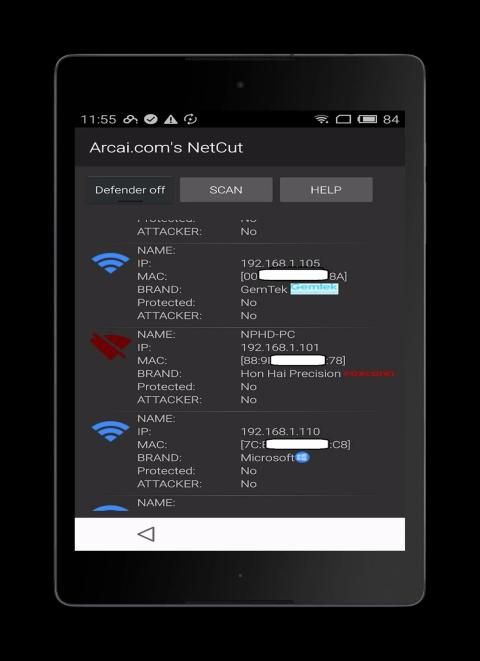
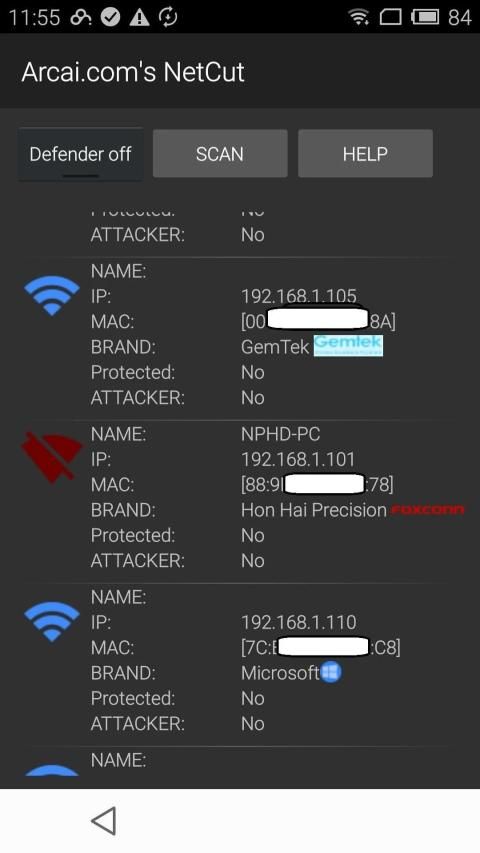
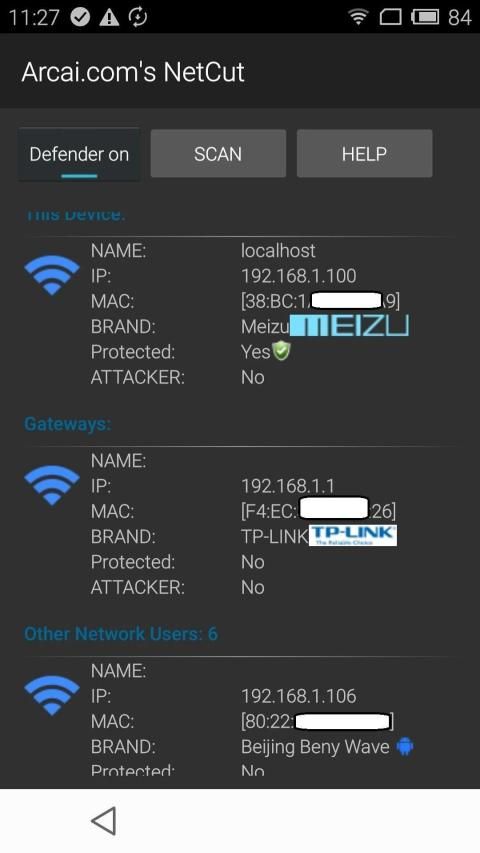
1. You can quickly detect all network user in WIFI, even when your phone has no valid IP address or not been granted use wifi internet. as long as you connected to any WIFI, netcut can work.
2. Set on/off line to any network users, including phone/xbox,softphone, PS3, PS4 etc.
3, You can cut off network between two network users within LAN , by set one of the user as "gateways" , then cut off the other users, then those two users won't beable to talk to each other, eg: apple TV, Google TV, xiaomi box , cut off the phone connection to those box, will disable screen cast like feature.
4. Netcut Defender built in. (turn on and off in one click)
5. Scan network when you feel there are users still on network and you can't see it.
6. Check phone type, netcut will be able list type of phones.
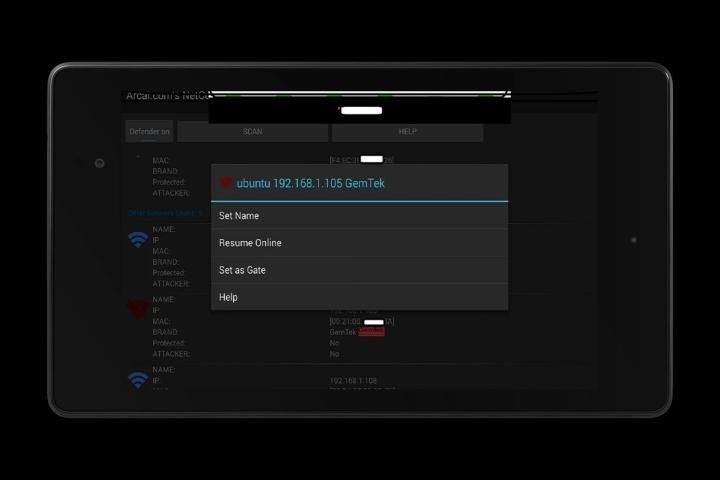
7. Give user easy to remember name. Long press any network user, a pop up window will allow you input name for the user.
8, Detect attacker, if any one try to play arp spoof to you, you will be able to see it from netcut directly.
क्या आप netcut Android Netcut के साथ कर सकते हैं?
1. आप WIFI में जल्दी से सभी नेटवर्क यूजर का पता लगा सकते हैं, यहां तक कि जब आपके फोन का कोई मान्य आईपी पता नहीं है या वाईफाई इंटरनेट का उपयोग नहीं किया गया है। जब तक आप किसी भी WIFI से जुड़े, नेटकट काम कर सकता है।
2. फोन / एक्सबॉक्स, सॉफ्टफोन, पीएस 3, पीएस 4 आदि सहित किसी भी नेटवर्क उपयोगकर्ताओं के लिए ऑन / ऑफ लाइन सेट करें।
3, आप लैन के भीतर दो नेटवर्क उपयोगकर्ताओं के बीच नेटवर्क को काट सकते हैं, एक उपयोगकर्ता को "गेटवे" के रूप में सेट कर सकते हैं, फिर अन्य उपयोगकर्ताओं को काट सकते हैं, फिर उन दो उपयोगकर्ताओं को एक दूसरे से बात करने में असमर्थ होगा, जैसे: सेब टीवी , गूगल टीवी, जियाओमी बॉक्स, उन बॉक्स में फोन कनेक्शन को काट दें, स्क्रीन कास्ट को फीचर की तरह अक्षम कर देंगे।
4. नेटकट डिफेंडर में निर्मित (एक क्लिक में चालू और बंद)
5. नेटवर्क को स्कैन करें जब आपको लगे कि नेटवर्क पर अभी भी उपयोगकर्ता हैं और आप इसे नहीं देख सकते हैं।
6. फोन प्रकार की जाँच करें, netcut फोन के प्रकार सूची में सक्षम हो जाएगा।
7. उपयोगकर्ता को नाम याद रखना आसान है। किसी भी नेटवर्क उपयोगकर्ता को लंबे समय तक दबाएं, एक पॉप अप विंडो आपको उपयोगकर्ता के लिए इनपुट नाम की अनुमति देगा।
8, हमलावर का पता लगाने, अगर कोई भी आपके लिए arp स्पूफ खेलने की कोशिश करता है, तो आप इसे सीधे नेटकट से देख पाएंगे।
![Cut Anyone's Internet From WIFI with Netcut app | How to Use Netcut [Hindi] #wifihacking #hacking screenshot 1](https://i.ytimg.com/vi/Zb2BKBudbUk/mqdefault.jpg)



9Apps 4.9














