


This is NOT a youtube downloader, downloading from youtube is blocked due to youtube's terms of service.
VID is a simple to use and fast video downloader for android.
How to download a video:
Step 1:
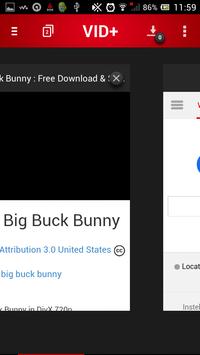
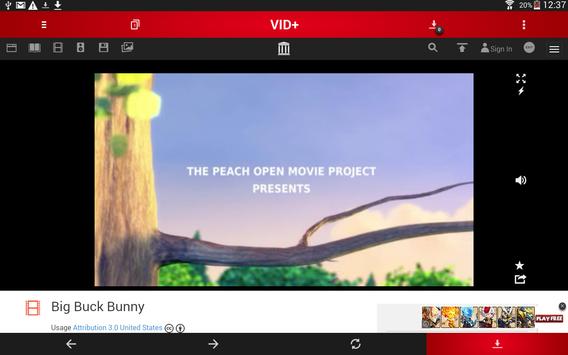
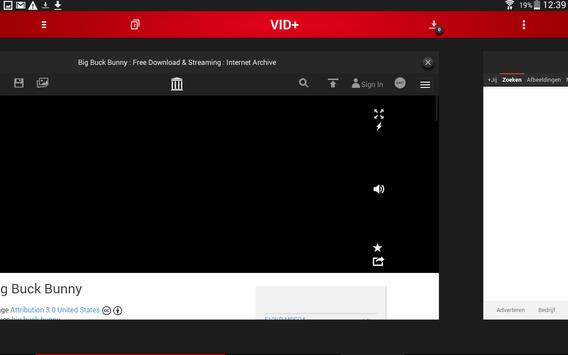
Browse to the video on the internet with the integrated web browser.
Step 2:
Press the download button. If this did not find the video then play the video and press the fullscreen button.
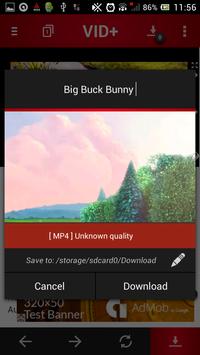
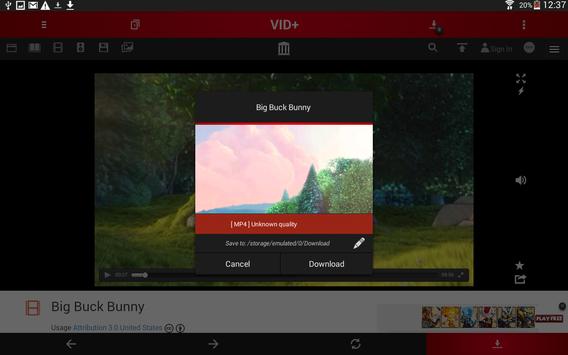
When the video is found a popup will open, here you can change the name, select a quality and change the download location.
If you are pleased, press "Download" in the popup. The video will now start downloading !
Features:
Webbrowser with address bar, multiple tabs and refresh ,backward and forward buttons.
Easily browse to a video on the internet to download it.
Video analyser.
Finds video's on the internet, determines the video file format and generates a thumbnail.
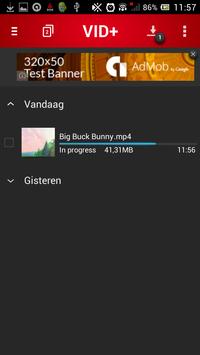
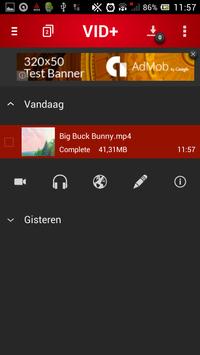
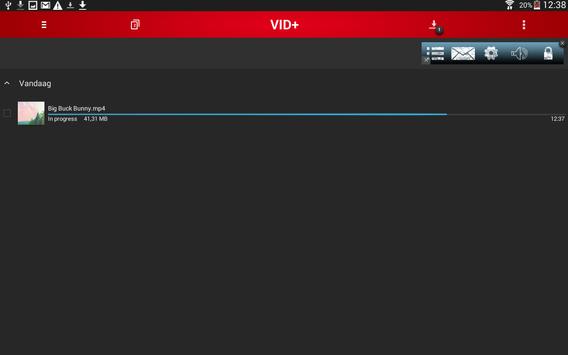
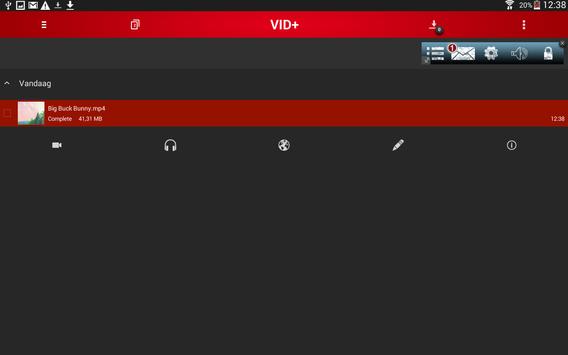
Video download manager.
- Download multiple video files simultaneously.
- Open video's as audio and video.
- Visit video file's webpage.
- Edit video file's filename and directory.
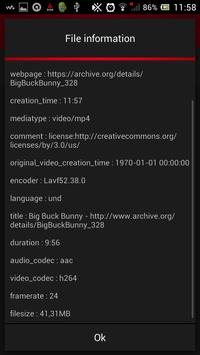
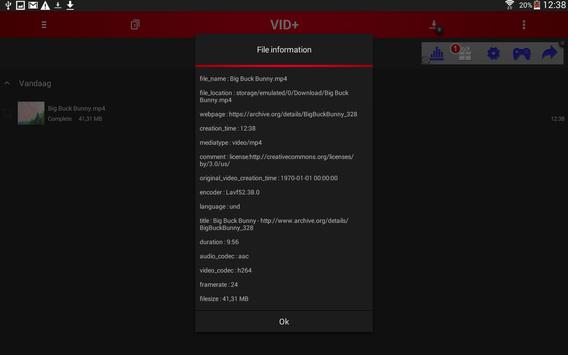
- Get file information like duration, codecs
and file size from video's.
Download directory picker.
Specify a directory where video files will be downloaded to.
Mobile data usage blocker.
Ony downloads video's on a wifi connection.
(This is optional and only applies on future downloads.)
NOTE: Downloading files that are protected by copyright is prohibited and regulated by the laws of the country you are in.





9Apps 4.9














