


File manager
is the
best file explorer
, file tool for android device manager with powerful features: Copy, cut, paste, rename, compress, transfer, download …
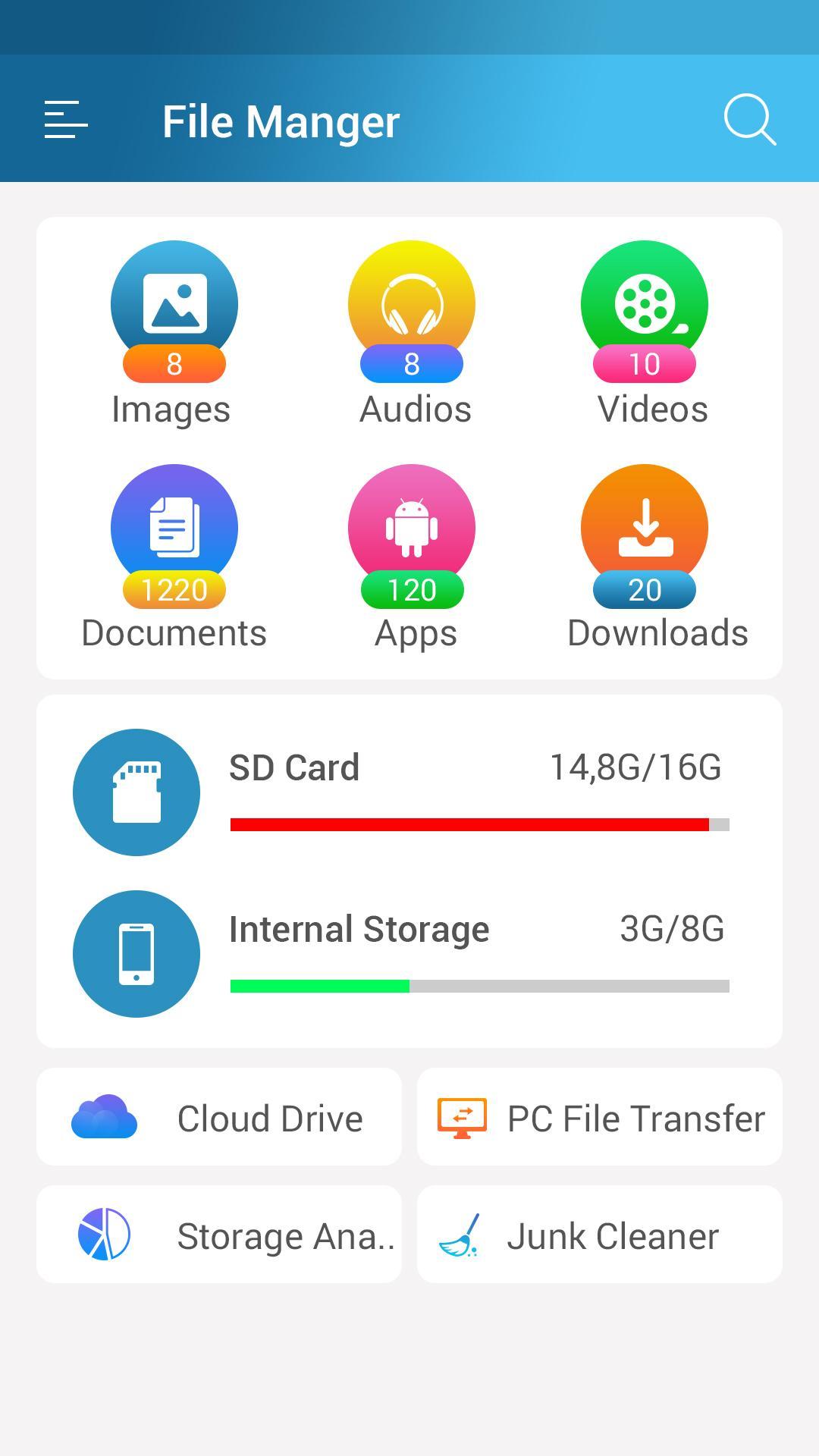
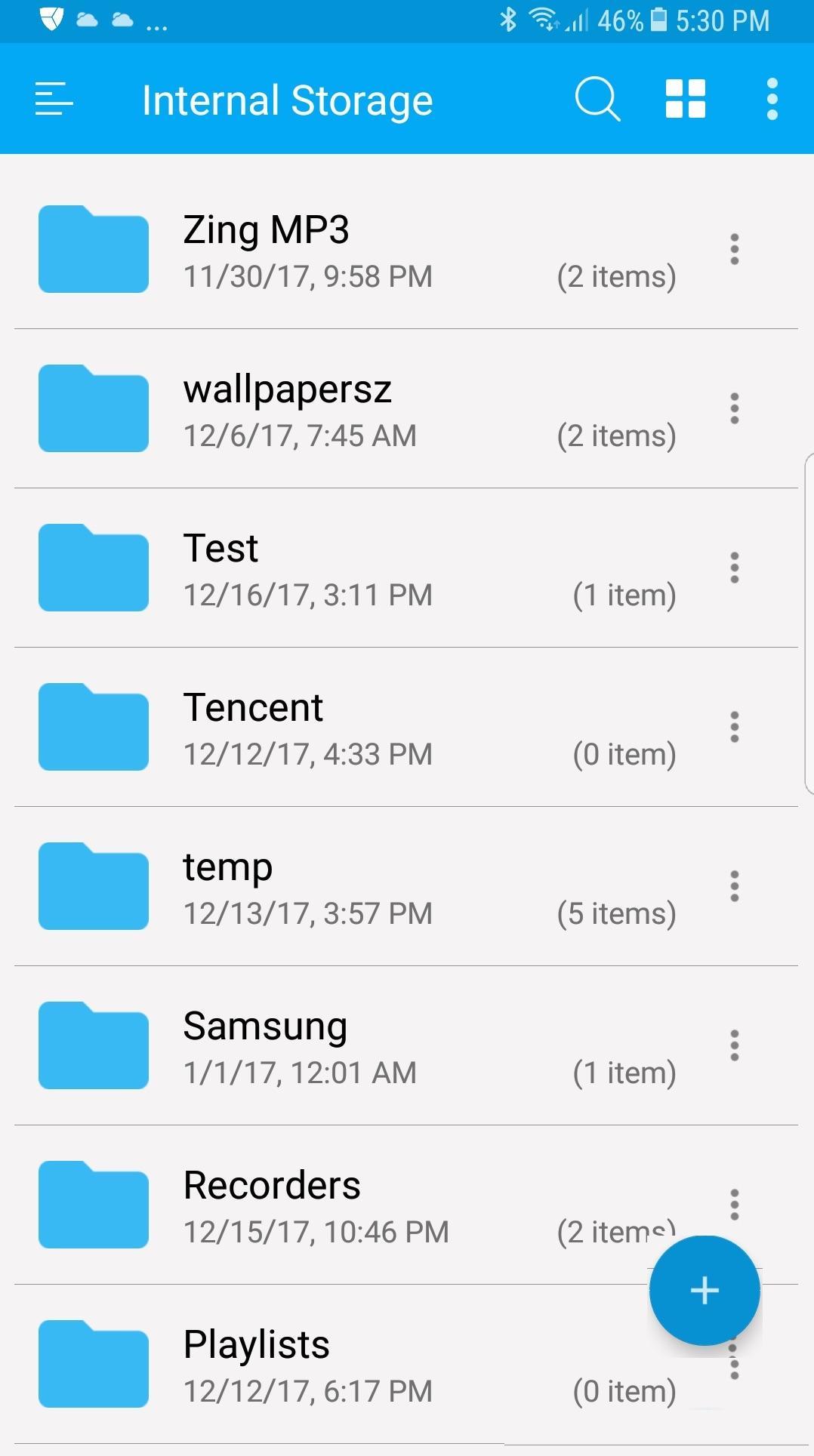
File manager app is free, really easy to use with file organizer by category: Images, Music, Movies, Documents, Apps,...
With this app manager for Android, you can easily manage your files and folders on device, manage local and remote/cloud storage.
This is the
solid explorer
files app, its so cool file manager android app that provides usage manager, storage manager and a lot of releven features.
Features:
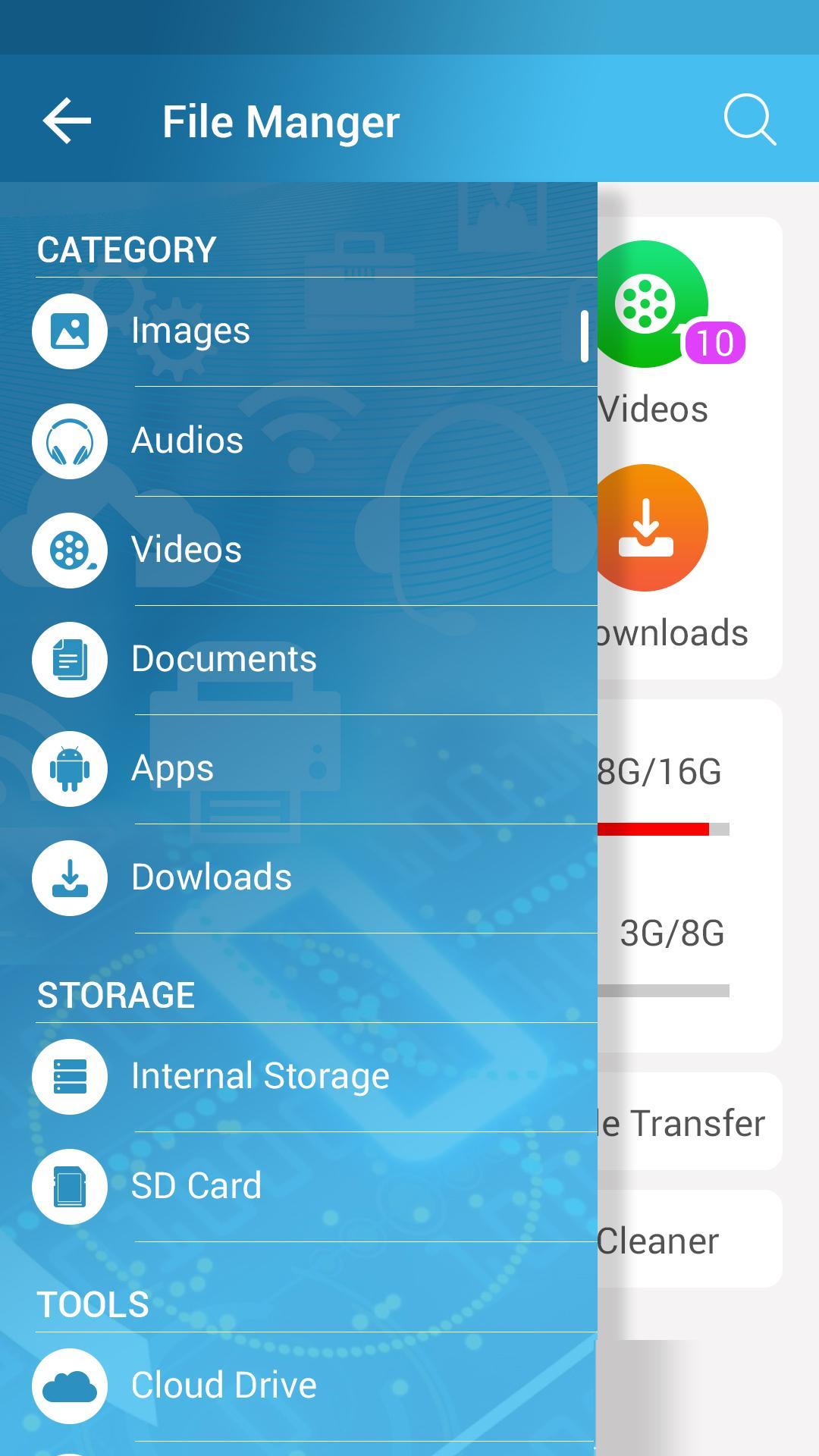
- Browser files easily by category: documents and data, images, videos, music, applications, downloaded, and favorites.
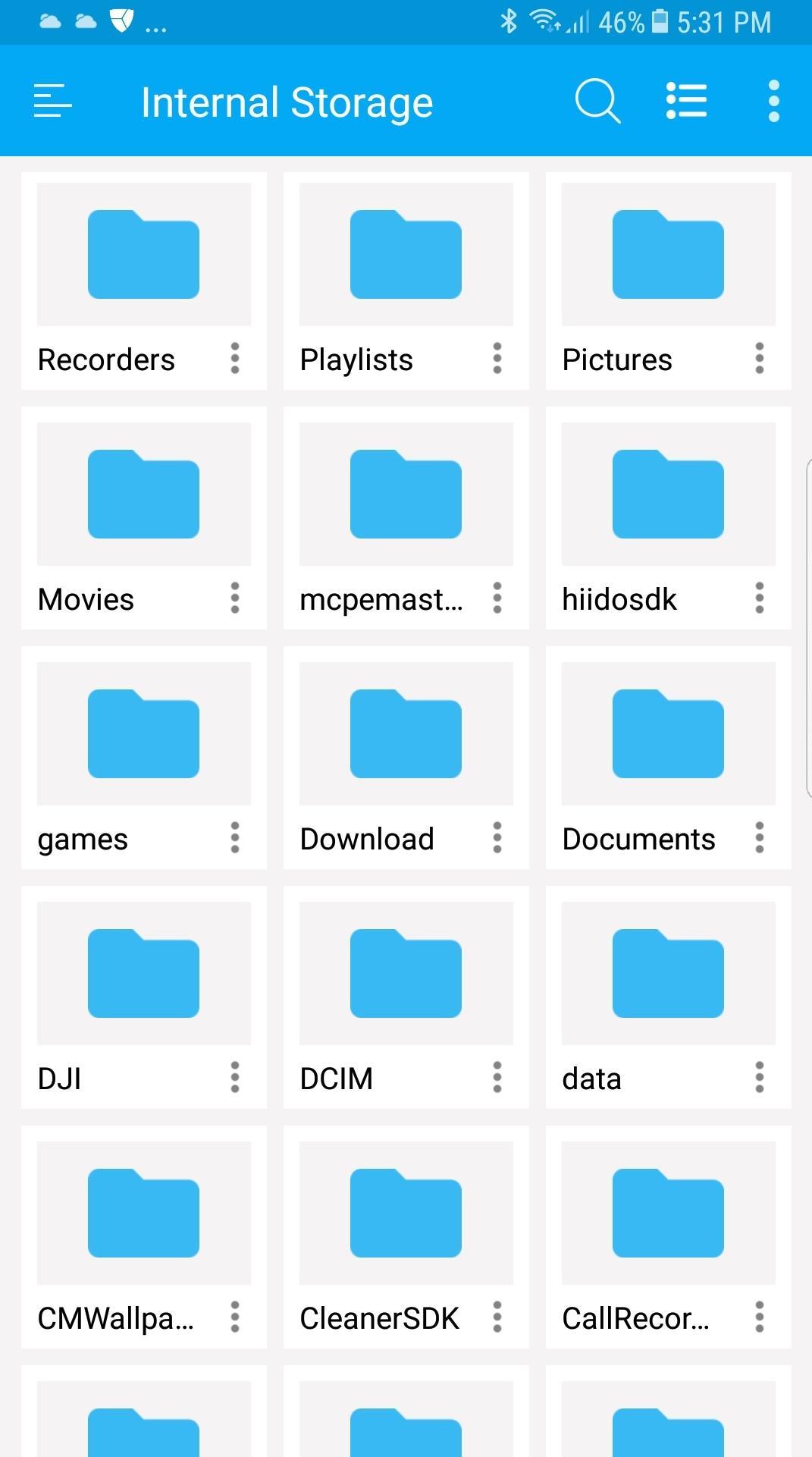
- Manage all files and folders in local device storage, files and folders in SD Card. Browse file system, whole storage systems via the app
- Support Wi-Fi mode & created hotspot for
file sharing
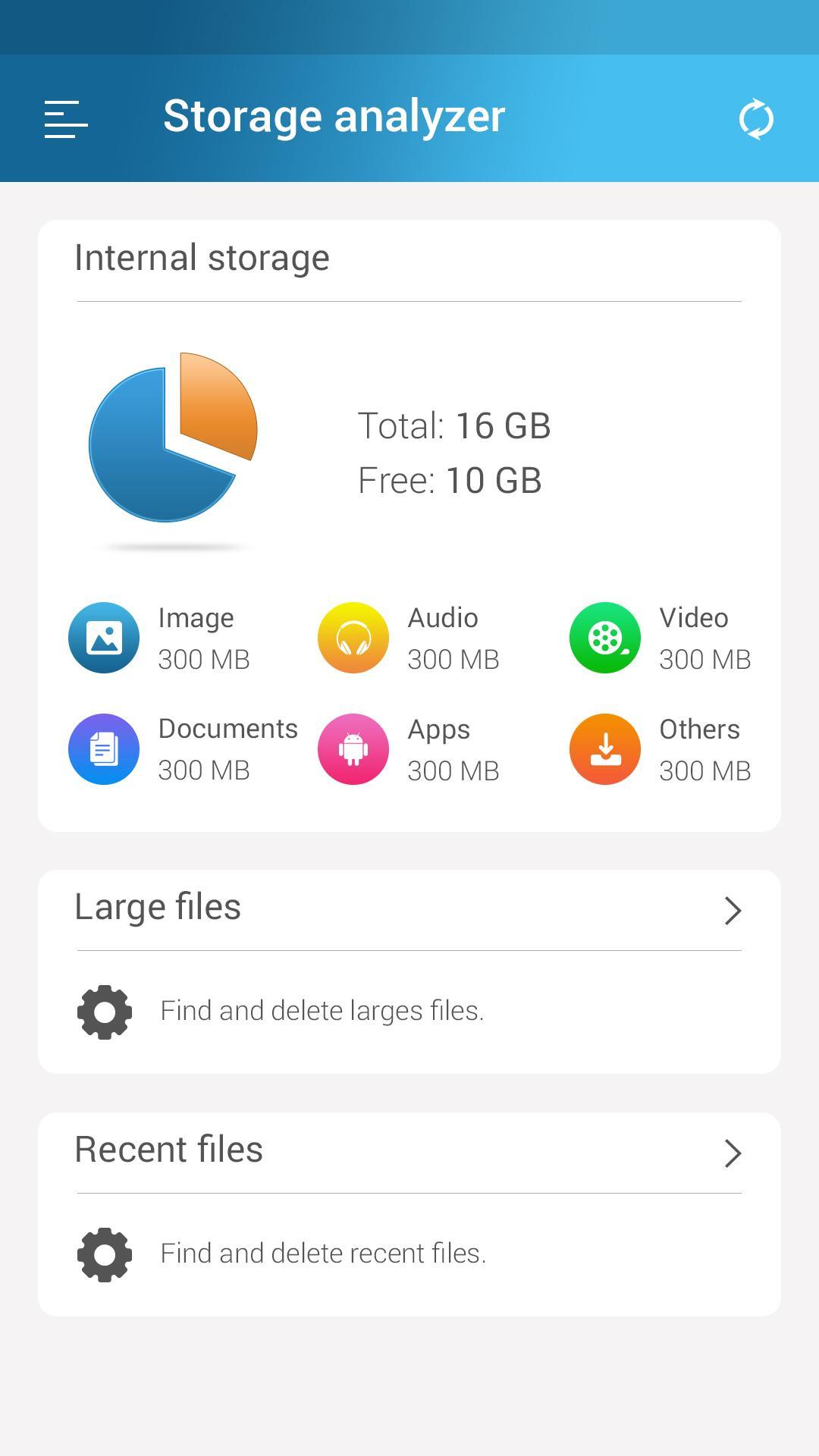
- Storage analysis: analyze local storages to
clean up useless files
.
-
File transfer
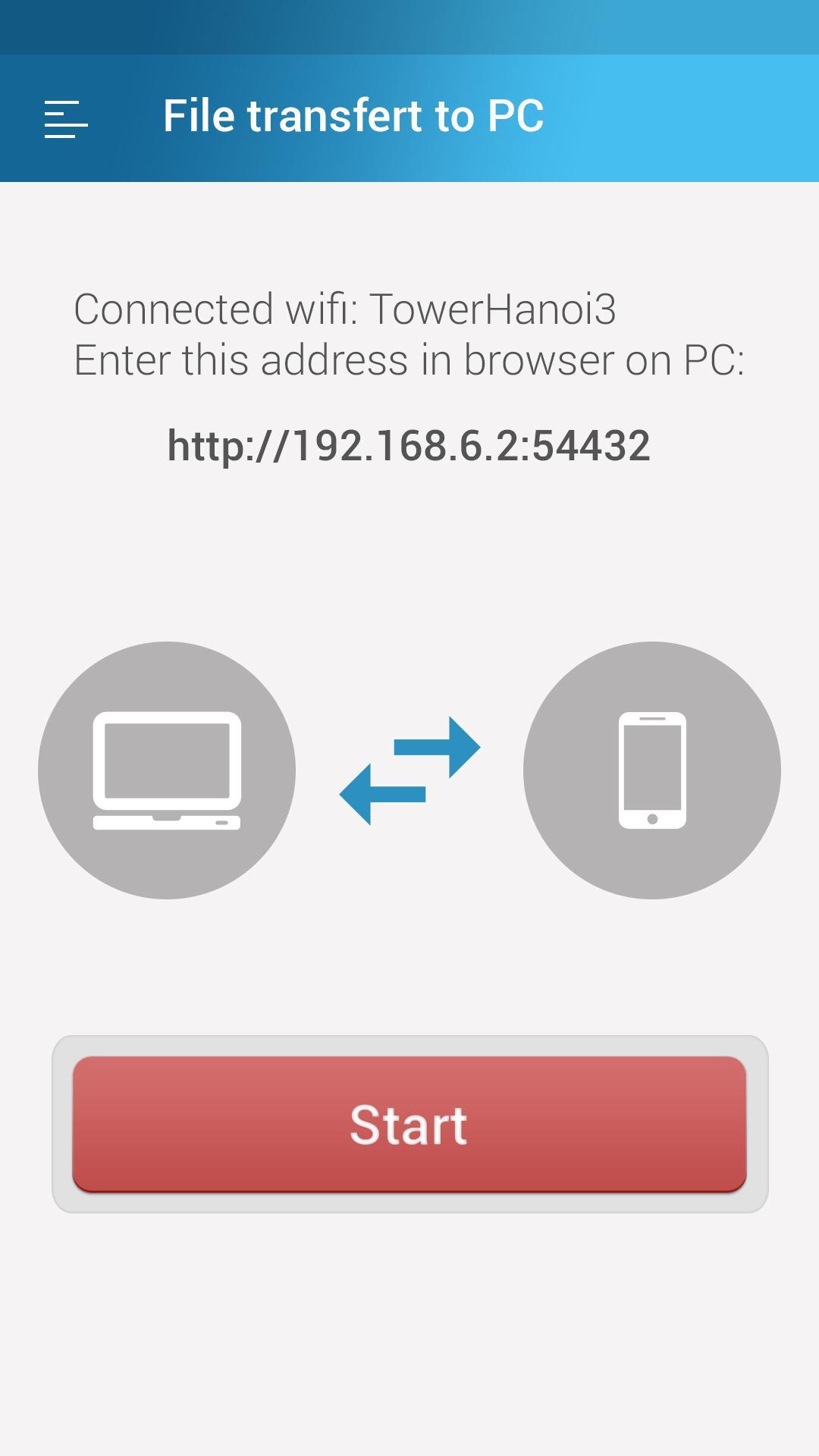
: Transfer apps, images, music, documents, movies via Wifi
- File manager: Manage your files with cut, copy, paste, rename, and compress operations from a microSD card, LAN, or Cloud storage
- Access file in LAN: Manage files within your LAN Wifi via HTTP
- More storage options via cloud storages: Supports cloud drive accounts such as Dropbox, Google Drive, One Drive, Box
- Images: Manage image and picture files your storages. Preview: bmp, gif, jpg, png...
- Audios: Manage music and sound related files. Audio formats: wav, mp3, ogg, es, flac, m4p, wav, wma...
- Videos: Manage video files in device. Video formats: asf, avi, flv, mp4, mpeg, wmv...
-
Document organizer
for my documents, document storage: Manage all document files in device. File formats: doc, ppt, pdf, es...
- Apps: View all applications installed in device. You can stop or delete apps, delete data or cash of apps, backup app as apk file.
- Downloads: Manager all files, that were downloaded in your device
- Cloud driver: accessing your cloud storage such as dropbox, google drive and One Drive.
-
PC file transfer
(shareit via wifi explorer): Easy to
transfer files, music transfer, transfer photos
to PC, fastest way to sharefile, share photos, share music.
- Store analyzer: analyzer files and folders
-
Junk cleaner
(link to our app): clean and manage file, folder, scan and clean whole mobile storage to get extra space storage, more file storage
-
Audio manager
, document manager
-
Zip tools
: Easy to compress files by using various zarchiver tools like zip, winzip, rar, winrar, 7zip
- Compress formats supported: zip, rar, 7z, 7zip, tar gz, tgz
- Integrated file unzipper, unarchiver tools: You can extract files immediately within the app and don't need install third-party app
- Easy to
unzip files
, unrar using
zip file extractor
like 7z extractor,
zip file opener
free
- Send files using
send anywhere
API SDK, share it by a code
-
Sd card manager
android tool: Tools for sd card manager like: usage volume, copy, cut, paste, move files & send to sd card
-
Data manager
&
data transfer
: file sharing using various tools: “send anywhere”, email, sms, … & file transfer to PC via http file transfer protocol
- Cloud storage: fileshare by creating a shere link,
file upload
from local to cloud
-
File search
: search for file & folder
Available very soon:
- Ftp file transfer protocol with ftp server in app & ftp client in web
file browser
- Service to share file that share it by a link.
Download
file manager app
now if you want a best file manager or file explorer tool of Android manager tools.
Best file manager, file browser for android, manage all file, folder, air file transfer via wifi.
Pro version: No ads, full features & 100% Money Back Guarantee. Full refund if not satisfied.
v1.40: Removed third-party sdks
v1.33: Lot of fixes & improvement
v1.16: Fixed bug not reading .PDF, much better performance
v1.14: Fixed but not opening files
v1.03: Fixed bug not reading files in SD Card
v1.00: Lot of features
- Copy, paste, move, compress file
- Share file, send anywhere




9Apps 4.9














