
File Manager
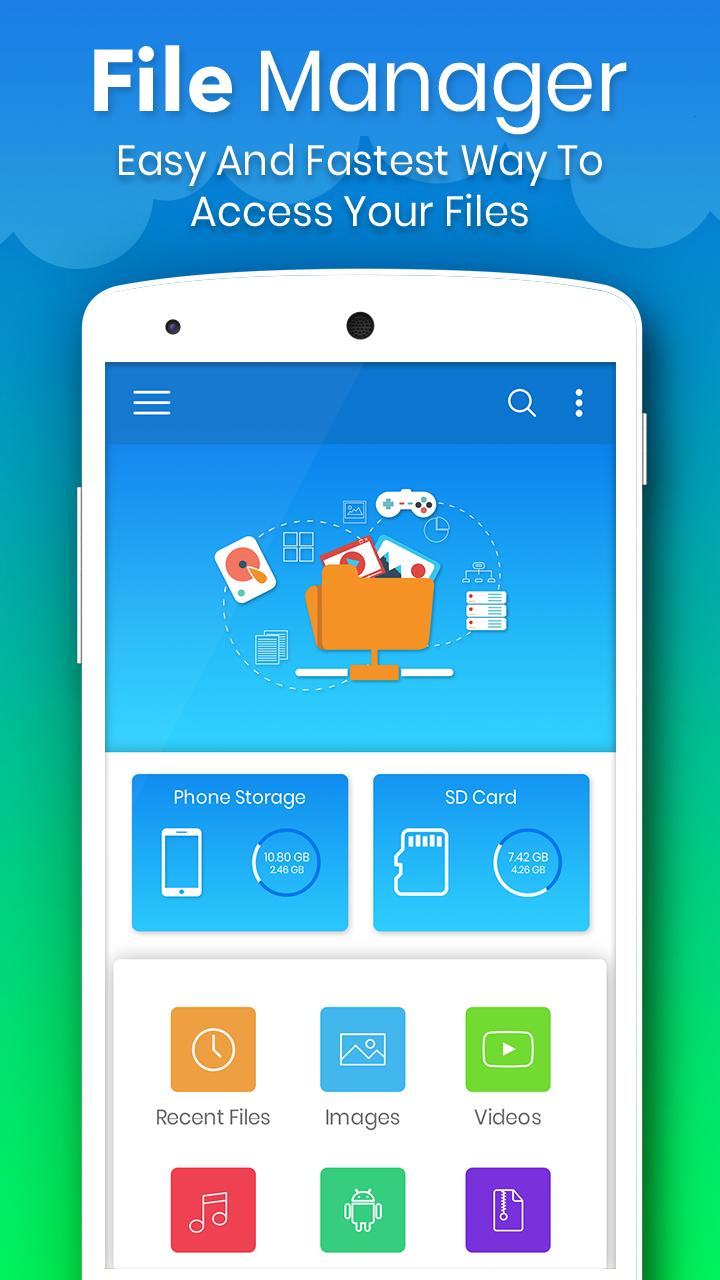
Free, Safe, Simple, Manage your files efficiently and easily with File Explorer. File Manager is easy and powerful file explorer for Android devices.
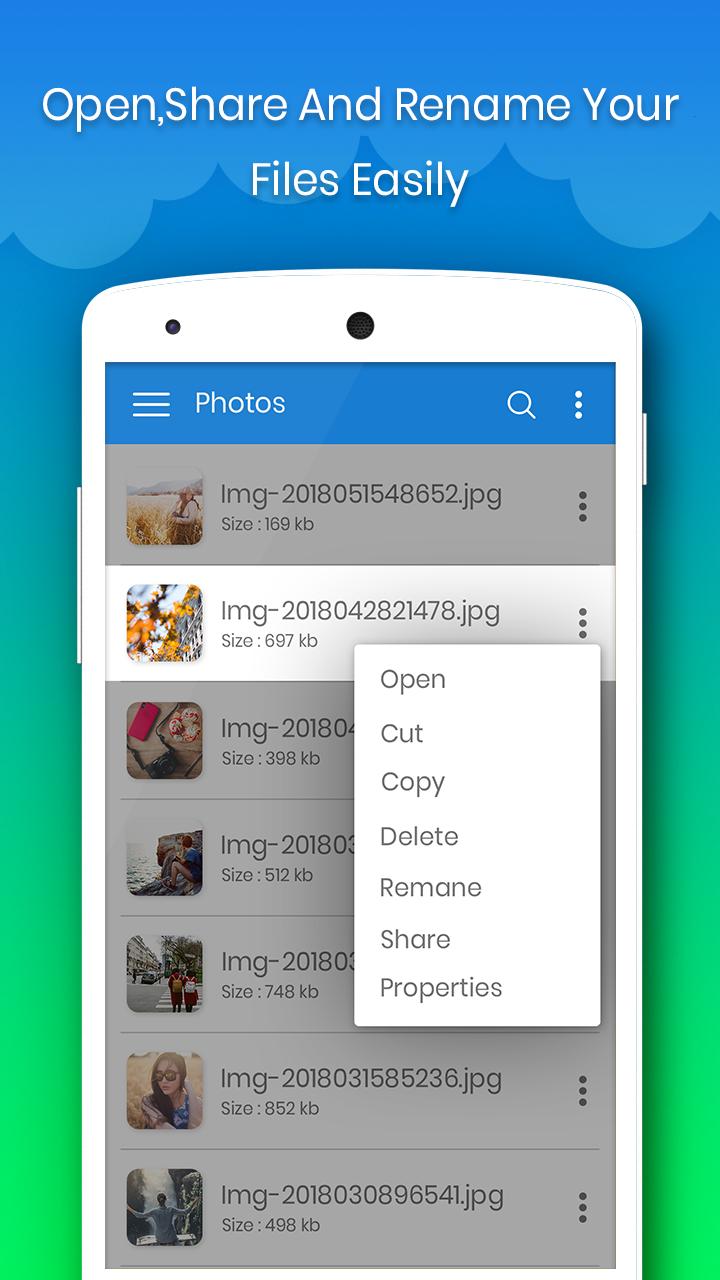
Manage your files like you do on your desktop or laptop using Multiple Select, Cut/Copy/Paste, Move, Create,
Rename, Delete, Search, Share, Send, Hide, Create Shortcut, and Bookmark.
Feature :
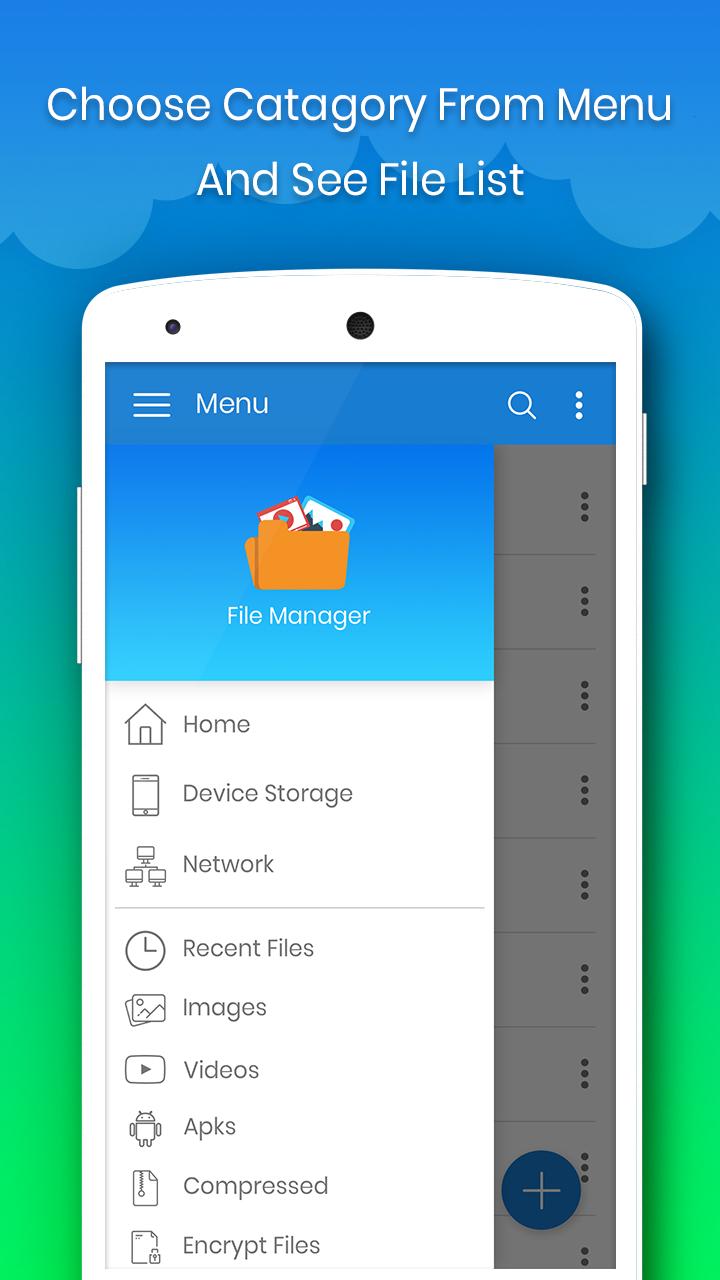
* Application Manager - categorize, uninstall, backup, and create shortcuts to your applications.
* Support 15+ languages.
* Search and share files.
* Compress and decompress support.
* 3 sets of commercial icons for 100+ different file types, toolbar and menu items.
* Basic features like cut, copy, delete, compress, extract etc. easily accessible
* Multiple resolutions support.
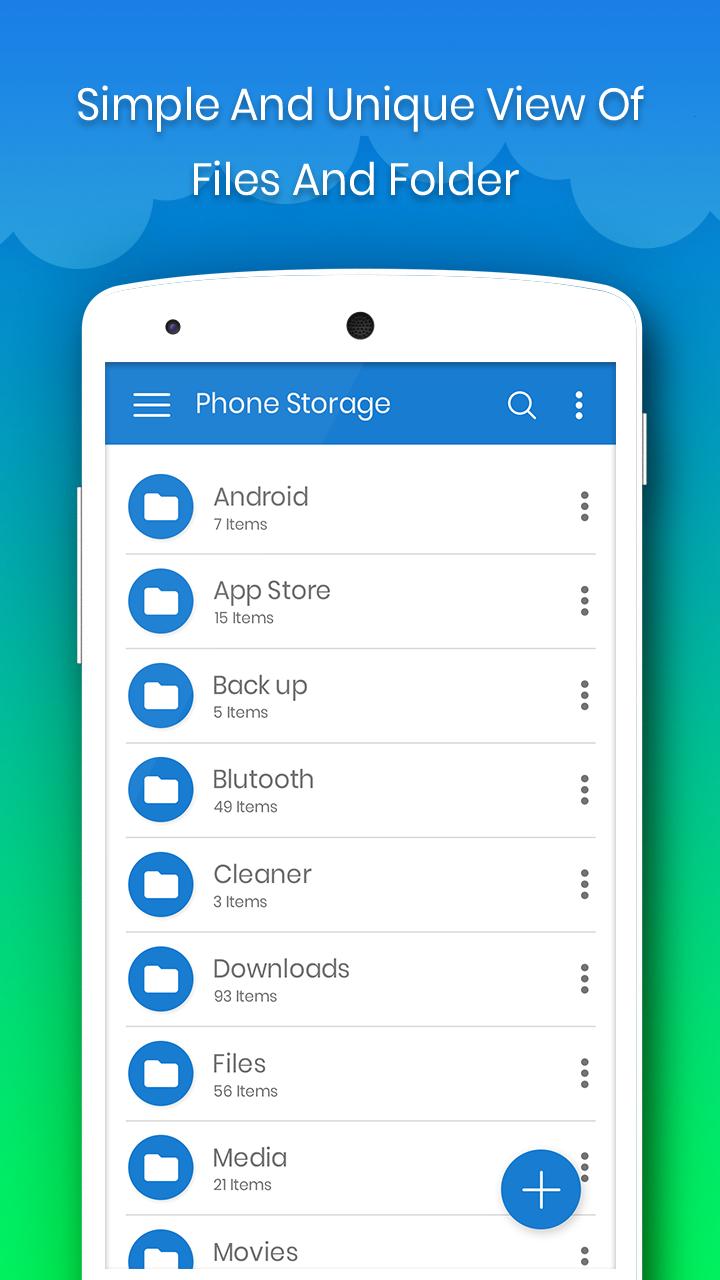
* List and grid view for file manager.
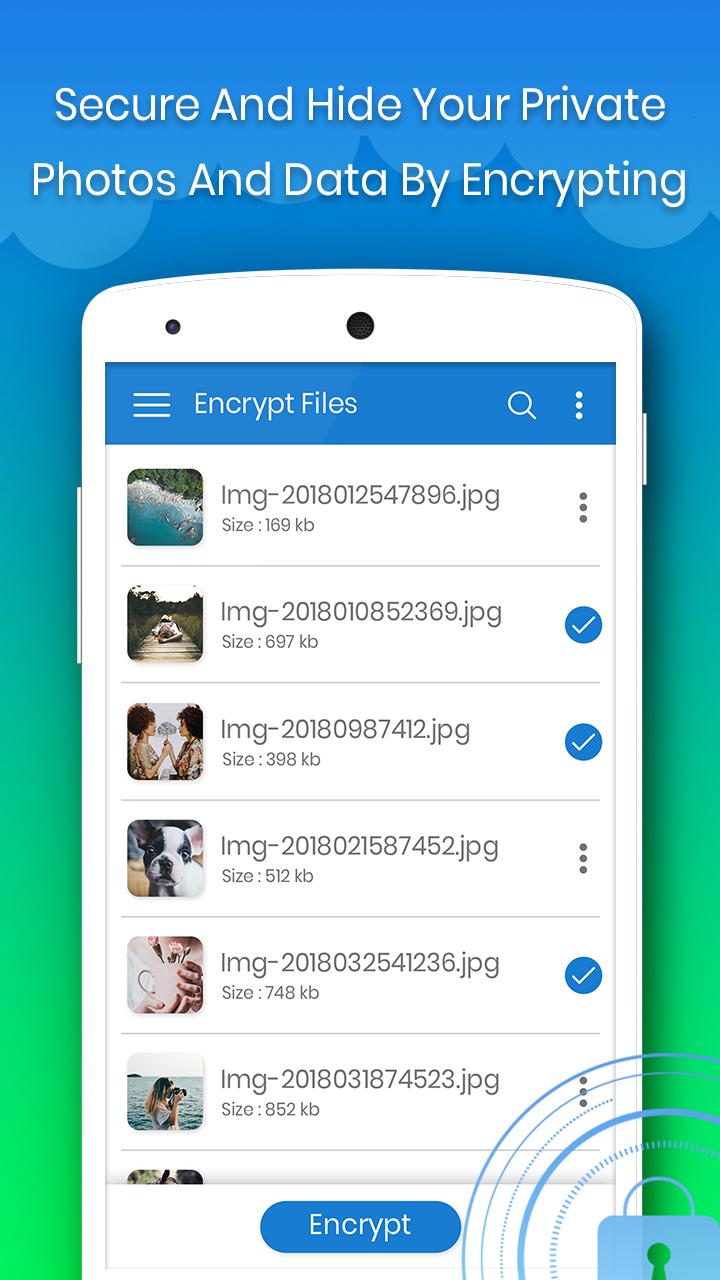
* Thumbnail for photo, video and apk files.
* Multiple selection and various sorting support.
* Support file shortcut on Home screen for easily access.
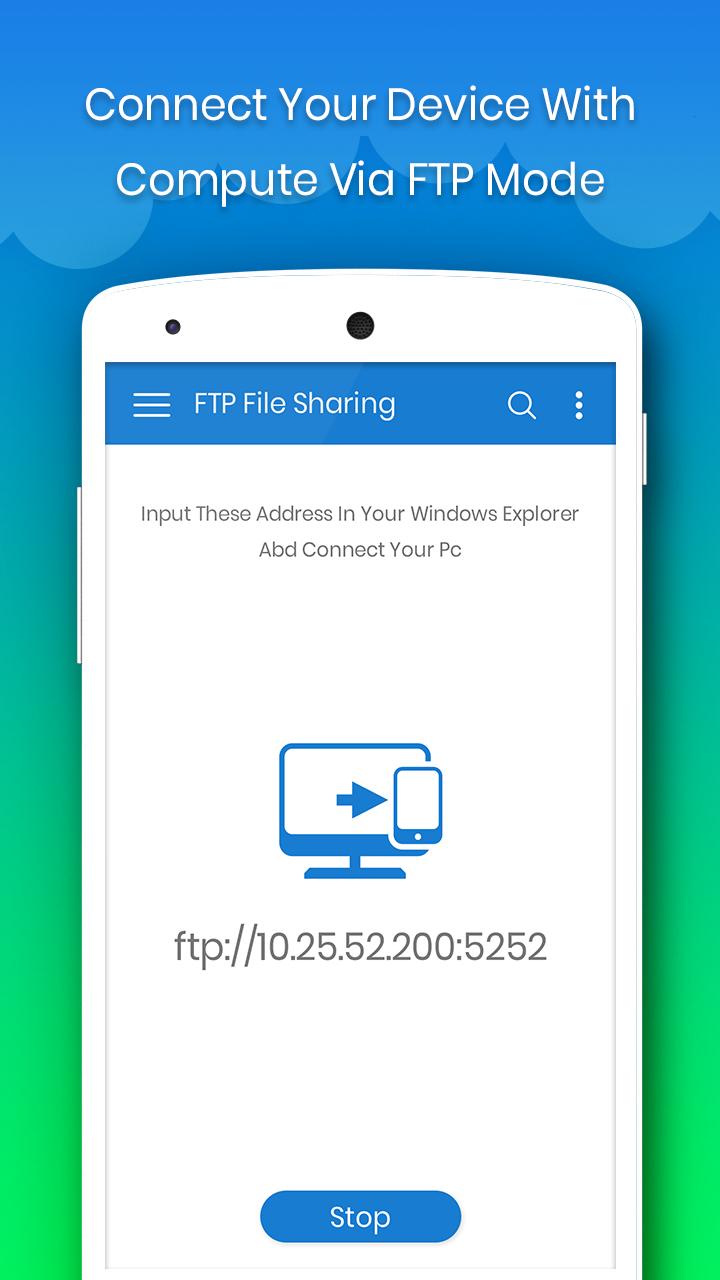
It supports every file management actions (open, search, navigate directory, cut / copy / paste, rename, delete, compress, decompress, transfer, download, bookmark, and organize). File Manager supports media files and major file formats including apk.
Thank you so much.!!
- minor bug fixed.









9Apps 4.9















