
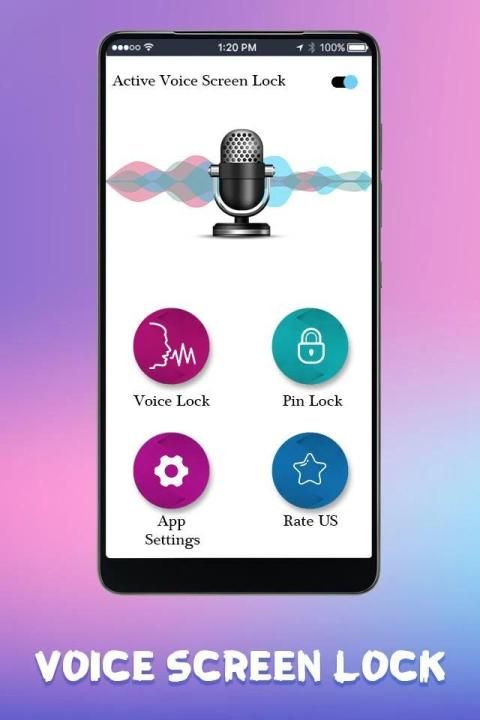
It has to be noticed that 20,000+ users downloaded Voice Screen Lock latest version on 9Apps for free every week! All its functions are there and updated. This hot app was released on 2019-03-20. You can also find some other similar apps here.
Using a traditional Lock screen to Lock & Unlock your phone has been outdated now. Use a new approach to Lock/Unlock your smart phone using your Voice Control and secure your mobile from others approach.
Voice Screen Lock application through you gets totally new style lock screen just you speak your password and open your lock.
Unlock your phone screen with voice. Beautiful and customize voice lock screen for any android device. Set a voice password and use it to unlock your device.
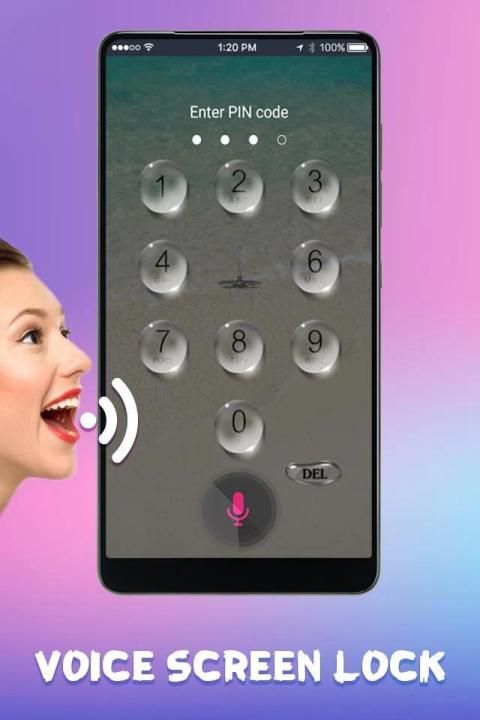
In case if you do not want to let the others know about your voice password or you are unable to unlock your phone using your voice commands or voice password to Unlock then do not bother yourself that your phone will be locked permanently. You guys can use alternate Pin Code option to unlock your smart phone.
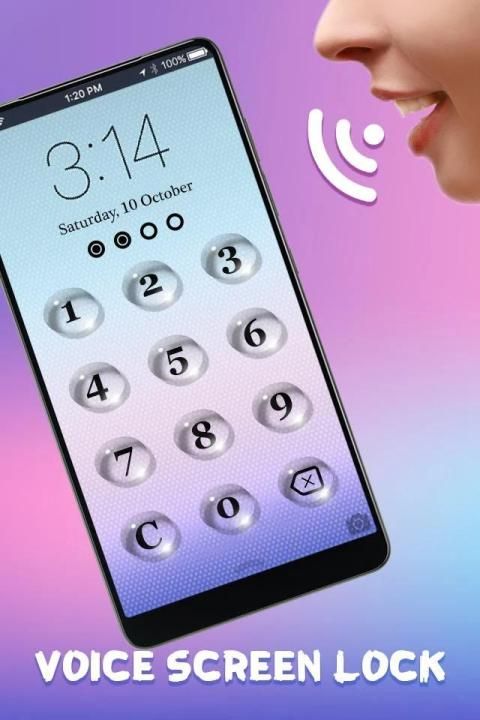
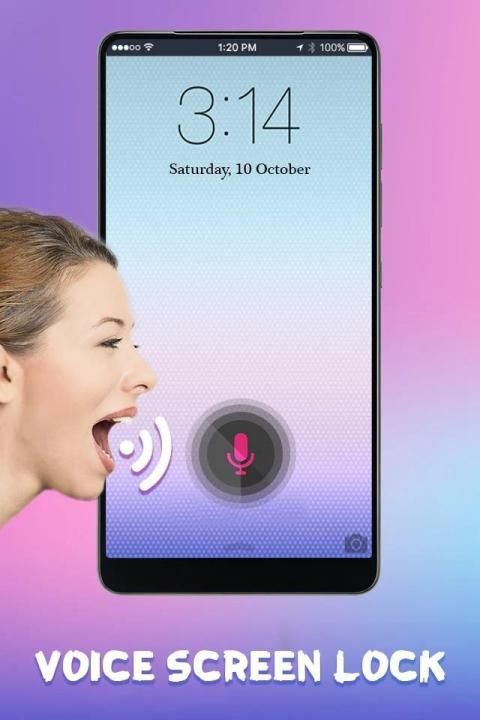
Speak something to unlock your phone. Speak voice command to unlock your phone.
Voice Lock Screen is built on speech recognition, if speech recognition service is not available on your phone, Voice Lock Screen will guide you to download Google app first, which offers exceptional speech recognition service.
You use different lock screen with different pattern through secure your data or private or sensitive data.
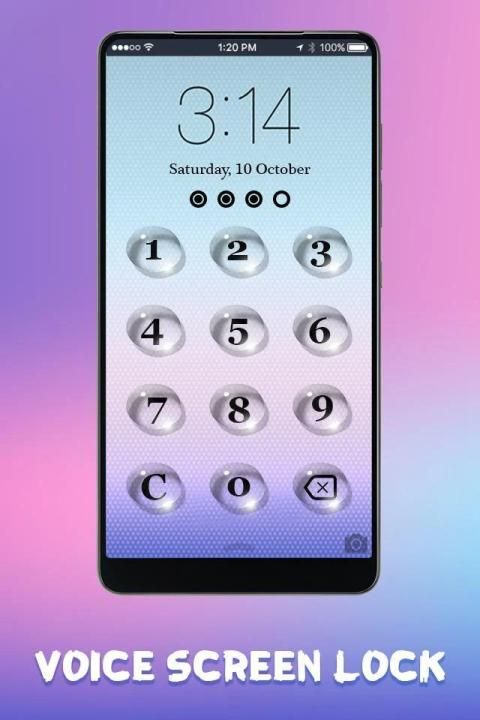
This Smart Voice Lock Screen works on with your voice commands which makes your phone unique from others also we have provided a keypad lock screen method with this App.
How to Use:
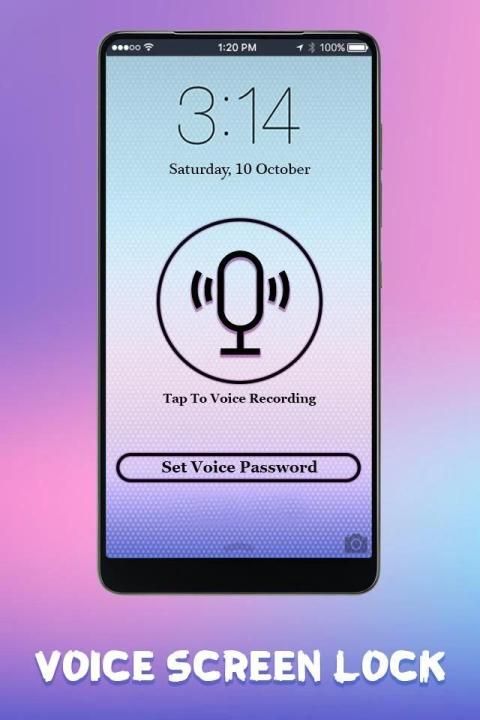
1. Just open the application and click on MIC and speak the word which you want to be set as your password
2. The spoken word will appear on screen and confirm it. You can set your own, any type of voice password
3. Better to use typical passwords that remember only by you not by others, for example critical words, formulas and more
4. Simply enable the app and use it
Application Features:
- Enable Voice Lock Screen with a single click on MIC and set voice password.
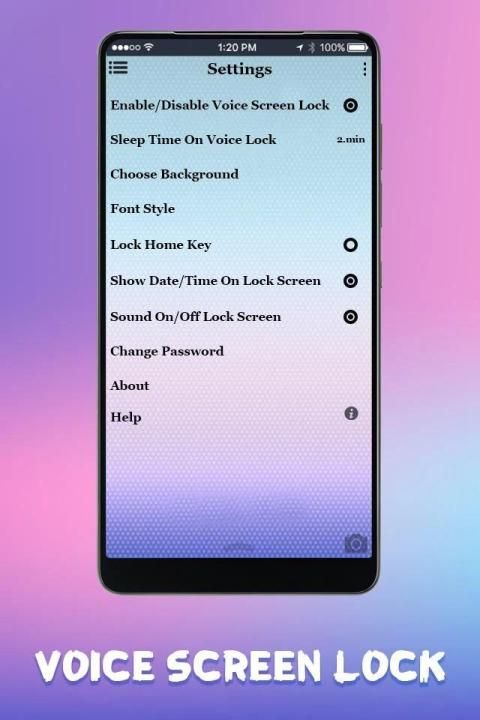
- Enhance security using home key options given in setting.
- Different HD Backgrounds are available to change the theme.
- Set your own any type of voice password.
- You can also set numeric password if voice password doesn’t work.
- User Friendly and best voice unlocked.
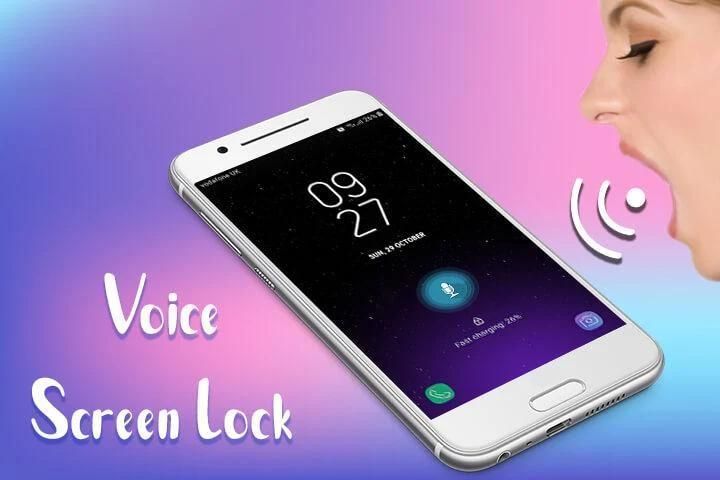
- Show date and time on screen.
- Change color of time and date.
- Change font Style to make more attractive your Voice Lock Screen.
= Voice Screen Lock
= Phone Voice Lock
= Voice Unlocker
= Voice Lock Screen
= Voice Call Dialer
= Voice Typing
= Lock Screen Voice
= Screen Lock Voice
= Voice Phone Locker
If you find anything wrong or any copyright things then mail us. We would love to hear everyone.
Rate us and give your valuable comment for this awesome Voice Screen Lock to create more cool apps like this.
If you like this Voice Screen Lock : Lock/Unlock by Voice then share with your friends and family member.
THANK YOU...
लॉक और अनलॉक के लिए एक पारंपरिक लॉक स्क्रीन का उपयोग करके आपका फोन अब पुराना हो चुका है। अपने वॉइस कंट्रोल का उपयोग करके अपने स्मार्ट फोन को लॉक / अनलॉक करें और दूसरों के दृष्टिकोण से अपने मोबाइल को सुरक्षित करने के लिए एक नए दृष्टिकोण का उपयोग करें।
आपके द्वारा वॉयस स्क्रीन लॉक एप्लिकेशन को पूरी तरह से नई शैली लॉक स्क्रीन मिलती है, बस आप अपना पासवर्ड बोलते हैं और अपना लॉक खोलते हैं।
अपनी फोन स्क्रीन को आवाज के साथ अनलॉक करें। किसी भी Android डिवाइस के लिए सुंदर और अनुकूलित वॉयस लॉक स्क्रीन। वॉइस पासवर्ड सेट करें और इसे अपने डिवाइस को अनलॉक करने के लिए उपयोग करें।
यदि आप दूसरों को अपने वॉयस पासवर्ड के बारे में नहीं बताना चाहते हैं या आप अनलॉक करने के लिए अपने वॉयस कमांड या वॉयस पासवर्ड का उपयोग कर अपने फोन को अनलॉक नहीं कर पा रहे हैं तो खुद को परेशान न करें कि आपका फोन स्थायी रूप से लॉक हो जाएगा। आप लोग अपने स्मार्ट फोन को अनलॉक करने के लिए वैकल्पिक पिन कोड विकल्प का उपयोग कर सकते हैं।
अपने फोन को अनलॉक करने के लिए कुछ बोलें। अपने फोन को अनलॉक करने के लिए वॉइस कमांड बोलें।
वॉइस लॉक स्क्रीन को वाक् पहचान पर बनाया गया है, यदि आपके फोन पर वाक् पहचान सेवा उपलब्ध नहीं है, तो वॉयस लॉक स्क्रीन आपको पहले Google ऐप डाउनलोड करने के लिए मार्गदर्शन करेगी, जो असाधारण भाषण पहचान सेवा प्रदान करती है।
आप अपने डेटा या निजी या संवेदनशील डेटा को सुरक्षित करने के माध्यम से अलग-अलग पैटर्न के साथ अलग-अलग लॉक स्क्रीन का उपयोग करते हैं।
यह स्मार्ट वॉयस लॉक स्क्रीन आपके वॉइस कमांड के साथ काम करता है जो आपके फोन को दूसरों से विशिष्ट बनाता है। हमने इस ऐप के साथ कीपैड लॉक स्क्रीन विधि भी प्रदान की है।
कैसे इस्तेमाल करे:
1. बस आवेदन खोलें और एमआईसी पर क्लिक करें और उस शब्द को बोलें जिसे आप अपने पासवर्ड के रूप में सेट करना चाहते हैं
2. बोला गया शब्द स्क्रीन पर दिखाई देगा और इसकी पुष्टि करेगा। आप अपना खुद का, किसी भी प्रकार का वॉयस पासवर्ड सेट कर सकते हैं
3. विशिष्ट पासवर्ड का उपयोग करने के लिए बेहतर है जो केवल आपके द्वारा दूसरों को याद न करें, उदाहरण के लिए महत्वपूर्ण शब्द, सूत्र और बहुत कुछ
4. बस एप्लिकेशन को सक्षम करें और इसका उपयोग करें
आवेदन विशेषताएं:
- एमआईसी पर एक क्लिक के साथ वॉयस लॉक स्क्रीन को सक्षम करें और वॉयस पासवर्ड सेट करें।
- सेटिंग में दिए गए होम कुंजी विकल्पों का उपयोग करके सुरक्षा बढ़ाएं।
- थीम को बदलने के लिए अलग-अलग एचडी बैकग्राउंड उपलब्ध हैं।
- किसी भी प्रकार का वॉयस पासवर्ड सेट करें।
- यदि वॉइस पासवर्ड काम नहीं करता है तो आप संख्यात्मक पासवर्ड भी सेट कर सकते हैं।
- उपयोगकर्ता के अनुकूल और सबसे अच्छी आवाज खुला।
- स्क्रीन पर दिनांक और समय दिखाएं।
- समय और दिनांक का रंग बदलें।
- अपनी वॉयस लॉक स्क्रीन को और अधिक आकर्षक बनाने के लिए फॉन्ट स्टाइल बदलें।
= वॉयस स्क्रीन लॉक
= फोन वॉयस लॉक
= वॉयस अनलॉकर
= वॉयस लॉक स्क्रीन
= वॉयस कॉल डायलर
= स्वर टाइपिंग
= लॉक स्क्रीन आवाज
= स्क्रीन लॉक वॉयस
= वॉयस फोन लॉकर
अगर आपको कुछ भी गलत लगता है या कोई कॉपीराइट चीजें मिलती हैं तो हमें मेल करें। हम सभी को सुनना पसंद करेंगे।
हमें रेट करें और इस तरह के और भी शानदार ऐप बनाने के लिए इस भयानक वॉयस स्क्रीन लॉक के लिए अपनी बहुमूल्य टिप्पणी दें
अगर आपको यह वॉयस स्क्रीन लॉक पसंद है: वॉइस द्वारा लॉक / अनलॉक तो अपने दोस्तों और परिवार के सदस्यों के साथ साझा करें।
आपको धन्यवाद ...




9Apps 4.9














