

Do you want to use multiple WhatsApp accounts on your mobile phone?
Do you want to use WhatsApp on your mobile phone & tablet simultaneously?
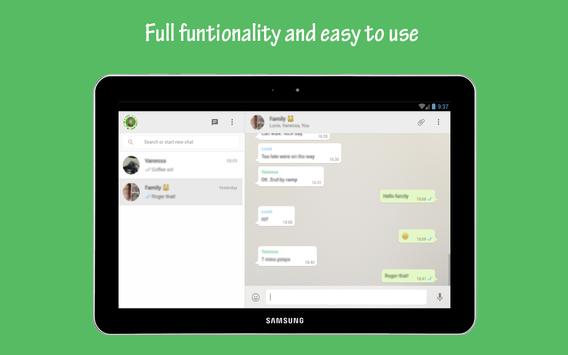
WhatsApp Tablet - the best way to use WhatsApp on your mobile phone & tablet simultaneously or multiple WhatsApp accounts.
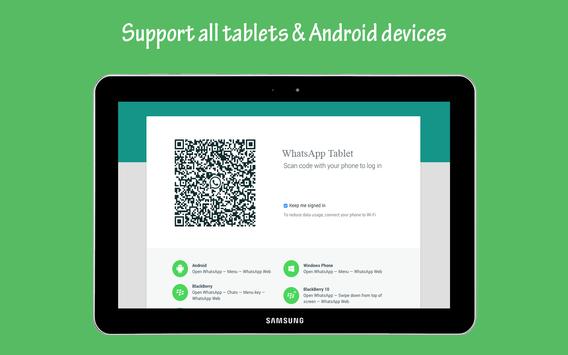
Just install WhatsApp Tablet on your tablet and connect your mobile phone with your tablet via a QR code.
Just install WhatsApp Tablet on your phone and connect another WhatsApp account via a QR code.
★★★Why do you use Whatscan★★★
- Use WhatsApp on tablet
- Use multiple WhatsApp accounts
- No more change needed between tablet & mobile phone
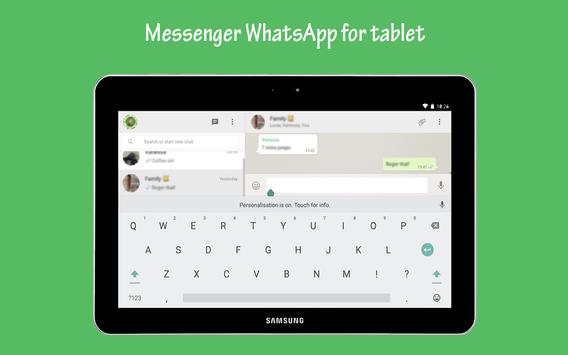
- Use big tablet keypad & display
- Sync WhatsApp on both devices
- Sync contacts on both devices
- Sync pictures on both devices
★★★How to use Whatscan★★★
- Install and Open Whatscan on mobile or tablet you want to sync/clone your whatsapp to
- Open whatsapp on your main phone
- On Android: Scroll to the Chats screen -> Menu -> WhatsApp Web.
- After clicking "whatsapp web", you should see a camera QR scanning screen.
- Now scan the QR code displayed on Whatscan
- Done! Sync complete! Now you can access the same whatsapp account on both devices!
★★★Disclaimer★★★
This application is not related to WhatsApp company in anyway



9Apps 4.9














