



Enjoy the most popular apps here! 20,000+ users downloaded Vivi Video: Music Video Editor latest version on 9Apps for free every week! You'll found many people are using it. This hot app was released on 2017-03-21. For more mobile apps information, you can go to our official website - 9Apps.
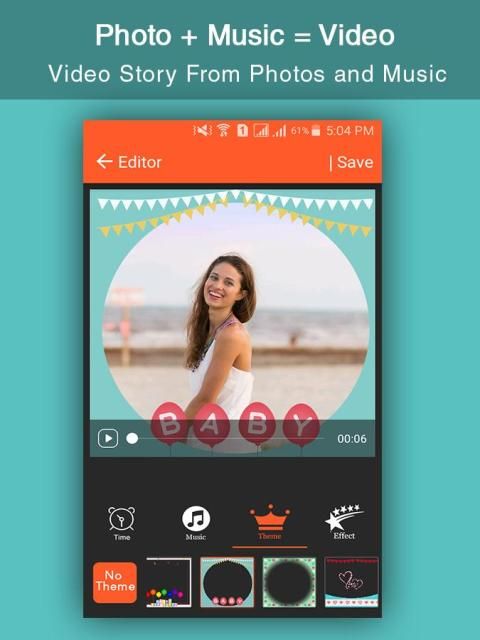
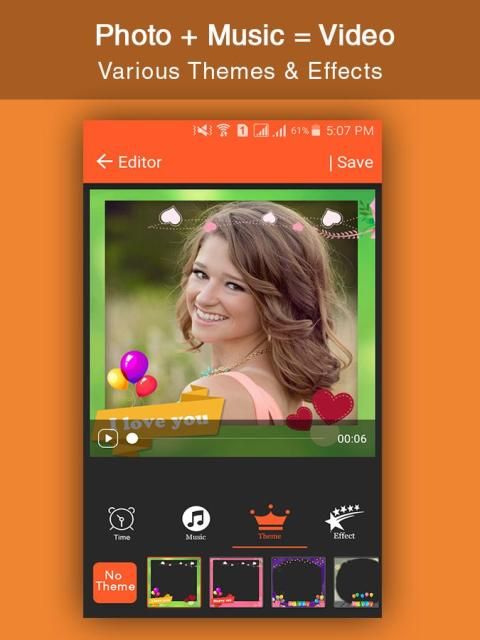
- Over 50 elaborate themes provided to generate a characteristic video instantly.
- Hundreds of free music recommended for you, and yes, local music is also allowed to add.
- Various text styles and fonts for subtitles are supplied.
- The materials store has more: theme/effects/stickers/fonts/sound effects/music, and it keeps updating all the time!
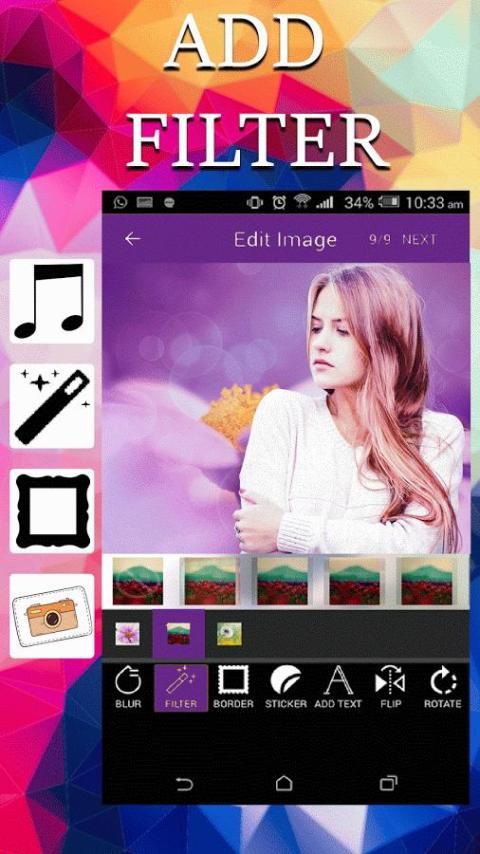
- Add stunning filters to make videos different. Now 30+ filters are supported!
- Many advanced functions are contained to edit clips. Professional users will like them.
- Multiple periods of music are allowed to add. You can even record your own voice!
- Square themes and mode are customized for Instagram users.
Key Features of Vivi Video Music Video Editor:
1. Trim: Cut out any unwanted moments.
2. Music: Add from your iPod library or Vivi Video Music Video Editor's stock library.
3. Sound effects: Choose from animals noises, farts, Vine quotes, explosions, laughter, etc.
4. Slow motion (or fast motion): Adjust video speed to slow or fast.
5. Adjust Display: Change Brightness, Contrast, Saturation, etc.
6. Merger: Combine multiple clips into one.
7. Text: Type your own text with color and various fonts.
8. Voice overs: Record your own voice over the video.
9. Animated titles: Introduce your videos with animated titles.
10. Filters: Select from several Instagram-inspired filters to enhance your videos.
11. Transitions: Choose from 10 transitions to animate between video clips.
12. Photos: Create slideshows easily.
13. Stop Motion: Create Vine videos with stop motion recording.
14. Resize: Rescale your video within the video frame.
15. Reverse: Playback videos in reverse.
16. Copy: Create duplicate video clips.
17. High resolution videos.
18. Share on Vine, Snapchat, Instagram, Facebook, YouTube, Vimeo, or by E-mail.
Key Features of Vivi Video Music Video Editor:
Vivi Video Music Video Editor : Allows you to choose multiple images at once, or choose photo slideshow with music at once
- Add other details to picture slideshow with music such as Sticker / Image / Text or insert a recording into the video. You can change the duration of the video, the length of the image.
- Videography, photography: I can choose images from your library or taking pictures of memorable moments to create video picture with my own music or slideshow with my own music for android
- Add your favorite music to video or you can choose our available music or record your voice
- Add wonderful filters or stunning effects to make your video professional than ever
- You can preview video, adjust the order of photos, change focus, replace the image, add / change music, or edit caption on the happy birthday slideshow with music.
- Crop video: This feature enables you to cut one video into smaller videos and have wonderful moment in certain slideshow with music and pictures and videos
- Extract music from video: This feature is useful when you want to find good music and extract music from video
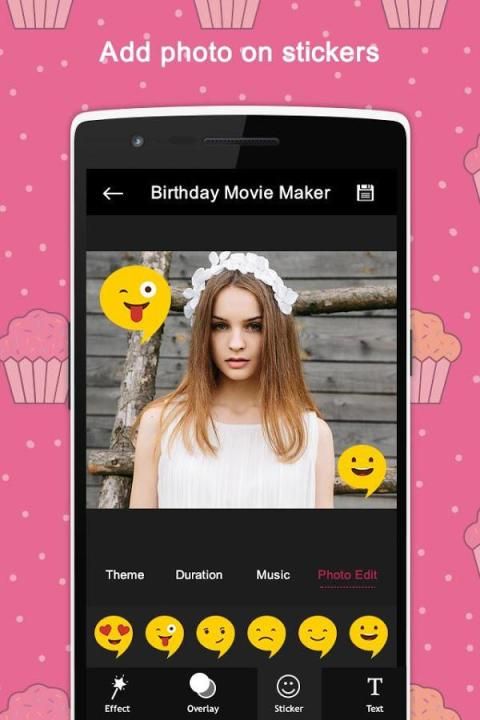
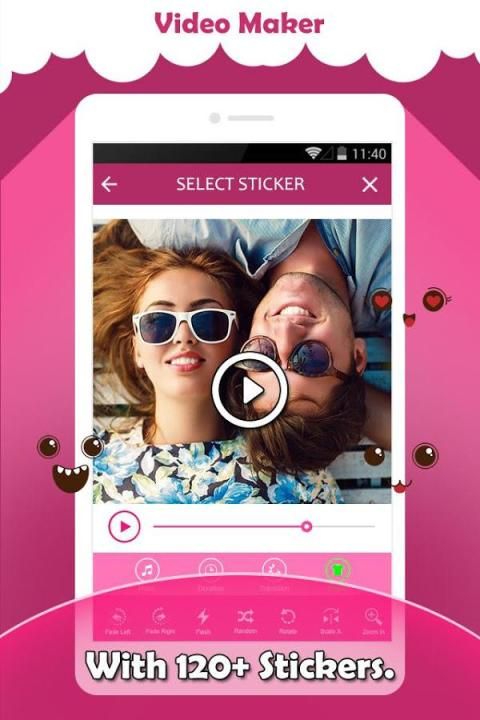
- Sticker: We have a lot of free stickers and funny icons in video creator photo slide with music





9Apps 4.9













