
With the development of technology, more and more apps appeared in the mobile market. 30,000+ users downloaded Till Painter latest version on 9Apps for free every week! This is a wonderful app which is unique in android apps. This hot app was released on 2019-09-06. Enjoy playing with new, amazing features!
Tinll Painter is a simple and stylish Android drawing tool that draws your favorite pictures for saving and editing.
Advanced interface - everything is clear
• Simple interface, organized organization and easy to use.
• Organized workflow:
Painting - sketching, drawing and mixing
Cloning - making photos
Modify - adjust color, liquefaction, pattern, crop or add filter
• Place your favorite tools in the top bar for easy access
Advanced Features
• Transform multiple layers at the same time
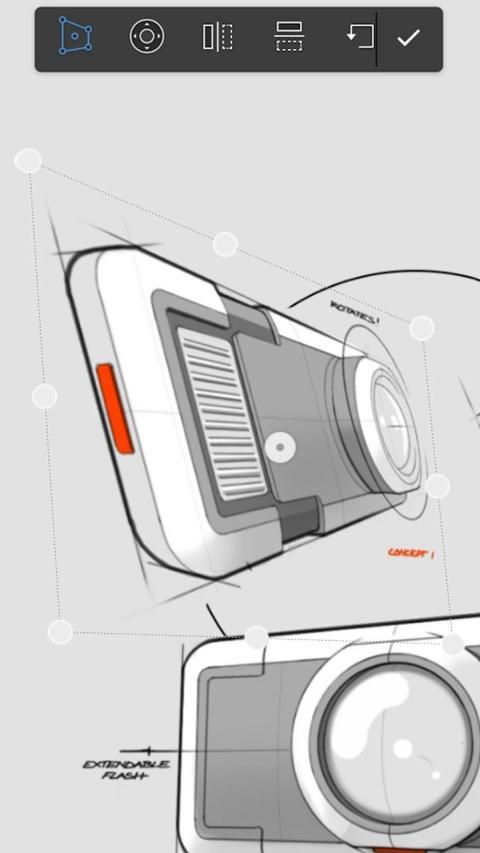
• Transform tools: convert, scale, rotate, flip, twist, and skew
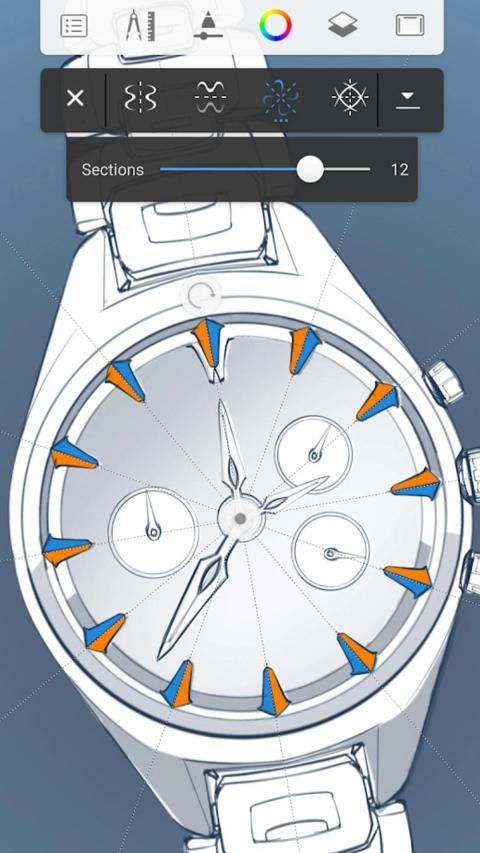
• Create seamless patterns with pattern tools
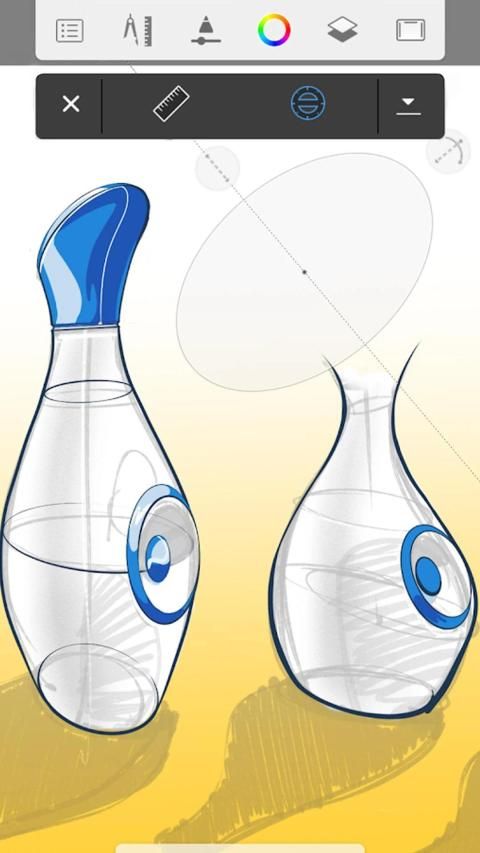
• Liquefaction tools: moving, expanding, shrinking, swirling or ripple
• Gradient and pattern fill
• reference picture
• Rotate and flip the canvas
Draw your beautiful picture.
Children can have fun and coloring.
From the background of your smartphone, you can import the gallery.
You can change the transparency of this line.
Line width, erase width can be adjusted.
Restore to the running screen (undo)
Beautiful colors in your canvas, brushes, pencils, pens, draw your picture.
टिनल पेंटर एक सरल और स्टाइलिश एंड्रॉइड ड्राइंग टूल है जो आपके पसंदीदा चित्रों को सहेजने और संपादित करने के लिए खींचता है।
उन्नत इंटरफ़ेस - सब कुछ स्पष्ट है
• सरल इंटरफ़ेस, संगठित संगठन और उपयोग में आसान।
• संगठित वर्कफ़्लो:
पेंटिंग - स्केचिंग, ड्राइंग और मिश्रण
क्लोनिंग - तस्वीरें बनाना
संशोधित करें - रंग, द्रवीकरण, पैटर्न, फसल को समायोजित करें या फ़िल्टर जोड़ें
• आसान पहुँच के लिए शीर्ष बार में अपने पसंदीदा उपकरण रखें
उन्नत सुविधाओं
• एक ही समय में कई परतों को बदलना
• ट्रांसफ़ॉर्म टूल: कन्वर्ट, स्केल, रोटेट, फ्लिप, ट्विस्ट और तिरछा
• पैटर्न उपकरण के साथ सहज पैटर्न बनाएं
• द्रवीकरण उपकरण: चलना, विस्तार करना, सिकुड़ना, घूमना या लहरना
• स्नातक और पैटर्न भरें
• संदर्भ चित्र
• कैनवास को घुमाएं और फ्लिप करें
अपनी खूबसूरत तस्वीर खींचे।
बच्चों को मज़ा और रंग कर सकते हैं।
अपने स्मार्टफोन की पृष्ठभूमि से, आप गैलरी आयात कर सकते हैं।
आप इस लाइन की पारदर्शिता को बदल सकते हैं।
लाइन चौड़ाई, मिटा चौड़ाई समायोजित किया जा सकता है।
चल रहे स्क्रीन पर पुनर्स्थापित करें (पूर्ववत करें)
आपके कैनवास, ब्रश, पेंसिल, पेन में सुंदर रंग, आपकी तस्वीर खींचते हैं।

9Apps 4.9














